
Adblock Visitor Tracking: How to Measure and Minimize the Analytics Blind Spot
Ad blockers do more than clean up cluttered pages—they systematically strip out the tracking scripts that feed your analytics dashboard. For website owners and marketers, this creates a persistent blind spot. The Reddit thread that often surfaces around this topic puts it bluntly: the more visitors use these plugins, the more inaccurate your tracking software becomes. But you are not helpless. By understanding exactly what gets blocked, quantifying the gap, and adopting resilient measurement strategies, you can rebuild a trustworthy view of your traffic.
Why Ad Blockers Break Traditional Visitor Tracking
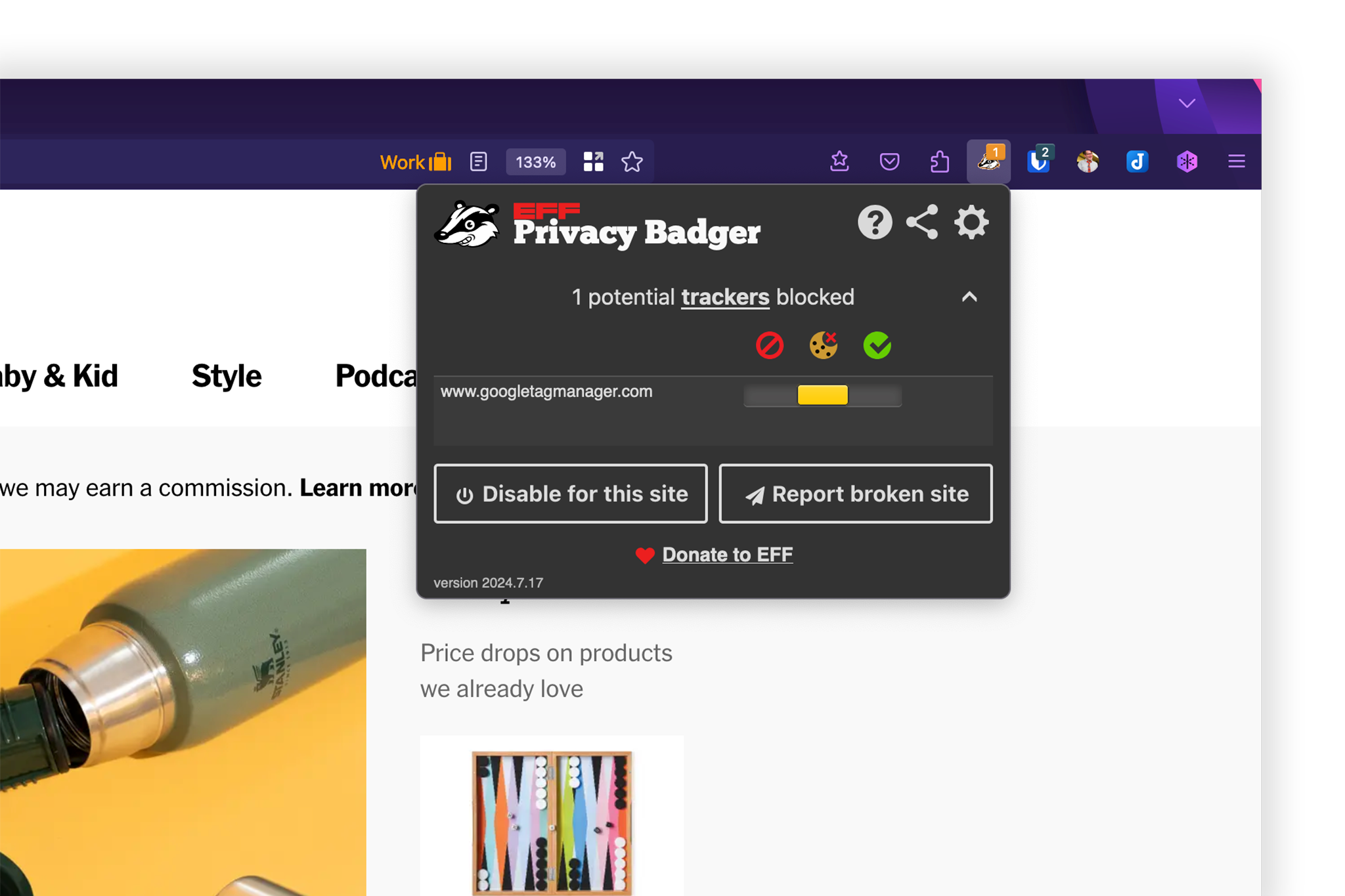
Adblock Visitor Tracking: How to Recover Lost Analytics Data - Privacy-First Tracking That Ad Blockers Are Less Likely to Block.
Browser extensions like AdBlock and Ghostery operate by intercepting network requests before they load. Their filter lists target known advertising domains, but they also block many analytics endpoints by default. When a visitor arrives with an ad blocker active, the JavaScript snippet that fires a pageview to your analytics platform never executes. The result is a silent undercount that distorts every metric you rely on.
What Gets Blocked Beyond Ads
Ad blockers are not surgical instruments that only remove banners. They disable a wide range of tracking mechanisms:
- Client-side analytics scripts – Google Analytics, Facebook Pixel, and similar libraries are frequently blocked.
- Third-party cookie requests – Any domain classified as a tracker loses the ability to read or write cookies.
- Social media widgets and embedded content – These often carry tracking pixels that trigger blocking rules.
- Heatmap and session recording tools – Many are bundled into the same filter lists as intrusive trackers.
This means your reported traffic, conversion rates, and even time-on-page metrics can be systematically lower than reality. The gap is not random; it skews toward more privacy-conscious, technically literate audiences, which can lead to misguided content and campaign decisions.
The Scale of the Problem
Adoption rates vary by region and device, but global ad-blocker usage consistently hovers between 30% and 45% on desktop. On mobile, the numbers are lower but growing, especially as browsers like Safari and Firefox integrate tracker prevention directly. If your site attracts a developer, tech, or privacy-focused audience, the blocked percentage can easily exceed 50%. Ignoring this segment means optimizing your site for a distorted subset of your actual visitors.
How to Quantify Your Adblock Tracking Gap
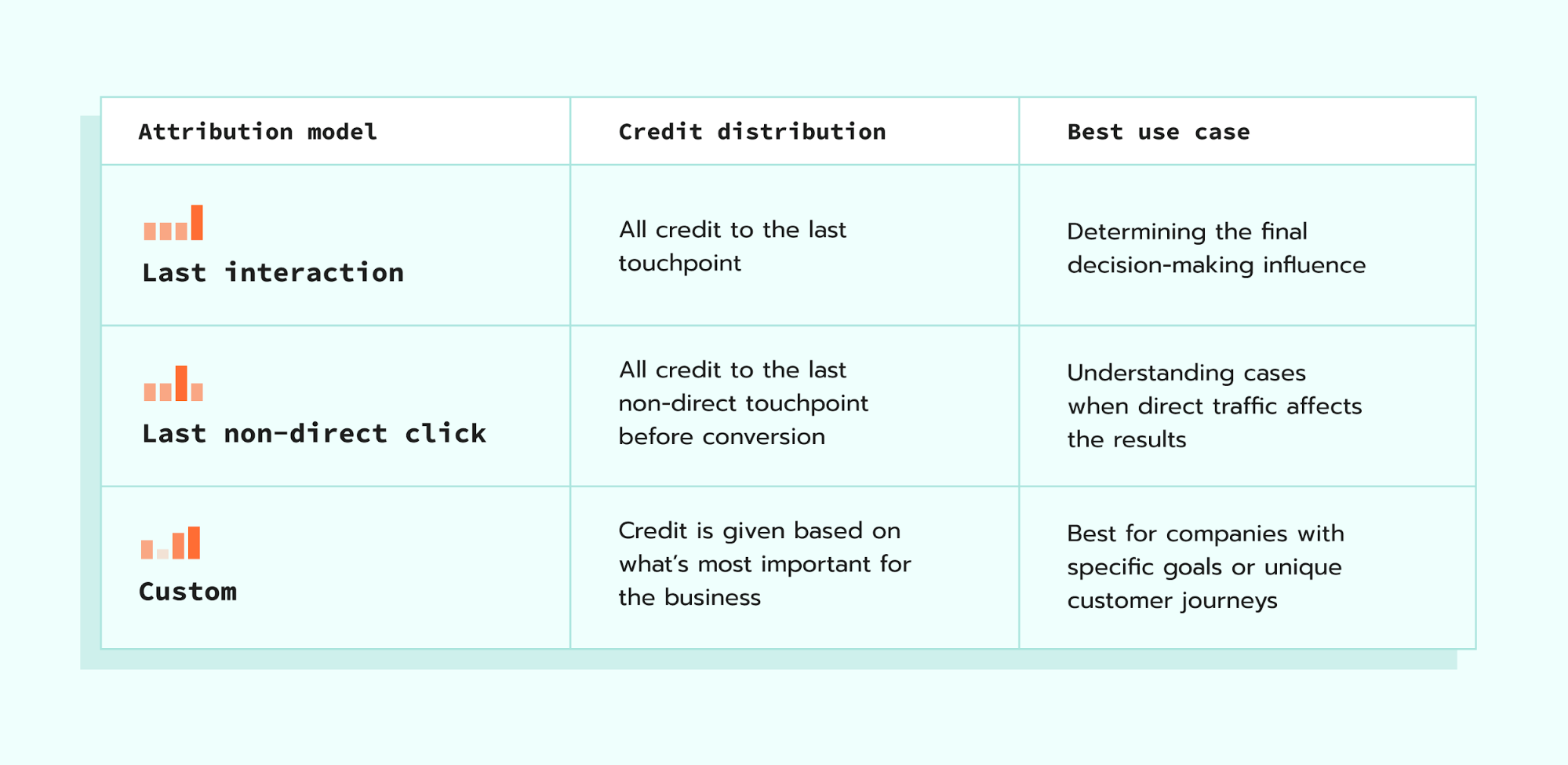
Adblock Visitor Tracking: How to Recover Lost Analytics Data - How to Quantify Your Adblock Tracking Gap.
Before you can fix the problem, you need to measure it. A straightforward approach uses a two-step detection script that compares server-side logs with client-side analytics.
Server-Log vs. Client-Side Reconciliation
Your web server records every request in its access logs, regardless of ad blockers. These logs capture IP addresses, requested URLs, user agents, and timestamps. By comparing the count of unique page requests in your server logs to the pageviews reported by your client-side analytics tool, you can calculate a blocking rate.
A practical workflow:
- Export raw access logs for a representative period (at least one week).
- Filter out bot traffic, static assets, and API calls to isolate actual page views.
- Count unique page requests per day.
- Compare that number to the pageviews recorded in your analytics platform for the same pages and time frame.
- The percentage difference is your estimated adblock gap.
This method is not perfect—it counts pre-rendered pages and some crawlers—but it provides a reliable baseline that does not depend on JavaScript execution.
Using a Lightweight Detection Script
For a more granular view, you can deploy a tiny, non-tracking script that simply checks whether your main analytics library loaded successfully. Place a small inline script before your analytics snippet that sets a flag. After the analytics library initializes, it clears the flag. If the flag remains set after the page load event, you know the analytics were blocked. You can then send a simple, anonymized signal to a separate endpoint that you host yourself, which is far less likely to appear on blocklists.
Privacy-First Tracking That Ad Blockers Are Less Likely to Block
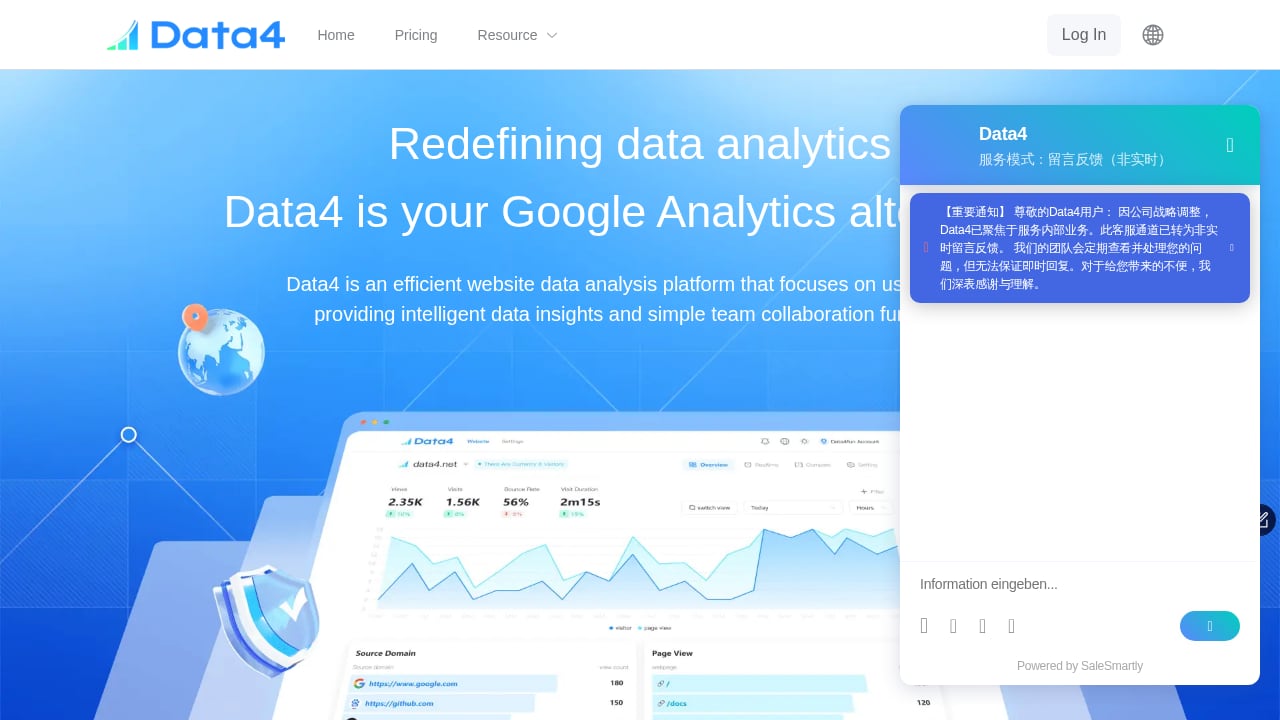
First viewport screenshot of www.data4.cloud.
The most sustainable path forward is not to fight ad blockers but to adopt measurement methods that align with the privacy values that drive their use. Ad blockers are not anti-analytics; they are anti-surveillance. When your tracking respects user consent and avoids cross-site profiling, it often passes through filters.
Server-Side and First-Party Proxies
Instead of loading a tracking script from a third-party domain, you can proxy analytics requests through your own subdomain. This transforms third-party cookies into first-party cookies and makes the traffic indistinguishable from your normal site resources. Many privacy-focused analytics platforms support this setup natively. Because the request goes to analytics.yourdomain.com rather than google-analytics.com, it rarely triggers ad-blocker rules.
Cookieless and Anonymous Analytics
Modern analytics tools are increasingly designed to function without cookies or persistent identifiers. They use ephemeral session fingerprints, aggregated page metrics, and privacy-preserving attribution models. These approaches do not track individuals across sites, so they fall outside the scope of most ad-blocker filter lists. When you choose a platform that markets itself as a simple, privacy-respecting Google Analytics alternative, you are inherently selecting a technology stack that is more resilient to blocking.
Platforms like Data4 illustrate this shift. Built as a straightforward website analytics solution with global applicability, Data4 focuses on real-time traffic insights, audience segmentation, and conversion analysis without the complexity that triggers ad-blocker suspicion. Its emphasis on simplicity and multi-language support reflects a design philosophy that prioritizes site owners' needs over advertising networks' tracking requirements. Because it operates as a first-party, cookieless analytics tool, it is structurally less vulnerable to the blanket script blocking that affects traditional platforms. If you are comparing analytics options that balance data accuracy with privacy compliance, our Data4 vs Pirsch vs Matomo comparison breaks down which tool best fits your specific requirements.
Practical Steps to Improve Data Accuracy Today
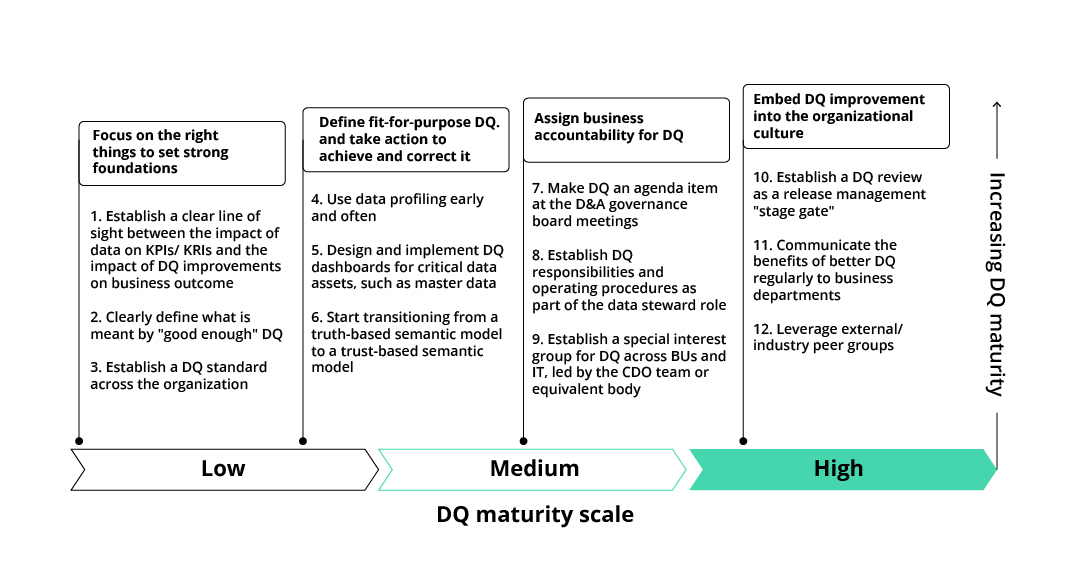
Adblock Visitor Tracking: How to Recover Lost Analytics Data - Practical Steps to Improve Data Accuracy Today.
You can implement several changes immediately to reduce the analytics blind spot without overhauling your entire stack.
Audit Your Current Analytics Setup
Start by identifying every tracking script, pixel, and third-party resource on your site. Use your browser's developer tools with an ad blocker enabled to see which requests are blocked. Common culprits include:
- Tag manager containers hosted on known tracker domains.
- Marketing automation scripts that load even when a user hasn't consented.
- Social proof pop-ups that embed external tracking.
Remove or replace any non-essential scripts that trigger blocking. Consolidate your tracking into a single, well-configured platform rather than running multiple overlapping tools.
Implement a Consent-Aware Data Layer
Ad blockers often allow scripts that are tied to explicit user consent. If you use a consent management platform (CMP), ensure that your analytics fire only after a user has granted permission. Many ad blockers are configured to respect CMP signals and will let consented analytics pass. This does not recover data from users who decline, but it ensures you capture the segment that is willing to be measured, which is often larger than the unblocked-only group.
Monitor and Adapt Over Time
Ad-blocker filter lists evolve constantly. A domain that is unblocked today may be added to a list next month. Set up a monthly reconciliation between your server logs and analytics dashboard to catch sudden drops. If you notice a new gap, investigate whether your analytics endpoint has been added to common filter lists and consider switching to a custom proxy domain if necessary.
Balancing Data Needs with User Trust
The conversation around adblock visitor tracking often frames it as a battle between website owners and users. In reality, most visitors are not opposed to being counted—they are opposed to being surveilled, profiled, and retargeted without their knowledge. When you communicate transparently about what you measure and why, you build trust that can actually reduce ad-blocker usage on your site.
What to Tell Your Visitors
A short, honest statement in your privacy policy or a dedicated analytics page goes a long way. Explain that you use a privacy-first analytics tool to understand which content is helpful, that you do not share data with advertisers, and that no personal profiles are built. Some sites even offer a public analytics dashboard that shows visitors exactly what you see. This level of openness can convert ad-blocker users into willing participants in your measurement.
When to Accept the Gap
No method recovers 100% of blocked traffic, and pursuing that goal aggressively can backfire. Attempts to bypass ad blockers through obfuscation or forced scripts often lead to cat-and-mouse games that degrade site performance and user experience. A healthier target is to reduce the gap to a level where your data is directionally accurate and your decisions are not misled by systematic bias. For most sites, achieving 90-95% coverage of actual visitors is both realistic and sufficient.
Sources and further reading
- AdBlock - AdBlock is a user-supported browser extension that lets you surf the web ad-free.
- Does visitor tracking still makes sense when Adblock ... - The more visitors use these kinds of plugins the more inaccurate our tracking software becomes.
- Free Ad Blocker Extension | Block Ads & Trackers - The world's first truly free Ad Blocker Extension that works on mobile & desktop. With Ghostery you can block ads, cookies, popups, youtube ads and more.
FAQ
Does every ad blocker also block analytics?
Not universally. Most ad blockers target known advertising and tracking domains. Analytics platforms that use first-party domains, avoid cookies, and do not share data with ad networks are often allowed through. The specific filter lists your visitors use determine what gets blocked.
How can I check if my analytics are being blocked?
Open your website in a browser with your ad blocker enabled. Open the developer console and network tab, then reload the page. If your analytics requests show a status of "blocked" or do not appear at all, your tool is affected. You can also compare pageviews in your analytics dashboard against raw server log counts.
Is server-side tracking completely immune to ad blockers?
Server-side tracking is more resilient because it does not rely on client-side JavaScript that ad blockers can intercept. However, if the server-side endpoint is a known third-party domain, it can still be blocked at the DNS or network level. Using a custom subdomain that you control eliminates this risk.
Will using a privacy-focused analytics tool hurt my marketing insights?
Privacy-focused tools often provide the same core metrics—pageviews, traffic sources, device types, and conversion events—as traditional platforms. What they typically lack is individual-level cross-site tracking and identity stitching. For most content sites and small-to-medium businesses, the trade-off is well worth the improved data accuracy and compliance.
Can I ask users to disable their ad blocker?
You can, but it rarely works at scale. Polite requests that explain your need for analytics to improve content are more effective than aggressive anti-adblock walls. Offering an ad-free, tracker-free experience in exchange for whitelisting your site can also build goodwill, but expect many users to decline.
A More Accurate Analytics Foundation Is Within Reach
Ad blockers have permanently changed the landscape of visitor tracking, but they have not made accurate analytics impossible. By quantifying your current gap, moving toward server-side and first-party measurement, and choosing tools designed for a privacy-conscious web, you can recover the insights you need without alienating your audience. The goal is not to defeat ad blockers—it is to build a measurement strategy that is so respectful and transparent that it earns its place on every visitor's allowed list.