
Heap by Contentsquare Review: Better Insights, Faster?
Heap by Contentsquare promises a digital insights platform that captures everything users do on your site, surfacing the "unknown unknowns" that event-tagged tools miss. That promise is appealing, but does it hold up in practice? This review examines Heap's autocapture foundation, its analysis features, pricing signals, setup realities, and the trade-offs teams should weigh before buying.
What Heap Is and Who It Serves
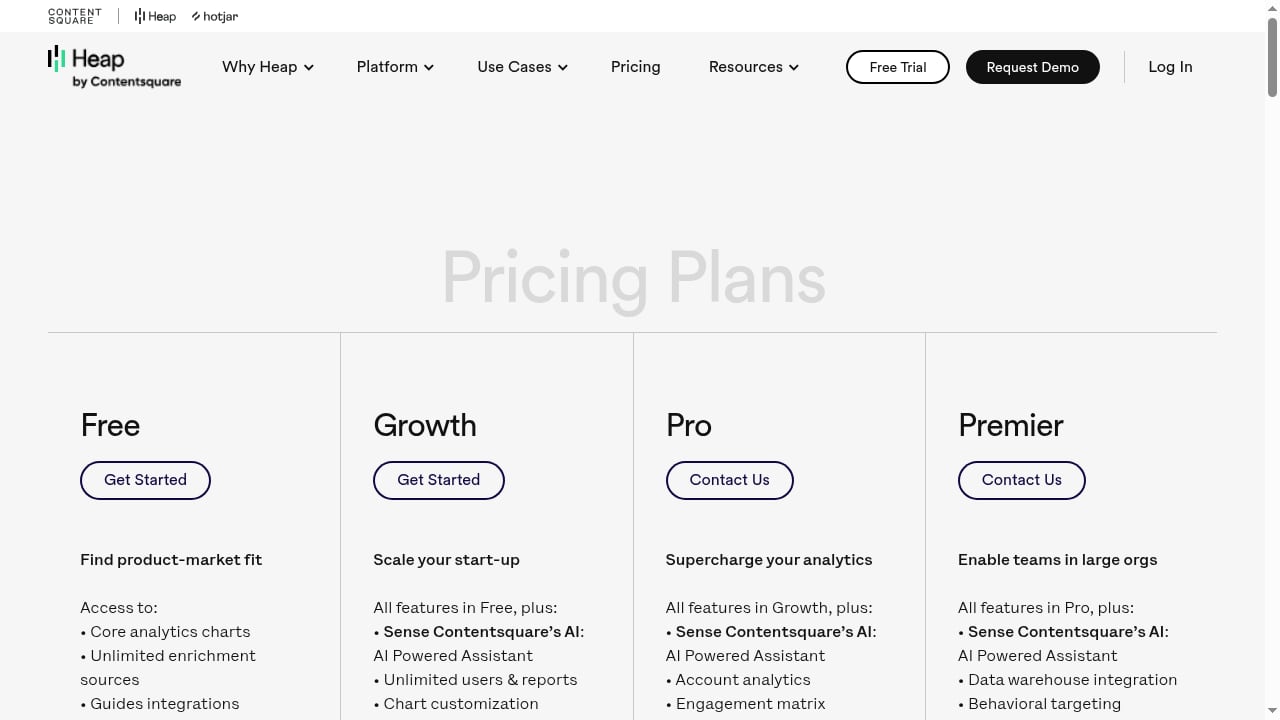
First viewport screenshot of www.heap.io.
Heap is a product analytics and digital insights platform now owned by Contentsquare. Its core differentiator is automatic data capture: instead of requiring developers to instrument every click, form submission, or page view in advance, Heap records interactions broadly so analysts can define events retrospectively. That shifts power toward product, marketing, and customer success teams who want answers without waiting on engineering queues.
Heap is best suited to:
- Product teams investigating activation, adoption, and feature engagement.
- UX and design researchers who need heatmaps, session replays, and journey paths.
- Marketing and growth teams analyzing acquisition-to-conversion funnels.
- Customer success and support leaders exploring behavior behind retention or churn.
- Organizations with limited analytics engineering capacity that still want granular behavioral data.
It is less obviously a fit for teams that need a simple traffic dashboard, strict cookieless privacy by default, or a low-cost tool for a single marketing site.
Core Strengths Backed by User Evidence
First viewport screenshot of www.heap.io.
Autocapture reduces instrumentation debt
Across review platforms, autocapture is consistently named as Heap's main differentiator. Users on G2 highlight that it tracks interactions without heavy developer involvement, enabling faster insight into product usage and UX issues. A verified reviewer on SoftwareReviews described autocapture as requiring "very little from developers" for basic implementation.
The practical benefit is retrospective analysis: if you did not know you needed an event six months ago, Heap may still have the underlying data to define it now. That is a genuine advantage over tools where missing tags mean permanently missing history.
A broad analysis toolkit
Heap combines several capabilities that are often sold separately:
- Journeys for visualizing paths users take and comparing conversion rates across routes.
- Segmentation by event data and user properties, with filters to exclude internal users or bots.
- Heatmaps including click maps, scroll depth, and attention maps.
- Session replay filtered by events, users, or date ranges.
- Conversion and acquisition analysis connecting traffic sources to in-product behavior.
An independent walkthrough on Medium notes that these features support identifying happy paths for onboarding and unhappy paths with friction and drop-off.
Usability that rewards non-specialists
Despite a reputation for depth, several reviewers call Heap intuitive. One SoftwareReviews respondent said onboarding was minimal and the tool was "super intuitive to use." Another praised the visual representation of user flows and the simplicity of creating custom events. That combination—automatic collection plus approachable exploration—is why Heap markets "better insights, faster."
Limitations and Trade-offs

First viewport screenshot of www.heap.io.
Data volume has a cost
Autocapture means storing far more data than a tightly tagged implementation. Reviewers and independent analyses flag that this can make storage expensive and, in some cases, slow down complex queries. A G2 reviewer reported queries failing because there was "simply too much data" to process. Teams should plan for data governance and query hygiene, not just collection.
Not every standard metric is native
One SoftwareReviews reviewer noted that a basic metric like bounce rate for all users was not readily available, unlike in some competitors. Heap is built around behavioral exploration rather than replicating a traditional web analytics dashboard. If you need classic traffic reporting, you may need a complementary tool.
Learning curve for advanced analysis
While basic use is approachable, the breadth of features can overwhelm non-analysts. A G2 reviewer working primarily in social media and copywriting found the more technical aspects unnecessarily complicated. Expect a ramp-up period for segmentation logic, event definitions, and journey interpretation.
Visualization customization is limited
At least one reviewer wished for more customization options for visualizations. Teams with strict reporting standards should test chart and dashboard flexibility during a trial.
Real-time is not always instant
One reviewer mentioned occasional delays in data processing that affected real-time decisions. Heap is not a pure real-time monitoring tool; for live visitor logs or uptime alerts, a dedicated real-time analytics product may be a better fit.
Pricing Signals
Heap has historically offered a free tier with limited monthly sessions and shorter data retention, plus paid plans that increase usage limits, storage, and advanced features. Exact prices are typically quote-based and vary by session volume, data retention, and feature access.
Signals from review sites suggest cost satisfaction is mixed: SoftwareReviews reports a satisfaction-of-cost score in the low 80s out of 100, while some reviewers note charges for enhancements. Because autocapture increases stored data, the biggest pricing risk is underestimating session volume and retention needs. Ask for a quote based on realistic traffic and a defined retention window before committing.
Setup and Onboarding
Setup is generally described as light: install the tracking snippet, verify data flow, and begin defining events from captured interactions. Reviewers consistently mention minimal developer effort for basic implementation.
A sensible onboarding sequence:
- Install the snippet on web properties and confirm the live data feed.
- Define key events for activation, conversion, and retention milestones.
- Create segments for user types and exclude internal traffic.
- Build a first journey around your core funnel.
- Pair heatmaps and replays with quantitative findings to explain the "why."
- Set data retention and governance rules before data volume grows.
Mobile support is also cited by independent reviewers, though teams should confirm current SDK coverage for their platforms during evaluation.
How Heap Compares
| Need | Heap fit | Alternative to consider |
|---|---|---|
| Retrospective behavioral analysis without tagging | Strong | — |
| Customer journey and product usage analytics | Strong | Woopra review |
| Simple real-time traffic and hit counting | Weak | Statcounter review |
| Privacy-first, cookieless analytics | Partial | Top privacy-friendly analytics tools |
| AI-first experience analytics at enterprise scale | Complementary | Contentsquare review |
Heap sits closest to product analytics platforms and furthest from lightweight web counters. If your priority is understanding why users behave as they do inside a product, Heap is a credible contender. If your priority is page views, referrers, and uptime, a simpler tool will cost less and do the job.
Decision Criteria: Is Heap Right for You?
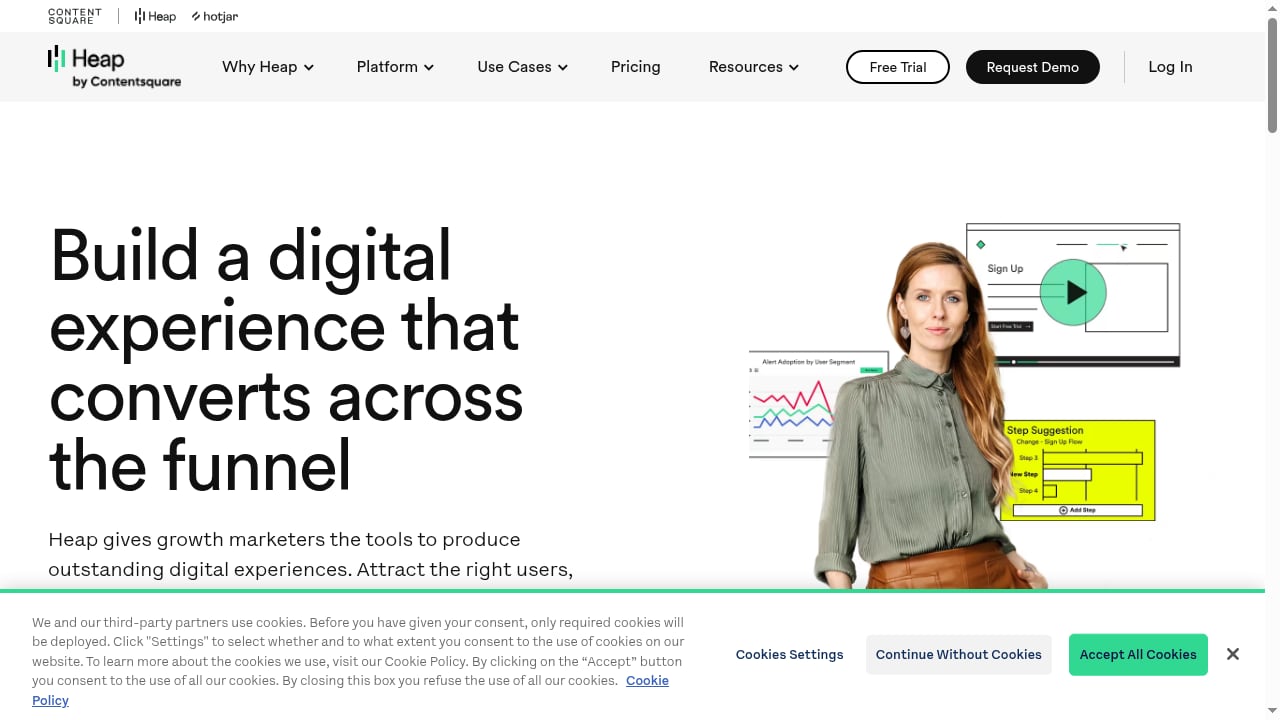
First viewport screenshot of www.heap.io.
Choose Heap if:
- You want to answer new behavioral questions without re-instrumenting your product.
- Product, UX, and marketing teams need self-serve access to behavioral data.
- You can absorb the cost of storing broad interaction data.
- You value journeys, heatmaps, and session replay in one platform.
Look elsewhere if:
- You need a free or low-cost tool for basic website traffic.
- You require strict cookieless tracking by default.
- You need extensive visualization customization or classic web metrics out of the box.
- Your team lacks anyone who can own event definitions and data governance.
Related reading
- Clicky Review 2026: Privacy-Friendly Real-Time Analytics - Evidence-based Clicky review: real-time visitor logs, heatmaps, uptime monitoring, privacy defaults, pricing signals, setup, limitations, and ideal users in 2026.
FAQ
Is Heap good for beginners?
Basic exploration is approachable, and reviewers often call it intuitive. Advanced segmentation and journey analysis still require practice, so designate an owner who can define events and maintain data quality.
Does Heap require developer work?
Much less than event-tagged tools. Autocapture handles basic interaction data, though developers may still be needed for custom properties, mobile SDKs, and integrations.
Is Heap expensive?
Pricing is quote-based and scales with sessions, retention, and features. The main cost driver is data volume, which autocapture increases. Request a quote using realistic traffic estimates.
Does Heap replace Google Analytics?
Not fully. Heap is stronger for behavioral and product analysis; traditional web analytics tools remain better for standard traffic reporting and channel summaries.
Can Heap track mobile apps?
Independent reviews cite support for web and mobile products. Confirm current SDK coverage and feature parity for your platforms during a trial.
Conclusion
Heap by Contentsquare earns its reputation for fast, low-instrumentation behavioral insight. Autocapture, journeys, heatmaps, and session replay form a genuinely useful toolkit for product and UX teams, and reviewers consistently praise usability. The trade-offs are real: data volume costs, a learning curve for advanced analysis, limited visualization customization, and gaps in classic web metrics. Test it against your actual questions, not a demo script—and if privacy-first simplicity or basic traffic reporting is the goal, a lighter tool may serve you better.