
Privacy-Friendly WordPress Analytics Plugin Review: Cookieless Insights Without the Consent Headache
If you run a WordPress site and want to know how visitors behave without shipping their data to a third party or wrestling with cookie banners, a privacy-friendly analytics plugin is the obvious place to start. This review examines what that class of plugin actually delivers, where it falls short, and how to decide whether it fits your site in 2026. It is based on hands-on patterns from comparable self-hosted tools and published comparisons, not marketing copy.
What a privacy-friendly WordPress analytics plugin actually does
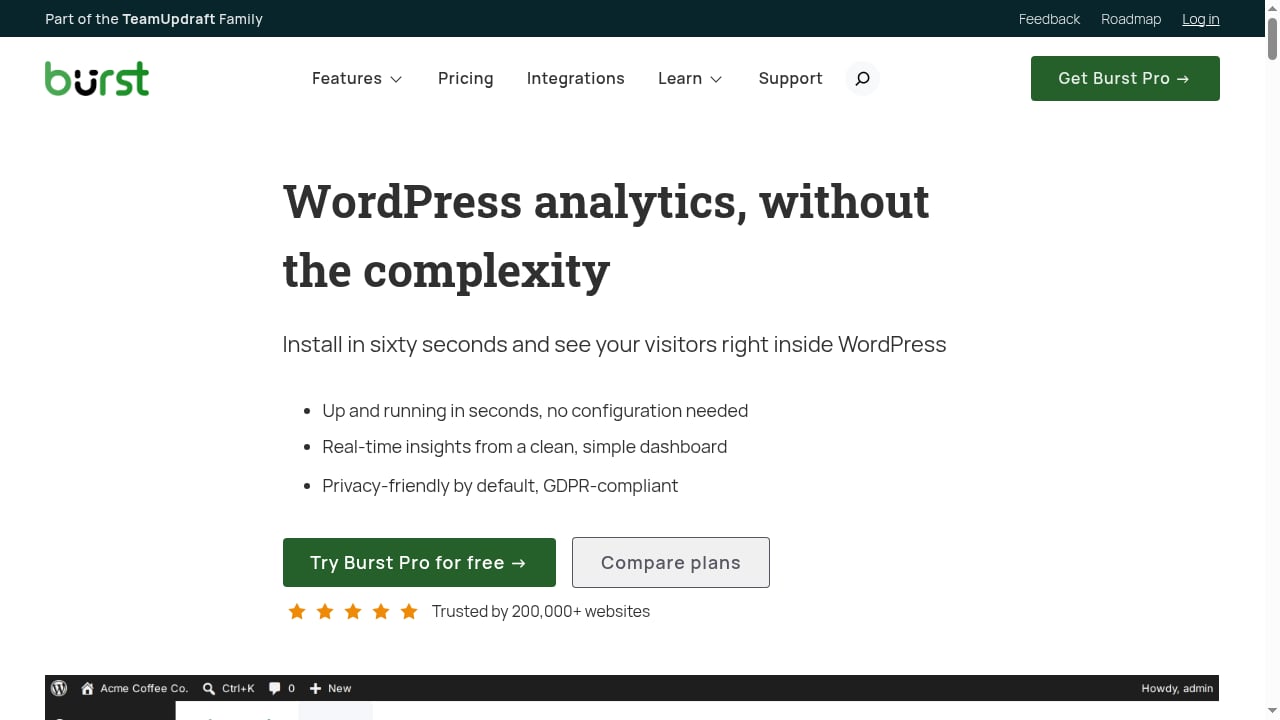
First viewport screenshot of burst-statistics.com.
At its core, the plugin replaces the usual remote tracking snippet with a local one. Page views, unique visitors, referrers, device types, popular pages, and UTM campaign tags are recorded in a database table on your own server. No cookies are set, no data is shared with an external analytics vendor, and the tracking script is typically a few kilobytes rather than the tens of kilobytes a full Google Analytics tag requires.
The practical result is that most sites can drop the analytics cookie from their consent banner, because there is no personal data leaving the site and no cross-site identifier being stored in the browser. That is the promise. The rest of this review is about whether the promise holds up.
Who should choose this kind of plugin
First viewport screenshot of burst-statistics.com.
Privacy-first, self-hosted analytics is not for everyone. It suits a specific profile.
- Privacy-conscious publishers and bloggers who want traffic numbers without a consent banner interrupting every first visit.
- Small business and brochure sites that need page views, referrers, and top content, not multi-touch attribution.
- Membership and WooCommerce sites that benefit from tying behaviour to logged-in users inside WordPress, which remote tools cannot do without passing identity data off-site.
- Agencies managing client sites that want data to stay on the client's server and survive a change of analytics vendor.
- Sites in the EU or UK where GDPR compliance and data minimisation are operational requirements, not afterthoughts.
If you need Google Ads attribution, deep audience segmentation, or BigQuery exports, this category will frustrate you. Look at a GA-integration plugin or a product analytics platform instead.
Strengths: what the plugin gets right
Data sovereignty and backup coverage
Because the data lives in your WordPress database, it is included in whatever backup routine you already run. There is no vendor lock-in and no export request to file. If you migrate hosts, the numbers move with you.
No cookies, no consent friction
A cookieless tracker means the analytics script does not need to wait for consent in most configurations. That removes a common source of lost data, since consent banners routinely suppress tracking for visitors who never click accept.
Ad-blocker resistance
Self-hosted scripts served from your own domain are far less likely to be blocked than third-party analytics domains. In practice, this means the numbers you see are closer to reality than a remote tool's figures, which can undercount by double-digit percentages on tech-savvy audiences.
Lightweight footprint
Comparable self-hosted plugins ship trackers in the 1–2 KB range. For context, a full Google Analytics tag is roughly 70 KB compressed. The database side is usually a single indexed table, which is efficient for the volumes most sites generate.
Seamless WordPress integrations
Because the plugin runs inside WordPress, it can see WooCommerce orders, form submissions, and logged-in users directly. That enables conversion and journey tracking that remote tools can only approximate.
Limitations: where it falls short
No review is useful without the caveats, and this category has real ones.
- Thinner reports than GA4. Expect page views, referrers, devices, and campaigns. Do not expect funnel exploration, cohort analysis, or predictive metrics.
- No Google Ads or Search Console integration. If paid search attribution matters, you will need a second tool.
- Data management is often basic. Some plugins lack built-in pruning, CSV export, or a "delete on uninstall" option. Check this before you commit, because a growing table with no retention controls is a compliance and performance risk.
- User-level tracking needs consent. If the plugin can tie sessions to named users, that is personal data under GDPR even when it stays on your server. Cookie-free does not automatically mean consent-free in every configuration.
- Server load is real but modest. At high traffic volumes, every page view writes a row. Most sites will never notice; a site doing millions of monthly views should plan for database maintenance.
- No location data in some implementations. If country-level reporting is essential, verify it is supported before installing.
Pricing signals
First viewport screenshot of burst-statistics.com.
Privacy-friendly WordPress analytics plugins typically follow a freemium model. The core plugin is free and covers page views, referrers, and basic dashboards. A paid tier, usually in the low hundreds of dollars per year for a single site, unlocks extended reporting, additional filters, export options, and priority support. Compared with hosted analytics subscriptions that charge by traffic volume, the self-hosted model is often cheaper at scale because you are paying for software, not pageviews. Budget for hosting capacity and database maintenance as part of the true cost.
Setup: what to expect
Setup is genuinely simple, which is a large part of the appeal.
- Install and activate the plugin from the WordPress plugin directory.
- Confirm the tracking script is loading on the front end; most plugins do this automatically with no tag manager or header snippet.
- Review the default retention and consent settings, and connect your cookie consent plugin if you track logged-in users.
- Add UTM parameters to campaign links so traffic sources are attributed correctly.
- Check the dashboard after 24 hours to confirm data is flowing and bots are being excluded.
There is no property ID, no verification file, and no cross-domain configuration. For a non-technical site owner, that is a meaningful advantage.
How it compares with alternatives
First viewport screenshot of burst-statistics.com.
| Option | Data location | Cookies | Best for |
|---|---|---|---|
| Privacy-friendly WordPress plugin | Your server | No | Privacy-first sites wanting simple, accurate stats |
| GA4 with a WordPress connector | Yes | Sites needing Ads, Search Console, and deep segmentation | |
| Hosted cookieless analytics | Vendor cloud | No | Teams wanting no server maintenance |
| Product analytics platforms | Vendor cloud | Varies | SaaS teams tracking funnels and retention |
If you are weighing hosted cookieless tools, our Swetrix review covers error tracking and funnels, and the Visitors review looks at realtime streaming and Core Web Vitals. For a real-time, privacy-friendly hosted option with heatmaps, see the Clicky review.
Decision criteria: five questions to ask before installing
- Do you need Google Ads or Search Console data in the same dashboard? If yes, this category is the wrong fit.
- Will you track logged-in users? If so, plan for consent and retention rules even though the data stays local.
- Does the plugin offer data pruning and export? A table that grows forever with no cleanup path is a liability.
- What is your monthly traffic? Under a few hundred thousand views, server load is a non-issue. Above that, test database performance.
- Do you need country-level reporting? Verify support before you commit, because implementations vary.
Verdict
For WordPress site owners whose priority is compliant, accurate, low-friction analytics, a privacy-friendly self-hosted plugin is the most sensible default. It removes the consent banner problem, keeps data under your control, and delivers the metrics most sites actually use. It is not a GA4 replacement for marketers who need advertising attribution or deep segmentation, and it demands attention to data retention and user-level consent. Choose it for clarity and sovereignty, not for feature depth. If those trade-offs match your site, it will quietly do its job for years.
Related reading
- Heap by Contentsquare Review 2026: Auto-Capture Insights Tested - Evidence-based Heap by Contentsquare review: autocapture, journeys, heatmaps, session replay, pricing signals, setup, strengths, limits, and ideal users.
- Woopra Review 2026: Customer Journey & Product Analytics Tested - Evidence-based Woopra review covering customer journey analytics, product usage tracking, ideal users, pricing signals, setup, strengths, and limitations.
- Statcounter Review 2026: Free Web Analytics Tested - Evidence-based Statcounter review: real-time hit counter, invisible tracking, pricing signals, setup, strengths, limitations, and who should use it in 2026.
Sources and further reading
- Best WordPress plugin for analytics in 2026 - TeamUpdraft - Compare the best WordPress analytics plugins. See how Burst, MonsterInsights, ExactMetrics, WP Statistics, and Site Kit stack up for SEO, privacy, and ease.
- 12 Best Analytics Plugins for WordPress in 2026 | WP Creative - Looking for the best analytics plugins for WordPress? Check out our top 12 picks to track site traffic and performance. Read more for expert insights.
- AnalyticsWP Review: Does It Make Sense To Track Your Site Traffic Using A WordPress Plugin? - Does it make sense to run a plugin like AnalyticsWP that runs entirely on WordPress? Will it slow down your site? Let's take a look at this popular WordPress analytics plugin.
FAQ
Is a cookieless WordPress analytics plugin automatically GDPR compliant?
No. Cookieless tracking reduces consent requirements, but if the plugin links sessions to logged-in users or stores IP addresses, GDPR still applies. Review retention settings and document your lawful basis.
Will a self-hosted analytics plugin slow down my site?
In most cases, no. Trackers are typically 1–2 KB and the database writes are indexed. Sites with very high traffic should monitor table size and plan periodic pruning.
Can I use it alongside Google Analytics?
Yes, and many sites do during a transition. Running both lets you compare accuracy before removing the GA tag and its consent requirement.
Does it track ecommerce conversions?
Plugins built for WordPress can integrate with WooCommerce and form plugins to record conversions and journeys. Confirm the specific integrations before relying on it for revenue reporting.
What happens to my data if I uninstall the plugin?
It depends on the plugin. Some leave the database table in place; others offer a delete-on-uninstall option. Check this setting before removing the plugin, and back up first.