
Statcounter Review: A Free, Real-Time Web Tracker Under the Microscope
Statcounter has been counting hits since the dial-up era, and that longevity is both its charm and its challenge. This review examines what the tool actually does well in 2026, where it falls short, and whether its free real-time tracking still earns a place on modern websites.
What Statcounter Is (and Isn't)
First viewport screenshot of statcounter.com.
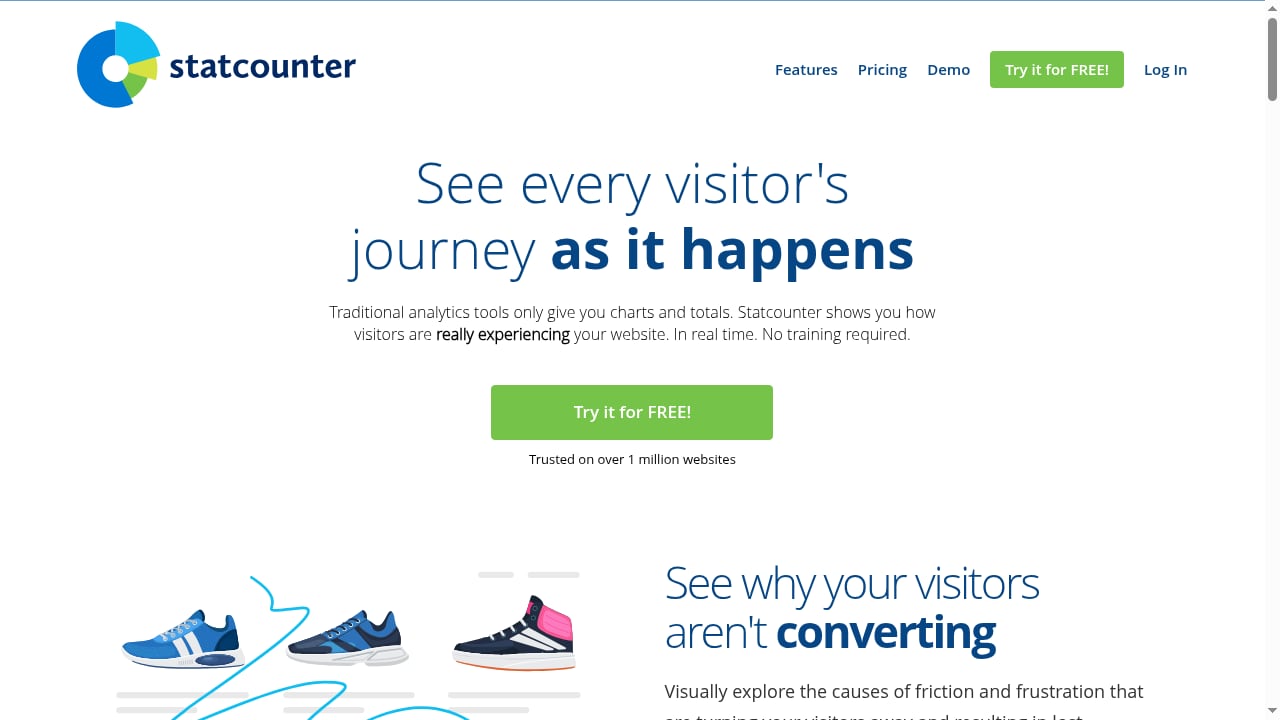
Statcounter is a hosted web analytics service built around a configurable hit counter and real-time visitor stats. You paste a small tracking script into your site, and Statcounter records page views, unique visitors, referrers, search terms, and visitor paths. It is not a product analytics platform, a session-replay suite, or a marketing-automation hub. It is a lightweight, always-on counter that tells you who is on your site right now and where they came from.
The product positions itself as "web analytics made easy," and that framing is accurate: the interface is deliberately simple, the setup is quick, and the free tier is genuinely usable rather than a crippled demo.
Who Statcounter Is For
First viewport screenshot of statcounter.com.
Statcounter fits best when you need fast, low-friction traffic visibility without a data-science team.
- Small business owners and solo site owners who want to see daily visitors, popular pages, and referral sources without learning a complex interface.
- Bloggers and niche publishers who want a visible hit counter and real-time stats to understand what content is landing.
- Developers and agencies who need a quick, reliable tracker for client sites where a full analytics stack would be overkill.
- Privacy-conscious site owners who prefer a simpler data footprint than Google Analytics, though Statcounter is not a fully cookieless, privacy-first tool by default.
If you need funnel analysis, cohort retention, or attribution modeling, Statcounter will feel thin. For those use cases, a product-intelligence platform such as Mixpanel is a better fit.
Core Strengths
Real-Time Visibility That Actually Works
Statcounter's real-time view is its signature feature. You can watch visitors arrive, see their location, browser, and referring page, and follow their path through your site. For small sites, this immediacy is genuinely useful: you know within seconds whether a newsletter send or social post is driving traffic.
A Configurable, Invisible Hit Counter
The hit counter is more flexible than the name suggests. You can choose what it displays (total visits, unique visitors, page views), style it to match your site, and keep it invisible if you prefer. This makes it a practical option for sites that want a public-facing counter without exposing raw analytics.
Straightforward Setup
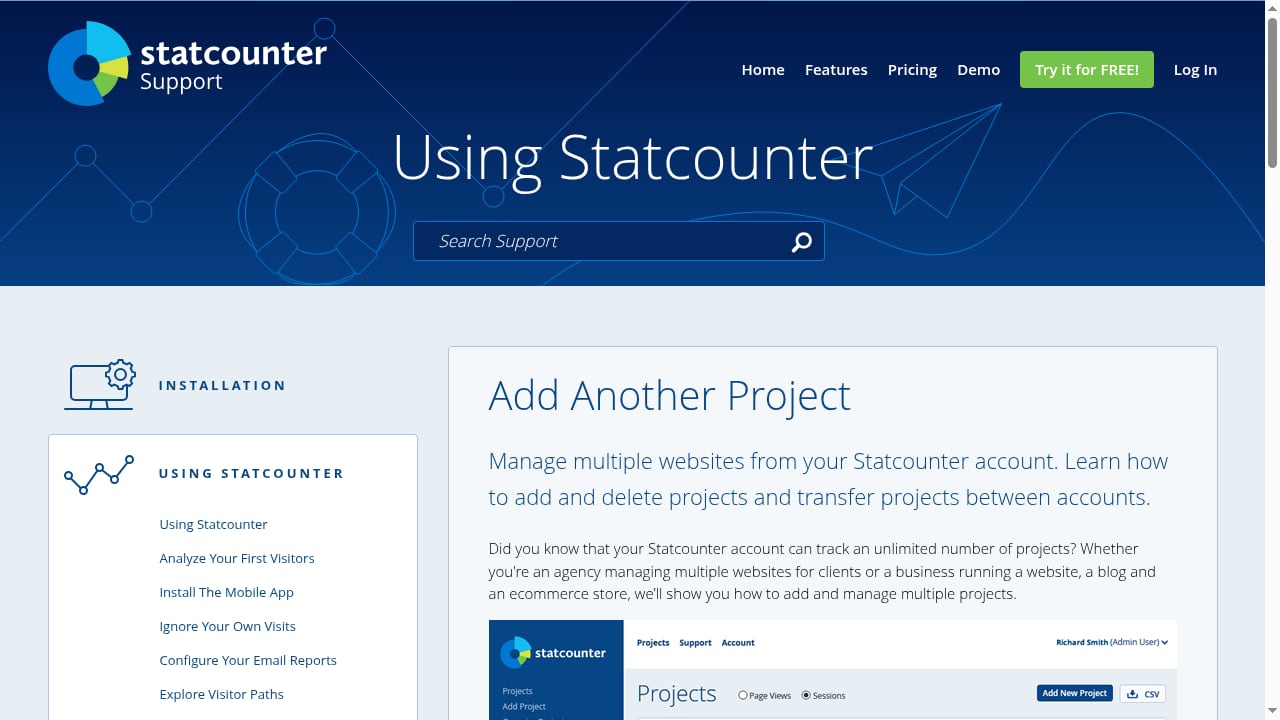
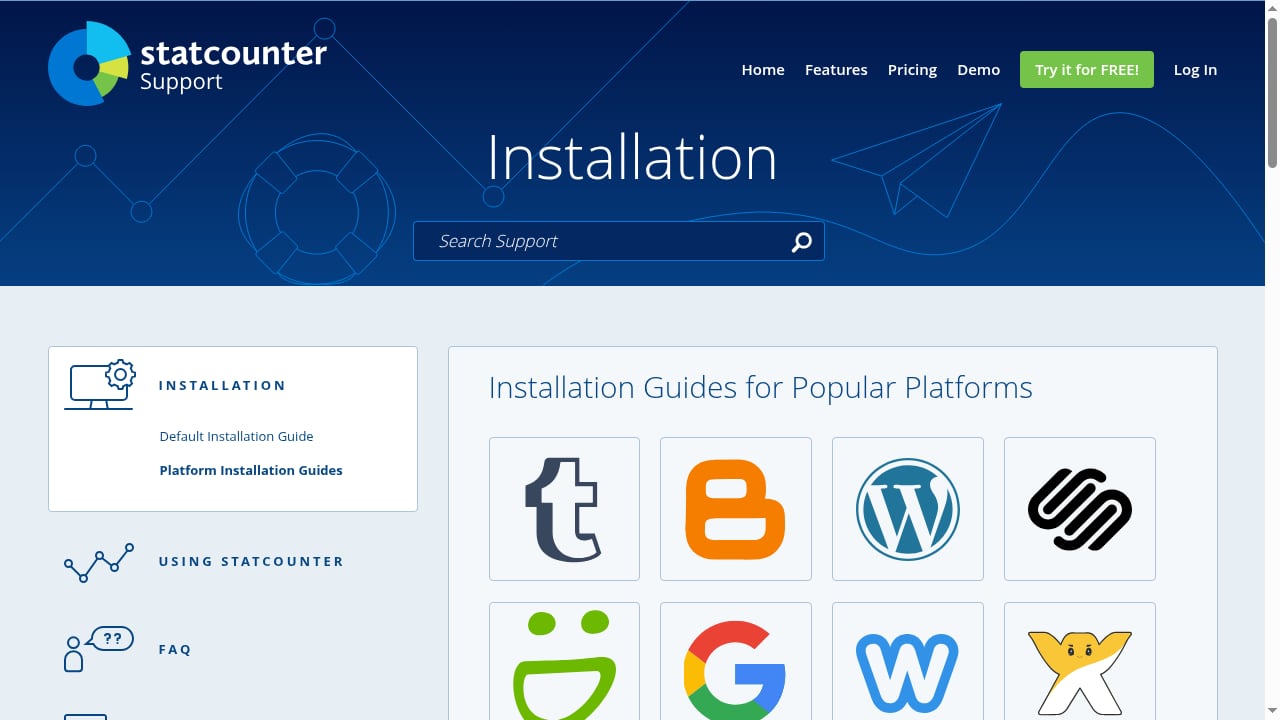
Setup is a single script placement. Statcounter provides installation guidance for common platforms, and most users are collecting data within minutes. There is no tag manager requirement, no complex property hierarchy, and no mandatory consent-management integration to get started (though privacy compliance remains your responsibility).
A Free Tier With Real Utility
The free plan is not a trial. It supports a meaningful volume of page views and includes the core real-time and reporting features. For low-traffic sites, the free tier can be the entire analytics stack.
Limitations and Trade-offs
Interface and Reporting Depth
Statcounter's simplicity is also its ceiling. Reports are functional but dated compared with modern analytics dashboards. Custom segmentation, advanced filtering, and export flexibility are limited. Users coming from Google Analytics 4 or a platform like Contentsquare will notice the difference immediately.
Privacy and Compliance Considerations
Statcounter is not a cookieless, privacy-first analytics tool in the mold of newer entrants. It uses cookies and collects IP-based location data. If you operate under GDPR, ePrivacy, or similar regimes, you need to assess consent requirements carefully. For a comparison of tools built around privacy defaults, see our top privacy-friendly web analytics software roundup.
Limited Product and Marketing Analytics
Statcounter tracks traffic, not user behavior in depth. There is no session replay, no heatmap, no experiment framework, and no built-in attribution modeling. If you need those capabilities, a tool like Clicky offers real-time logs plus heatmaps, while Visitors adds visitor journeys and Core Web Vitals.
Data Ownership and Portability
Because Statcounter is hosted, your data lives on its servers. Export options exist but are not as robust as those from platforms designed for data portability. Self-hosted alternatives give you more control if that matters to your organization.
Pricing Signals
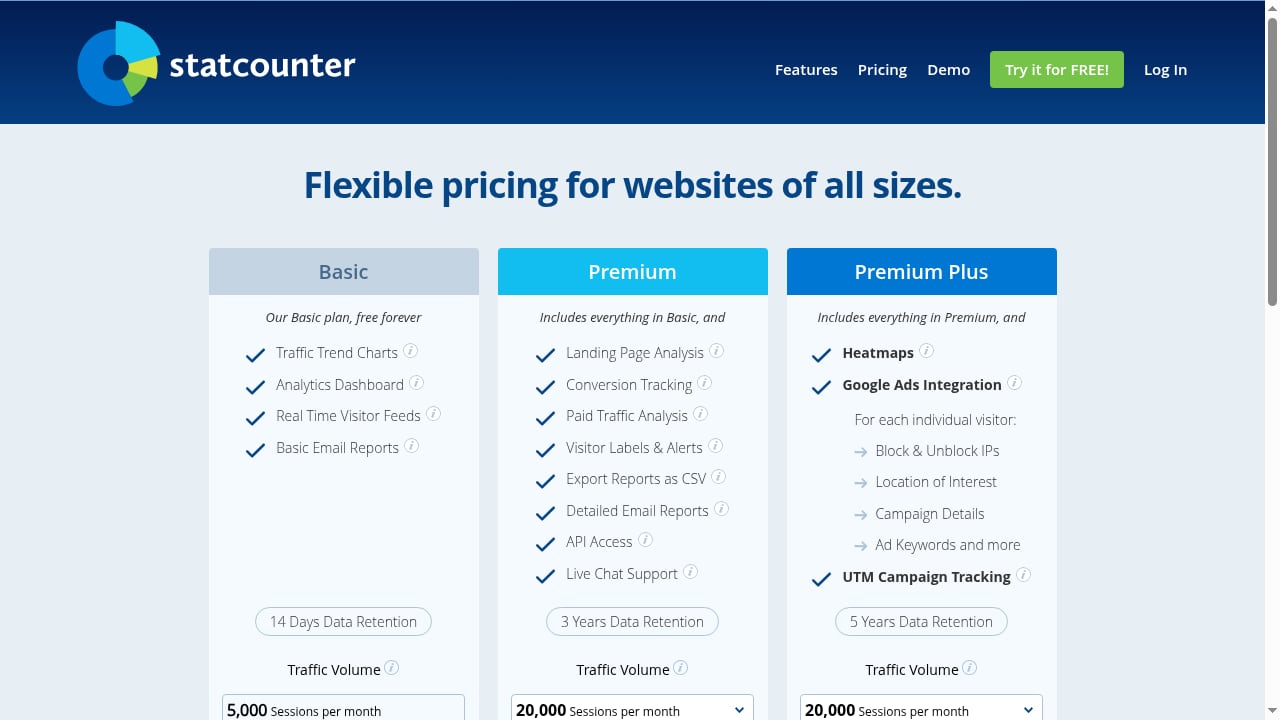
Statcounter uses a freemium model. The free tier covers a set page-view allowance and core features. Paid plans increase the page-view limit, add more projects, and unlock additional features such as longer data retention and more detailed reports. Pricing is tiered by page views and project count, and the jump from free to paid is modest for small sites.
A practical decision rule: if your site stays under the free-tier page-view cap, Statcounter costs nothing and delivers solid real-time data. If you exceed the cap or need multiple sites with advanced reporting, compare the paid tier against alternatives before committing. For a broader pricing comparison, see our Data4 vs Visitors vs Fathom analysis.
Setup and First-Run Experience
First viewport screenshot of statcounter.com.
- Create an account and add your site. Statcounter generates a tracking script.
- Place the script in your site's header or via your CMS's script-injection settings.
- Configure the counter if you want a visible hit counter; otherwise set it to invisible.
- Verify tracking by visiting your site and checking the real-time log.
- Set up reports you care about: popular pages, referrers, search terms, and visitor paths.
The entire process typically takes under fifteen minutes. The main friction point is script placement on platforms that restrict header access; Statcounter's documentation covers common CMS scenarios.
Statcounter vs Alternatives: Decision Criteria
First viewport screenshot of statcounter.com.
| Criterion | Statcounter | Google Analytics 4 | Privacy-first tools (e.g., Visitors, Fathom) |
|---|---|---|---|
| Real-time view | Strong, simple | Present but complex | Varies; often strong |
| Setup effort | Very low | Moderate to high | Low |
| Reporting depth | Basic | Advanced | Basic to moderate |
| Privacy defaults | Cookie-based | Cookie-based | Cookieless options |
| Free tier | Yes, usable | Yes | Often limited or paid |
| Best for | Small sites needing quick stats | Teams needing deep analysis | Privacy-sensitive sites |
Choose Statcounter if you want a dependable, low-maintenance counter with real-time visibility and a free tier that covers a small site. Choose GA4 if you need deep, free analysis and can invest setup time. Choose a privacy-first tool if consent complexity is a primary concern.
Related reading
- Similarweb Review 2026: AI Digital Intelligence Tested - Hands-on Similarweb review: AI-powered traffic, competitor and Gen AI visibility data, pricing signals, accuracy limits, setup, and who should buy it in 2026.
Sources and further reading
- StatCounter Reviews 2026: Details, Pricing, & Features - G2 - This product is very useful in conducting web analysis and keeping track of traffic. Easy to use Review collected by and hosted on G2.com. What do you dislike ...
- Read Customer Service Reviews of www.statcounter.com - Trustpilot - StatCounter provides analytics software to websites that has been around for 16+ years. ... This site is protected by reCAPTCHA. We collect device and ...
- Statcounter Reviews 2026. Verified Reviews, Pros & Cons | Capterra - Is Statcounter the right Click Fraud solution for you? Explore 19 verified user reviews from people in industries like yours to make a confident choice.
FAQ
Is Statcounter free?
Yes, Statcounter has a free tier with a page-view allowance and core real-time features. Paid plans raise limits and add features.
Is Statcounter accurate?
Statcounter uses JavaScript tracking, which is standard for web analytics. Accuracy depends on script placement, ad blockers, and cookie consent. No JavaScript-based tool captures 100% of traffic.
Is Statcounter privacy-friendly?
It is simpler than GA4 but not cookieless by default. You must handle consent and disclosure under applicable privacy laws.
Can I use Statcounter without showing a public counter?
Yes. The counter can be set to invisible, so visitors never see it while you still collect data.
Does Statcounter work with modern CMS platforms?
Yes, via script injection or theme header edits. Most popular CMS platforms support this.
Conclusion
Statcounter remains a credible, no-nonsense web analytics tool in 2026. Its real-time tracking, configurable counter, and genuinely free tier make it a sensible choice for small sites, blogs, and client projects where simplicity beats depth. It is not a replacement for a full analytics or product-intelligence platform, and its privacy posture requires attention. But if you want to know who is on your site right now without wrestling with a complex interface, Statcounter delivers exactly what its name promises: web analytics made easy.
For a wider view of how it stacks up, explore our privacy-friendly analytics comparisons and independent tool reviews.