
Data4 vs Microsoft Clarity vs Pirsch: Which Analytics Fits?
Choosing an analytics tool usually comes down to one question: what do you actually need to learn about your visitors? Data4, Microsoft Clarity, and Pirsch all answer that question differently. Data4 focuses on simple, globally applicable traffic and performance reporting. Microsoft Clarity goes deep on user behavior with session recordings and heatmaps. Pirsch leans into privacy-first, cookie-free measurement with a lightweight footprint.
This comparison breaks down where each tool is strong, where it is limited, and which one matches your team's workflow.
Quick comparison at a glance
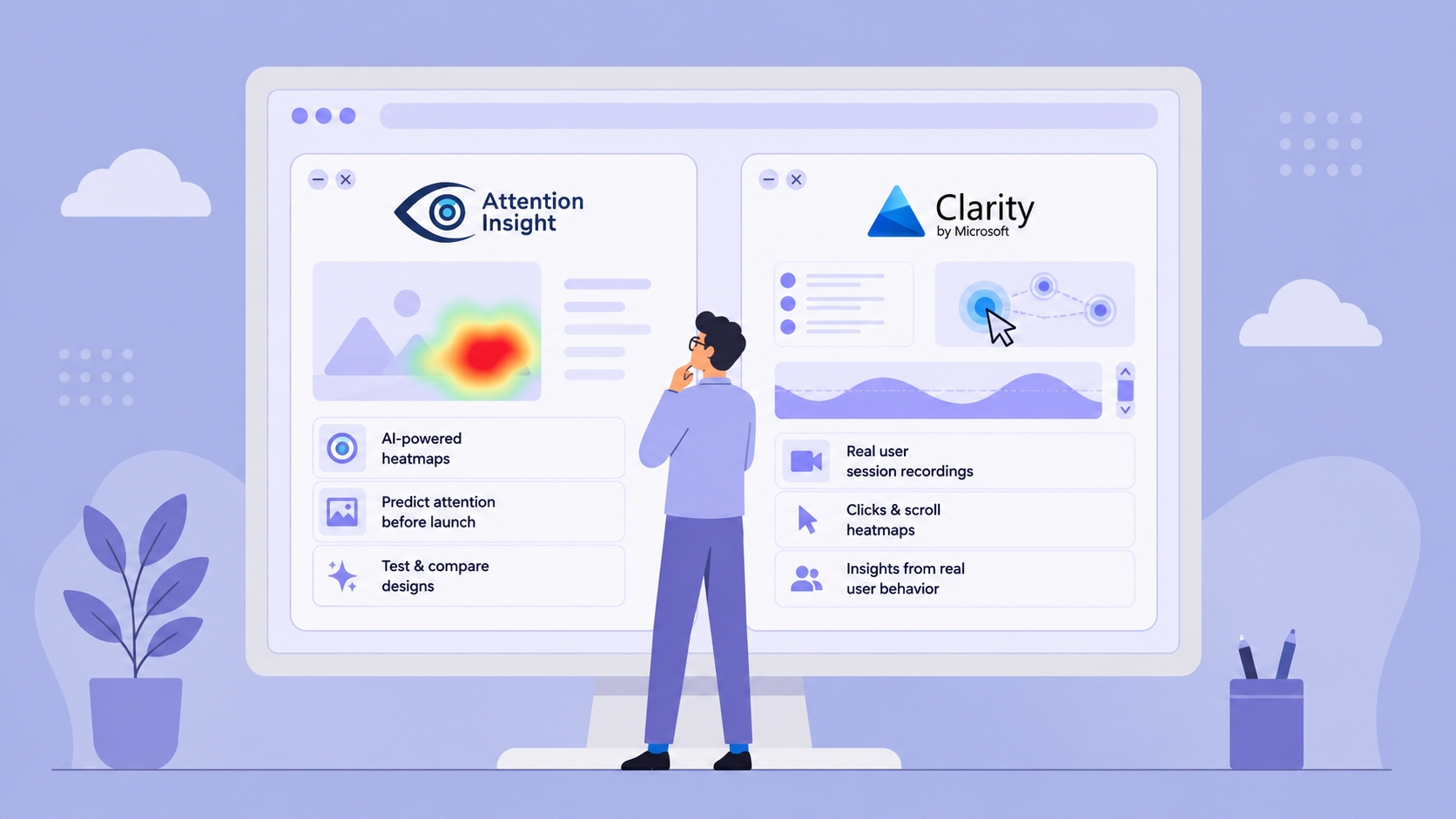
Data4 vs Microsoft Clarity vs Pirsch: Which Analytics Fits? - What Microsoft Clarity does well.
| Criteria | Data4 | Microsoft Clarity | Pirsch |
|---|---|---|---|
| Primary focus | Website traffic and performance analytics | User behavior analytics | Privacy-friendly web analytics |
| Session recordings | Not a core feature | Yes, core feature | No |
| Heatmaps | Not a core feature | Yes, core feature | No |
| Cookie usage | Not positioned as cookie-free | Free tool with GDPR/CCPA-ready positioning | Cookie-free by design |
| Pricing model | Not the focus of this comparison | Free | Starts at $6/month for 10,000 page views |
| Best for | Teams wanting straightforward traffic insight | Teams optimizing UX and conversions | Teams prioritizing privacy and simplicity |
What Data4 does well

Data4 vs Microsoft Clarity vs Pirsch: Which Analytics Fits? - What Data4 does well.
Data4 is built as a website analytics platform for tracking and analyzing traffic and performance. Its positioning centers on being a simple, efficient alternative to Google Analytics, with real-time traffic tracking, audience segmentation, conversion analysis, and customizable dashboards.
Where Data4 stands out is accessibility across regions and languages. The platform supports Chinese, English, and Japanese, and its multi-domain, multi-language support suggests it is designed for international teams rather than a single-market audience. If your site serves visitors in more than one language, that localization matters more than it might first appear.
Data4 is a reasonable fit when you want:
- A clear view of traffic sources, visitor behavior, and engagement metrics
- A dashboard you can customize without a steep learning curve
- A tool that works across multiple domains and languages
- A straightforward replacement for Google Analytics rather than a behavior-recording suite
If your priority is understanding what visitors do at a traffic level, Data4 covers that ground. If you need to watch how they struggle through a checkout flow, that is a different job.
What Microsoft Clarity does well
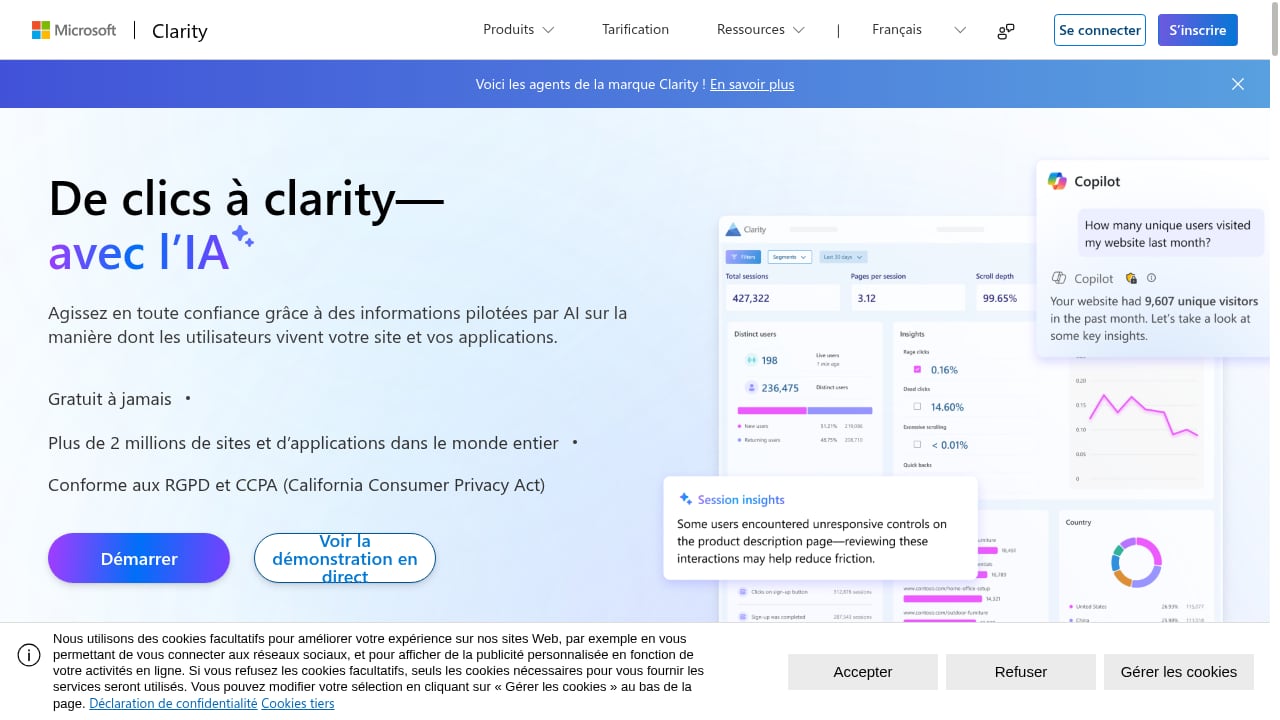
First viewport screenshot of Microsoft Clarity - Free Heatmaps & Session Recordings.
Microsoft Clarity is a free user behavior analytics tool, and its feature set reflects that focus. Session recordings capture real user journeys. Heatmaps visualize clicks, scrolls, and drop-offs. AI summaries highlight behavior trends, and AI chat lets you query your data conversationally. Clarity also tracks AI visibility — how AI crawlers and citations drive traffic — and offers brand agents for monitoring brand mentions.
For teams that need to see friction rather than just measure it, Clarity is hard to argue with. A product manager watching a recording of a user abandoning a form learns something a pageview chart cannot show. Clarity reports being trusted by over 2 million sites and apps, and its case studies span ecommerce, healthcare, travel, SaaS, and marketplaces with results like reduced bounce rates and higher conversion rates.
Clarity is also positioned as GDPR and CCPA-ready, and it integrates with AI workflows through an MCP server that fetches analytics for tools like Claude and Cursor. The trade-off is scope: Clarity is a behavior tool, not a full traffic reporting platform. If you need traffic-source breakdowns and marketing performance dashboards, you will likely pair it with something else.
What Pirsch does well
Data4 vs Microsoft Clarity vs Pirsch: Which Analytics Fits? - What Pirsch does well.
Pirsch is a privacy-friendly, open-source alternative to Google Analytics. It is lightweight and cookie-free, which means it does not collect personal data and aligns with GDPR requirements without a consent banner for analytics.
Pirsch's pitch is simplicity. The dashboard is clean, integration is straightforward for websites and apps, and pricing starts at $6 per month for 10,000 page views with a 30-day free trial that does not require a credit card. It also includes a built-in URL shortener, and the product offers solutions tailored for developers, agencies, and enterprises.
Pirsch is a strong choice when:
- Privacy compliance is a hard requirement, not a nice-to-have
- You want accurate traffic measurement without GA4 complexity
- Your team values a small script and a clean interface
- You want open-source code you can inspect
The limitation is depth of behavioral insight. Pirsch measures traffic well; it does not record sessions or generate heatmaps.
Where Data4 fits in a real stack
These three tools are not always competitors. A common pattern is pairing a traffic analytics platform with a behavior tool:
- Use Data4 to track traffic sources, audience segments, and conversions across your domains.
- Use Microsoft Clarity to record sessions and find UX friction on key pages.
- Use Pirsch if privacy-first, cookie-free measurement is your baseline requirement.
That layered approach works because each tool answers a different question. Data4 tells you where traffic comes from and how segments behave. Clarity shows you why a specific journey breaks down. Pirsch keeps measurement compliant and lightweight.
If you are evaluating more privacy-first options alongside these, our comparison of Data4, GoatCounter, and Fathom Analytics covers setup, real-time tracking, and pricing in similar detail. Teams weighing product analytics depth instead of traffic reporting may also find the Data4, Heap, and KISSmetrics breakdown useful.
How to choose
Choose Data4 if you need clear traffic and performance reporting across multiple domains and languages, and you want a simpler path than Google Analytics without adopting a session-recording tool.
Choose Microsoft Clarity if your priority is understanding user behavior through recordings, heatmaps, and AI-assisted insight — and you are comfortable pairing it with a separate traffic analytics tool.
Choose Pirsch if privacy compliance and a cookie-free, open-source, lightweight setup are non-negotiable, and you do not need behavioral recordings.
A practical test: list the three questions you most often ask about your website. If they are about traffic sources and conversions, start with Data4. If they are about why users drop off, start with Clarity. If they are about staying compliant while measuring traffic, start with Pirsch.
Related reading
- Fathom Analytics Login: Sign In, Reset Password & Fix Access - Step-by-step Fathom Analytics login help: find the sign-in page, reset a forgotten password, fix access issues, and compare privacy-first alternatives.
- Data4 vs Fathom Analytics vs Amplitude: Which Fits? - Compare Data4, Fathom Analytics, and Amplitude on setup, privacy, traffic reporting, product analytics depth, and pricing to pick the right tool.
- Fast Hit Counter: Add One in Minutes (Real Counts) - Learn how a fast hit counter works, why browser-based counters fail, and how to add a reliable visitor counter to your site in minutes.
Sources and further reading
- K-Band - an overview | ScienceDirect Topics - A device that detects a modulated signal and produces a dc output signal whose amplitude varies in accordance with the modulation. In radio facsimile ...
- (PDF) Evaluating the Dynamics of Learning Approaches - Oct 8, 2024 ... PDF | In recent decades, a noticeable trend has emerged in medical and dental schools to adjust their curricula to promote learning ...
- Corporate Social Responsibility in Developing and Emerging Markets - The septet framework therefore provides clarity to the concept of sustainable consumption and production and ... Pirsch, Gupta and Landreth, 2007). However ...
Frequently asked questions
Is Microsoft Clarity a full replacement for a traffic analytics platform?
No. Clarity excels at session recordings, heatmaps, and behavior insight, but it is not designed as a complete traffic-source and marketing-performance reporting platform. Many teams run it alongside a dedicated analytics tool.
Is Pirsch really cookie-free?
Pirsch is positioned as cookie-free and does not collect personal data, which is why it aligns with GDPR without a consent banner for analytics. That is a meaningful difference from tools that rely on cookies.
Does Data4 support multiple languages and domains?
Yes. Data4 highlights availability in Chinese, English, and Japanese along with multi-domain, multi-language support, which suits international websites.
Can I use Data4 and Microsoft Clarity together?
Yes, and it is a common setup. Data4 handles traffic and conversion reporting while Clarity handles session recordings and heatmaps. The two answer different questions about the same visitors.
Which tool is cheapest?
Microsoft Clarity is free. Pirsch starts at $6 per month for 10,000 page views with a 30-day free trial. Pricing for Data4 depends on your plan and traffic volume, so check current details before deciding.
Conclusion
Data4, Microsoft Clarity, and Pirsch are strong at different things, and the right pick depends on the question you need answered. Data4 is the fit for straightforward, globally applicable traffic and performance analytics. Microsoft Clarity is the fit for behavioral depth through recordings, heatmaps, and AI-driven insight. Pirsch is the fit for privacy-first, cookie-free measurement with a clean, lightweight interface.
If you are replacing Google Analytics and want simplicity without losing traffic visibility, Data4 is the natural starting point. If you need to see exactly where users struggle, add Clarity. If compliance drives every tooling decision, Pirsch deserves a close look.