
Pirsch Analytics Review: A Privacy-Friendly Google Analytics Alternative
Pirsch Analytics has been removing Google Analytics from websites since 2020. It is a lightweight, cookie-free, open-source web analytics platform that promises the core traffic metrics most site owners actually use — without consent banners, heavy scripts, or data flowing to ad-tech ecosystems. This review examines what Pirsch does well, where it falls short, who it fits, and how to decide whether it belongs in your stack.
What Pirsch Analytics Is
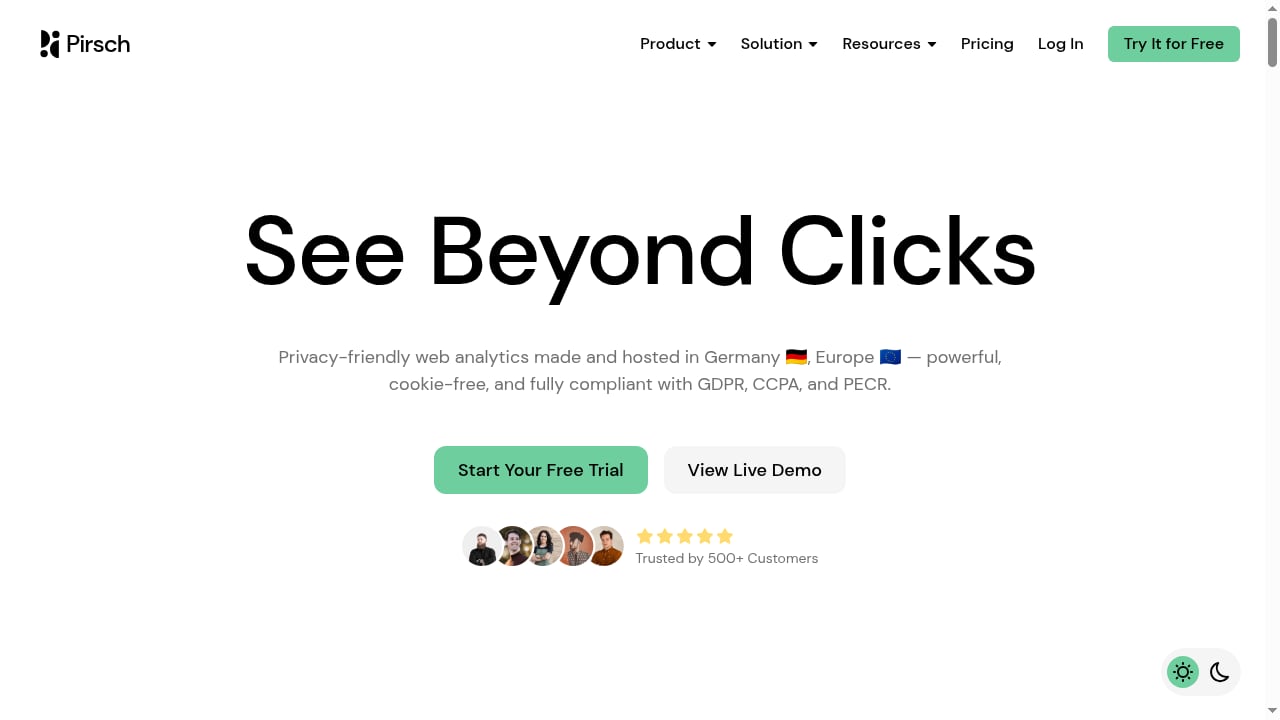
First viewport screenshot of Pirsch – The Best, Privacy-Friendly Google Analytics Alternative.
Pirsch is a privacy-friendly alternative to Google Analytics. It is designed to be integrated into any website or app with minimal effort, and it avoids cookies entirely. Instead of storing identifiers in the browser, Pirsch recognizes users through the HTTP protocol and a fingerprinting technique that hashes and salts connection data. That design choice is central to both its appeal and the criticism it attracts.
The platform is open-source, which means the tracking and dashboard code can be inspected, and it is made and hosted in Germany — a detail that matters to teams with EU data-residency requirements.
Who Pirsch Is For
Pirsch fits a specific profile better than a general audience:
- Developers who want a clean API. Pirsch exposes a strong API, and the integration surface is simple enough to wire into custom builds, static sites, and single-page applications.
- Privacy-conscious site owners. If you want useful traffic numbers without a cookie banner, Pirsch removes that friction by design.
- EU-based teams with compliance pressure. German hosting and cookie-free tracking simplify GDPR conversations.
- Small to mid-sized sites. Blogs, documentation sites, marketing pages, portfolios, and SaaS marketing sites are the natural fit.
It is a weaker fit for teams that need session replay, A/B testing, error tracking, or deep product analytics. Those needs point toward a different class of tool.
Core Strengths
Cookie-free tracking without a consent banner
Because Pirsch does not use cookies, visitors are not tracked through browser storage. In practice, this means you can often drop the consent banner for analytics purposes, which improves the browsing experience and can reduce bounce rates caused by intrusive pop-ups. This is the single most cited reason users switch.
A very light script
Pirsch's tracking script is under 1KB. For comparison, GA4's gtag is roughly 50KB or more once dependencies load. On a static site or a Bootstrap build, that difference is a rounding error next to your CSS bundle — but it is real, and it shows up in Core Web Vitals and Largest Contentful Paint measurements.
Straightforward dashboard
Reviewers consistently describe Pirsch as simple and effective compared to more cumbersome analytics systems. Top pages, traffic sources, UTM campaigns, geography, and device/browser breakdowns appear on one screen. Many users who migrated from Google Analytics describe it as a refreshing, complete solution for their needs.
Open-source and self-hostable in principle
The code is open-source, and the community has discussed self-hosting as a way to keep data fully under your own control. That option matters for teams that cannot accept a centralized vendor holding their analytics data.
Limitations and Trade-offs
First viewport screenshot of News – Pirsch Analytics.
Fingerprinting is not universally loved
Pirsch's cookie-free approach relies on fingerprinting via HTTP headers and hashed connection data. Privacy advocates have pushed back on this, arguing that fingerprinting can be more invasive than cookies — especially for users who deliberately clear cookies between sessions. Pirsch salts and hashes the data, but the technique still identifies returning visitors without their explicit opt-in. If your definition of privacy requires zero recognition, this is a genuine limitation.
Filters are less granular than power users want
Product Hunt feedback notes that filter complexity could be improved for more detailed analysis. If you need to slice traffic by many combined dimensions, build complex funnels, or run cohort analysis, Pirsch will feel shallow compared to product analytics suites.
No self-hosted cloud option in the published lineup
Unlike Matomo, Plausible, or Umami, Pirsch's published cloud offering does not list a self-host tier. Teams that require full data ownership on their own infrastructure should weigh this carefully against the open-source code being available.
Centralized data is still centralized
One recurring community critique is that even a privacy-friendly vendor centralizes data. If your threat model includes vendor breaches or subpoenas, self-hosting or a different architecture may be necessary.
Pricing Signals
Pirsch has historically offered a 30-day free trial, with paid plans starting in the single-digit dollar range per month. One widely cited comparison lists a $6/month entry tier covering 10K pageviews, and earlier community discussions mentioned pricing starting around $4/month. Vendors change plans often, so confirm the current tier on Pirsch's pricing page before you commit.
A useful framing from the community: free analytics usually means you pay with data. If you want private and secure analytics, expect to pay a modest amount. Pirsch's price point is generally considered reasonable for that trade-off.
Setup: What to Expect
Setup follows the standard privacy-analytics pattern:
- Create an account and add your domain. You will get a tracking snippet tied to your site.
- Drop the script into your shared layout. For a static or Bootstrap site, this is a single tag before the closing
</body>tag. No build step, no npm dependency. - Handle single-page apps explicitly. In a React, Vue, or client-side-routed site, the page never fully reloads on route change. Pirsch exposes a mode that tracks virtual pageviews on route change, similar to Plausible's hash-based build. Without it, you will record one pageview for an entire session.
- Verify events and goals. Once traffic flows, confirm that pageviews, referrers, and UTM parameters arrive as expected.
- Optionally run it side by side with GA. Community members have asked exactly this, and it is a reasonable way to validate numbers before switching.
If you are weighing this against other privacy-first platforms, our comparison of Data4 vs Matomo for privacy-first analytics covers the data-ownership and usability trade-offs in more depth.
Pirsch vs Google Analytics: The Real Decision
First viewport screenshot of Blog – Pirsch Analytics.
The most common objection is simple: why pay for something Google Analytics does for free?
The honest answer is that you are not buying pageviews. You are buying:
- No consent banner requirement, which improves user experience.
- A sub-1KB script instead of a 50KB-plus tag.
- A dashboard you can read in 30 seconds instead of GA4's complexity.
- Data that is not part of an advertising ecosystem.
- German hosting for EU compliance.
If none of those matter to you, GA4 remains free and capable. If several of them matter, the monthly cost is usually trivial against the time you save.
How Pirsch Compares to Other Privacy-First Tools
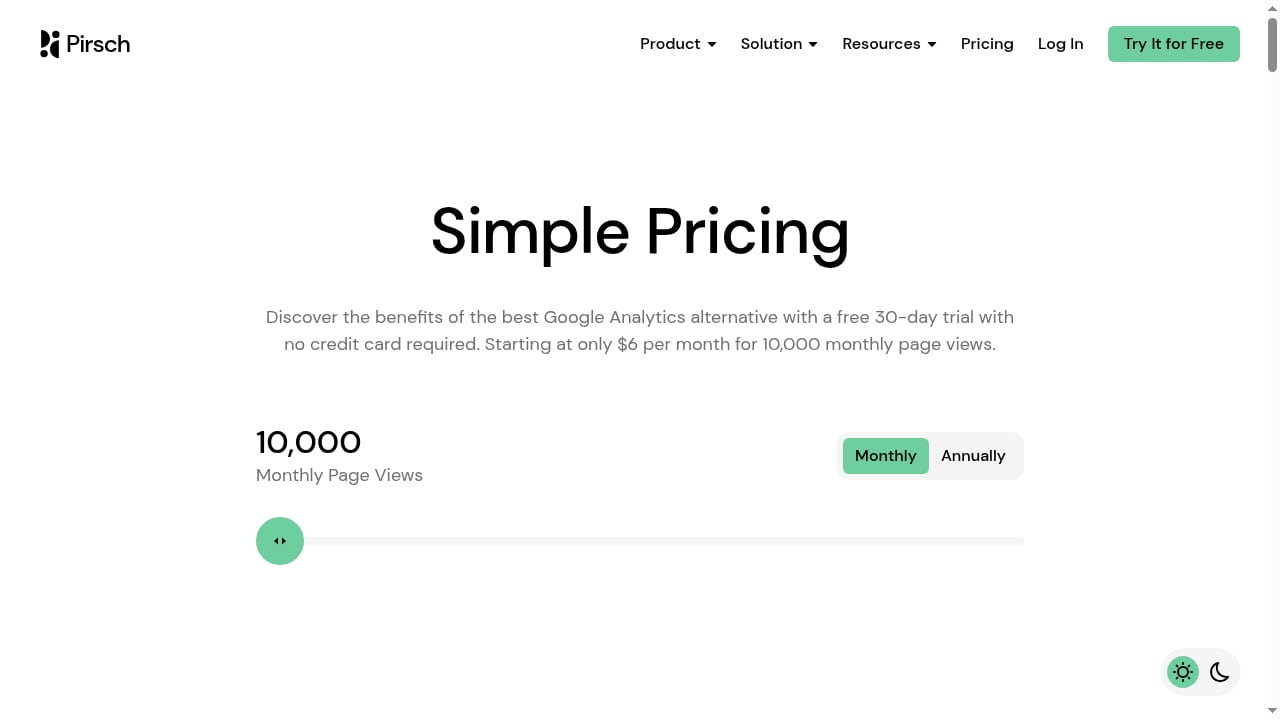
First viewport screenshot of Simple Pricing – Pirsch Analytics.
| Tool | Free tier | Starting price | Self-host | Cookieless | Best for |
|---|---|---|---|---|---|
| Pirsch | 30-day trial | ~$6/mo (10K pageviews) | No (cloud) | Yes | Developers who want a strong API |
| Plausible | Self-host free | $9/mo (10K pageviews) | Yes | Yes | Simplest single-page dashboard |
| Fathom | 7-day trial | $15/mo (100K pageviews, 50 sites) | No | Yes | Agencies with many client sites |
| Matomo | Self-host free | ~€29/mo cloud | Yes | Yes (mode) | Enterprise and regulated industries |
| Umami | Cloud hobby free | $9/mo cloud | Yes | Yes | Free self-hosted analytics |
Pirsch's differentiator is the API and developer ergonomics, plus the German hosting story. Plausible competes on dashboard simplicity. Matomo competes on data ownership and enterprise depth.
For a broader field, see our roundup of the top 10 privacy-friendly web analytics products in 2026, which ranks tools by cookieless tracking, data ownership, compliance, and pricing.
Decision Criteria: Should You Choose Pirsch?
Choose Pirsch if:
- You want cookie-free analytics and no consent banner.
- You value a lightweight script and clean API.
- You are a developer or a technical site owner.
- EU hosting and GDPR simplicity matter to you.
- You only need core traffic metrics.
Look elsewhere if:
- You need session replay, funnels, A/B testing, or error tracking.
- You require full self-hosted data ownership.
- You object to fingerprinting on principle.
- You need complex filter combinations and cohort analysis.
If your needs lean toward product analytics rather than web analytics, our product manager analytics guide explains how to choose between web, product, and BI tools.
Related reading
- How to Use Data4 with UserFeedback: Complete Guide - Combine Data4 website analytics with UserFeedback surveys to learn what visitors do and why. Setup steps, workflow, and practical examples inside.
- Data4 vs KISSmetrics vs Mixpanel: Which Analytics Fits? - Compare Data4, KISSmetrics, and Mixpanel across use cases, tracking depth, ease of use, and pricing to choose the right analytics platform.
Sources and further reading
- We built an open-source alternative to Google Analytics : r/degoogle - Sep 10, 2021 ... I would like to show you Pirsch Analytics, a privacy-friendly alternative to Google Analytics we have been building for almost a year now. Here ...
- Pirsch Analytics: Next level analytics for the modern web | Product Hunt - Removing Google Analytics from websites since 2020. Pirsch is a powerful web analytics solution with new white label features, organizations, and an even more powerful dashboard.
- 10 Best Web Analytics Tools in 2026 (Tested and Compared) - A hands-on comparison of the 10 best web analytics tools: privacy-first Google Analytics alternatives, open-source platforms, and product analytics suites.
Frequently Asked Questions
Is Pirsch really cookie-free?
Yes. Pirsch does not use cookies. It recognizes users through the HTTP protocol and a fingerprinting technique with hashing and salting.
Do I still need a cookie consent banner with Pirsch?
In most cases, no — because no cookies are set for analytics. You should still confirm with your legal counsel for your specific jurisdiction and any other tracking you run.
How much does Pirsch cost?
Pirsch has offered a 30-day free trial, with paid plans starting in the single-digit dollar range per month. A commonly cited entry tier is around $6/month for 10K pageviews. Verify current pricing on the vendor's site.
Can I self-host Pirsch?
The code is open-source, and self-hosting has been discussed in the community. The published cloud lineup does not list a self-host tier, so confirm current options before planning around it.
Can I run Pirsch alongside Google Analytics?
Yes. Running both in parallel is a common way to validate numbers before switching. It does not create conflicts as long as both snippets are installed correctly.
Does Pirsch work with single-page applications?
Yes. Pirsch exposes a mode that tracks virtual pageviews on route change, which is required for React, Vue, and other client-side-routed sites.
How does Pirsch compare to Matomo?
Matomo offers self-hosting and enterprise depth; Pirsch offers a lighter script and simpler developer experience. See our Data4 vs Matomo comparison for the privacy-first trade-offs.
Conclusion
Pirsch Analytics is a credible, focused answer to the question of what to use instead of Google Analytics when privacy, speed, and simplicity matter more than feature depth. Its cookie-free design, sub-1KB script, German hosting, and developer-friendly API make it a strong fit for technical site owners and EU-focused teams. Its limitations are equally clear: fingerprinting draws legitimate criticism, filters are less granular than power users want, and there is no published self-hosted cloud tier.
If your analytics needs are core traffic metrics without the consent banner and without the tag weight, Pirsch is worth a trial. If you need product analytics depth or full data ownership, compare it against Matomo, Plausible, and the wider field before deciding.