
Website Owner Analytics: Metrics That Actually Matter
As a website owner, you don't need 200 reports. You need clear answers to a few practical questions: How many people visited? Where did they come from? What did they do? And did any of it help your business?
That's what website owner analytics should deliver. Yet many owners still wrestle with bloated dashboards, confusing terminology, and data that takes a week to interpret. This guide breaks down the metrics worth watching, how to read them without a data science degree, and how to choose a tool that fits the way you actually work.
What Website Owner Analytics Should Answer
Website Owner Analytics: Metrics That Actually Matter - What Website Owner Analytics Should Answer.
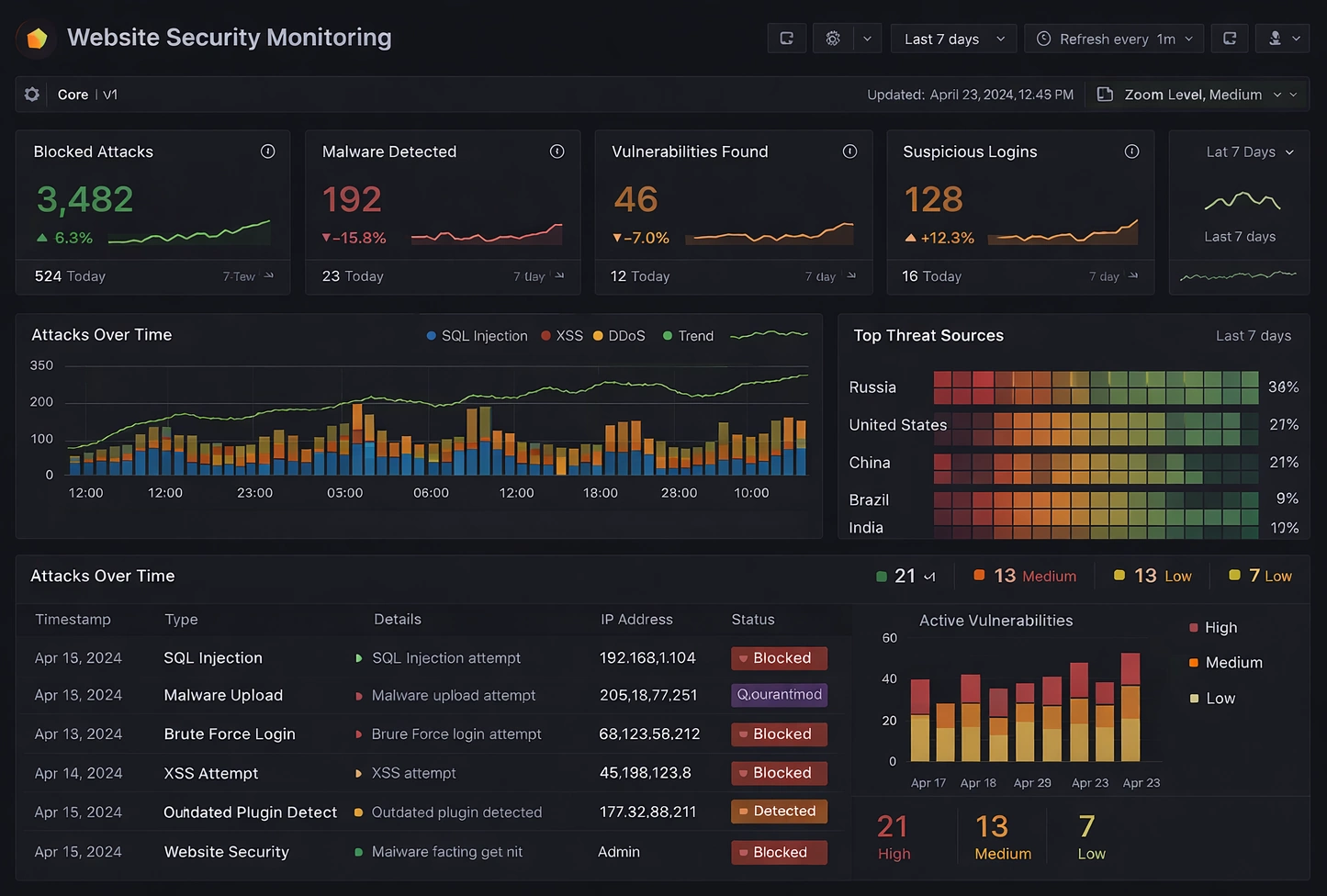
Analytics only matters when it changes a decision. Before opening any dashboard, define what you need to know:
- Is my traffic growing or shrinking? Look at visitor trends over weeks and months, not just today.
- Which channels bring the most valuable visitors? Organic search, referrals, social, direct, or email.
- Which pages hold attention and which ones leak it? High exit rates on key pages signal friction.
- Are visitors completing the actions I care about? Signups, purchases, downloads, contact form submissions.
- Is the site fast enough to keep people around? Slow load times quietly suppress both traffic and conversions.
If your current tool makes any of these questions hard to answer, the tool is the problem—not you.
Core Metrics Every Website Owner Should Track
Website Owner Analytics: Metrics That Actually Matter - Core Metrics Every Website Owner Should Track.
You don't need to monitor 40 metrics. Focus on a short list that maps directly to business outcomes.
1. Unique Visitors and Pageviews
Unique visitors tell you how many individual people reached your site. Pageviews tell you how many total pages they loaded. The ratio between them—pages per visit—hints at engagement depth.
A healthy content site might see 1.5 to 3 pages per visit. A landing page designed for one action might naturally sit closer to 1. Context matters more than the raw number.
2. Traffic Sources
Where visitors come from determines where you invest. Break traffic into at least four buckets:
- Organic search: People finding you through Google or other search engines.
- Direct: People typing your URL or using a bookmark.
- Referral: People clicking links from other websites.
- Social and email: Campaign-driven visits.
If organic traffic is your biggest revenue driver, protect it. If referral traffic spikes from one source, investigate what happened and whether you can repeat it.
3. Bounce Rate and Engagement Time
Bounce rate measures single-page visits. Engagement time shows how long people actually stay. Both are imperfect signals, but together they reveal whether your content matches visitor expectations.
A high bounce rate on a blog post isn't always bad—someone may have found exactly the answer they needed and left satisfied. A high bounce rate on a product page is usually a warning sign.
4. Top Pages and Exit Pages
Top pages show what attracts people. Exit pages show where they leave. Compare the two lists. If your homepage draws traffic but your pricing page drives people away, you've found a conversion bottleneck worth investigating.
5. Conversions and Goal Completions
Traffic without action is vanity. Define conversions that matter to your business: form submissions, purchases, email signups, trial starts. Track them as separate goals so you can see which traffic sources and pages actually produce outcomes.
How to Read Analytics Without Getting Overwhelmed

Website Owner Analytics: Metrics That Actually Matter - How to Read Analytics Without Getting Overwhelmed.
Most analytics confusion comes from trying to see everything at once. Instead, build a simple weekly routine:
- Check the trend line first. Compare this week to the previous four. Ignore daily noise.
- Look for anomalies. A 40% traffic drop or spike deserves investigation. Small fluctuations don't.
- Review one channel per week. Rotate between organic, referral, social, and direct so you build understanding over time.
- Tie metrics to actions. Every number you review should connect to a possible change: a page to improve, a channel to invest in, or a campaign to adjust.
This approach keeps analytics useful without turning it into a second job.
Choosing a Website Analytics Tool

Website Owner Analytics: Metrics That Actually Matter - Choosing a Website Analytics Tool.
The right tool depends on your priorities. Here's how the main options compare for typical website owners.
Google Analytics 4 (GA4)
GA4 is powerful and free, but it's built for analysts. The interface has a steep learning curve, and many owners find basic questions—like "how many visitors did I get last week?"—surprisingly hard to answer. It also uses cookies and collects extensive data, which creates privacy and consent obligations in many regions.
Plausible Analytics
Plausible takes the opposite approach: lightweight, privacy-first, and intentionally simple. It doesn't use cookies or track individual users across sites, so many owners can skip cookie banners entirely. The tradeoff is depth—if you need advanced segmentation or custom funnels, you may hit limits. The script is also significantly smaller than GA4's, which helps page speed.
Cloudflare Web Analytics
Cloudflare Web Analytics offers free, privacy-first analytics for sites on Cloudflare's network. It's accurate and lightweight, but the feature set is intentionally basic. It works well as a quick health check, though owners wanting deeper conversion tracking or audience segmentation may need a companion tool.
Data4
Data4 positions itself as a straightforward alternative to Google Analytics—one that keeps the essential insights without the complexity. For website owners who want real-time traffic, traffic sources, audience segmentation, and conversion analysis in a clean dashboard, it's designed to deliver those answers quickly. The platform supports multiple languages and domains, which makes it practical for international sites or teams working across regions.
If you're weighing options, a detailed comparison of Data4 and Google Analytics breaks down the practical differences in simplicity, privacy, and learning curve.
Privacy and Consent: What Owners Need to Know
Analytics choices now have legal consequences. Tools that use cookies or collect personal data may trigger GDPR, CCPA, and other consent requirements. That means cookie banners, consent management, and potential data-processing agreements.
Privacy-first tools that don't use cookies or store personal identifiers can simplify this significantly. Plausible and Cloudflare both operate this way, and many owners choose them specifically to avoid consent friction. When evaluating any analytics platform, ask:
- Does it use cookies or fingerprinting?
- Where is visitor data stored and processed?
- Is data shared with third parties for advertising?
- Can I export or delete my data at any time?
These questions matter more than feature checklists for many site owners today.
Setting Up Analytics the Right Way
A good setup prevents most later confusion. Follow these steps:
1. Install the Tracking Script Correctly
Place the script on every page, ideally in the header or via a tag manager. Test that it fires on key pages, including mobile views and any subdomains you operate.
2. Filter Out Your Own Traffic
Your visits shouldn't count. Most tools let you exclude your IP address or use a cookie-based exclusion. Do this on day one, or your data will be inflated from the start.
3. Define Goals Before You Need Them
Set up conversion tracking for every meaningful action. It's much easier to configure goals early than to reconstruct historical data later.
4. Document Your Setup
Write down what you're tracking, why, and how each metric is defined. Six months from now, you'll thank yourself—especially if team members change.
Common Analytics Mistakes to Avoid
Even experienced owners fall into these traps:
- Chasing daily numbers. Daily traffic swings are mostly noise. Weekly and monthly trends tell the real story.
- Ignoring mobile performance. If most visitors are on phones, analyze mobile behavior separately. Desktop-only assumptions lead to bad decisions.
- Tracking too many metrics. More data isn't better data. Ten well-understood metrics beat 100 ignored ones.
- Never acting on insights. Analytics that doesn't lead to a change—a test, a fix, a new campaign—is just decoration.
Related reading
- Data4 vs Visitors vs Google Analytics Compared - Compare Data4, Visitors, and Google Analytics for website analytics. See privacy, simplicity, learning curve, pricing, and which tool fits your team best.
- Fathom Analytics Review 2026: Privacy-First Analytics Tested - In-depth Fathom Analytics review: setup, pricing, features, limitations, and who should actually use this cookie-free Google Analytics alternative.
- Statcounter Real-Time Stats: How It Works and Alternatives - Learn how Statcounter real-time stats work, what the live visitor feed shows, and how tools like Data4 compare for live traffic monitoring.
Sources and further reading
- Whois Lookup, Domain Availability & IP Search - Research domain ownership with Whois Lookup: Get ownership info, IP address history, rank, traffic, SEO & more. Find available domains & domains for sale.
Frequently Asked Questions
What is the most important metric for a website owner?
It depends on your goal. For most owners, conversions matter most—whether that's sales, signups, or leads. Traffic and engagement metrics matter because they feed conversions, but the action metric should drive decisions.
Do I really need Google Analytics?
No. Many owners find simpler tools like Data4, Plausible, or Cloudflare Web Analytics easier to use and better aligned with privacy expectations. The best tool is the one you'll actually check regularly and understand.
How often should I check my website analytics?
Weekly is a good rhythm for most owners. Check daily only if you're running time-sensitive campaigns or troubleshooting a specific issue. Monthly reviews work well for strategic planning.
What's a good bounce rate?
There's no universal answer. Content pages often bounce at 60–80% because visitors get their answer and leave. Product or landing pages should typically bounce lower. Compare your pages against your own historical baseline rather than industry averages.
Can I track my website without cookies?
Yes. Privacy-first platforms like Plausible, Cloudflare Web Analytics, and Data4 offer cookie-free or minimal-data tracking. This can reduce or eliminate consent banner requirements in many regions.
How do I know which traffic source converts best?
Set up goal tracking for your key conversions, then review performance by traffic source. Most analytics tools, including Data4, let you segment conversions by channel so you can see which sources deliver outcomes, not just clicks.
Conclusion
Website owner analytics shouldn't feel like a burden. The goal is clarity: a small set of metrics, checked regularly, that tells you what's working and what needs attention. Whether you choose a full-featured platform like GA4, a privacy-first tool like Plausible, or a simple alternative like Data4, the principle is the same—track what matters, understand what you're seeing, and act on it.
Start with the questions that drive your business. Then pick the tool that answers them fastest.
For a closer look at how the major options stack up, see the Data4 vs Google Analytics comparison or explore how Data4 compares to Plausible and Microsoft Clarity.