
Data4 vs Amplitude: Which Analytics Tool Fits You?
Choosing between Data4 and Amplitude comes down to one core question: are you analyzing website traffic or product behavior? Data4 is built as a straightforward website analytics platform—a simple, globally accessible alternative to Google Analytics. Amplitude is a deep product analytics engine designed for product teams that need behavioral cohorts, funnels, retention curves, and experimentation. Both tools collect data, but they answer very different questions.
This comparison breaks down what each platform actually does, where each one shines, and where each one falls short. By the end, you should know which tool matches your team, your data maturity, and your reporting needs.
What Is Data4?
Data4 is a website analytics platform focused on simplicity, efficiency, and global applicability. It positions itself as a direct alternative to Google Analytics for website owners, marketers, and analysts who want to understand visitor behavior, traffic sources, and engagement metrics without wrestling with a complex interface.
The core value proposition is straightforward: track your website traffic, see where visitors come from, monitor conversions, and get actionable insights fast. Data4 emphasizes ease of use over exhaustive configuration. If you need to know which pages perform well, which campaigns drive traffic, and how visitors move through your site, Data4 is designed to surface those answers quickly.
Key characteristics of Data4 include:
- Real-time traffic tracking for immediate visibility into site activity
- Audience segmentation to break down visitors by source, behavior, or attributes
- Conversion analysis to measure goal completions and campaign performance
- Customizable dashboards for at-a-glance reporting
- Multi-language support (Chinese, English, Japanese) with domain-specific localization
The multi-language and multi-domain support is a notable differentiator. Data4 explicitly markets itself as a globally applicable solution, which matters for teams running localized websites or serving international audiences.
What Is Amplitude?
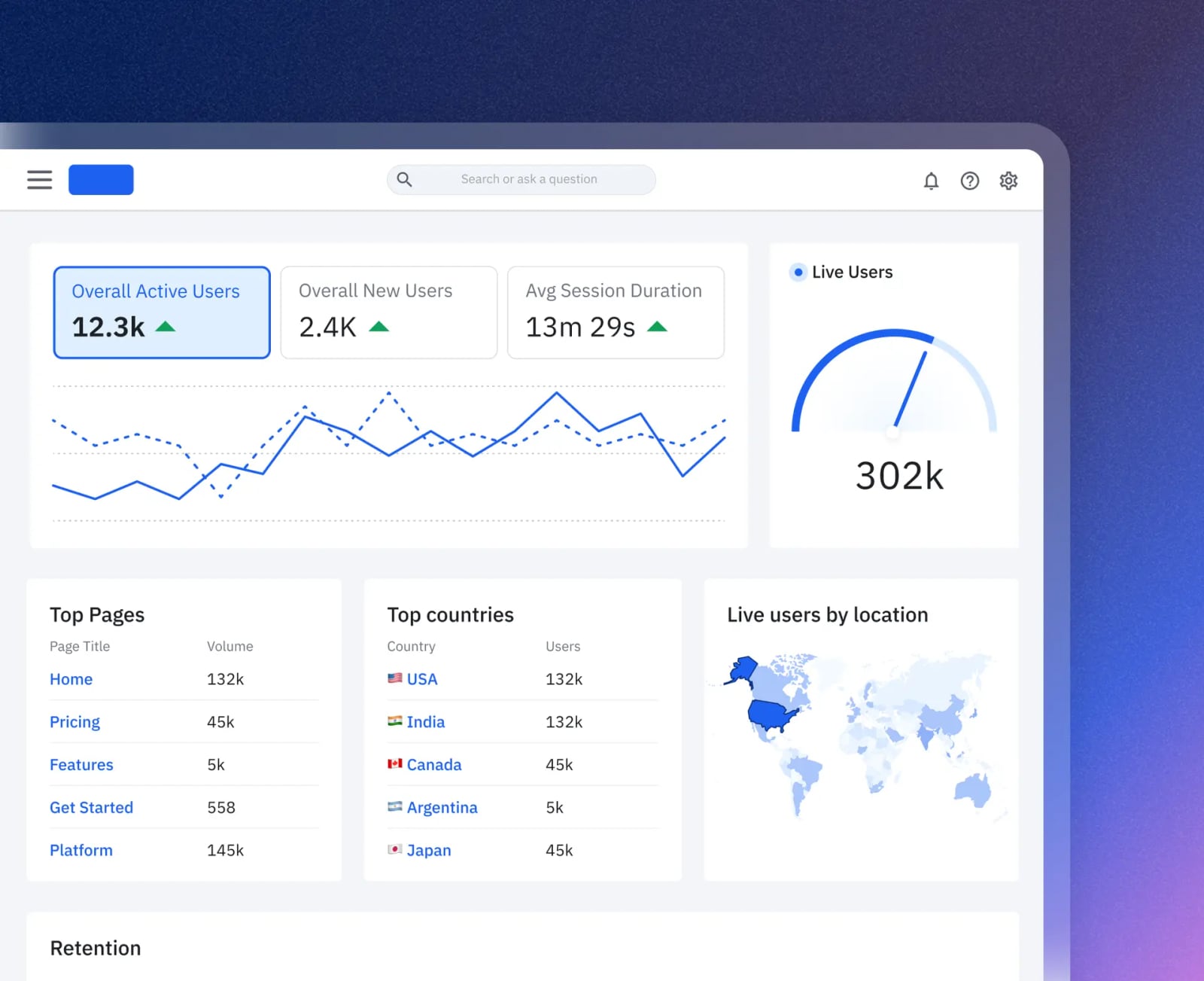
Amplitude product interface.
Amplitude is a comprehensive digital analytics platform built primarily for product teams. It helps product managers, engineers, and data analysts understand user behavior inside web and mobile applications, optimize experiences, and drive growth through data-informed iteration.
Where Data4 answers "what happened on my website," Amplitude answers "how do users behave inside my product, where do they get stuck, and what should I change?" The platform includes AI-powered analytics, experimentation tools, session replay, and data activation capabilities. Teams use Amplitude to detect friction, launch experiments, measure impact, and iterate quickly.
Core Amplitude capabilities include:
- Behavioral analytics with event-based tracking
- Cohort analysis to compare user groups over time
- Funnel analysis to measure step-by-step conversion paths
- Retention analysis to understand how often users return
- A/B testing and experimentation to validate changes
- AI-driven workflows including Global Agent and Custom Agents for natural language querying
- Integrations with tools like Slack, Jira, and GitHub via MCP connectors
Amplitude's depth is impressive, but that depth comes with a learning curve. The platform expects you to define events, maintain a tracking plan, and manage your schema—tasks that require developer involvement and ongoing governance.
Data4 vs Amplitude: Head-to-Head Comparison
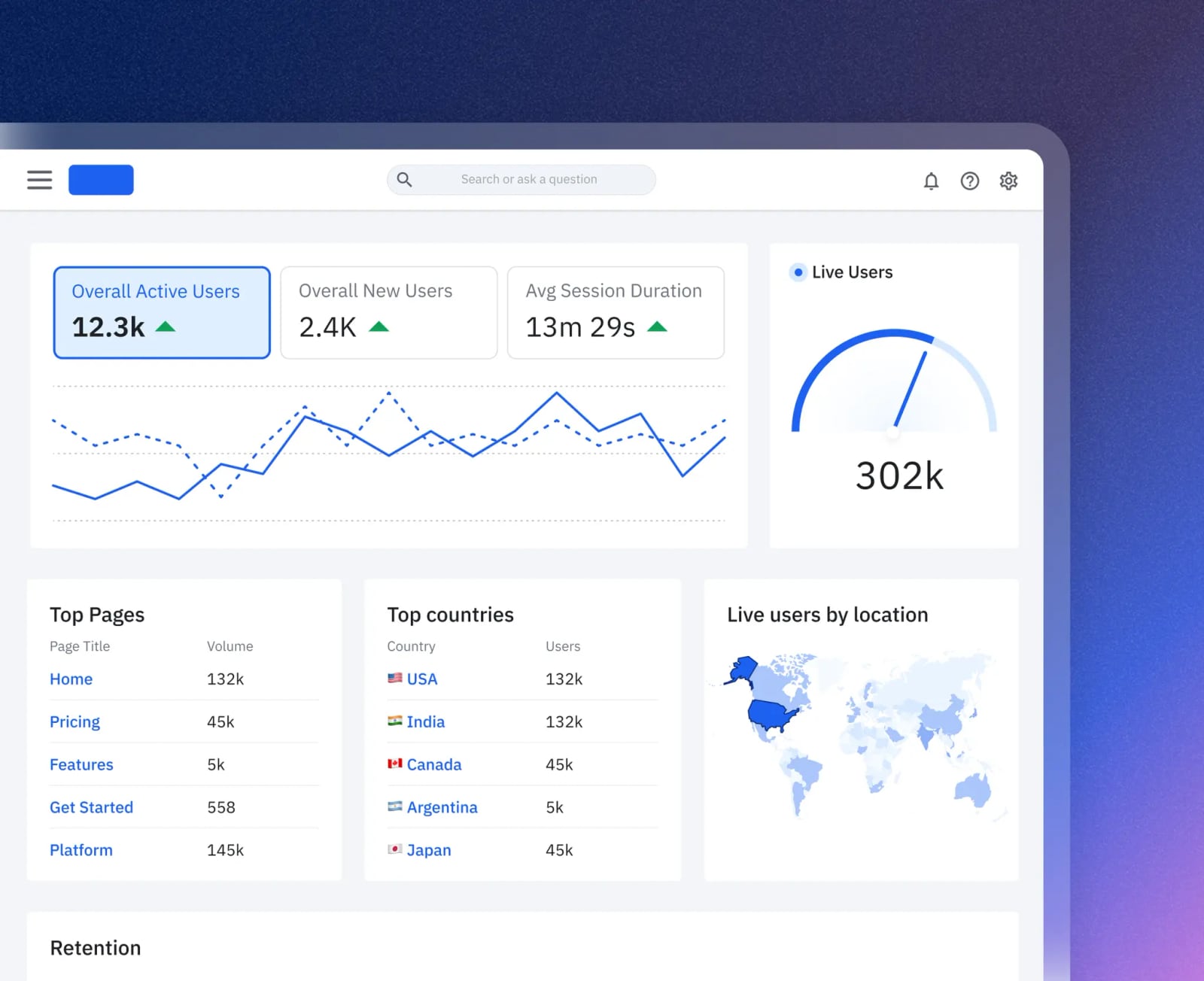
Amplitude product interface.
Ease of Use and Setup
Data4 wins on simplicity. The platform is designed to be approachable for website owners and marketers who don't have dedicated data engineering resources. Setup is minimal: add the tracking script, and core website metrics start flowing. The interface prioritizes clear, actionable insights over exhaustive customization.
Amplitude demands more upfront investment. As the Amplitude Academy's getting-started guide makes clear, you need to connect data sources, create a tracking plan, and set schema rules before meaningful analysis can begin. That's not a flaw—it's a requirement for accurate product analytics—but it means Amplitude is not a tool you install on a Friday afternoon and master by Monday.
Tracking Depth and Use Cases
Amplitude goes deeper on behavioral analysis. If you need to answer questions like "what percentage of users who signed up last month returned in week two?" or "where in the onboarding funnel do users drop off?" Amplitude is purpose-built for that. Its cohort, funnel, and retention tools are industry-leading for product analytics.
Data4 focuses on website-level insights. Traffic sources, page performance, visitor engagement, and conversion tracking are Data4's sweet spot. It's the right tool for monitoring marketing campaigns, optimizing landing pages, and understanding overall site health. For a deeper look at how Data4 compares to other website analytics tools, see our Data4 vs Heap vs Pirsch comparison.
Pricing Signals
Data4 positions itself as an accessible alternative to heavyweight analytics platforms. While specific pricing isn't published in the available sources, its positioning as a Google Analytics replacement and its focus on simplicity suggest a tool aimed at small-to-medium businesses and teams that want solid analytics without enterprise-level costs.
Amplitude operates on a freemium model with enterprise tiers. The free plan gives teams a taste of behavioral analytics, but advanced features—experimentation, session replay at scale, AI agents, and data activation—typically require paid plans. As your event volume grows, so does the cost. For teams evaluating Amplitude's full feature set, our practical Amplitude setup guide walks through what implementation actually involves.
Privacy and Data Ownership
Data4's simplicity extends to data handling. As a website analytics tool positioned as a Google Analytics alternative, it appeals to users who want straightforward traffic data without the complexity of enterprise data pipelines. Its multi-domain and multi-language support also suggests a product built with international data considerations in mind.
Amplitude's event-based model gives you granular control over what you track and how you manage your schema. That control is powerful, but it also means you're responsible for data governance, event taxonomy, and ensuring you're not collecting more than you need. For privacy-conscious teams, tools like Pirsch offer a cookie-free alternative worth considering.
Support for International Teams
Data4 has a clear edge here. Its explicit multi-language support—Chinese, English, and Japanese—and domain-specific localization make it a strong choice for teams operating across regions. If your organization runs websites in multiple languages, Data4's global focus is a practical advantage.
Amplitude is a global product, but its interface and documentation are primarily English-first. International teams can absolutely use Amplitude, but they won't find the same level of localized interface support that Data4 advertises.
When to Choose Data4
Data4 is the better fit when:
- You're replacing Google Analytics and want a simpler, more focused website analytics tool
- Your team is primarily marketers or website owners, not product managers or data scientists
- You need multi-language support for localized websites
- You want fast setup without a lengthy tracking plan or developer-heavy implementation
- Your questions are about traffic, sources, and page performance, not deep behavioral cohorts
For teams comparing Data4 against other lightweight options, our Data4 vs Statcounter vs Plausible comparison provides additional context.
When to Choose Amplitude
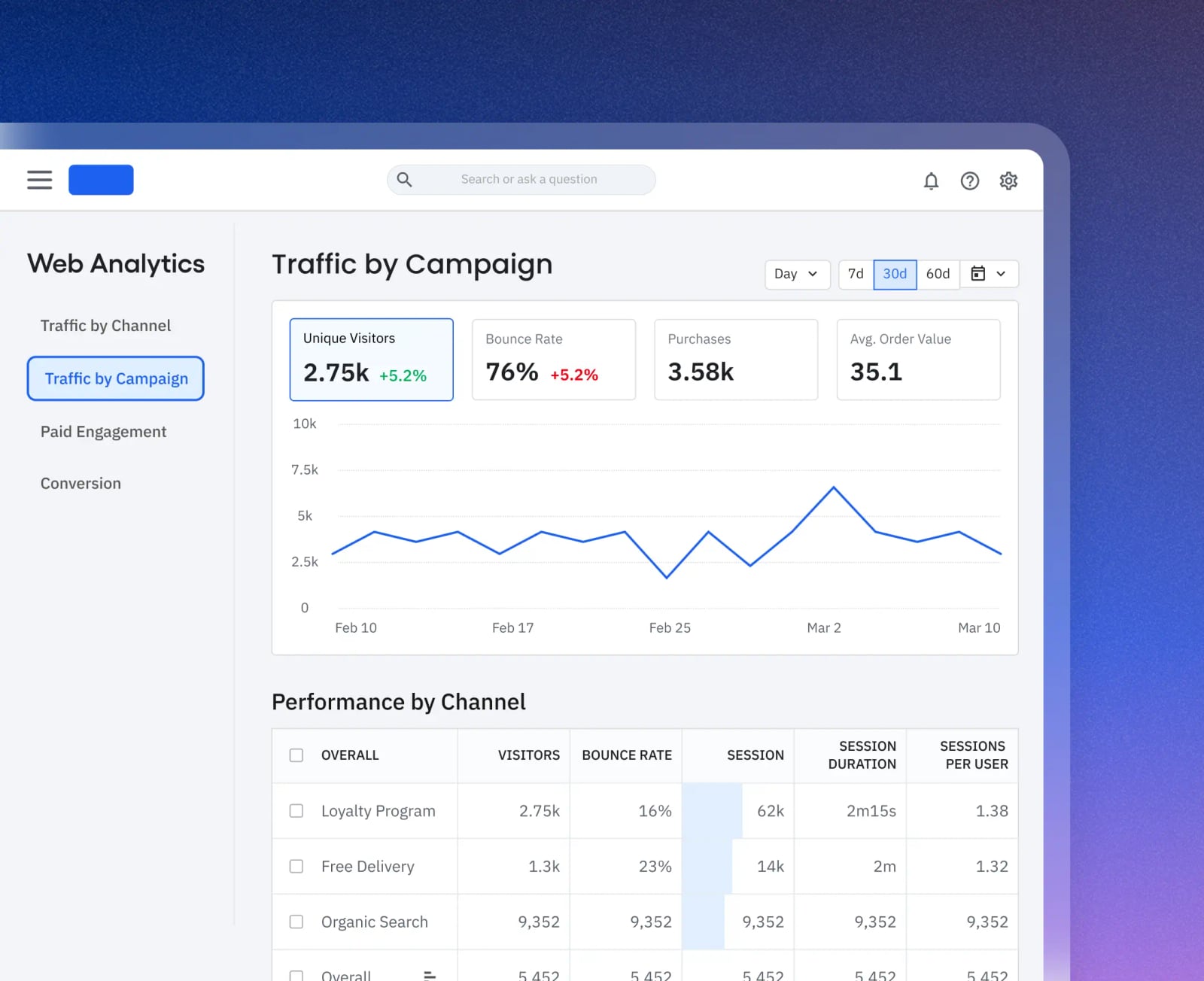
Amplitude product interface.
Amplitude is the better fit when:
- You're building or optimizing a product and need to understand in-app user behavior
- Your team includes product managers, engineers, or data analysts who can invest in event taxonomy
- You need funnels, retention curves, and cohort analysis as core reporting tools
- You want to run experiments and measure their impact on user behavior
- You're willing to invest in setup to get deep, reliable behavioral data
If you're already leaning toward Amplitude, understanding the implementation process is essential. Our guide to setting up Amplitude covers event planning, data sending, and chart building in practical detail.
The Verdict: Different Tools for Different Jobs
Amplitude product interface.
Data4 and Amplitude are not direct competitors in the traditional sense. They occupy adjacent but distinct spaces in the analytics ecosystem.
Data4 is a website analytics platform that prioritizes simplicity, speed, and global accessibility. It's the tool you choose when you want to understand your website's traffic and performance without building a data infrastructure.
Amplitude is a product analytics platform that prioritizes depth, behavioral insight, and experimentation. It's the tool you choose when you need to understand how users interact with your product and what changes will improve retention and revenue.
The right choice depends on your primary question. If you're asking "how is my website performing?" choose Data4. If you're asking "how are users behaving inside my product?" choose Amplitude. Some organizations use both—Data4 for marketing and website analytics, Amplitude for product analytics—but for most teams, one tool will clearly match the job at hand.
Sources and further reading
- How to decide on the right EEG spectral analysis method in BrainVision Analyzer - How to decide on the right EEG spectral analysis method in BrainVision Analyzer by Dr. Yin Fen Low Scientific Consultant (Brain Products)
Spectral analysis entails looking into the oscillatory characteristics of a signal, and
- Differences in the amplitude of dynamic low-frequency fluctuations ... - Primary angle-closure glaucoma (PACG), an incurable ophthalmic disease, is a serious risk to human visual health. Previous studies have demonstrated a strong link between PACG and neuroimaging changes in the brain. This study utilizes dynamic ...
FAQ
Is Data4 a direct replacement for Amplitude?
No. Data4 focuses on website traffic analytics, while Amplitude focuses on product behavior analytics. They serve different use cases, though there is some overlap in basic event tracking and conversion analysis.
Can I use Data4 for product analytics?
Data4 can track website conversions and visitor behavior, but it lacks Amplitude's deep cohort, funnel, and retention analysis tools. If you need product-level behavioral insights, Amplitude is the stronger choice.
Is Amplitude too complex for a small marketing team?
Amplitude's setup requires event planning and schema management, which typically needs developer support. For a small marketing team focused on website traffic, Data4's simpler approach is likely a better fit.
Does Data4 support multiple languages?
Yes. Data4 explicitly supports Chinese, English, and Japanese, with domain-specific localization. This makes it a strong option for teams running multilingual websites.
Which tool is more affordable?
Pricing varies by plan and usage. Data4 positions itself as an accessible, straightforward alternative to enterprise analytics tools. Amplitude offers a free tier but scales in cost as event volume and feature needs grow.
Conclusion
Data4 and Amplitude solve different problems. Data4 delivers fast, accessible website analytics for teams that want clarity without complexity—especially those serving international audiences. Amplitude delivers deep behavioral analytics for product teams that need to understand user journeys, run experiments, and drive retention.
Before committing to either tool, define the questions you need to answer. If those questions are about website traffic and marketing performance, Data4 is the pragmatic choice. If they're about product behavior and user retention, Amplitude is worth the investment. For teams still exploring options, our Mixpanel review covers another product analytics contender, and our Data4 vs Microsoft Clarity comparison examines how Data4 stacks up against a free session replay tool.