
Data4 vs Pirsch vs Google Analytics: Which Fits Your Site?
Choosing an analytics tool usually comes down to three questions: how much setup pain you can tolerate, how much reporting depth you actually need, and how comfortable you are with the data practices behind the numbers. Data4, Pirsch, and Google Analytics answer those questions very differently.
This comparison looks at where each tool is genuinely strong, where it asks for trade-offs, and which type of team each one tends to suit.
Quick comparison at a glance
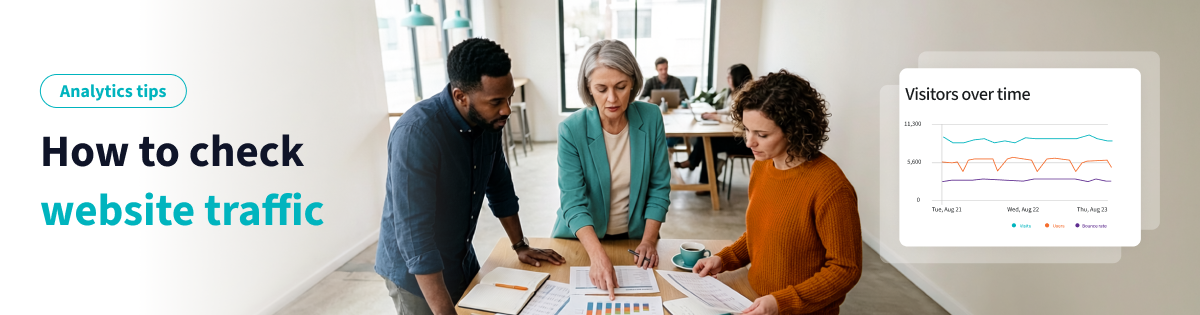
Data4 vs Pirsch vs Google Analytics: Which Fits Your Site? - Quick comparison at a glance.
| Criterion | Data4 | Pirsch | Google Analytics |
|---|---|---|---|
| Positioning | Simple, globally applicable website analytics | Privacy-friendly, cookie-free analytics | Comprehensive web and marketing analytics |
| Typical setup effort | Low | Low | Moderate to high (GA4 configuration) |
| Privacy approach | Privacy-conscious website tracking | No personal data collection, GDPR-oriented | Consent-dependent, broader data ecosystem |
| Reporting depth | Traffic, sources, engagement, conversions | Traffic, sources, events, URL shortener | Deep segmentation, funnels, ads integration |
| Best fit | Teams wanting clarity without complexity | Privacy-first sites and agencies | Marketing teams needing full-stack measurement |
What Data4 does well
Data4 vs Pirsch vs Google Analytics: Which Fits Your Site? - What Data4 does well.
Data4 is built around a straightforward idea: give website owners the traffic and engagement numbers they need without the configuration overhead that comes with larger platforms. It is positioned as a simple, efficient, and globally applicable alternative to Google Analytics, and that framing shows up in how the product is organized.
Where Data4 stands out:
- Ease of use. The interface is designed for website owners, marketers, and analysts who want answers quickly rather than a dashboard they need to learn.
- Global applicability. Data4 supports multiple languages, including Chinese, English, and Japanese, with domain-specific localization. That matters if your audience or your team spans regions.
- Actionable reporting. Real-time traffic tracking, audience segmentation, conversion analysis, and customizable dashboards cover the core questions most sites actually ask.
- Straightforward replacement path. If you are leaving Google Analytics because the reporting feels heavier than your needs, Data4 is designed to be a low-friction landing spot.
If your priority is understanding visitor behavior, traffic sources, and engagement without building a measurement plan from scratch, Data4 is the simplest of the three to adopt.
What Pirsch does well
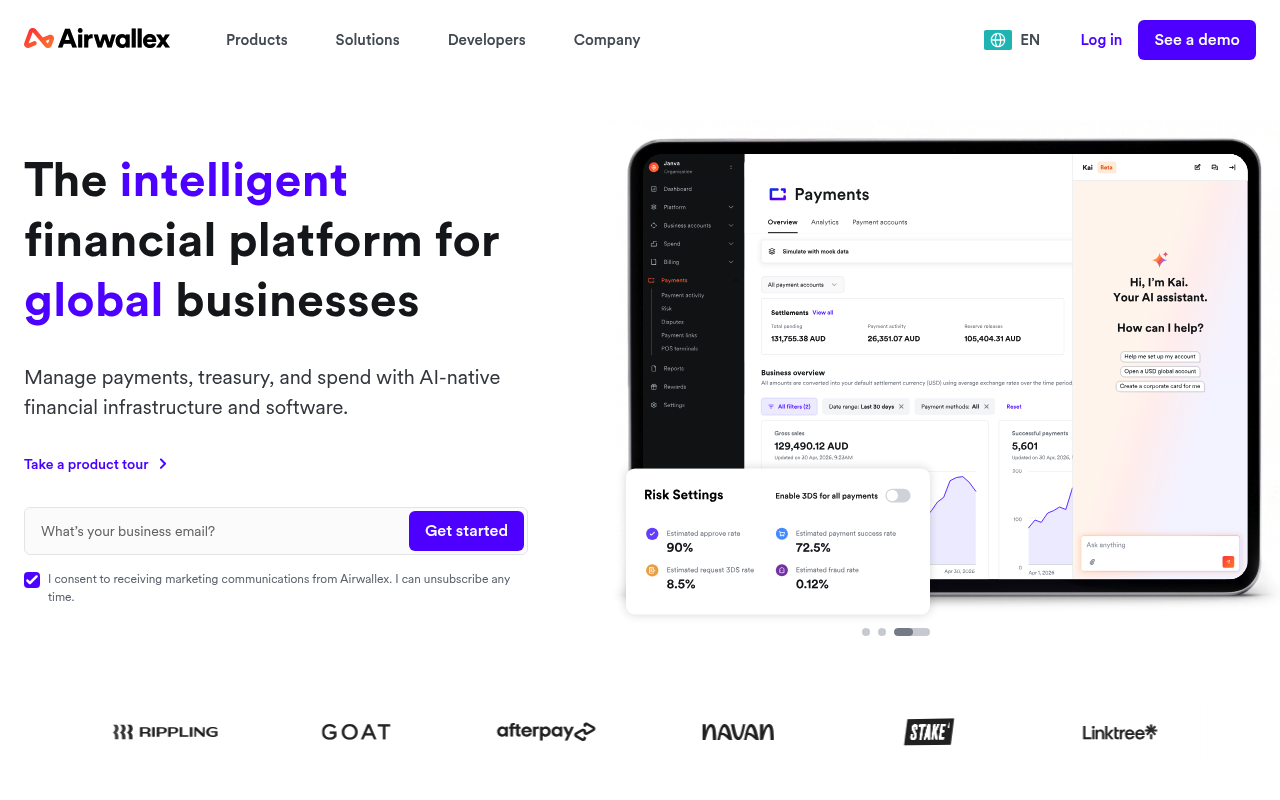
Data4 vs Pirsch vs Google Analytics: Which Fits Your Site? - What Pirsch does well.
Pirsch has earned a clear reputation in the privacy-friendly analytics space, and it deserves credit for it. It is lightweight, cookie-free, and open-source, and it integrates easily into websites and apps.
Where Pirsch stands out:
- Privacy by design. Pirsch provides web analytics without collecting personal data, which makes GDPR compliance substantially easier to reason about.
- Developer and agency fit. There are tailored solutions for developers, agencies, and enterprises, so it scales beyond a single site.
- Built-in URL shortener. A genuinely useful extra if you manage campaigns and want short links tracked in the same place.
- Transparent entry pricing. Plans start at $6 per month for 10,000 page views, with a 30-day free trial and no credit card required.
- Clean dashboard. The interface is intentionally minimal, which is a feature if your team does not want to sift through layers of menus.
Pirsch is a strong choice when privacy compliance is a hard requirement and you want a tool that stays out of the way.
What Google Analytics does well

Data4 vs Pirsch vs Google Analytics: Which Fits Your Site? - What Google Analytics does well.
It is easy to dismiss Google Analytics because of GA4's learning curve, but the platform's strengths are real and worth stating plainly.
Where Google Analytics stands out:
- Depth of measurement. Audience demographics, user journey analysis, goal tracking, e-commerce tracking, and conversion rate analysis are all available in one system.
- Advertising integration. Native connection to Google Ads makes it the natural choice if paid search and display are central to your acquisition strategy.
- Ecosystem and familiarity. Used by millions of websites, it has an enormous volume of documentation, training material, and experienced practitioners.
- Free tier plus enterprise option. Most sites can run on the free version, with Google Analytics 360 available for larger organizations.
If your team runs multi-channel campaigns and needs to connect analytics directly to ad performance, Google Analytics remains hard to replace.
How to choose between them
The right answer depends less on feature counts and more on what your team will actually do with the data.
Choose Data4 if:
- You want traffic, source, and engagement insight without a lengthy setup or training period.
- Your team or audience spans multiple regions and languages.
- You are replacing Google Analytics and want something simpler, not something more complex.
Choose Pirsch if:
- Privacy compliance is a primary requirement, not a nice-to-have.
- You want cookie-free tracking with no personal data collection.
- You manage multiple client sites and want transparent, low entry pricing.
Choose Google Analytics if:
- You need deep segmentation, funnel analysis, and e-commerce reporting.
- Your marketing depends on tight Google Ads integration.
- You have someone on the team who owns analytics configuration as an ongoing responsibility.
A practical approach: start with the questions you ask every week. If they are about traffic, sources, and engagement, a simpler tool covers them. If they are about multi-touch attribution and campaign-level ROI, you need the deeper platform.
Bringing your data into your own tools
One factor that separates analytics platforms in practice is how easily you can pull data out. If you want analytics numbers inside your own dashboards or reporting stack, an API matters more than the built-in interface. You can see how this works in practice with the Data4 API for real-time data access, which covers pulling live website analytics into external reports and tools.
If you are still weighing the broader field, comparisons like Data4 vs Plausible Analytics vs Simple Analytics and Data4 vs Piwik PRO vs Umami cover how other privacy-conscious options stack up on the same criteria.
Related reading
- Piwik PRO vs Matomo: Which Analytics Platform Fits? - Compare Piwik PRO vs Matomo on hosting, privacy, reporting, and pricing. Learn which analytics platform suits your team, and when a simpler tool like Data4 wins.
Sources and further reading
- Even Connect · 1000 connections, zero middleman - Connect your AI agents to 564+ services (Stripe, Slack, Notion, Cloudflare, Linear, and more) with keys that never leave your machine. One MCP, a few meta-tools, no context bloat. Search the full catalog.
- AdguardFilters/SpywareFilter/sections/tracking_servers.txt at master · AdguardTeam/AdguardFilters - AdGuard Content Blocking Filters. Contribute to AdguardTeam/AdguardFilters development by creating an account on GitHub.
- Discussion on machine learning technology to predict tacrolimus blood concentration in patients with nephrotic syndrome and membranous nephropathy in real-world settings - Given its narrow treatment window, high toxicity, adverse effects, and individual differences in its use, we collected and sorted data on tacrolimus use by real patients with kidney diseases. We then used machine learning technology to predict tacrolimus blood concentration in order to provide a basis for tacrolimus dose adjustment and ensure patient safety. This study involved 913 hospitalized patients with nephrotic syndrome and membranous nephropathy treated with tacrolimus. We evaluated data related to patient demographics, laboratory tests, and combined medication. After data cleaning and feature engineering, six machine learning models were constructed, and the predictive performance of each model was evaluated via external verification. The XGBoost model outperformed other investigated models, with a prediction accuracy of 73.33%, F-beta of 91.24%, and AUC of 0.5531. Through this exploratory study, we could determine the ability of machine learning to predict TAC blood concentration. Although the results prove the predictive potential of machine learning to some extent, in-depth research is still needed to resolve the XGBoost model’s bias towards positive class and thereby facilitate its use in real-world settings.
FAQ
Is Data4 a good replacement for Google Analytics?
For teams that mainly need traffic, traffic sources, engagement, and conversion insight, yes. Data4 is positioned as a simpler alternative to Google Analytics, which makes it a good fit when GA4's configuration and reporting complexity is more than your use case requires.
Is Pirsch really cookie-free?
Yes. Pirsch is designed as a cookie-free analytics tool that does not collect personal data, which is central to its privacy positioning and its GDPR compliance story.
Which tool is cheapest?
Pirsch publishes entry pricing starting at $6 per month for 10,000 page views, with a 30-day free trial that does not require a credit card. Google Analytics has a widely used free tier alongside its enterprise offering. Data4 pricing depends on your plan and traffic level, so check current details before deciding.
Can I use more than one analytics tool at once?
Yes, and many sites do. A common pattern is running a privacy-friendly tool alongside Google Analytics during a transition period so you can compare numbers before committing to one platform.
Do I need an API for analytics?
Only if you want your data in other systems. If you plan to build custom dashboards, automate reporting, or combine analytics with other business data, an API is worth prioritizing in your evaluation.
Conclusion
Data4, Pirsch, and Google Analytics are not competing for the same buyer. Google Analytics wins on depth and advertising integration. Pirsch wins on privacy-first design and transparent entry pricing. Data4 wins on simplicity and global applicability for teams that want clear traffic and engagement insight without a heavy setup.
If your analytics questions are straightforward, the simpler tools will serve you better. If they are not, the deeper platform earns its complexity. Match the tool to the questions you actually ask, and you will spend less time configuring analytics and more time acting on it.