
Data4 vs Pirsch vs Mixpanel: Which Analytics Tool Fits?
Choosing an analytics platform often comes down to a single question: are you trying to understand website traffic or in-product user behavior? Data4, Pirsch, and Mixpanel each answer that question differently. Data4 focuses on simple, globally applicable website analytics. Pirsch is a privacy-first, cookie-free web analytics tool. Mixpanel is an event-based product analytics platform built for funnels, retention, and session replay.
This comparison breaks down where each tool is strong, where it is not, and how to match one to your actual use case.
Quick comparison: Data4 vs Pirsch vs Mixpanel
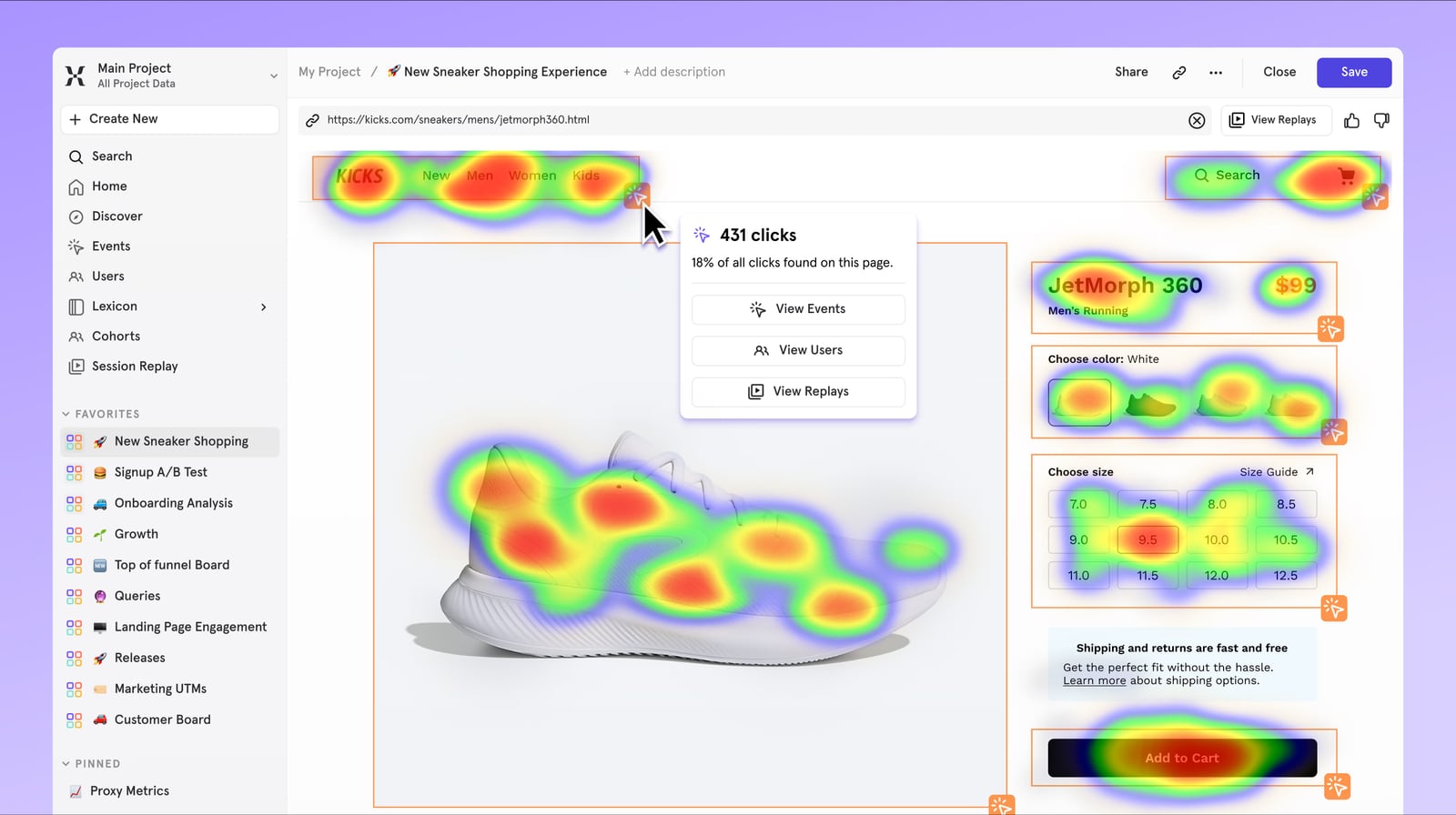
Mixpanel product interface.
| Criterion | Data4 | Pirsch | Mixpanel |
|---|---|---|---|
| Core focus | Website analytics | Privacy-friendly web analytics | Product analytics |
| Best for | Site owners, marketers, analysts | Privacy-conscious teams, agencies | Product, engineering, growth teams |
| Cookie-free tracking | Not a stated focus | Yes | Not marketed as cookieless |
| Event tracking | Not a stated focus | Yes | Yes, core feature |
| Funnels | Not a stated focus | Plus plan only | Core feature |
| Retention / cohorts | Not a stated focus | No cohort retention charts | Core feature |
| Session replay | Not a stated focus | No | Yes, up to 20K/month free |
| A/B testing | Not a stated focus | Plus plan only | Yes |
| Open source | No | Yes (core) | No |
| Free tier | Not specified | 30-day trial only | 1M events/month |
| Starting paid price | Not specified | From $6/month | $0.28 per 1K events above 1M |
Data4: simple website analytics with global reach

Mixpanel product interface.
Data4 is a website analytics platform designed to track and analyze traffic, sources, and engagement without the complexity of traditional tools. It positions itself as a straightforward alternative to Google Analytics, with multi-language support (Chinese, English, Japanese) and domain-specific localization.
Where Data4 fits best:
- Website owners and marketers who need clear traffic reports
- Teams that want a simple, efficient dashboard rather than a deep event schema
- Organizations serving international audiences that value localized interfaces
Data4's strength is accessibility: it aims to make website performance, campaign optimization, and user experience decisions easier for non-specialists. If your primary need is understanding visits, referrers, and on-site engagement, Data4 is built for that job.
Pirsch: privacy-first web analytics without cookies
Pirsch is a lightweight, open-source, cookie-free web analytics platform hosted in Germany. It identifies visitors using an anonymized hash derived from IP address and User-Agent, storing no personal data. That architecture means sites running Pirsch can often remove their cookie consent banner entirely.
Where Pirsch stands out:
- Privacy compliance: GDPR-ready by design, not by workaround
- Simplicity: Clean dashboard, fast onboarding, low monthly cost starting at $6 for 10,000 page views
- Developer and agency features: Built-in URL shortener, white-label client dashboards on the Plus plan, and an auditable open-source core
- Data portability: Import historical data from Google Analytics, Plausible, or Fathom
Limitations to know:
- No permanent free tier — only a 30-day trial
- Funnels and segmentation are Plus-plan features ($12/month)
- No session replay or cohort retention analysis
- Monthly page view limits also count custom events and some session extensions
Pirsch is a strong choice for marketing sites, blogs, and client properties where compliant traffic reporting matters more than in-product behavior analysis.
Mixpanel: event-based product analytics at scale
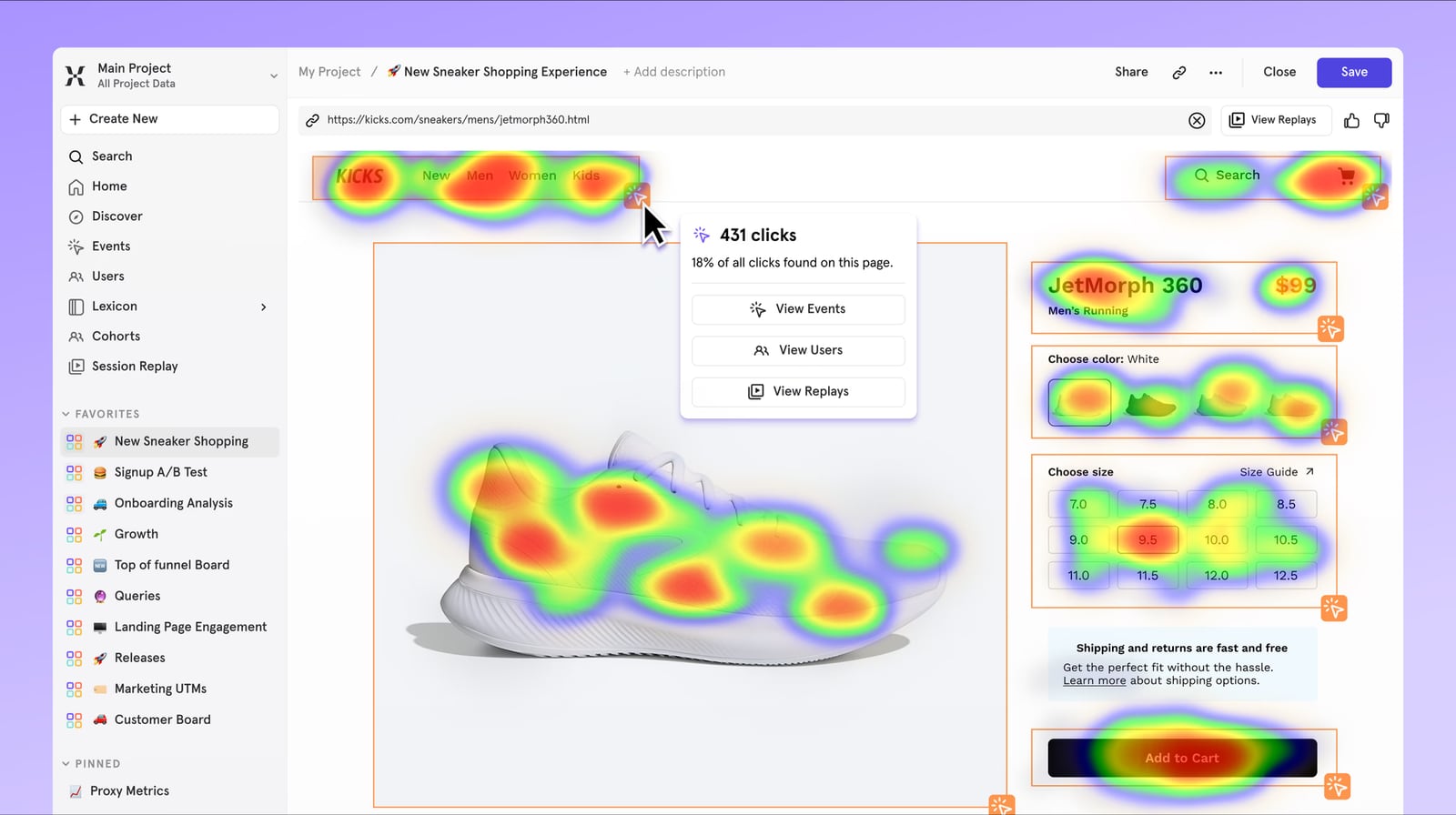
Mixpanel product interface.
Mixpanel is an AI-powered product analytics platform used by over 29,000 companies. It tracks individual user actions as events, enabling funnel analysis, retention curves, cohort tracking, and session replay in a single dashboard.
Where Mixpanel stands out:
- Depth of product insight: Funnels, retention, cohorts, and user flows are core features
- Session replay: Up to 20,000 replays per month on the free tier
- Generous free tier: 1M events per month with full API access
- AI-assisted analysis: Non-technical stakeholders can query data in plain language
- Data warehouse connectors: Available on paid plans to unify product and backend data
Limitations to know:
- Requires developer time to instrument events correctly
- Not marketed as cookieless; GDPR-friendly with EU data residency options, but not consent-free by default
- No built-in marketing channel attribution or SEO reporting — it is a product tool, not a web traffic tool
- Key features and higher limits sit behind paid tiers
Mixpanel is the right fit when you need to understand what users do inside a SaaS or mobile product and where they drop off.
Which tool should you choose?

Mixpanel product interface.
Choose Data4 if:
- Your main goal is website traffic analysis, not in-product event tracking
- You want a simple, efficient alternative to Google Analytics
- You serve an international audience and value multi-language, multi-domain support
Choose Pirsch if:
- Privacy compliance and cookie-free tracking are top priorities
- You run a marketing site, blog, or client properties
- You want an open-source, auditable analytics core with low monthly costs
Choose Mixpanel if:
- You need funnel, retention, and cohort analysis on in-product behavior
- You have developer resources to define and instrument an event schema
- Session replay and A/B testing are part of your growth workflow
Can you use more than one?
Yes. Many teams run a privacy-first web analytics tool for marketing sites alongside a product analytics platform for their application. The two answer different questions and rarely compete for the same budget line.
Related reading
- Fathom Analytics Login: Sign In, Reset Password & Fix Access - Step-by-step Fathom Analytics login help: find the sign-in page, reset a forgotten password, fix access issues, and compare privacy-first alternatives.
Sources and further reading
- Mixpanel vs Pirsch (2026) — feature & pricing comparison — notanothertool - Mixpanel is the free option; Pirsch charges $4/mo but may offer more polish. Here is how they compare.
- Mixpanel vs Pirsch Analytics in 2026: Event-based product analytics vs cookieless privacy-first web analytics - One tracks what users do inside your product with funnels and cohorts. The other tracks who visits your site without cookies, consent banners, or stored personal data.
- Mixpanel vs Pirsch: Which Is Better in 2026? - aitoolpick.org - Mixpanel has a free plan, which gives it a meaningful edge for individuals and small teams exploring their options. Pirsch requires a paid subscription from day one. Feature-wise, Mixpanel offers broader built-in capabilities (7 features vs 6), while Pirsch takes a more focused approach — which can mean a simpler, faster onboarding experience.
FAQ
Is Data4 a good alternative to Google Analytics?
Data4 positions itself as a simple, globally applicable alternative to Google Analytics. It focuses on ease of use and actionable traffic insights, making it suitable for website owners and marketers who find traditional tools overly complex.
Does Pirsch require a cookie consent banner?
Pirsch is designed to avoid storing personal data, using an anonymized hash instead of cookies. This architecture often allows sites to remove cookie consent banners, though you should confirm compliance with your legal team for your specific jurisdiction.
Can Pirsch replace Mixpanel for product analytics?
No. Pirsch is built for page-view and session-based web analytics. It lacks session replay and cohort retention analysis, and its funnel feature (Plus plan only) is designed around page journeys, not granular event schemas. Teams building activation and retention programs around in-product behavior need an event-based tool like Mixpanel.
Does Mixpanel require a cookie consent banner?
Mixpanel is not marketed as a cookieless tool. It offers EU data residency options and is GDPR-friendly, but it does not claim consent-free tracking the way Pirsch does. You should review your consent requirements based on your audience and region.
Which tool is cheapest?
Mixpanel has a free tier covering 1M events per month. Pirsch starts at $6/month for 10,000 page views after a 30-day trial. Data4's pricing is not specified in the available product context, so check its website for current plans.
Conclusion
Data4, Pirsch, and Mixpanel are not direct substitutes — they solve different problems. Data4 is a straightforward website analytics platform for traffic and engagement. Pirsch is a privacy-first, cookie-free web analytics tool for compliant traffic reporting. Mixpanel is a deep product analytics platform for event-based funnels, retention, and session replay.
The right choice depends on your primary question: Are you tracking visitors or users? For website traffic with global simplicity, consider Data4. For privacy-compliant web analytics, Pirsch is a strong option. For in-product behavior at scale, Mixpanel is built for that job.
For more comparisons, see our guides on Data4 vs Microsoft Clarity vs Pirsch and Data4 vs Fathom Analytics vs Amplitude. You can also explore Clicky competitors for a broader view of the analytics landscape.