
E-commerce Visitor Journey Tracking: A Practical Guide
An e-commerce visitor journey is not one path. It is thousands of small decisions — a product view, a size check, a cart add, a hesitation at shipping cost. Visitor journey tracking is the practice of capturing those steps in order, per visitor, so you can see where interest starts and where it quietly dies.
This guide explains what to track at each stage, how to read a journey without drowning in data, and how a straightforward analytics platform like Data4 fits into the workflow.
What e-commerce visitor journey tracking actually means

E-commerce Visitor Journey Tracking: A Practical Guide - What e-commerce visitor journey tracking actually means.
Visitor journey tracking records the sequence of pages and events a single visitor produces during a session: the landing page, each step after it, time spent on each page, and the page where the visit stopped. It differs from aggregate analytics, which reports totals and averages. Averages tell you the bounce rate on a category page; journeys tell you that visitors who bounce there almost always arrived from a paid ad and never saw a product image.
For an online store, the journey usually follows a recognizable shape:
- Arrival — landing page, referrer, campaign tag, device, country
- Discovery — category browsing, search use, product page views
- Evaluation — size guides, reviews, shipping and returns pages, repeat product views
- Intent — add to cart, cart page views, checkout entry
- Completion or exit — order confirmation, or a stop somewhere before it
Tracking the sequence, not just the count, is what makes the data actionable.
Why sequence matters more than totals

E-commerce Visitor Journey Tracking: A Practical Guide - Why sequence matters more than totals.
A funnel report shows that 100 people entered checkout and 40 finished. A journey view shows that 35 of the 60 who left did so on the shipping step, and most of them had added a heavy or oversized item. That is a different problem with a different fix.
Sequence data answers questions totals cannot:
- Which page did a visitor see immediately before abandoning?
- Did buyers view the returns policy before purchase, or only after?
- Do visitors who use site search convert at a different rate than browsers?
- Which campaign sends visitors who take the longest path to checkout?
What to track at each stage of the journey
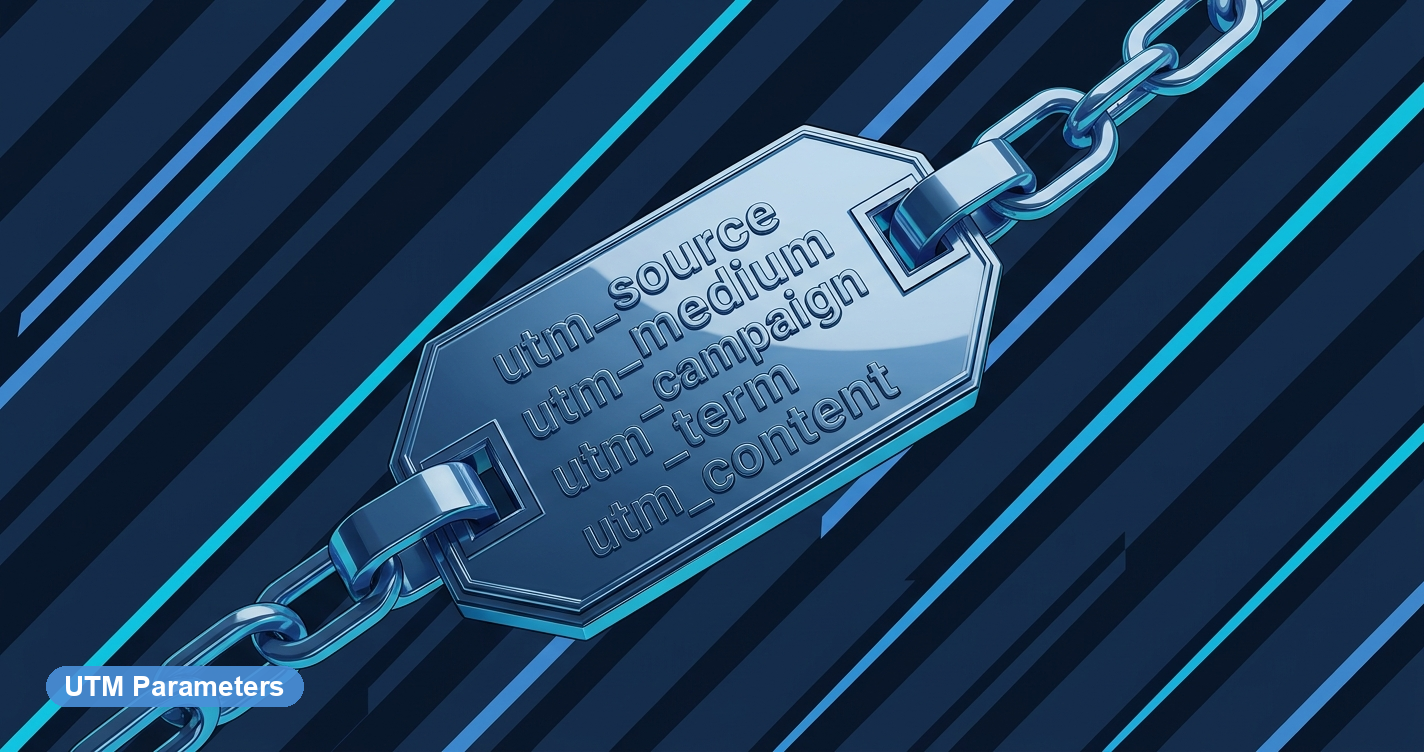
E-commerce Visitor Journey Tracking: A Practical Guide - What to track at each stage of the journey.
Arrival and acquisition
Capture the landing page, the referrer, and any campaign parameters. This is the only reliable way to compare a visitor who arrived from an email link against one who arrived from organic search, because their behavior afterward will differ.
Discovery and browsing
Track category views, internal search queries, filter use, and product page views. Internal search terms are one of the most underused data sources in e-commerce — they are visitors telling you what they wanted and could not find.
Evaluation signals
High-intent pages deserve their own tracking: shipping information, returns policy, size charts, reviews, and comparison pages. A visitor who reads the returns policy is not the same as one who scrolls past it.
Cart and checkout
Track add-to-cart events, cart page views, checkout entry, and each checkout step. The drop between steps is where most revenue is lost, and it is measurable.
Post-purchase
Order confirmation, account creation, and any follow-up page visits complete the picture and help separate first-time buyers from returning ones.
How to read a visitor journey without overcomplicating it

E-commerce Visitor Journey Tracking: A Practical Guide - How to read a visitor journey without overcomplicating it.
You do not need every event on every page. Start with a small set of questions and let the data grow around them:
- Where do most sessions end? Identify the top exit pages and check whether they are expected exits (confirmation pages) or unexpected ones.
- Which step loses the most value? Weight drop-offs by cart value, not just visitor count.
- Which acquisition source produces the shortest path to purchase? Compare journey length by campaign.
- Which pages appear most often before a purchase? These are your real conversion helpers, even if they are not product pages.
A practical starting point is a weekly review of three journey segments: visitors who purchased, visitors who added to cart but did not purchase, and visitors who left within the first few page views. Comparing those three groups usually surfaces one or two fixable issues.
Where a simple analytics platform fits
Journey tracking does not require a data warehouse. For many stores, the bottleneck is not data volume but data clarity — knowing which report to open and what it means.
Data4 is a website analytics platform built for tracking website traffic and analyzing visitor data without the setup overhead of heavier tools. It is positioned as a Google Analytics alternative for marketers, store owners, and analysts who want straightforward answers about traffic and visitor behavior, with support for multiple languages including English, Chinese, and Japanese. For an e-commerce team, that means the journey questions above — top exit pages, campaign performance, visitor paths — can be answered from a single, readable dashboard rather than assembled from several exports.
If you are comparing options, it helps to see how different tools approach the same problem. Our comparison of Data4 vs Heap vs Fathom Analytics breaks down setup, privacy, and insight depth, and the Top 10 User Behavior Analytics Software Products 2026 roundup covers tracking depth and segmentation across the category.
Common mistakes in e-commerce journey tracking
- Tracking everything and reading nothing. A hundred events with no review cadence produces no decisions.
- Ignoring mobile versus desktop journeys. The same store can have two completely different funnels.
- Treating all exits as failures. Confirmation pages and support pages are legitimate endpoints.
- Measuring drop-off by count only. A 5% drop at a high-value checkout step can matter more than a 30% drop on a blog page.
- Forgetting campaign context. A journey without a source is a story with no beginning.
Choosing the right level of tracking for your store
Not every store needs the same depth. A rough decision guide:
- Small catalog, low traffic: Focus on arrival source, product views, and checkout drop-off. A lightweight analytics platform is enough.
- Growing catalog, paid traffic: Add journey paths by campaign and internal search tracking to understand which ads bring serious buyers.
- Multi-market or multi-language store: Prioritize per-market segmentation and localized reporting, since visitor behavior often differs by region.
- Large catalog with a data team: Consider deeper event tracking and warehouse integration, but keep a simple top-level dashboard for the rest of the team.
The trap to avoid is buying depth you will not use. Most revenue improvements come from fixing one or two clear drop-off points, not from collecting more event types.
Related reading
- Top 10 User Behavior Analytics Software Products 2026 - Compare the top 10 user behavior analytics software products for 2026 by tracking depth, segmentation, privacy, pricing, and fit. Find the right tool.
- Data4 vs Heap vs Fathom Analytics: Which Fits You? - Compare Data4, Heap, and Fathom Analytics on setup, privacy, and insight depth. Find the right Google Analytics alternative for your team.
- Data4 vs Heap: Which Analytics Tool Fits Your Team? - Data4 vs Heap compared: website analytics simplicity versus digital insights depth. See which tool fits your team, use case, and data needs.
Sources and further reading
- 10 Best Web Visitors Tracking Tools (And What Each Is Best For) - Website visitor tracking tools are crucial for getting key insights about your site visitors. See which tool to use depending on your use case.
- Live Tracking, Replay, Ecommerce & ROAS | Modovisa - Real-time visitor and ecommerce tracking, page journeys, and first-party UTM and ROAS in one workspace, plus session replay on paid plans.
- 12 Best E-commerce Data Tracking Tools in 2026 (Attribution & Analytics) - Compare 12 best e-commerce data tracking tools for 2026. From attribution to profit tracking across Shopify, Amazon & ads. Expert-ranked with pricing.
FAQ
What is the difference between visitor journey tracking and web analytics?
Web analytics reports aggregate traffic and behavior — page views, sessions, bounce rates. Visitor journey tracking focuses on the sequence of steps a single visitor takes, so you can see the path and the exact point where it stopped.
Do I need special tracking code for e-commerce journey tracking?
You need a tracking script installed on your site and events configured for the actions that matter, such as add-to-cart and checkout steps. Many platforms recognize common e-commerce pages automatically, but order values usually come from your store platform.
How long should I track a visitor journey?
Session-level tracking covers a single visit. If your sales cycle involves multiple visits before purchase, look for a platform that can connect returning visitors to earlier sessions, or use a consistent visitor identifier across visits.
Can visitor journey tracking work without third-party cookies?
Yes. First-party tracking — a script on your own domain collecting data under your own identifier — remains the most reliable approach and is what most modern analytics platforms use.
What is the most important step to track?
For most stores, the checkout sequence. It is the closest measurable point to revenue, and the drop between steps is usually the fastest place to find recoverable sales.
Conclusion
E-commerce visitor journey tracking turns a pile of traffic numbers into a sequence you can act on. Start with arrival source, product views, cart events, and checkout steps. Review three segments weekly — buyers, cart abandoners, and early exits — and fix the largest value-weighted drop-off first.
You do not need an enterprise stack to do this well. A clear, efficient analytics platform like Data4 gives you the traffic and visitor behavior data you need to see the journey, spot the break, and make a decision — without turning analytics into a separate project.