
GoatCounter Review: Lightweight, Privacy-First Analytics That Gets Out of Your Way
GoatCounter is an open source web analytics platform built for people who want honest traffic numbers without the privacy baggage, cookie banners, or dashboard bloat that come with mainstream tools. It tracks pageviews, referrers, browsers, operating systems, screen sizes, and countries — and not much else. That deliberate narrowness is the point.
This review covers what GoatCounter actually delivers in 2026, how it compares to Plausible and Umami, where it falls short, and who should choose it over heavier alternatives.
What Is GoatCounter?
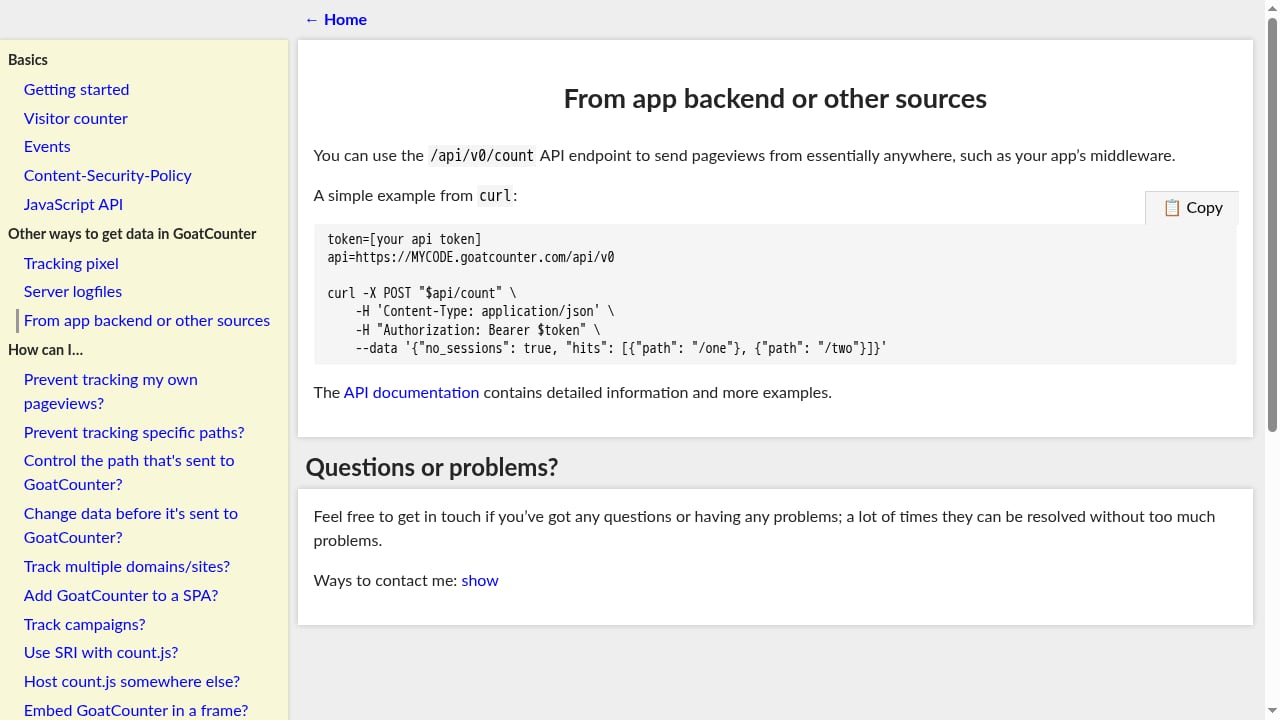
First viewport screenshot of GoatCounter documentation.
GoatCounter is a privacy-friendly analytics tool created and maintained by Martin Tournoij, a Dutch developer who has worked on the project since 2019. The project's stated goal is unusually direct: respect user privacy, cost nothing for non-commercial sites, and avoid competing with enterprise analytics suites.
The tool is available in two forms:
- Hosted service at goatcounter.com, with a free non-commercial tier and paid commercial plans
- Self-hosted application under the EUPL-1.2 open source license, written in Go with SQLite as the default database
Because the source code is public and inspectable, you can verify exactly what data is collected and how it is handled. For teams evaluating privacy-first analytics alternatives, that transparency is a meaningful trust signal.
How GoatCounter Handles Privacy
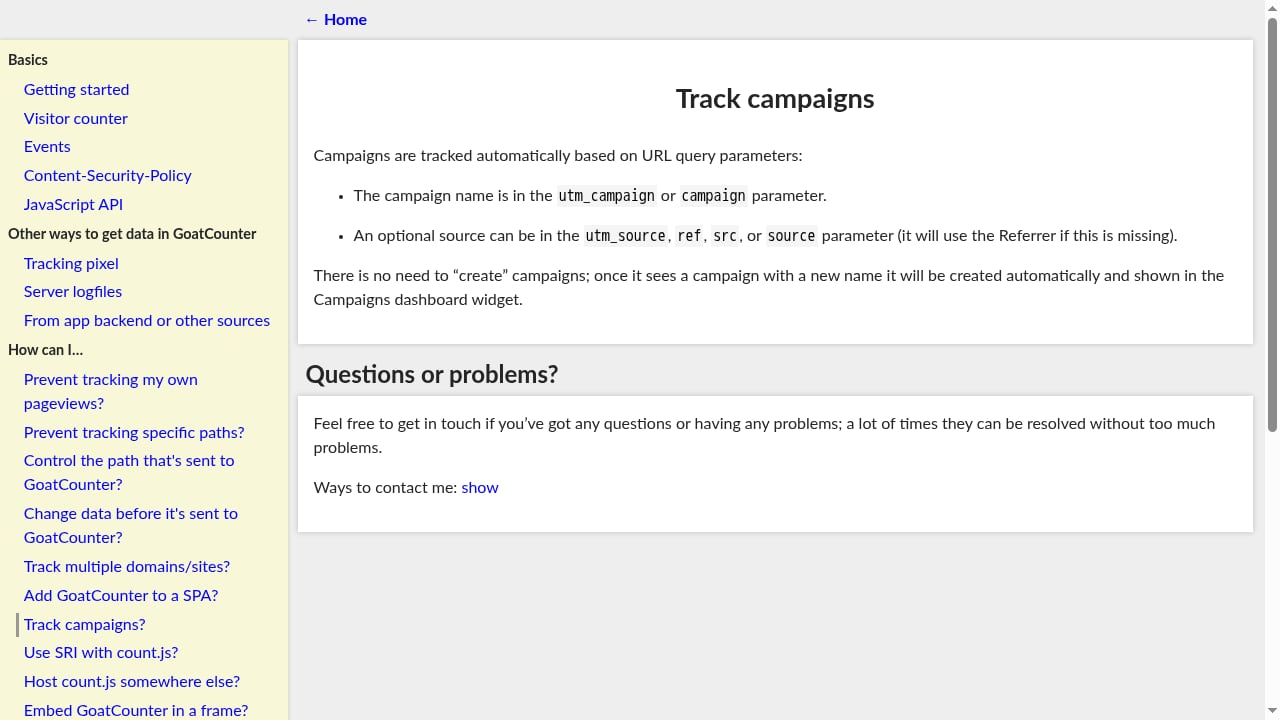
First viewport screenshot of GoatCounter documentation.
GoatCounter takes a fundamentally different approach from Google Analytics. It does not use cookies, does not store IP addresses, and does not create persistent user identifiers. Instead, it identifies a visit using a hash derived from the IP address, User-Agent string, and a daily salt. The raw IP is discarded immediately after geolocation lookup.
That design has a practical consequence: no GDPR consent banner is required. Because no personal data is collected and no persistent identifiers are set, the tool falls outside the consent requirement of the ePrivacy Directive. For content sites, landing pages, and documentation projects where a cookie banner would hurt the user experience, that removal of friction is often worth more than any dashboard feature.
GoatCounter also respects Do Not Track by default, gives users fine-grained control over data collection, and supports a JavaScript-free tracking pixel for visitors who block scripts.
The Tracking Script: Small Enough to Ignore
One of GoatCounter's most frequently cited claims is its tiny tracking script. Independent testing confirms the numbers:
| Script | Gzipped size |
|---|---|
| GoatCounter count.js | ~0.9 KB |
| Plausible | ~1.1 KB |
| Umami | ~2 KB |
| Fathom Lite | ~1.5 KB |
| Matomo cloud script | ~22 KB |
| Google Analytics 4 | 50–80 KB |
On a slow mobile connection, the difference between GoatCounter and GA4 is measurable. The script loads asynchronously and does not block rendering, so it has negligible impact on Core Web Vitals scores. For developers who obsess over page speed, that is a genuine advantage.
If you want to eliminate client-side JavaScript entirely, GoatCounter also offers a tracking pixel option, server-side middleware integration, and logfile imports for historical data.
GoatCounter Pricing
First viewport screenshot of GoatCounter documentation.
Pricing is straightforward because most users will never pay anything.
| Option | Cost | Best for |
|---|---|---|
| Self-hosted | Free (server cost only) | Developers, technical users, privacy-first projects |
| Hosted — personal/non-commercial | Free, donations encouraged | Personal blogs, open source projects, hobby sites |
| Hosted — Starter | $5/month for up to 100K pageviews | Small commercial sites |
| Hosted — Business | $15/month for up to 1M pageviews | Growing commercial projects |
The free hosted tier is generous compared to most peers. The catch is the non-commercial clause: personal blogs, open source projects, and hobby sites stay free, while SaaS companies, e-commerce stores, and ad-supported sites are asked to upgrade on the honor system. There is no automated enforcement, but the request is clear in the dashboard.
For comparison, Plausible offers only a 30-day trial before requiring payment, while Umami Cloud offers a free tier with 100K events. GoatCounter's free tier is the most sustainable long-term option for non-commercial use.
Setting Up GoatCounter
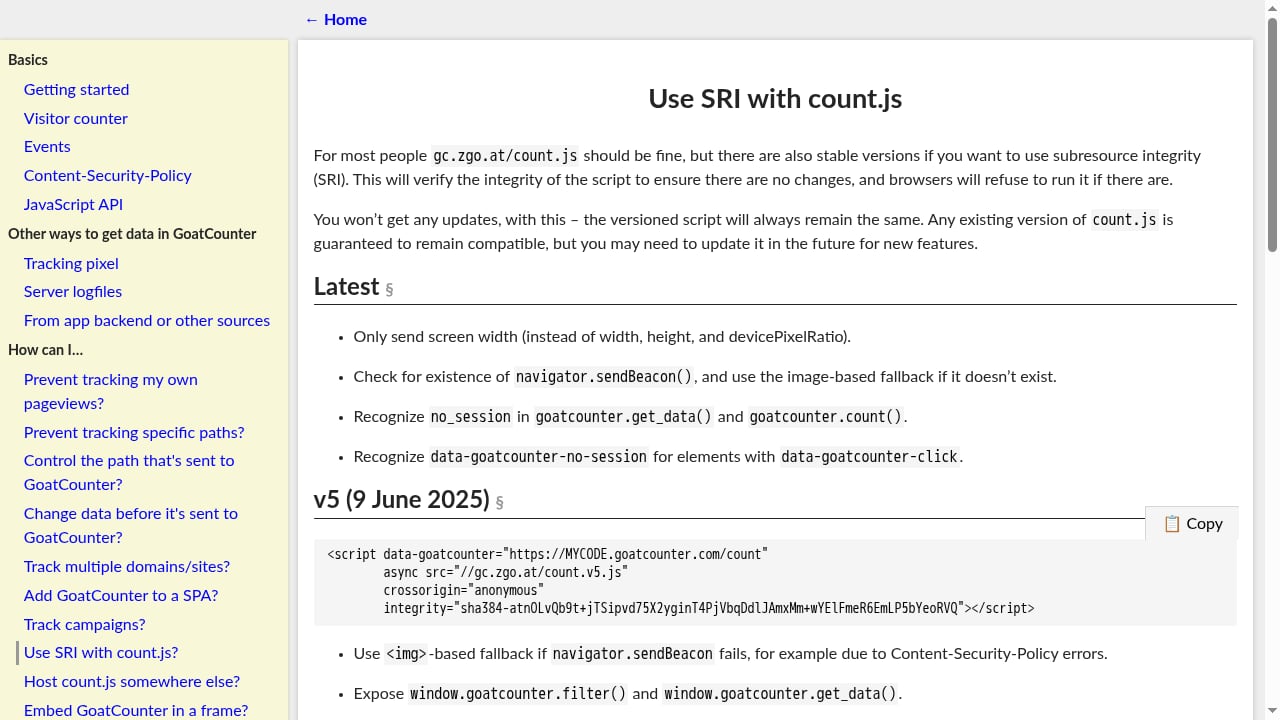
First viewport screenshot of GoatCounter documentation.
Hosted Setup
Signing up for the hosted version takes about three minutes:
- Create an account at goatcounter.com and choose a subdomain, such as
yoursite.goatcounter.com. - Copy the tracking snippet from the dashboard.
- Paste it before the closing
</body>tag on every page, or into your theme's footer template. - Visit your site once. The dashboard shows the hit within seconds.
The snippet looks like this:
<script data-goatcounter="https://yoursite.goatcounter.com/count"
        async src="//gc.zgo.at/count.js"></script>
Self-Hosted Setup
Self-hosting is where GoatCounter shines for engineers. The entire product ships as a single Go binary around 25 MB, with SQLite as the default database. That means zero external dependencies for most deployments.
A typical installation path:
- Download the binary for your platform from the official installation docs.
- Run
goatcounter servewith a database path and your domain. - Put it behind Nginx or Caddy with HTTPS.
- Create your first site account through the CLI.
- Add the tracking snippet pointed at your own domain.
Resource usage is remarkably lean. A site receiving 50,000 monthly pageviews runs comfortably on a €3–5/month VPS with 512 MB of RAM. The SQLite backend handles that volume without tuning, and the binary idles at roughly 10 MB of RAM.
For developers who want a quick self-hosted solution without Docker complexity, GoatCounter is one of the easiest deployments in the privacy analytics space. If you are comparing it to other self-hosted options, see our Data4 vs Matomo comparison for a different perspective on data ownership and simplicity.
GoatCounter vs Plausible vs Umami
These three tools are the most common options for indie developers and small businesses. Here is how they compare on the factors that matter most:
| Capability | GoatCounter | Plausible | Umami |
|---|---|---|---|
| Script size (gzipped) | ~0.9 KB | ~1.1 KB | ~2 KB |
| Free hosted tier | Yes (non-commercial) | 30-day trial only | Yes (100K events) |
| Self-host license | EUPL-1.2 | AGPL | MIT |
| Default database | SQLite | PostgreSQL + ClickHouse | PostgreSQL or MySQL |
| Goals/conversions | Limited (event-based) | Yes | Yes |
| Funnels | No | Yes (paid) | Yes |
| API access | Paid only (hosted) | Paid plan | Free |
| Cookie-free | Yes | Yes | Yes |
The pattern is clear. GoatCounter is the lightest and cheapest at the entry level, but Plausible and Umami both offer richer feature sets. If you need funnels, conversion tracking, or a proper API, GoatCounter is not the right tool. For a deeper look at the closest peer, see our Plausible Analytics review.
Where GoatCounter Falls Short
Honest reviews require honest limitations. Here is what GoatCounter does not do:
- No funnels. You can track events, but you cannot define a multi-step conversion path like "homepage → pricing → signup" and measure drop-off rates.
- No goals dashboard. Events are logged and counted, but they do not roll up into named goals with conversion rates.
- No e-commerce tracking. Revenue, products, and cart events are not supported out of the box.
- API is paid-only on the hosted tier. Self-hosted users get the API for free, but goatcounter.com users need a paid plan for programmatic access.
- No mobile SDK. Native iOS and Android apps must call the HTTP endpoint manually.
- Single-developer project. Martin Tournoij is active and the project is well-maintained, but there is no team, no company, and no enterprise support SLA. If your organization needs guaranteed response times or a commercial roadmap, this is a real risk.
- Plain UI. The dashboard is functional but visually dated. If polished charts matter to you, Plausible looks better.
None of these are dealbreakers for the target audience of indie developers, bloggers, and open source maintainers. They are dealbreakers if you need serious conversion analytics or enterprise-grade support.
Who Should Use GoatCounter?
GoatCounter fits a specific profile well:
Personal blogs and content sites. If you want to know which posts get traffic and where readers come from, GoatCounter gives you exactly that without a tracking pipeline to babysit.
Open source project documentation. Lightweight, privacy-respecting, and free to self-host — a natural fit for the values of most open source communities.
Developers who want a quick self-hosted solution. A single binary deployment is significantly easier than Docker-based alternatives. You can have it running in an afternoon.
Sites where a cookie banner would hurt UX. GoatCounter needs no consent banner at all. On landing pages where conversion rates matter, eliminating that banner can have a measurable positive impact.
Low-resource environments. Shared hosting with SSH access, tiny VPS instances, and ARM single-board computers all work because GoatCounter runs anywhere Go runs.
If your needs are more complex — funnels, revenue tracking, user-level journey analysis — you should look elsewhere. For a broader view of how different analytics tools handle website tracking in 2026, including setup methods and metric definitions, that guide provides useful context.
Related reading
- AI Analytics Summaries: Turn Raw Data into Clear Insights - Learn how AI analytics summaries work, what they can and cannot do, and how to use them for website traffic, marketing, and business reporting.
- Data4 vs Similarweb vs Mixpanel: Which Analytics Tool Fits You? - Compare Data4, Similarweb, and Mixpanel for website and product analytics. See strengths, pricing, use cases, and which tool fits your team.
- Data4 vs Matomo: Which Analytics Tool Fits You? - Compare Data4 and Matomo for website analytics. See simplicity, privacy, data ownership, pricing, and which tool fits your team in 2026.
Sources and further reading
- GoatCounter Review: The 1KB Analytics Tool - GoatCounter tested: free personal hosting, 1KB cookieless script, EUPL-1.2 license, 8-hour salt rotation. Honest look at what it delivers and where Plausible beats it. By Mark Sutton.
- GoatCounter Review: Honest Verdict After a Year in Production - GoatCounter review from real production use: no cookies, 3.5 KB script, EUPL-licensed, free self-hosted. Who should use it — and when to choose something else.
- Trying Out GoatCounter - Paul's Weblog - I’ve been waffling on deciding what analytics service to try out for a while and finally decided to commit and try out GoatCounter (GC) on this
Frequently Asked Questions
Is GoatCounter really free?
Yes, for non-commercial use. The hosted service is free for personal blogs, open source projects, and hobby sites up to 100,000 pageviews per month. Commercial sites are asked to pay $5–15/month. Self-hosting is always free under the EUPL-1.2 license, though you pay for your own server.
Does GoatCounter require a cookie consent banner?
No. GoatCounter does not use cookies, does not store IP addresses, and does not create persistent user identifiers. Because no personal data is collected, no GDPR consent notice is required under the ePrivacy Directive.
How does GoatCounter count unique visitors without cookies?
It creates a session hash from the IP address, User-Agent string, and a daily salt. The hash identifies a visit without storing the raw IP or any persistent identifier. The salt rotates regularly, so visitors cannot be tracked across days.
Can I self-host GoatCounter?
Yes. The entire product ships as a single Go binary with SQLite as the default database. A typical deployment takes under 30 minutes on a clean Ubuntu server and runs comfortably on a €3–5/month VPS.
What is the actual tracking script size?
Independent testing measured count.js at approximately 906 bytes gzipped, 2.4 KB minified, and 4.1 KB raw source. That makes it the lightest tracking script among major privacy-friendly analytics tools.
Does GoatCounter support event tracking?
Yes, but in a limited form. You can track clicks and custom events, but there is no funnel chaining, no goals dashboard, and no conversion rate rollup. For basic CTA clicks and downloads, it is sufficient. For complex product analytics, it is not.
Conclusion
GoatCounter is not trying to compete with Google Analytics, Matomo, or even Plausible on features. It is trying to be the simplest possible answer to a simple question: how many people visited my site, and what did they look at?
For that question, it is excellent. The tracking script is the lightest in its class, the privacy model eliminates cookie banners entirely, the free tier is genuinely generous, and self-hosting is a single-binary deployment that runs on minimal hardware. The trade-off is a deliberately narrow feature set: no funnels, no e-commerce tracking, no goals dashboard, and a paid-only API on the hosted tier.
Choose GoatCounter if you run a personal blog, indie SaaS marketing site, open source project, or documentation site and want honest traffic numbers without the privacy headache. Choose Plausible or Umami if you need conversion tracking, funnels, or a richer feature set. Choose something heavier only if your analytics requirements demand it — and be honest with yourself about whether they actually do.
For teams evaluating multiple privacy-first options, our Plausible Analytics review and Simple Analytics review provide comparable evidence-based assessments to help you decide.