
Google Analytics Review 2026: A Data-Driven Look at GA4
Google Analytics remains the most widely adopted web analytics platform on the market, with millions of websites relying on it to understand traffic, user behavior, and marketing performance. But adoption volume doesn't automatically mean it's the right fit for every team. This review examines what Google Analytics actually delivers in 2026, where it excels, where it frustrates, and how to decide whether its free tier or paid Google Analytics 360 plan deserves a place in your stack.
Who Google Analytics Is Really For
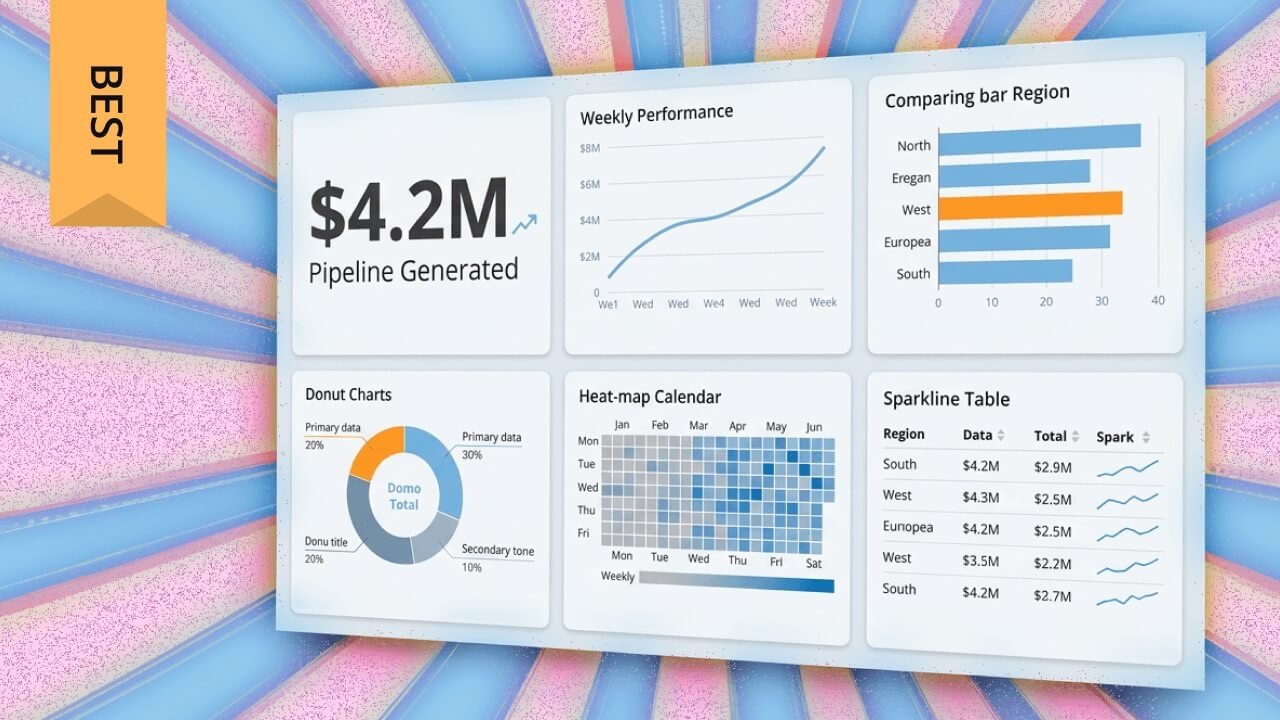
Google Analytics Review 2026: Pros, Cons, and Pricing - Who Google Analytics Is Really For.
Google Analytics is built for teams that need deep, multi-dimensional data and are willing to invest time in learning a complex interface. The platform serves three primary audiences well:
- Performance marketers who run Google Ads and need closed-loop attribution from click to conversion
- E-commerce operators who want detailed product, cart, and checkout funnel analysis
- Analysts and data teams who need raw event-level data export to BigQuery for custom modeling
If you fall outside these groups—say you run a content site and just want to know which pages perform—you may find GA4's complexity outweighs its value. The platform assumes a certain level of analytics literacy, and many of its most powerful features sit behind configuration steps that require technical comfort.
Core Strengths: Where GA4 Earns Its Reputation
Google Analytics Review 2026: Pros, Cons, and Pricing - Core Strengths: Where GA4 Earns Its Reputation.
Deep Audience Segmentation
GA4's segmentation engine lets you isolate user groups by behavior, acquisition source, device, geography, or custom dimensions. For example, you can compare how returning visitors from organic search behave differently than first-time visitors from paid social—then build audiences from those segments and push them directly into Google Ads for remarketing.
Multi-Channel Attribution
The platform models how different marketing touchpoints contribute to conversions. GA4's data-driven attribution assigns credit across paid, organic, referral, and direct channels, which helps teams avoid over-crediting the last click. This matters most for businesses running campaigns across several channels simultaneously.
E-commerce Tracking Depth
For online stores, GA4 tracks the full purchase journey: product views, add-to-cart events, checkout progression, and transactions. You can analyze cart abandonment at each step, identify which products drive first-time purchases versus repeat orders, and segment buyers by lifetime value indicators.
Google Ecosystem Integration
No other analytics platform connects as seamlessly with Google Ads, Search Console, Tag Manager, and BigQuery. This integration is the single biggest reason to choose Google Analytics over alternatives. If your marketing budget flows through Google properties, the native data sharing saves hours of manual reconciliation.
Free Tier Generosity
The free version of GA4 includes event tracking, audience building, funnel exploration, and BigQuery export—capabilities that historically required enterprise contracts. For most small and mid-sized businesses, the free tier provides more analytical power than they will ever fully use.
Real Limitations You Should Know Before Committing
The Learning Curve Is Steep
User reviews consistently describe the GA4 interface as overwhelming for newcomers. Menus are deep, terminology is specific ("explorations," "data streams," "event parameters"), and finding a simple metric often requires navigating several layers. Teams without a dedicated analyst frequently underuse the platform simply because they can't find what they need.
Data Sampling on Large Datasets
When querying large date ranges or complex segments, GA4 applies data sampling to keep reports responsive. This means the numbers you see are estimates, not exact counts. For high-traffic sites, sampled data can distort conversion analysis and make A/B test results unreliable. Google Analytics 360 raises sampling thresholds, but the free tier's limits can bite.
Privacy and Consent Complexity
GA4 operates in a regulatory environment where GDPR, CCPA, and evolving ePrivacy rules demand careful configuration. Consent mode, data retention controls, and IP anonymization all require deliberate setup. Getting this wrong creates legal exposure; getting it right requires ongoing maintenance. Some teams conclude that a privacy-first analytics tool better matches their compliance posture.
Real-Time Reporting Is Limited
GA4's real-time reports show current activity but lack the granularity some teams expect. You can see active users, top pages, and traffic sources in the moment, but historical comparison and segment filtering in real time are restricted. Teams that need live visitor-level detail often supplement GA4 with a dedicated real-time tool like Statcounter.
Data Retention Defaults
By default, GA4 retains user-level data for only two months (extendable to 14 months). After that window, aggregated data remains but granular exploration becomes impossible. Teams that need year-over-year cohort analysis must either adjust retention settings early or export to BigQuery before data expires.
Pricing Signals: Free vs. Google Analytics 360

Google Analytics Review 2026: Pros, Cons, and Pricing - Pricing Signals: Free vs. Google Analytics 360.
Google Analytics offers two tiers:
| Tier | Cost | Best For |
|---|---|---|
| Google Analytics (free) | $0 | Most small and mid-sized businesses |
| Google Analytics 360 | Custom quote, typically starting in the low five figures annually | Enterprises with high data volume and compliance needs |
The free tier is genuinely functional for most use cases. Google Analytics 360 adds higher sampling thresholds, longer data retention, service-level agreements, and dedicated support. The jump from free to 360 is significant—there is no mid-tier option—so growing businesses often hit a gap where free feels limiting but 360 feels expensive.
For teams evaluating whether the paid tier is justified, the decision usually comes down to three questions: Do you exceed free-tier sampling limits regularly? Do you need contractual data guarantees for compliance? Does your team have the capacity to exploit 360's advanced features? If the answer to all three isn't yes, the free tier likely suffices.
Setting Up Google Analytics: What to Expect
Setup follows a predictable path, but each step has nuances:
- Create a GA4 property in the Google Analytics admin panel
- Add a data stream for your website or app
- Install the tracking tag via Google Tag Manager, a CMS plugin, or direct code placement
- Configure key events (formerly conversions) for actions that matter: sign-ups, purchases, downloads
- Link Google Ads and Search Console if you use those platforms
- Set data retention to 14 months before any data accrues
- Verify real-time reports show your own test visits
Basic installation takes under an hour for someone comfortable with tag management. The longer investment is configuration: defining events, building audiences, creating custom reports, and training team members to navigate the interface. Budget several days of focused work—or hire a specialist—to reach a state where GA4 delivers reliable, actionable insight.
How Google Analytics Compares to Alternatives
GA4 is not the only credible option in 2026. The right choice depends on what you prioritize:
| Priority | Best Fit |
|---|---|
| Deep marketing attribution and Google Ads integration | Google Analytics |
| Simplicity and fast answers for content sites | Data4 or similar lightweight tools |
| Strict privacy compliance and cookie-free tracking | Fathom Analytics or Umami |
| Live visitor monitoring | Statcounter |
If your team already runs campaigns through Google Ads and needs multi-channel attribution, GA4's integration advantage is hard to beat. If you primarily need to know which pages drive traffic and which content converts, a simpler dashboard may serve you better with far less overhead. For a detailed side-by-side, see this comparison of Data4, Visitors, and Google Analytics.
Decision Criteria: Should You Choose Google Analytics?
Choose Google Analytics if:
- You run Google Ads campaigns and need closed-loop conversion tracking
- You operate an e-commerce store and need detailed funnel analysis
- You have a team member who can own configuration and reporting
- You need BigQuery export for custom data modeling
- Your traffic volume justifies the free tier's capabilities
Consider alternatives if:
- You need answers in minutes, not hours of exploration
- Your privacy requirements demand cookie-free, consent-free tracking
- You have no dedicated analytics resource on staff
- Real-time visitor detail is your primary need
- You want predictable pricing without a jump from free to enterprise
Sources and further reading
- Google Analytics Reviews & Ratings 2026 | Gartner Peer Insights - GA4 Enables Deep Data Analysis But Interface and Reporting Have Notable Limits ... I have been working on this since the time of Universal Analytics and have ...
- Google Analytics Reviews 2026: Details, Pricing, & Features - G2 - Users consistently praise Google Analytics for its clear insights into user behavior and powerful tracking capabilities, which help businesses make informed ...
- Google Analytics Review 2026: Pros, Cons, Features, and Pricing - Discover an in-depth Google Analytics review covering pros, cons, features, pricing, and how it compares to other marketing software solutions in 2026.
Frequently Asked Questions
Is Google Analytics really free?
Yes. The standard GA4 tier is free with no trial period or credit card requirement. Google Analytics 360 is the paid enterprise tier with custom pricing. The free tier includes most core features, though data sampling and retention limits apply.
How long does it take to learn Google Analytics?
Basic navigation takes a few hours. Comfort with custom reports, event configuration, and audience building typically takes several weeks of regular use. Teams without prior analytics experience should expect a meaningful learning investment.
Does Google Analytics work without cookies?
GA4 supports consent mode and can model behavior for users who decline cookies, but the platform is fundamentally designed around cookie-based tracking. Fully cookie-free analytics requires a different tool architecture.
Can I still use Universal Analytics?
No. Google sunset Universal Analytics in 2023, and all properties now operate on GA4. Historical Universal Analytics data is no longer accessible unless you exported it before the shutdown.
What is the biggest complaint about GA4?
The most common complaint across user reviews is interface complexity. Users consistently report that finding specific metrics takes too many clicks and that the learning curve is steeper than expected for a tool positioned as essential for all marketers.
Conclusion
Google Analytics remains the most powerful free web analytics platform available, and its Google ecosystem integration is unmatched for performance marketers. But that power comes with real costs: a steep learning curve, sampling limits, privacy configuration burden, and an interface that many users find genuinely frustrating.
The right question isn't whether Google Analytics is good—it is. The question is whether your team will actually use its depth. If you have the analytical capacity and Google-centric marketing stack, GA4 is a strong default. If you need simpler answers, stricter privacy, or live visitor insight, a focused alternative may deliver more value with less friction. Match the tool to your team's reality, not to its feature list.
For a practical look at which metrics actually matter for website owners, see Website Owner Analytics: Metrics That Actually Matter.