
Highly Configurable Hit Counter: Setup, Options & Best Tools
A hit counter looks like the simplest widget on a website: a small number that ticks upward as people visit. But the moment you need it to match your design, count the right thing, and start from a number that reflects your real history, "simple" stops being simple. That is why the phrase highly configurable hit counter matters — it describes a counter you can actually shape instead of one that forces you into a fixed look and a fixed definition of a "hit."
This guide explains what configurability really covers, how to set a counter up on common platforms, when a visible counter is the wrong choice, and how a counter fits alongside the analytics you use to make decisions.
What "highly configurable" actually means
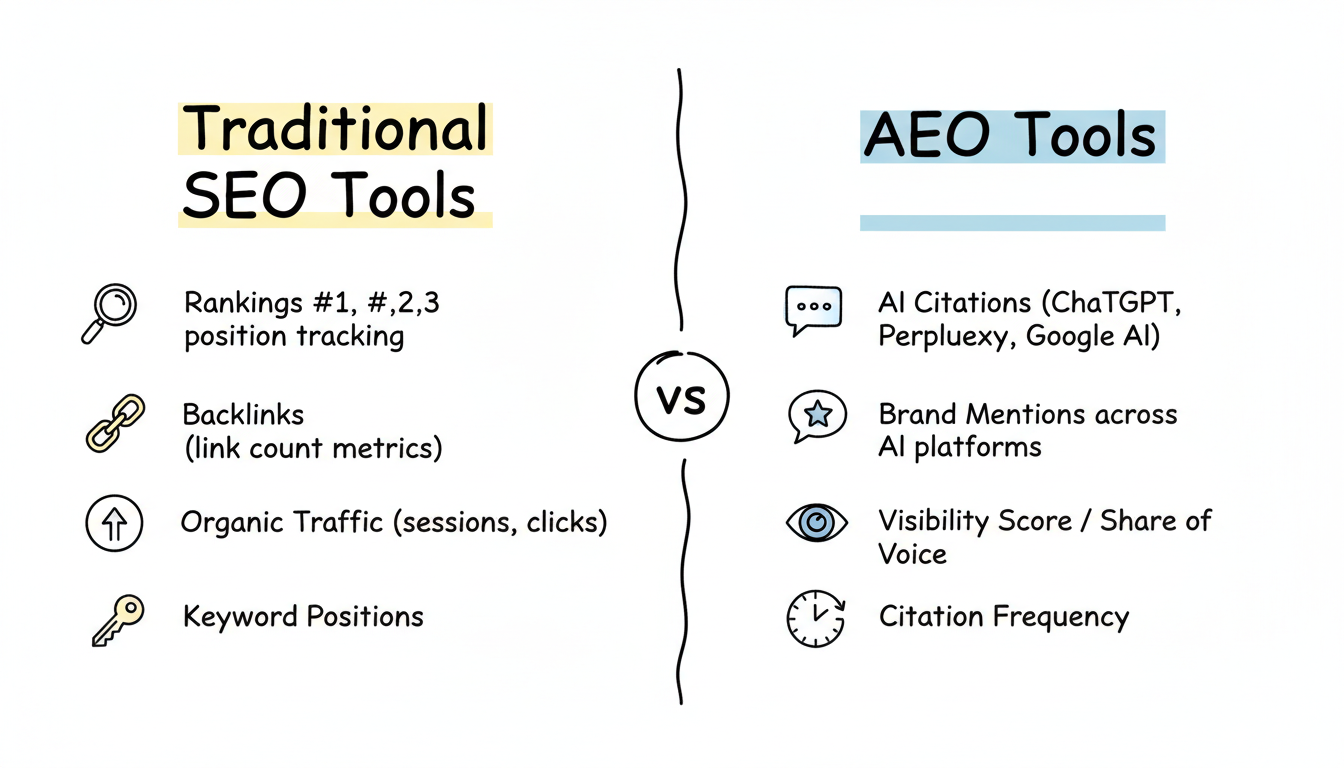
Highly Configurable Hit Counter: Setup, Options & Best Tools - What "highly configurable" actually means.
A configurable hit counter gives you control over four separate layers. Most tools do one or two well; the best ones handle all four.
1. Visibility and display
- Fully invisible mode. The counter tracks visits but renders nothing on the page. Useful when you want the data without a public number.
- Visible counter only. If you display a counter, nothing else should appear next to it — no third-party ads, no branding you did not choose.
- Widget, shortcode, or block placement. On WordPress-style sites, good counters let you drop the same counter into a sidebar widget, a post body via shortcode, or a block in the editor.
2. Visual styling
- Background color and digit color set independently.
- Transparent backgrounds and digits, so the counter sits over a hero image or textured section without a visible box.
- Multiple size presets plus a fixed digit length, so the counter does not jump in width when the number grows from 999 to 1,000.
- Optional animation for counters where the movement itself is part of the design.
3. Counting logic
- Unique visits vs. page loads. These are different numbers and they tell different stories. A page-load counter measures raw activity; a unique-visit counter approximates audience size.
- Per-page, per-post, or site-wide scope. Some counters report how many times one specific article was viewed; others aggregate the whole site.
- Starting value. If you migrate from another counter service, you can usually set the starting number so your public count does not reset to zero.
- Reset and comparison windows. Daily unique counts, monthly comparisons, and dashboard widgets are common in plugin-based counters.
4. Data access
- A dashboard view for the site owner.
- A shortcode or API-style output so the number can be rendered anywhere.
- Export or historical comparison, which separates a toy counter from a lightweight stats tool.
Hit counter vs. web analytics: not the same job
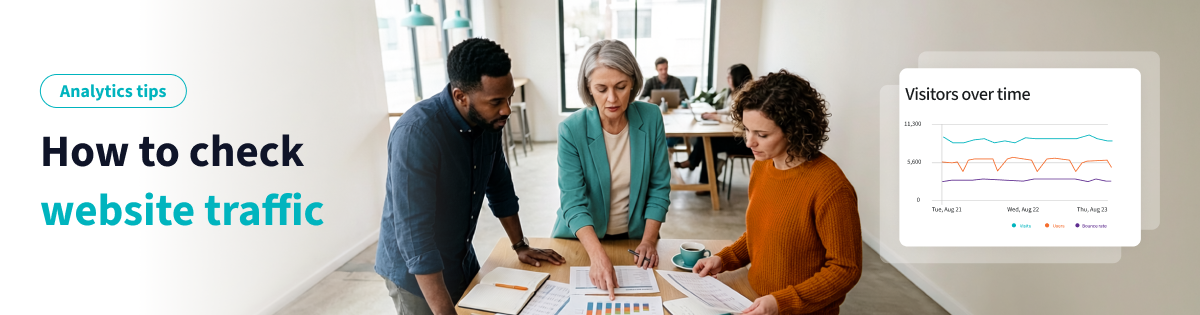
Highly Configurable Hit Counter: Setup, Options & Best Tools - Hit counter vs. web analytics: not the same job.
A hit counter answers one question: how many? Analytics answers the follow-up questions: from where, doing what, and then what?
| Need | Hit counter | Web analytics platform |
|---|---|---|
| Public or private visit count | Yes | Possible but usually not the point |
| Traffic sources and campaigns | Rarely | Yes |
| Per-page engagement and drop-off | Sometimes | Yes |
| Design-level customization | Yes, it is the core feature | Limited |
| Conversion and funnel analysis | No | Yes |
In practice, the two work best together. Keep a configurable counter for the visible or lightweight number, and use an analytics platform for the decisions that affect revenue. If you want a straightforward analytics layer without the overhead of a large enterprise suite, a tool like Data4 is built as a simpler, globally usable alternative to Google Analytics, with real-time traffic tracking, audience segmentation, and customizable dashboards. A counter tells you the score; analytics tells you how the game is going.
For a direct feature-by-feature look at how lightweight counters and full platforms differ, see this comparison of Data4 vs Statcounter vs KISSmetrics, which covers setup effort, real-time tracking, reporting depth, and pricing.
How to set up a highly configurable hit counter
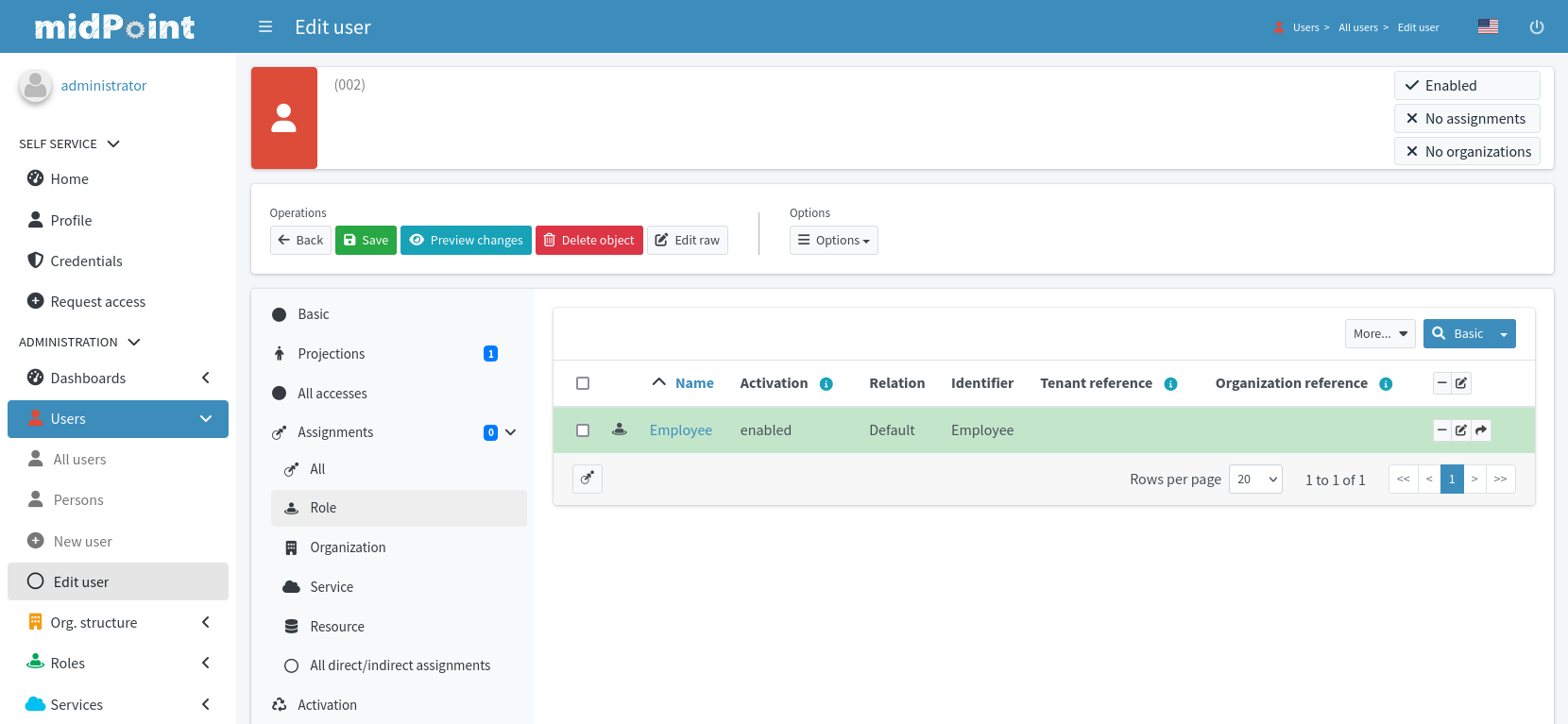
Highly Configurable Hit Counter: Setup, Options & Best Tools - How to set up a highly configurable hit counter.
Step 1: Decide whether the counter should be visible
This is the first real decision, and it is reversible. Many site owners start invisible, watch the numbers privately for a month, then display the counter once they know the traffic pattern looks healthy. Others display from day one because social proof matters for their niche.
Step 2: Choose your counting definition
Pick one and stay consistent:
- Page loads if you want to show activity volume.
- Unique visits if you want the number to represent people rather than requests.
- Per-post views if the counter is meant to signal popularity of individual articles or products.
Mixing definitions across pages makes your numbers meaningless. A site-wide page-load count and a per-post unique-visit count are not comparable.
Step 3: Match the counter to your design
Set the background and digit colors from your palette, then test the counter against your darkest and lightest sections. If your counter sits over an image, enable transparency for both background and digits and check it at mobile width — transparency that looks elegant on desktop can become unreadable on a small screen.
Step 4: Set the starting number
If you are migrating from another counter, enter your previous total so the public number continues smoothly. If you are starting fresh, resist the temptation to inflate the starting value; visitors notice counters that do not move in proportion to visible engagement.
Step 5: Place it and verify
Add the counter through your platform's widget, shortcode, or block, then load the page in a private window and confirm it renders and increments. If your site uses a strict Content-Security-Policy, a counter script can be blocked silently — this CSP setup guide for analytics walks through fixing blocked tracking scripts without loosening your policy more than necessary.
Platform-specific notes
Highly Configurable Hit Counter: Setup, Options & Best Tools - Platform-specific notes.
WordPress
The WordPress plugin directory has a dedicated hit counter tag with options ranging from animated flash counters to lightweight plugins offering five visual styles, live preview, configurable counter values, and optional animation. When evaluating plugins, check three things: whether the counter can be invisible, whether it distinguishes unique visits from page loads, and whether it has been updated recently.
Website builders and app markets
Builder app markets, such as the Wix hit counter app, offer drop-in counters with setup wizards. Reviews for these apps frequently mention the same pattern: setup can be fiddly, but support resolves it quickly. Budget time for configuration rather than expecting a one-click install.
Self-hosted and custom sites
On custom sites, you typically embed a script snippet and control rendering yourself. This gives you the most styling freedom but also means you own the counting logic, the storage, and the privacy implications.
Common configuration mistakes
- Counting page loads and calling them visitors. These numbers can differ by a large factor on content-heavy sites.
- Forgetting the digit-length setting. A counter that reflows the layout at 1,000 or 10,000 views looks broken.
- Ignoring mobile rendering. Transparent counters and small digit sizes fail first on phones.
- Resetting the count during a migration. Set the starting value before you switch providers.
- Treating the counter as analytics. A counter cannot tell you which campaign worked or where users dropped off. For that, you need funnel-level reporting — this practical funnel analysis guide covers defining steps, calculating drop-off, and finding leaks.
Privacy and compliance considerations
A visible counter is public information about your traffic. Some site owners are comfortable with that; others are not, especially when the number reveals business performance to competitors. Invisible mode solves the display problem, but the tracking itself still needs to be handled responsibly.
If privacy is a primary concern, compare how different tools handle data collection before you commit. This breakdown of Data4 vs Clicky vs Simple Analytics examines privacy posture, real-time tracking, reporting depth, and pricing side by side. And if you are moving away from a heavier analytics stack entirely, this step-by-step guide to replacing Google Analytics with a privacy-focused tool covers migration and data continuity.
Related reading
- Data4 vs Statcounter vs KISSmetrics: 2026 Analytics Comparison - Compare Data4, Statcounter, and KISSmetrics on setup, real-time tracking, reporting depth, and pricing to choose the right website analytics tool.
- PostHog Versus Alternatives: Which Analytics Tool Wins? - Compare PostHog versus Amplitude, Mixpanel, and Data4. Learn which analytics tool fits your team based on pricing, features, and ease of use.
- Data4 vs Clicky vs Simple Analytics: 2026 Comparison - Compare Data4, Clicky, and Simple Analytics on privacy, real-time tracking, reporting depth, and pricing to choose the right website analytics tool.
Sources and further reading
- Statcounter - Web Analytics Made Easy - A free yet reliable invisible web tracker, highly configurable hit counter and real-time detailed web stats.
Frequently asked questions
Can a hit counter be completely invisible?
Yes. Invisible mode is one of the standard configuration options on mature counter services. The counter tracks visits and reports them in your dashboard while rendering nothing on the public page.
Should I count unique visits or page loads?
Unique visits approximate how many people came; page loads measure how much content was consumed. Choose based on what you want the number to communicate, and keep the definition consistent across your site.
Can I keep my existing counter number when I switch providers?
Most configurable counters let you set a starting value, so you can continue from your previous total instead of resetting to zero.
Do I still need web analytics if I have a hit counter?
Yes, if you make decisions based on traffic. A counter gives you a single number; analytics gives you sources, behavior, segmentation, and conversion data. Many sites run both.
Will a hit counter slow down my site?
A well-built counter adds negligible weight. The bigger risk is a poorly maintained plugin or a script blocked by your Content-Security-Policy, which produces missing data rather than slow pages.
Conclusion
A highly configurable hit counter is less about the number and more about control: whether it is visible, what it counts, how it looks, where it starts, and where the data lives. Get those five decisions right and the counter becomes a clean, low-maintenance part of your site instead of a design compromise.
Start by choosing your counting definition, then style the counter to match your layout and test it on mobile. If you need more than a number — traffic sources, audience segments, conversion paths — pair the counter with a real analytics platform so the visible count and the decisions behind it stay aligned.