
Data4 vs Clicky vs Simple Analytics: Which Analytics Tool Fits Your Site?
Choosing a web analytics platform in 2026 means balancing three things: the depth of insight you need, the privacy posture you can defend, and the price you are willing to pay. Data4, Clicky, and Simple Analytics all position themselves as alternatives to Google Analytics, but they solve different problems. This comparison breaks down where each tool is strong, where it is limited, and which type of site each one suits best.
Quick comparison at a glance
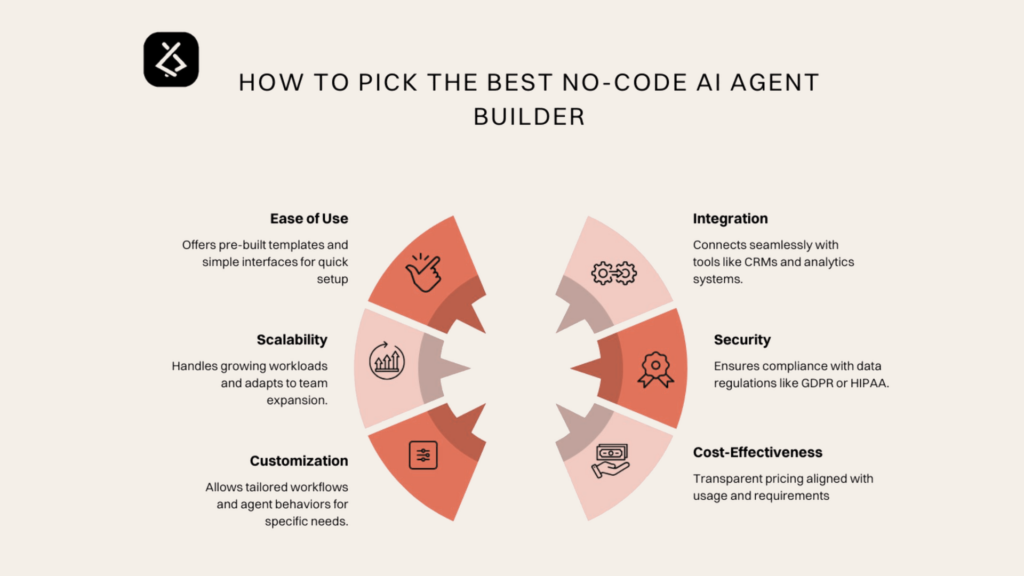
Data4 vs Clicky vs Simple Analytics: 2026 Comparison - Quick comparison at a glance.
| Criterion | Data4 | Clicky | Simple Analytics |
|---|---|---|---|
| Positioning | Simple, globally applicable Google Analytics alternative | Privacy-friendly real-time analytics with deep visitor logs | Privacy-first, cookieless analytics with EU hosting |
| Real-time tracking | Yes | Yes, with individual visitor logs | Yes, lightweight dashboard |
| Privacy model | Privacy-conscious analytics | Anonymized, GDPR-compliant collection by default | No cookies, no personal data, no visitor IDs |
| Consent banner needed | Depends on configuration | Generally not for anonymized data | No |
| Bot and spam filtering | Standard filtering | Aggressive bot and referrer spam detection | Standard filtering |
| Reverse proxy tracking | Not a documented focus | Yes, captures adblock visitors | Yes, recovers traffic lost to consent denial and adblockers |
| Custom data logging | Not a documented focus | Yes, attach usernames or emails to sessions | Limited to events and goals |
| AI chatbot traffic categorization | Not a documented focus | Yes | No |
| White label | Not a documented focus | Yes | Yes, for hosting platforms and builders |
| Pricing model | Free tier and paid plans | Freemium with Pro, Pro Plus, Pro Platinum, Custom | Starts around $20/month for 100k pageviews |
| Best for | Teams wanting a simple, multilingual Google Analytics replacement | Marketers and developers needing granular, real-time visitor detail | Privacy-focused sites that want zero consent friction |
Where Data4 fits

Data4 vs Clicky vs Simple Analytics: 2026 Comparison - Where Data4 fits.
Data4 is a website analytics platform built around simplicity and global applicability. It targets website owners, marketers, and analysts who want to understand visitor behavior, traffic sources, and engagement metrics without the complexity of traditional analytics suites.
Its core strengths are straightforward:
- Ease of use. The platform is designed so that a non-specialist can set it up and read the reports without training.
- Actionable reporting. Real-time traffic tracking, audience segmentation, conversion analysis, and customizable dashboards cover the everyday questions most site owners ask.
- Global and multilingual. Data4 supports Chinese, English, and Japanese, with domain-specific localization. That matters if you run sites for audiences in more than one region and do not want to stitch together separate tools.
- Google Analytics replacement positioning. If your main goal is to move off GA4 without losing the basics, Data4 is built for that migration.
Data4 does not publish detailed documentation on reverse proxy tracking, custom session data logging, or AI chatbot traffic categorization. If those are hard requirements, the other two tools deserve a closer look.
Where Clicky fits

Data4 vs Clicky vs Simple Analytics: 2026 Comparison - Where Clicky fits.
Clicky is a privacy-friendly, real-time analytics service used by more than a million websites. It is positioned as a superior alternative to Google Analytics, and its feature set leans toward granular, moment-by-moment observation.
Standout capabilities include:
- Real-time visitor logs. You can watch individual sessions as they happen, not just aggregate counts.
- Individual visitor and action tracking. Useful for support teams, sales teams, or anyone debugging a specific user journey.
- Custom data logging. You can attach usernames, emails, or other identifiers to sessions, which bridges the gap between anonymous analytics and known customers.
- Aggressive bot and referrer spam detection. Referrer spam pollutes reports in many tools; Clicky filters it hard by default.
- Reverse proxy tracking. This captures visitors using adblockers, which many analytics tools miss entirely.
- AI analytics. Clicky categorizes traffic from AI chatbots separately, which is increasingly relevant as AI assistants refer more visitors.
- Privacy by default. Data is anonymized and GDPR-compliant without extra configuration.
- White label and API access. Available for agencies and developers who need to embed or extend the product.
Clicky's freemium model includes a free plan and paid tiers (Pro, Pro Plus, Pro Platinum, Custom) that scale by website and pageview limits. A 21-day free trial of the premium service is available without a credit card.
The trade-off is complexity. Clicky gives you more knobs and more detail, which is excellent for power users and heavier than necessary for someone who just wants a clean traffic overview.
Where Simple Analytics fits
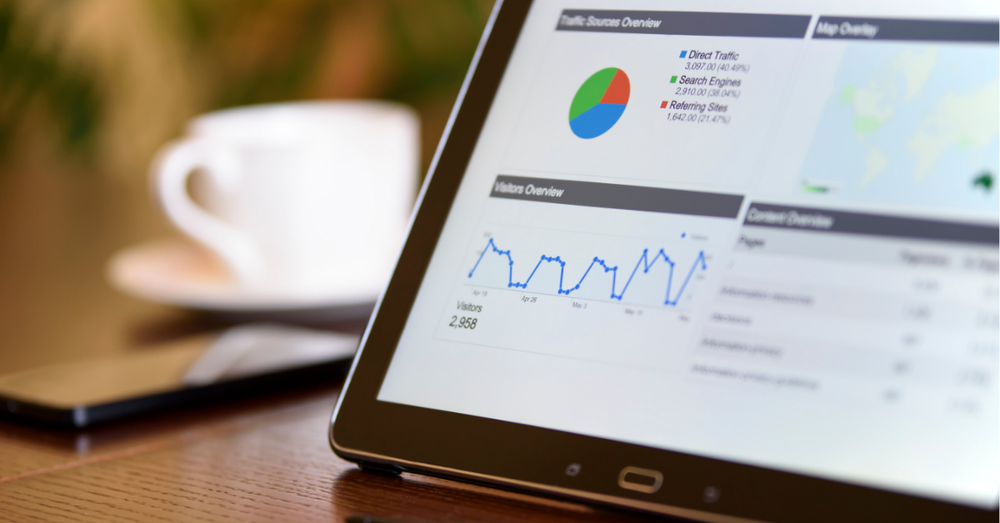
Data4 vs Clicky vs Simple Analytics: 2026 Comparison - Where Simple Analytics fits.
Simple Analytics is a privacy-first platform built around a cookieless, GDPR-compliant model. It is EU-owned and hosted in Amsterdam, which gives it a clear data-sovereignty story.
Its defining characteristics:
- No cookies, no personal data, no visitor IDs. Because it does not track individuals, consent banners are not required.
- Recovers invisible traffic. Simple Analytics captures visits that other tools lose to consent denial and adblockers, claiming recovery of up to 40% of otherwise invisible traffic.
- One-page dashboard. The interface is deliberately minimal, so you get traffic insights quickly.
- Advanced features when needed. Event tracking, conversion goals, and automated event collection are available without cluttering the default view.
- Enterprise options. Raw data access, export to data warehouses, and BI tool integration are available on enterprise plans.
- White label. Hosting platforms and website builders can embed Simple Analytics under their own brand.
- Trusted by large organizations. Bloomberg, Michelin, Hyundai, and the UK Government are cited as users, with a Capterra rating of 4.8 and over 31,300 users.
Pricing starts at $20/month for 100k pageviews, which is competitive for privacy-first analytics but higher than a free tier if you are just experimenting.
How to choose between them
The right choice depends on what you are optimizing for.
Choose Data4 if: you want a simple, multilingual Google Analytics replacement that covers real-time traffic, segmentation, conversions, and dashboards without a steep learning curve. It is a good fit for international sites and teams that value clarity over feature depth.
Choose Clicky if: you need real-time visitor logs, individual session tracking, custom data logging, aggressive spam filtering, or AI chatbot traffic categorization. It is the strongest option here for marketers and developers who want granular detail and are comfortable with a denser interface.
Choose Simple Analytics if: privacy and consent-free tracking are your top priorities, you want EU hosting, and you prefer a minimal dashboard with optional advanced features. It is ideal for sites that lose significant traffic to consent banners and adblockers.
If you are still weighing broader options, our comparison of Data4 vs Microsoft Clarity vs Simple Analytics covers behavior analytics in more depth, and Data4 vs Clicky vs Umami looks at a lighter open-source alternative. For teams planning a migration, the step-by-step guide on replacing Google Analytics with a privacy tool walks through data continuity and platform selection.
Practical examples
A multilingual content site. A publisher running English, Japanese, and Chinese editions wants one dashboard per region without maintaining three tools. Data4's localization and multi-domain support reduce operational overhead.
A SaaS with a sales team. Sales wants to know which known prospect visited the pricing page this morning. Clicky's custom data logging and real-time visitor logs answer that directly.
A European healthcare site. Consent banners suppress a large share of traffic, and legal review is strict. Simple Analytics' cookieless model removes the banner requirement and recovers visits that would otherwise be invisible.
Related reading
- Content-Security-Policy Analytics: CSP Setup Guide - Learn how to configure Content-Security-Policy for analytics tools like GA4 and Data4, fix blocked tracking scripts, and keep CSP tight without losing data.
- Data4 vs Heap vs Google Analytics: Which Fits Your Site? - Compare Data4, Heap, and Google Analytics on setup, tracking model, reporting depth, and privacy so you can pick the right analytics tool.
- Funnel Analysis: A Practical Guide to Conversion - Learn funnel analysis: define steps, calculate conversion and drop-off, segment users, and fix leaks with website analytics.
Sources and further reading
- A Spatial Framework for Understanding Population Structure and ... - ... analysis tools: GSB PLR GMC. Wrote the paper: GSB PLR GMC. ✉. * E-mail ... simple and intuitive interpretation. Since gene flow and population ...
FAQ
Is Clicky GDPR compliant?
Clicky collects anonymized data by default and states that its data collection is GDPR-compliant. As with any tool, your specific configuration and legal context determine final compliance.
Does Simple Analytics require a cookie banner?
No. Simple Analytics does not use cookies, collect personal data, or assign visitor IDs, so a consent banner is not required for its tracking.
Can Data4 replace Google Analytics?
Data4 positions itself as a Google Analytics alternative with real-time traffic tracking, audience segmentation, conversion analysis, and customizable dashboards. It covers the core reporting most sites need, though teams with highly specialized GA4 requirements should validate feature parity first.
Which tool is best for adblock-heavy audiences?
Both Clicky and Simple Analytics offer reverse proxy or equivalent tracking that captures visitors using adblockers. Data4 does not document this capability, so if adblock recovery is critical, compare the other two first.
Which tool is cheapest?
Clicky offers a free plan and a 21-day premium trial without a credit card. Simple Analytics starts at $20/month for 100k pageviews. Data4 offers a free tier and paid plans; check current pricing for your traffic volume.
Conclusion
Data4, Clicky, and Simple Analytics are all credible Google Analytics alternatives, but they are built for different priorities. Data4 wins on simplicity, multilingual reach, and everyday reporting. Clicky wins on real-time granularity, custom data logging, and spam filtering. Simple Analytics wins on privacy-by-design, EU hosting, and consent-free tracking. Match the tool to your constraint — whether that is language coverage, visitor-level detail, or regulatory friction — and you will end up with analytics you actually use.
For further reading on measurement fundamentals, see Domo's overview of data analytics types and this Medium discussion of analytics pillars.