
Microsoft Clarity Review 2026: Is Free Enough?
Microsoft Clarity has become one of the most widely adopted behavior analytics tools on the web, with over 2 million sites using it globally. The pitch is simple: unlimited session recordings, heatmaps, and AI-powered insights, free forever. But free tools always come with trade-offs. This review breaks down what Clarity actually does well, where it falls short, and which teams should build their analytics stack around it.
What Is Microsoft Clarity?
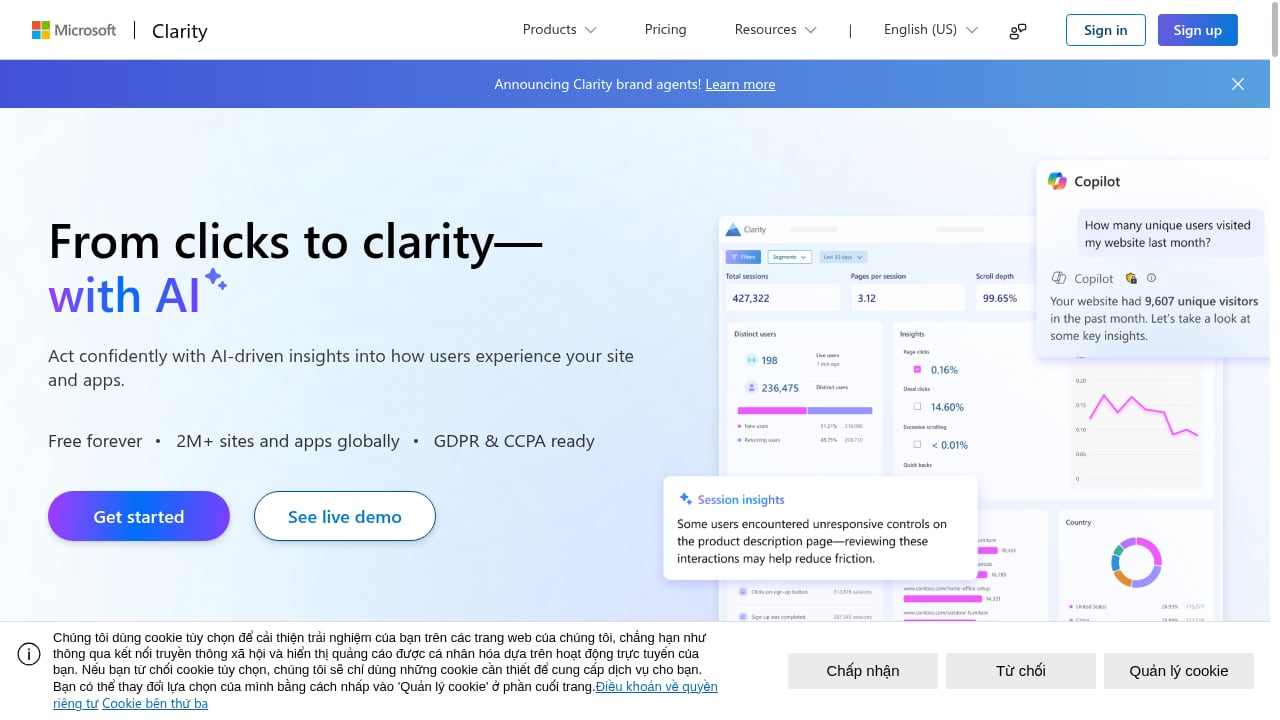
First viewport screenshot of Microsoft Clarity - Free Heatmaps & Session Recordings.
Microsoft Clarity is a user behavior analytics platform that shows you how real visitors interact with your website or app. Instead of only telling you what happened, like page views or bounce rate, Clarity shows you how it happened through three core capabilities:
- Session recordings that replay real user journeys, including mouse movements, clicks, and scrolls
- Heatmaps that visualize where users click, how far they scroll, and which elements attract attention
- AI-powered insights that automatically surface unusual patterns, frustration signals, and engagement anomalies
Clarity processes data without sampling, meaning every session on your site can be recorded and analyzed. That is a significant advantage over tools that only capture a percentage of traffic on lower-tier plans.
Who Should Use Microsoft Clarity?
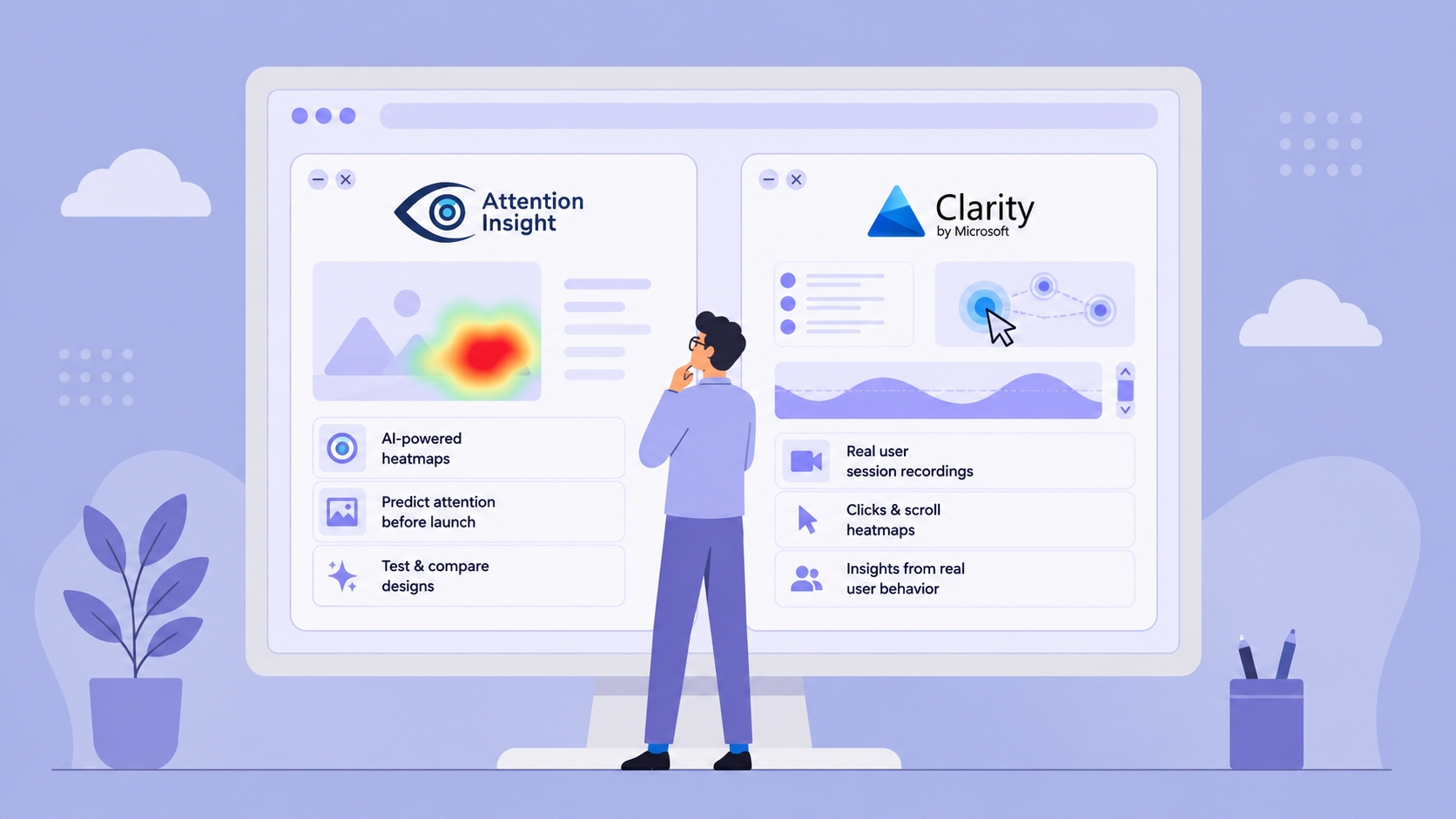
Microsoft Clarity Review 2026: Is Free Enough? - Who Should Use Microsoft Clarity?.
Clarity is not a one-size-fits-all product, but it covers a surprisingly broad range of use cases.
Ideal Users
Small site owners and solo developers get the most obvious value. If you run a portfolio site, a niche blog, or an early-stage SaaS landing page, Clarity gives you professional-grade behavior analytics without adding another monthly subscription.
Marketing teams and agencies benefit from Clarity's client-friendly interface and unlimited projects. Agencies managing dozens of client sites can set up separate projects at no cost, which is rare in this category. One agency review noted setting up 24 Clarity accounts for clients and finding the platform consistently easy to use.
E-commerce and conversion-focused teams can use Clarity to identify checkout friction, dead clicks on product pages, and rage clicks on broken buttons. The tool's frustration signals are particularly useful for prioritizing UX fixes.
Privacy-conscious organizations that need GDPR or CCPA compliance can use Clarity's masking features and Azure-hosted data storage, though there are important caveats discussed below.
When Clarity Is Not Enough
Clarity is not a full product analytics platform. It does not offer funnel analysis, retention cohorts, or feature adoption tracking in the way tools like Amplitude or PostHog do. If you need to understand activation rates, churn patterns, or multi-step conversion paths, you will need a complementary tool. Our comparison of Data4 vs Amplitude vs PostHog covers those scenarios in more detail.
Clarity is also not a replacement for traditional web analytics. You still need something like Google Analytics or a privacy-focused alternative to track traffic sources, campaign performance, and conversion goals.
Key Features and How They Work
Microsoft Clarity Review 2026: Is Free Enough? - Key Features and How They Work.
Session Recordings
Clarity records every user session by default, with no sampling and no recording caps. Each recording shows the visitor's cursor movement, clicks, scrolls, and page transitions. You can watch recordings at variable speeds and skip inactive periods.
The real value comes from Clarity's filtering. You can isolate recordings by:
- Device type, browser, and operating system
- Country, state, and city
- Traffic source and medium
- Session duration and page scroll depth
- Entry, exit, and visited URLs
- Custom smart events and user actions
One practical filter is the "Entered Text = Yes" option, which lets you watch only sessions where users interacted with a form. That is invaluable for diagnosing form abandonment.
Heatmaps
Clarity generates three types of heatmaps:
Click heatmaps show where users click most frequently, with breakdowns for first clicks, last clicks, dead clicks, and rage clicks. Dead clicks and rage clicks are particularly useful because they reveal elements that users expect to be interactive but are not.
Scroll heatmaps show how far down a page users scroll before leaving. This often reveals that content below the fold receives far less attention than expected. If your most compelling copy sits at 70% scroll depth, a scroll heatmap will show you that most users never see it.
Area maps combine click and scroll data to show engagement density across the entire page.
AI-Powered Insights
Clarity's AI engine automatically analyzes recordings and heatmaps to surface patterns that would be difficult to find manually. It can identify:
- Unusual spikes in rage clicks or dead clicks on specific pages
- Session patterns that correlate with high or low engagement
- Segments of users who behave differently from the norm
This feature is genuinely useful for teams without a dedicated data analyst. Instead of manually reviewing hundreds of recordings, you can start with the AI-generated insights and drill down from there.
Frustration Signals
Clarity tracks several behavioral signals that indicate user frustration:
- Rage clicks: rapid clicking on the same element, usually indicating a broken button or unresponsive UI
- Dead clicks: clicks on non-interactive elements, suggesting users expected them to be clickable
- Quick backs: users who navigate back immediately after arriving, often indicating misleading links or poor page relevance
- Excessive scrolling: users who scroll up and down repeatedly, potentially lost or unable to find what they need
These signals give you a prioritized list of UX issues to fix, which is far more actionable than aggregate bounce rate data.
Google Analytics Integration
Clarity integrates with both Universal Analytics and GA4, pulling in metrics like popular pages, sessions by country, and traffic sources. The integration also creates a "Clarity Playback URL" custom dimension, allowing you to jump directly from a GA report to the corresponding session recordings.
This integration is helpful but not essential. Clarity works fine as a standalone tool, and the GA connection mainly adds convenience for teams already using Google Analytics.
Setup and Ease of Use
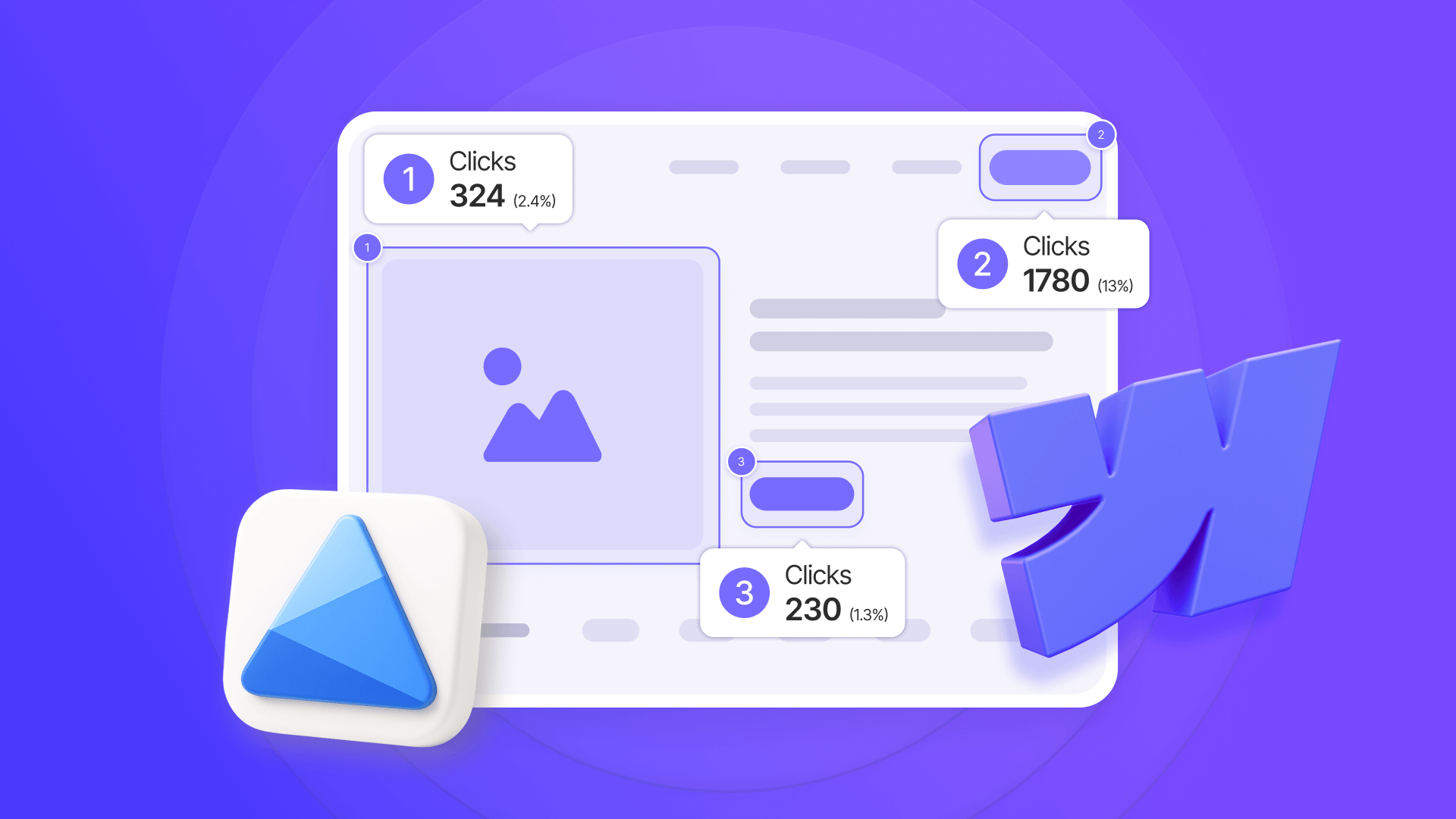
Microsoft Clarity Review 2026: Is Free Enough? - Setup and Ease of Use.
Getting started with Clarity takes about five to ten minutes:
- Sign in with a Microsoft, Google, or Facebook account
- Create a project and enter your site URL
- Install the tracking code via one of several methods
- Wait about two hours for data to begin populating
Installation options include:
- Manual installation by pasting the tracking code into your site's
<head>section - Google Tag Manager deployment
- Native plugins for WordPress, Shopify, Wix, Squarespace, and Weebly
- SDKs for mobile apps
The dashboard is clean and intuitive, with recordings and heatmaps as the primary navigation points. Filters are easy to apply, and saved segments let you reuse common filter combinations without rebuilding them each time.
One minor annoyance reported by users is the default three-day reporting window. For smaller sites, three days may not generate enough data for meaningful analysis, and you have to manually extend the timeframe for each report.
Pricing: What Does "Free Forever" Actually Mean?
Microsoft Clarity is genuinely free. There are no premium tiers, no usage limits, no credit card requirements, and no hidden fees. Microsoft has stated that Clarity will remain free, positioning it as a strategic investment in the Microsoft ecosystem rather than a direct revenue generator.
This is a significant differentiator. Comparable tools like Hotjar charge based on session volume, with entry-level paid plans starting around $32 per month and enterprise plans running into the hundreds or thousands. For a site with 10,000 monthly sessions, Hotjar's free tier would only capture a small fraction of sessions, while Clarity records everything.
However, "free" comes with an implicit cost: your behavioral data is processed by Microsoft and stored in Azure. For most users this is acceptable, but organizations with strict data sovereignty requirements or competitive concerns about Microsoft should evaluate alternatives. If privacy is a primary concern, our guide on GDPR-compliant analytics covers the key considerations.
Strengths and Limitations
What Clarity Does Well
Unlimited data at no cost. No other major behavior analytics tool offers unlimited session recordings and heatmaps for free. This alone makes Clarity worth trying for almost any website.
Fast, simple setup. The installation process is among the easiest in the category, with native integrations for most major CMS platforms.
Strong filtering and segmentation. Clarity's filter options rival those of paid tools, allowing you to isolate specific user segments quickly.
Actionable frustration signals. Rage clicks, dead clicks, and quick backs give you a concrete list of UX problems to fix, rather than vague engagement metrics.
GDPR and CCPA compliance features. Clarity masks sensitive text by default, allows custom masking rules, and stores data in Azure with a three-month retention window.
Where Clarity Falls Short
No funnel or conversion path analysis. Clarity shows you individual sessions and aggregate behavior, but it does not map multi-step conversion funnels or track user flows across pages in a structured way.
Limited retention and cohort analysis. You cannot easily answer questions like "Do users who signed up in January behave differently from users who signed up in March?"
No built-in survey or feedback tools. Tools like Hotjar include on-site surveys and feedback widgets, which Clarity does not offer.
Three-month data retention. Clarity deletes session data after three months. If you need to compare behavior across quarters or years, you will need to export data or use a complementary tool.
No human support. Clarity relies on documentation and community resources. The support team is responsive when reached, but there is no guaranteed SLA or dedicated account manager.
Microsoft ecosystem dependency. Your data lives in Microsoft's infrastructure, which may be a concern for organizations with strict vendor requirements.
Microsoft Clarity vs. the Competition
Clarity vs. Hotjar
Hotjar offers session recordings, heatmaps, surveys, and feedback widgets in one platform. Clarity matches Hotjar on recordings and heatmaps but lacks surveys. The key difference is pricing: Hotjar's free tier is limited to 35 daily sessions, while Clarity is unlimited. For teams that only need recordings and heatmaps, Clarity is the obvious choice. For teams that want integrated surveys and feedback, Hotjar may justify its cost.
Clarity vs. Full Product Analytics Platforms
Tools like Amplitude, PostHog, and Mixpanel offer funnel analysis, retention tracking, and feature adoption metrics that Clarity does not. These tools answer different questions: Clarity shows how users interact with individual pages, while product analytics platforms show whether users complete multi-step journeys. Many teams use both: Clarity for UX debugging and a product analytics tool for growth metrics. See our Microsoft Clarity competitors guide for a detailed comparison.
Clarity vs. Enterprise Experience Analytics
Enterprise tools like Contentsquare offer advanced features such as journey analysis, merchandising insights, and AI-powered anomaly detection at scale. These platforms cost thousands of dollars per month and require significant implementation effort. Clarity cannot match their depth, but for small and mid-sized teams, the gap is often not worth the price difference. Our Data4 vs Contentsquare comparison explores this trade-off further.
Real-World Use Cases
E-commerce Checkout Optimization
An online retailer notices a high cart abandonment rate. Using Clarity, they filter recordings to sessions where users reached the checkout page but did not complete a purchase. They discover a pattern of rage clicks on the "Apply Promo Code" button, which is not working on mobile devices. Fixing the button reduces cart abandonment by a measurable margin.
SaaS Landing Page Validation
A SaaS company redesigns their pricing page and wants to know if the new layout improves engagement. Using Clarity's scroll heatmaps, they compare scroll depth before and after the redesign. The new page shows significantly higher scroll depth and more clicks on the "Start Free Trial" button, validating the change.
Content Site Engagement Analysis
A content publisher wants to understand which sections of long-form articles readers actually engage with. Clarity's scroll heatmaps reveal that most readers abandon articles at around 40% scroll depth. The publisher restructures articles to place key information earlier, improving average time on page.
Form Abandonment Diagnosis
A lead generation site sees strong traffic but low form completion rates. Using the "Entered Text = Yes" filter, the team isolates sessions where users began filling out the form but did not submit. Recordings reveal that users consistently abandon the form after encountering a confusing field validation error. Simplifying the validation rules increases form completion.
Decision Criteria: Should You Use Microsoft Clarity?
Choose Microsoft Clarity if:
- You need session recordings and heatmaps but have a limited budget
- You want unlimited data capture without sampling
- You need a tool that is quick to set up and easy for non-technical team members to use
- You primarily want to identify UX friction and frustration points
- You are comfortable with data being processed by Microsoft
Look elsewhere or supplement Clarity if:
- You need funnel analysis, retention cohorts, or feature adoption tracking
- You require on-site surveys or feedback widgets
- You need to retain behavioral data for more than three months
- You have strict data sovereignty requirements that exclude Microsoft infrastructure
- You need guaranteed human support with SLAs
For most small and mid-sized websites, Clarity is an excellent starting point. Many teams pair it with a traditional analytics tool and, as their needs grow, add a product analytics platform. The fact that Clarity is free means there is little downside to trying it, even if you later decide you need more advanced capabilities.
Related reading
- Clicky Review 2026: Features, Pricing, and Real-World Limits - Evidence-based Clicky review covering real-time analytics, privacy, pricing tiers, setup, limitations, and which website owners actually benefit most.
Sources and further reading
- Anyone used Microsoft Clarity? : r/PPC - Reddit - Jul 29, 2024 ... It's excellent. Easy set-up, great data and the UI is actually super intuitive. I would call it client friendly. Helped us improve a landing ...
- Microsoft Clarity Benefits & Drawbacks: A Comprehensive Review - Microsoft Clarity is easy to install, easy to use, and provides helpful insights into user behavior and site engagement. Read on to learn more about our favorite features!
- Microsoft Clarity Review - The Pro's & Con's - Clarity is a behaviour analytics tool from Microsoft. Microsoft Clarity is totally free and comes packed full of really useful tools and features you’d normally have to pay a premium for.
Frequently Asked Questions
Is Microsoft Clarity really free?
Yes. Microsoft Clarity is free forever with no premium tiers, usage limits, or hidden fees. Microsoft has not announced any plans to introduce paid features.
Does Microsoft Clarity work with Google Analytics 4?
Yes. Clarity integrates with GA4, pulling in metrics like popular pages, sessions by country, and traffic sources. The integration also creates a "Clarity Playback URL" custom dimension so you can jump from GA4 reports to session recordings.
Is Microsoft Clarity GDPR compliant?
Clarity offers GDPR compliance features, including default text masking, custom masking rules, and data storage in Azure. However, GDPR compliance depends on your specific implementation, including obtaining proper user consent where required. Review our GDPR analytics compliance guide for implementation details.
How long does Microsoft Clarity store data?
Clarity retains session data for three months. After that, recordings and heatmap data are no longer accessible. If you need longer retention, you should export data regularly or use a complementary tool.
Can I use Microsoft Clarity on mobile apps?
Yes. Clarity offers SDKs for iOS and Android apps in addition to web tracking. Mobile app support includes session recordings and heatmaps, though some features may differ from the web version.
Does Microsoft Clarity slow down my website?
Clarity's tracking script is lightweight and loads asynchronously, meaning it should not noticeably impact page load speed. The script is designed to minimize performance overhead.
How does Microsoft Clarity compare to Hotjar?
Clarity offers unlimited session recordings and heatmaps for free, while Hotjar's free tier is limited to 35 daily sessions. Hotjar includes surveys and feedback widgets that Clarity lacks. For recordings and heatmaps alone, Clarity is the stronger value. For integrated feedback collection, Hotjar may be worth the cost.
Conclusion
Microsoft Clarity is one of the most compelling free tools in the analytics space. It delivers unlimited session recordings, heatmaps, and AI-powered insights with a setup process that takes minutes, not days. For small site owners, marketing teams, and agencies, it eliminates the cost barrier that has traditionally kept behavior analytics out of reach.
The trade-offs are real but manageable. Clarity does not replace a full product analytics platform, its three-month data retention limits long-term analysis, and its lack of survey tools means you may need a complementary solution. But for understanding how users actually interact with your site and identifying the friction points that cost you conversions, Clarity is hard to beat at any price—let alone free.
If you are evaluating behavior analytics tools, start with Clarity. Use it to identify UX problems, validate design changes, and understand your users. When your needs outgrow its capabilities, you will have a much clearer picture of what to look for in a paid alternative.