
Mixpanel Review 2026: Features, Pricing, and Verdict
Mixpanel has become one of the most recognizable names in product analytics, trusted by over 29,000 companies to understand how users actually behave inside their apps and websites. But popularity doesn't always equal fit. This review breaks down what Mixpanel does well, where it falls short, what it costs in practice, and how to decide whether it's the right analytics tool for your team.
What Is Mixpanel?
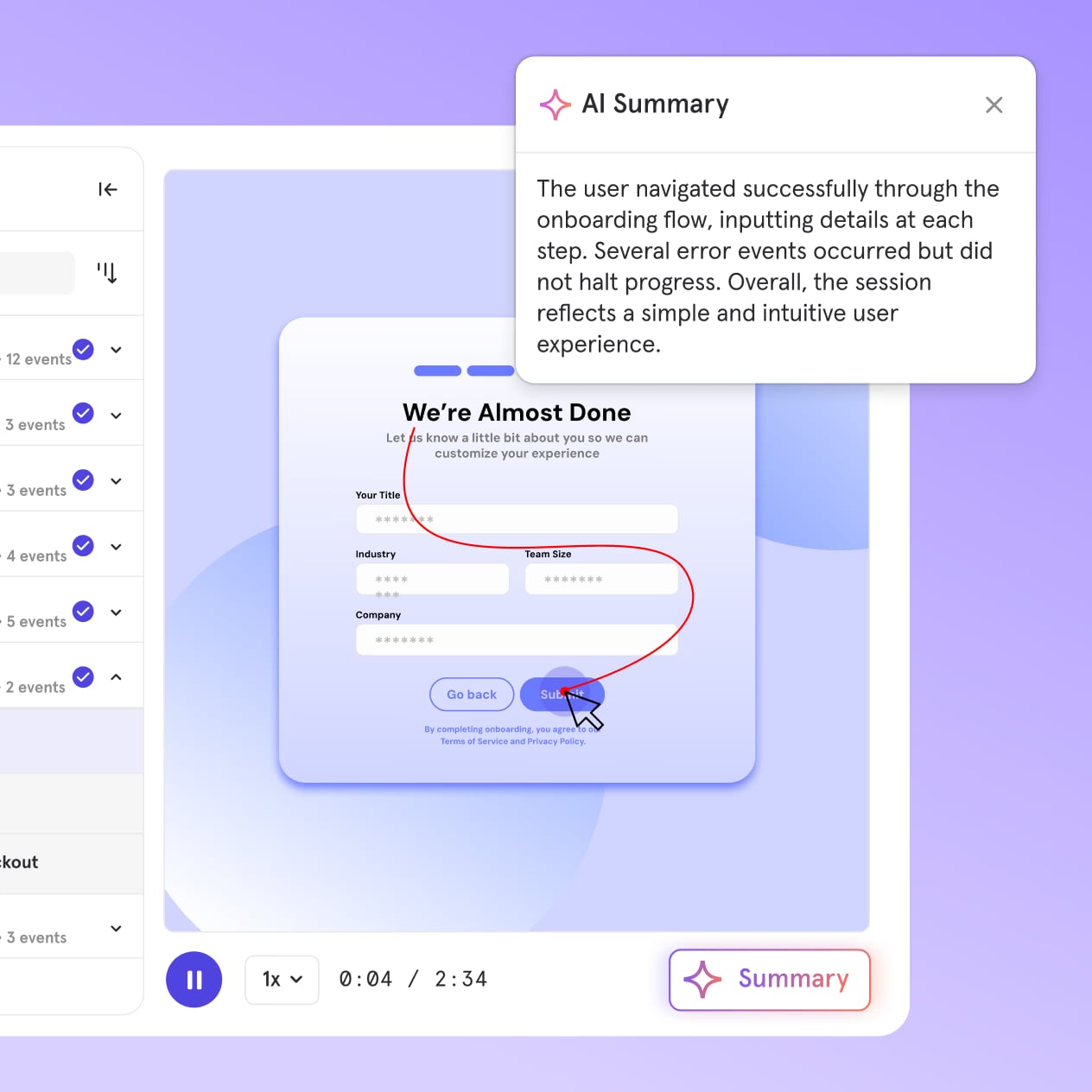
Mixpanel product interface.
Mixpanel is an event-based product analytics platform built for product managers, engineers, and growth teams. Unlike traditional web analytics tools that count pageviews and sessions, Mixpanel tracks discrete user actions—button clicks, sign-ups, purchases, feature activations, and anything else you define as an event.
That event-based foundation is what makes Mixpanel fundamentally different from tools like Google Analytics. Instead of asking "how many people visited this page," you can ask "how many users who signed up last week returned to use a core feature three times?"
The platform has expanded well beyond its original event tracking roots. Today it includes funnel analysis, retention reporting, cohort segmentation, session replay, heatmaps, A/B testing, feature flags, and AI-powered insights that proactively surface trends in your data.
Who Is Mixpanel For?
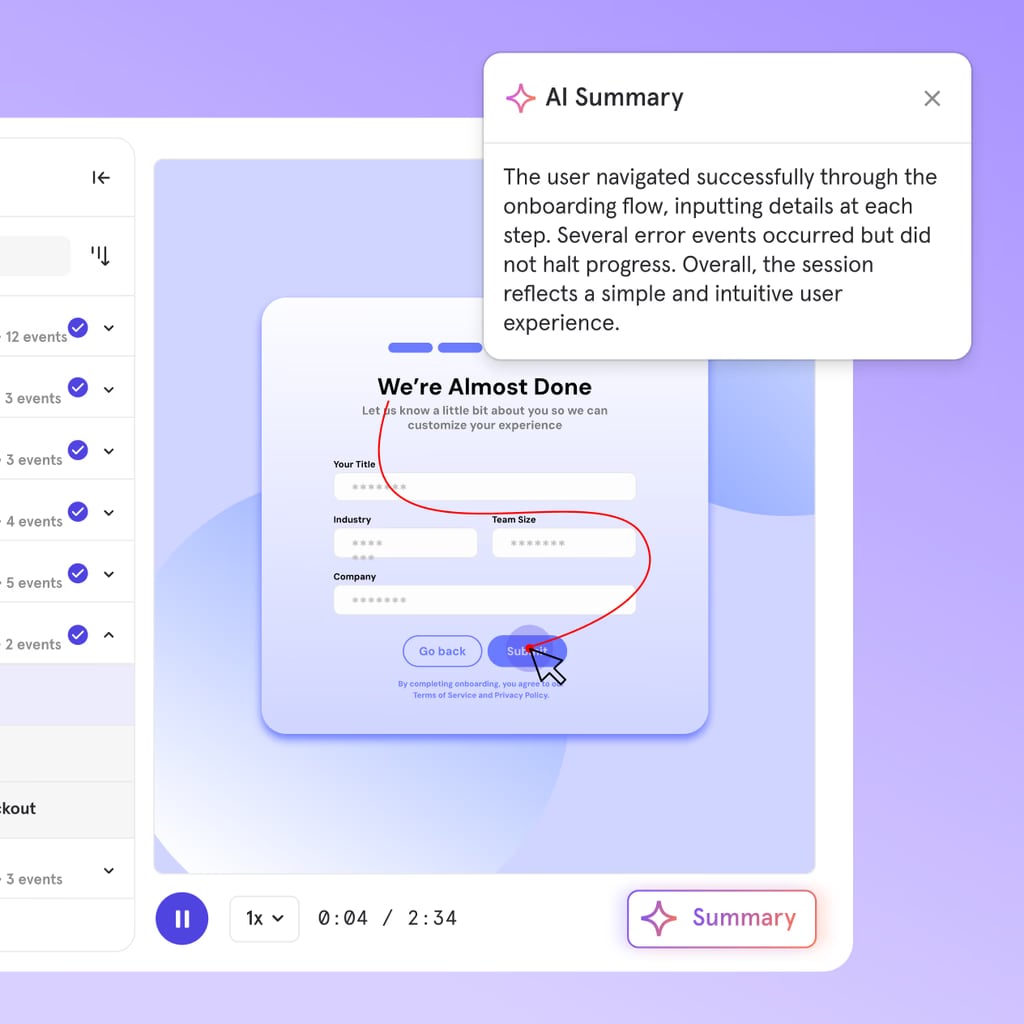
Mixpanel product interface.
Mixpanel is designed for teams that need deep, granular insight into product behavior. The ideal users tend to fall into a few clear categories:
Product managers who need to answer questions like "where do users drop off in onboarding?" or "which features drive retention?" without waiting on a data analyst.
Growth teams running experiments and measuring conversion across acquisition channels, user segments, and lifecycle stages.
B2B SaaS companies that need account-level analytics to understand which organizations are most engaged and which are at risk of churning.
Mobile app teams tracking cross-platform behavior on iOS and Android alongside web interactions.
Mixpanel is less ideal for content publishers or marketing teams whose primary concern is traffic acquisition, SEO performance, or page-level engagement. Those use cases are better served by web analytics tools—if that sounds like your situation, a comparison like Data4 vs Heap vs Pirsch can help clarify which direction to go.
Mixpanel's Core Strengths
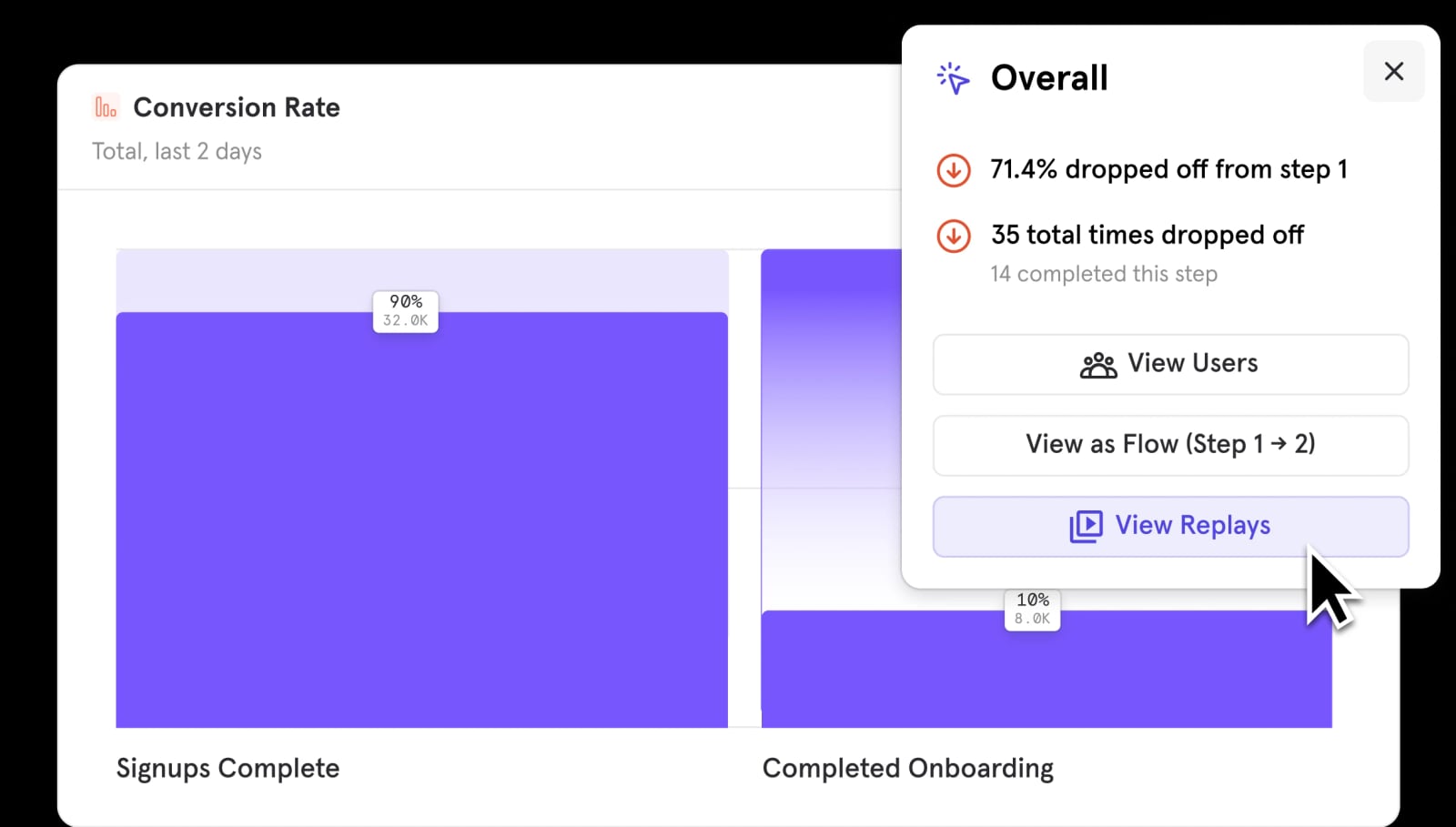
Mixpanel product interface.
Event-Based Tracking with Real Depth
The heart of Mixpanel is its event model. You instrument your product to send events whenever users take meaningful actions. Each event can carry properties—like plan type, device, country, or feature name—that become filters for every report you build.
This flexibility means you can trace a user's exact path from first visit through activation, engagement, and eventually churn. You're not limited to predefined metrics or rigid templates.
Flexible Funnel Analysis
Funnels in Mixpanel let you map any sequence of user actions and see exactly where people drop off. Want to know how many users who viewed the pricing page actually reached checkout? Or how many completed your five-step onboarding flow?
Each funnel step can be filtered by user properties, so you can compare conversion rates for mobile versus desktop users, free versus paid plans, or any segment you define. This granularity is one of the features reviewers consistently praise.
Retention and Cohort Analysis
Mixpanel's retention reports show whether users come back after their first session—and what behaviors predict that return. You can create cohorts based on custom properties or behaviors, then compare retention curves across those groups.
For example, you might discover that users who invite a teammate within the first week retain at twice the rate of those who don't. That's the kind of actionable insight that justifies the platform's cost.
B2B-Friendly Group Analytics
Many analytics tools treat every user as an individual. But if you sell to companies, your real customer is the account—not the person. Mixpanel's Group Analytics add-on (available on Growth and Enterprise plans) lets you analyze behavior at the company level.
You can see which accounts are most active, which features they depend on, and which ones show early warning signs of churn. For B2B SaaS teams, this is a significant differentiator.
Self-Serve Reporting Without SQL
Mixpanel was built to make data accessible to non-technical team members. The AI-powered query builder lets anyone filter, compare, and visualize data without writing code. Even the free plan includes a set number of queries.
This self-serve approach reduces the bottleneck of waiting on engineers or analysts to pull reports. Product managers and growth marketers can answer their own questions in minutes.
Collaboration Features for Distributed Teams
Shared dashboards, annotations, and in-platform commenting make Mixpanel feel like a collaborative workspace rather than a siloed analytics tool. Teams can leave notes on specific data points, share reports with stakeholders, and maintain a shared source of truth about product performance.
Keeping Pace with Competitors
Mixpanel now includes session replay and heatmaps—features that weren't part of its original offering. This signals an ongoing investment in closing feature gaps with competitors. The platform also offers A/B testing (Experiments) and feature flags, though some of these are restricted to higher-tier plans.
Mixpanel's Limitations
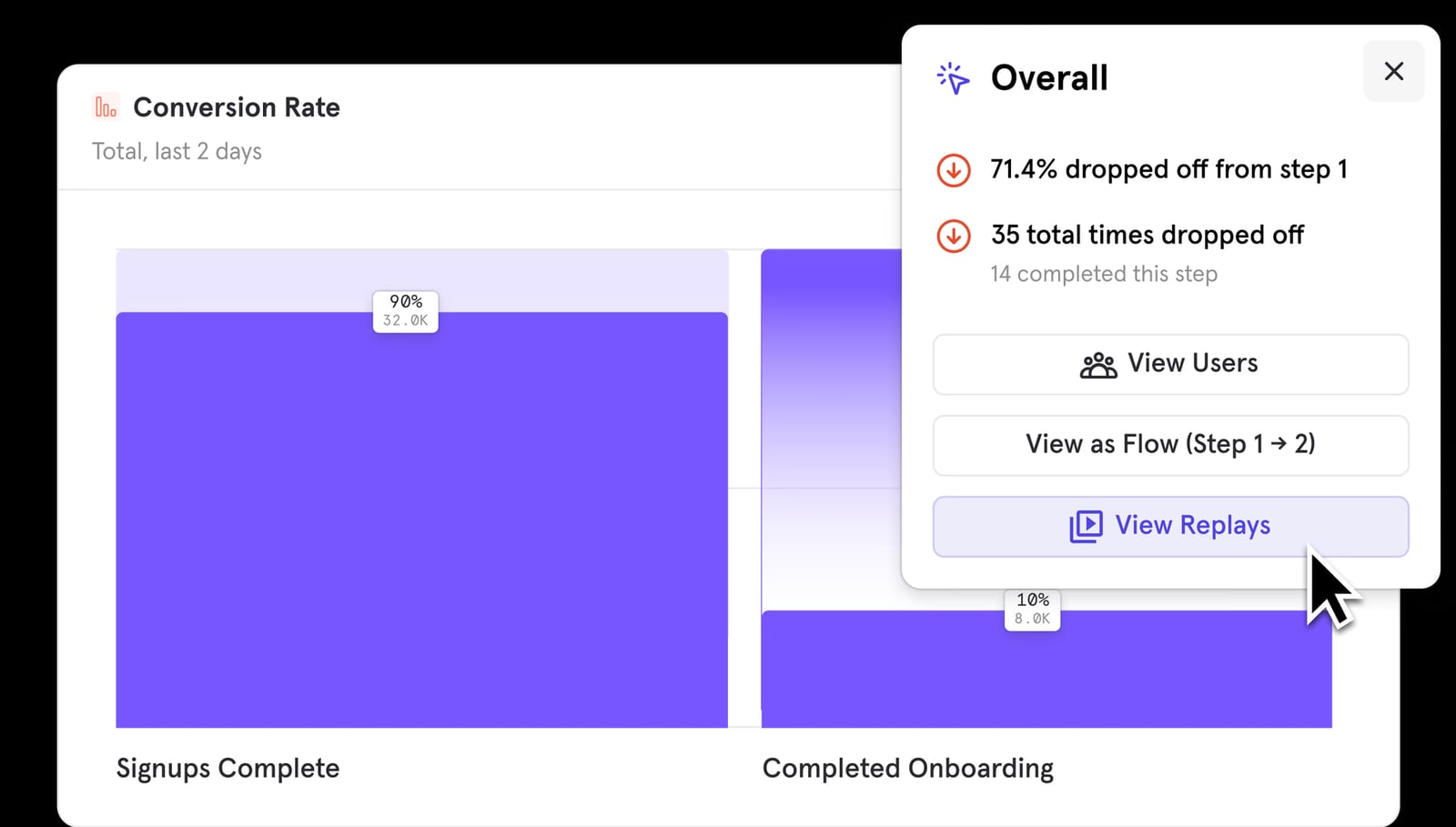
Mixpanel product interface.
Setup Requires Technical Investment
The biggest hurdle with Mixpanel is implementation. To get meaningful data, you need to instrument event tracking with consistent naming conventions and properties. That means writing code or coordinating closely with developers.
Without careful planning, your data can become messy or incomplete. Event names that are inconsistent across platforms, missing properties, or poorly defined funnels will undermine the value of the entire platform. This is not a tool you can fully set up in an afternoon without technical help.
Learning Curve for New Users
While Mixpanel is more approachable than some alternatives, it's not a beginner-friendly tool. Building funnels, retention reports, and cohorts takes practice. The dashboard is powerful but can feel overwhelming on first use.
If you're new to product analytics entirely, expect a ramp-up period. Simpler tools exist—and if you're evaluating options for web analytics specifically, a Pirsch review or a Data4 vs Microsoft Clarity comparison might reveal lighter-weight alternatives.
Feature Gating on Higher Tiers
Some of Mixpanel's most compelling features are locked behind higher plans. A/B testing (Experiments) is only available to Enterprise customers. Group Analytics is an add-on. In-app surveys require a third-party integration like Survicate rather than being built in.
For smaller teams, this means the full feature set is out of reach until you scale—which is a reasonable business model, but worth knowing before you commit.
Data Accuracy Concerns
Some Gartner peer reviews mention questions about data accuracy, with users noting that dashboard figures are approximate rather than exact. This is a common limitation across analytics platforms—sampling and processing delays can introduce discrepancies—but it's worth validating against your own data pipeline if precision is critical.
Mixpanel Pricing: What to Expect
Mixpanel's pricing is transparent and scales with usage. Here's how it breaks down:
| Plan | Monthly Events | Cost Structure |
|---|---|---|
| Free | Up to 1M | $0 |
| Growth | Scales with volume | Starting around $0.28 per 1K events |
| Enterprise | Unlimited | Custom pricing |
The free plan is genuinely useful for startups and side projects. One million events per month is enough to get real insights from funnels, retention reports, and dashboards without paying anything.
Once you exceed the free threshold, you pay per event. Volume discounts apply as you scale, and there's a startup program offering free access for qualifying early-stage companies. The key financial consideration is that your costs grow with your product's usage—which is fair, but can surprise teams during viral growth spikes.
Add-ons like Group Analytics and premium features increase the total cost. Enterprise pricing is custom and includes advanced governance, unlimited events, and access to features like Experiments.
Mixpanel vs. the Alternatives
Mixpanel vs. Google Analytics 4
GA4 is free, widely adopted, and useful for acquisition and traffic-source analysis. But it's built for web analytics, not product analytics. Its learning curve is notoriously steep, and its event model is less flexible than Mixpanel's.
Choose Mixpanel when you need granular product behavior data, custom funnels, and retention analysis. Stick with GA4 if your primary concern is understanding where traffic comes from and how it moves through marketing pages.
Mixpanel vs. Amplitude
Amplitude is Mixpanel's closest direct competitor. Both are event-based product analytics platforms with similar feature sets. If you're evaluating both, a practical guide to using Amplitude can help you compare the actual workflow. The choice often comes down to pricing, specific feature needs, and team familiarity.
Mixpanel vs. Session Replay Tools
Tools like Microsoft Clarity offer session replay and heatmaps for free, with a focus on understanding individual user sessions. Mixpanel now includes these features, but its core strength remains aggregate behavioral analysis. If session replay is your primary need, a dedicated tool might be simpler—see how Data4 compares to Microsoft Clarity for that use case.
Setup: What to Expect
Getting started with Mixpanel involves several steps:
- Create a project and choose your platform (web, iOS, Android, or multiple).
- Install the SDK or use a segment integration to start sending events.
- Define your event taxonomy—this is the most important step. Consistent naming conventions and property structures will determine whether your data is usable six months from now.
- Instrument key events across your product: sign-ups, feature usage, purchases, and any other actions that matter.
- Build your first reports—funnels, retention curves, and dashboards.
- Iterate on instrumentation as you discover new questions to answer.
The technical implementation is the biggest hurdle. If you don't have engineering resources, consider whether a simpler tool or a managed implementation partner makes more sense.
Decision Criteria: Should You Choose Mixpanel?
Choose Mixpanel if:
- You're a product team that needs deep behavioral insights, not just traffic metrics.
- You have engineering resources to implement event tracking properly.
- You need B2B account-level analytics.
- You want self-serve reporting that doesn't require SQL.
- Your team is comfortable with a learning curve in exchange for analytical depth.
Look elsewhere if:
- Your primary need is website traffic analysis or SEO performance.
- You don't have technical resources for implementation.
- You need A/B testing and surveys on a budget.
- You want a tool that's immediately intuitive with zero ramp-up.
For teams focused on web analytics rather than product analytics, tools like Pirsch offer a simpler, privacy-focused alternative—the Pirsch review covers that use case in detail.
Related reading
- Data4 vs Heap vs Pirsch: Which Analytics Tool Fits You? - Compare Data4, Heap, and Pirsch for website analytics. See tracking depth, privacy, ease of use, pricing signals, and which tool fits your team.
- Data4 vs Microsoft Clarity: Which Analytics Tool Fits You? - Compare Data4 and Microsoft Clarity for website analytics. See traffic tracking, session replay, privacy, pricing, ease of use, and which tool fits your team.
- Pirsch Review: Privacy-Friendly Web Analytics Tested - In-depth Pirsch review covering setup, GDPR compliance, pricing signals, strengths, limitations, and who should choose this cookie-free analytics tool.
Sources and further reading
- Mixpanel Reviews 2026: Details, Pricing, & Features - G2 - Mixpanel performance is fast and reliable especially when it comes to real-time event tracking and reporting. From a pricing/ROI perspective, it provides ...
- Mixpanel Review—The Good and the Bad - Mixpanel is a product analytics platform that helps you see exactly how users interact with your apps and websites. It offers a plethora of features,...
- Mixpanel Reviews & Ratings 2026 | Gartner Peer Insights - Explore 157 in-depth Mixpanel reviews and insights from real users verified by Gartner, and choose your business software with confidence.
Frequently Asked Questions
Is Mixpanel free?
Yes. Mixpanel offers a free plan with up to 1 million monthly events, including access to funnels, retention reports, cohorts, and dashboards. It's sufficient for early-stage products and side projects.
How much does Mixpanel cost after the free plan?
Paid plans start at approximately $0.28 per 1,000 events, with volume discounts as you scale. Enterprise plans with unlimited events and advanced features are custom-priced.
Is Mixpanel hard to set up?
Implementation requires technical work—installing SDKs and instrumenting event tracking with consistent naming conventions. Teams without engineering resources may find this challenging.
Does Mixpanel offer session replay?
Yes. Mixpanel now includes session replay and heatmaps, though these are relatively recent additions to the platform.
Is Mixpanel better than Google Analytics?
They serve different purposes. Mixpanel excels at product behavior analysis, funnels, and retention. Google Analytics is better suited for traffic acquisition and marketing page performance. Many teams use both.
Can Mixpanel track B2B accounts?
Yes, through the Group Analytics add-on, available on Growth and Enterprise plans. This enables company-level analysis rather than individual-user-only tracking.
Final Verdict
Mixpanel is a powerful, mature product analytics platform that earns its reputation. The event-based model, flexible funnels, retention analysis, and self-serve reporting make it a strong choice for product and growth teams that need real behavioral depth.
The trade-offs are real: technical setup, a learning curve, and usage-based pricing that grows with your product. But for teams that can invest in proper instrumentation, Mixpanel delivers insights that simpler tools simply can't match.
If you're still weighing options, comparing Mixpanel against alternatives like Amplitude, GA4, or lighter-weight web analytics tools will clarify which trade-offs matter most for your specific situation. The right choice depends less on which tool is "best" and more on which tool matches your team's technical capacity, analytical needs, and budget.