
Open Source Web Analytics: Best Self-Hosted Tools
If you want to understand your website traffic without handing visitor data to an advertising company, open source web analytics is the most direct path. You get the code, you control the server, and you decide what is collected. This guide explains what open source web analytics actually means, compares the leading self-hosted platforms, and helps you pick the right one for your site.
What Is Open Source Web Analytics?

Open Source Web Analytics: Best Self-Hosted Tools - What Is Open Source Web Analytics?.
Open source web analytics is software whose source code is publicly available and licensed so that anyone can inspect, modify, and self-host it. In practice, that means you can run the analytics platform on your own server, keep the raw data in your own database, and verify exactly what the tracking script does.
The category splits into two broad groups:
- Lightweight web analytics focuses on pageviews, referrers, campaigns, and simple goals. Plausible and GoatCounter are typical examples.
- Product analytics platforms add event tracking, funnels, session replay, and feature flags. PostHog is the best-known example.
A third group, business intelligence tools such as Metabase, can visualize analytics data but do not collect it themselves.
Why Choose Open Source Analytics?

Open Source Web Analytics: Best Self-Hosted Tools - Why Choose Open Source Analytics?.
The main reasons teams move away from closed tools are control, privacy, and cost predictability.
- Data ownership. Your visitor data stays on infrastructure you manage. You can export it, query it directly, or delete it at will.
- Privacy compliance. Many open source tools avoid cookies and persistent identifiers entirely, which simplifies GDPR, CCPA, and PECR compliance.
- Auditability. You can read the code and confirm what is tracked, rather than trusting a vendor's documentation.
- No vendor lock-in. If you outgrow one tool, the data is yours to migrate.
- Predictable costs. Self-hosting usually means paying for a server rather than a per-event subscription that scales with your traffic.
The trade-off is operational work. You handle installation, upgrades, backups, and uptime.
Top Open Source Web Analytics Tools Compared
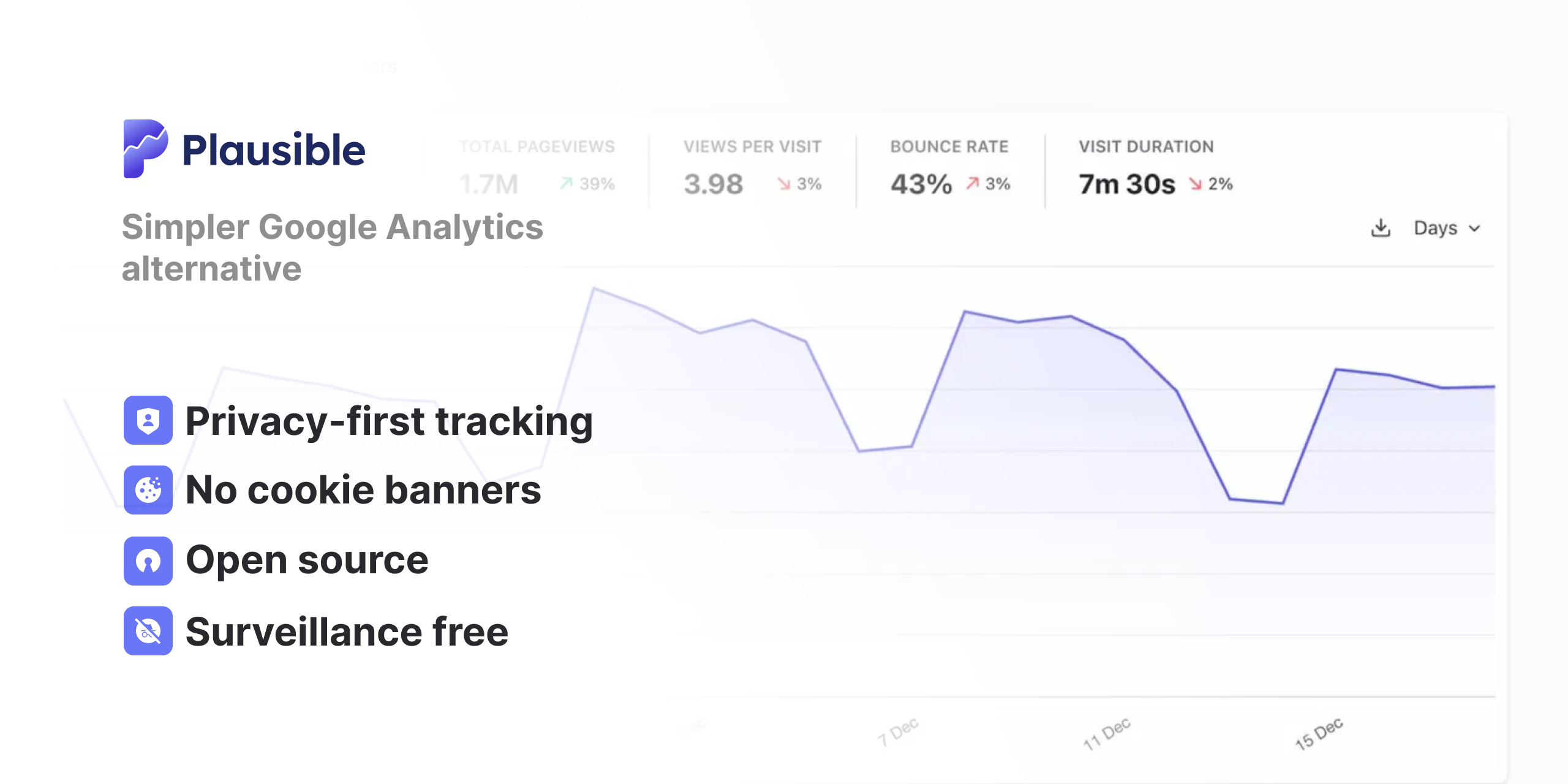
Open Source Web Analytics: Best Self-Hosted Tools - Top Open Source Web Analytics Tools Compared.
Plausible Analytics
Plausible is a lightweight, cookie-free analytics tool built with Elixir and Phoenix, using PostgreSQL and ClickHouse for storage. It offers a managed cloud service and a self-hosted Community Edition.
Strengths:
- Simple single-page dashboard with no training required
- No cookies or persistent identifiers, so no personal data is stored
- Small tracking script that does not slow down your site
- Goal and conversion tracking, funnels, and revenue attribution
- Google Search Console integration for keyword data
- Stats API and CSV export
Limitations of the Community Edition:
- Premium features such as marketing funnels, ecommerce revenue goals, SSO, and the sites API are not included
- Releases are published roughly twice per year rather than continuously
- Bot filtering is basic compared to the cloud version
- Community support only
Plausible is a strong fit for marketing sites, blogs, and small businesses that want clean traffic reporting without a steep learning curve.
Matomo
Matomo has been around since 2007 and is one of the most mature open source analytics platforms. Its interface is modeled closely on Universal Analytics, which many analysts still prefer over GA4.
Strengths:
- Comprehensive website and marketing analytics
- Built-in tag manager
- Google Analytics data import
- Easy WordPress and CMS installation
- Used by large organizations, including government and non-profit bodies
- Strong GDPR positioning
Limitations:
- The interface looks dated compared to newer tools
- Session replay and heatmaps are paid add-ons, not part of the open source release
- More complex to self-host than lightweight alternatives
- Session-based model is less suited to app analytics
Matomo suits organizations that need deep marketing analytics and are willing to invest in setup and maintenance.
PostHog
PostHog is an all-in-one platform that combines product analytics, web analytics, session replay, feature flags, experiments, error tracking, and surveys. The open source edition is distributed under the MIT license via Docker Compose.
Strengths:
- Advanced product analytics and SQL-based custom insights
- Session replay for web and mobile
- Built-in data warehouse with connectors to external sources
- Generous free tier on the cloud version
- Can replace several tools at once
Limitations:
- Self-hosting is only recommended up to roughly 300,000 events per month
- Minimum requirements are substantial: about 4 vCPU, 16GB RAM, and 30GB storage
- Steeper learning curve than lightweight analytics tools
- The open source edition is limited to one project per instance
PostHog is best for developers and product teams who need to understand in-app behavior, not just website traffic.
GoatCounter
GoatCounter is a lightweight, privacy-aware analytics platform available as a donation-supported hosted service or a self-hosted app. It adds only about 3.5KB to your site.
Strengths:
- No unique identifiers and no cookies
- JavaScript-free tracking pixel option, middleware integration, or log file import
- Accessible interface that works well with screen readers
- Tracks browser, location, screen size, referrers, and campaigns
- Full data export at any time
Limitations:
- The hosted service is intended for reasonable public usage, not millions of daily pageviews
- Feature set is intentionally minimal
- Self-hosting is recommended for serious or high-traffic use
GoatCounter is a good choice for personal sites, small businesses, and anyone who values accessibility and simplicity above all.
Metabase
Metabase is an open source business intelligence tool rather than a tracking platform. It connects to databases and lets you build dashboards with a visual query builder or SQL.
Strengths:
- Connects to most popular databases
- Visual query builder for non-technical users
- Full SQL editor for advanced analysis
- Light hosting requirements
Limitations:
- Does not collect analytics data on its own
- Requires a separate event collection and storage setup
- Less accessible for non-technical users
Metabase is useful when you already have data in a warehouse and need a reporting layer on top.
Self-Hosted vs Cloud: Which Should You Choose?

Open Source Web Analytics: Best Self-Hosted Tools - Self-Hosted vs Cloud: Which Should You Choose?.
The decision usually comes down to how much operational work you want to take on.
| Factor | Self-hosted | Managed cloud |
|---|---|---|
| Setup effort | You install and configure everything | A few minutes |
| Maintenance | Upgrades, backups, security, uptime | Handled by the vendor |
| Cost model | Server and infrastructure costs | Subscription fee |
| Data location | Any server you choose | Usually a specific region |
| Feature access | Sometimes limited in community editions | Full feature set |
| Support | Community forums | Vendor support |
Self-hosting makes sense if you have engineering capacity, strict data residency requirements, or very high traffic volumes where per-event pricing becomes expensive. Managed cloud makes sense if you want to focus on analyzing data rather than running infrastructure.
Key Features to Evaluate
When comparing open source web analytics tools, check these dimensions:
- Tracking method. Cookie-free and identifier-free tools simplify compliance. Some tools also support server-side tracking or log file imports.
- Script weight. A lightweight script protects page load speed. GoatCounter adds about 3.5KB; Plausible is similarly small.
- Reporting depth. Decide whether you need pageviews and referrers or full event funnels and session replay.
- Data export. Confirm you can export raw data or query the database directly.
- Bot filtering. Better filtering means more accurate numbers, especially for high-traffic sites.
- Compliance features. Look for GDPR, CCPA, and PECR support, plus control over data retention.
- Hosting requirements. Match the tool's minimum specs to your available infrastructure.
- Community activity. Check recent commits and pull request responsiveness to gauge long-term maintenance.
How to Get Started with Self-Hosted Analytics
A typical self-hosting workflow looks like this:
- Choose a tool based on the comparison above.
- Provision a server that meets the minimum requirements. Lightweight tools can run on modest VPS instances; PostHog needs considerably more.
- Install the application using the official instructions or a Docker Compose setup.
- Add the tracking script to your site, usually as a single script tag in the head or via a tag manager.
- Define goals or events for the actions that matter, such as signups, purchases, or form submissions.
- Set up backups for the database and test a restore.
- Monitor uptime and updates, and schedule regular upgrades.
If you are migrating from another platform, check whether the tool supports historical data import. Matomo, for example, offers a Google Analytics import tool.
Privacy and Compliance Considerations
Open source does not automatically mean compliant, but it makes compliance easier to verify. Key points:
- Avoid personal data collection. Tools that do not store IP addresses or use cookies reduce your obligations under GDPR and similar laws.
- Check data residency. Where your server sits determines which laws apply. Some managed services process data exclusively within the EU.
- Document your setup. Even privacy-friendly tools benefit from a clear privacy policy and, where required, a consent notice.
- Control retention. Decide how long to keep raw data and configure automatic deletion if needed.
For a deeper look at privacy-focused options, see our guide to the best privacy-friendly Google Analytics alternative.
When a Managed Platform Makes More Sense
Self-hosting is not the right answer for every team. If you want the benefits of privacy-friendly analytics without running servers, a managed platform can be a better fit. Data4 is a website analytics platform positioned as a simple, efficient alternative to Google Analytics, with real-time traffic tracking, audience segmentation, conversion analysis, and customizable dashboards. It is available in multiple languages and supports multi-domain setups, which suits international teams that need straightforward reporting without infrastructure overhead.
If you are weighing a managed tool against open source options, our comparison of Data4 vs Pirsch vs Mixpanel breaks down setup, privacy, reporting depth, and pricing.
Related reading
- Data4 vs Microsoft Clarity vs PostHog: Which Analytics Fits? - Compare Data4, Microsoft Clarity, and PostHog on setup, traffic reporting, session replay, product analytics depth, privacy, and pricing to pick the right tool.
- Data4 vs Visitors vs Amplitude: Which Analytics Fits? - Compare Data4, Visitors, and Amplitude on setup, privacy, traffic reporting, product analytics depth, and pricing to pick the right tool for your site.
Sources and further reading
- GitHub - plausible/analytics: Open source, privacy-first web analytics. Lightweight, cookie-free Google Analytics alternative. Self-hosted or cloud. - Open source, privacy-first web analytics. Lightweight, cookie-free Google Analytics alternative. Self-hosted or cloud. - plausible/analytics
- 8 best open source analytics tools you can self-host - PostHog - This guide only includes open-source analytics tools that: Have built-in analysis views. This includes end-to-end analytics, and dashboard tools that…
- GoatCounter – open source web analytics - Easy web analytics. No tracking of personal data.
Frequently Asked Questions
Is open source web analytics really free?
The software is free to download and self-host, but you still pay for servers, backups, and the time to maintain them. Some projects also offer paid managed hosting with additional features.
Can I use open source analytics without cookies?
Yes. Plausible and GoatCounter are designed to work without cookies or persistent identifiers, which reduces the need for cookie consent banners in many jurisdictions.
Which open source analytics tool is easiest to self-host?
GoatCounter and Plausible Community Edition are among the simplest for lightweight needs. Matomo is more involved, and PostHog requires significant server resources.
Do open source analytics tools comply with GDPR?
Many are built with GDPR in mind, but compliance depends on how you configure them, where you host them, and what data you collect. Always review your own legal obligations.
Can I migrate my historical data from Google Analytics?
Some tools, such as Matomo, offer import tools for Google Analytics data. Others start fresh, so plan for a transition period where you run both platforms.
How much traffic can a self-hosted analytics tool handle?
It varies widely. Lightweight tools run comfortably on small VPS instances for typical websites. PostHog recommends self-hosting only up to about 300,000 events per month.
Conclusion
Open source web analytics gives you control over your data, your compliance posture, and your costs. Plausible and GoatCounter excel at simple, privacy-first traffic reporting. Matomo offers deep marketing analytics for organizations that need it. PostHog is the strongest choice for product teams that want event-level insight and session replay. Metabase fills the reporting layer if you already have data in a warehouse.
Start by defining what you actually need to measure. If pageviews, referrers, and a handful of goals cover it, a lightweight self-hosted tool will serve you well. If you need product analytics or prefer not to manage infrastructure, a managed platform may be the more practical path. For campaign-specific measurement, our campaign event tracking setup guide walks through UTMs, events, and attribution gaps.