
Piwik PRO Review 2026: Privacy-First Analytics Tested
Piwik PRO has carved out a distinct position in the web analytics market: it is the platform organizations choose when privacy compliance is not a nice-to-have but a legal, operational, and reputational requirement. Where Google Analytics leaves healthcare providers, public institutions, and heavily regulated enterprises scrambling for workarounds, Piwik PRO offers a suite built around data ownership, consent management, and regulatory alignment.
This review examines what Piwik PRO actually delivers, who it serves best, where it falls short, and how to decide whether it belongs in your stack.
What Is Piwik PRO?
tracking-tag.
Piwik PRO is a privacy-focused analytics suite that combines four core modules in one platform:
- Analytics – Website and app tracking with dashboards, funnels, session recordings, and custom reports
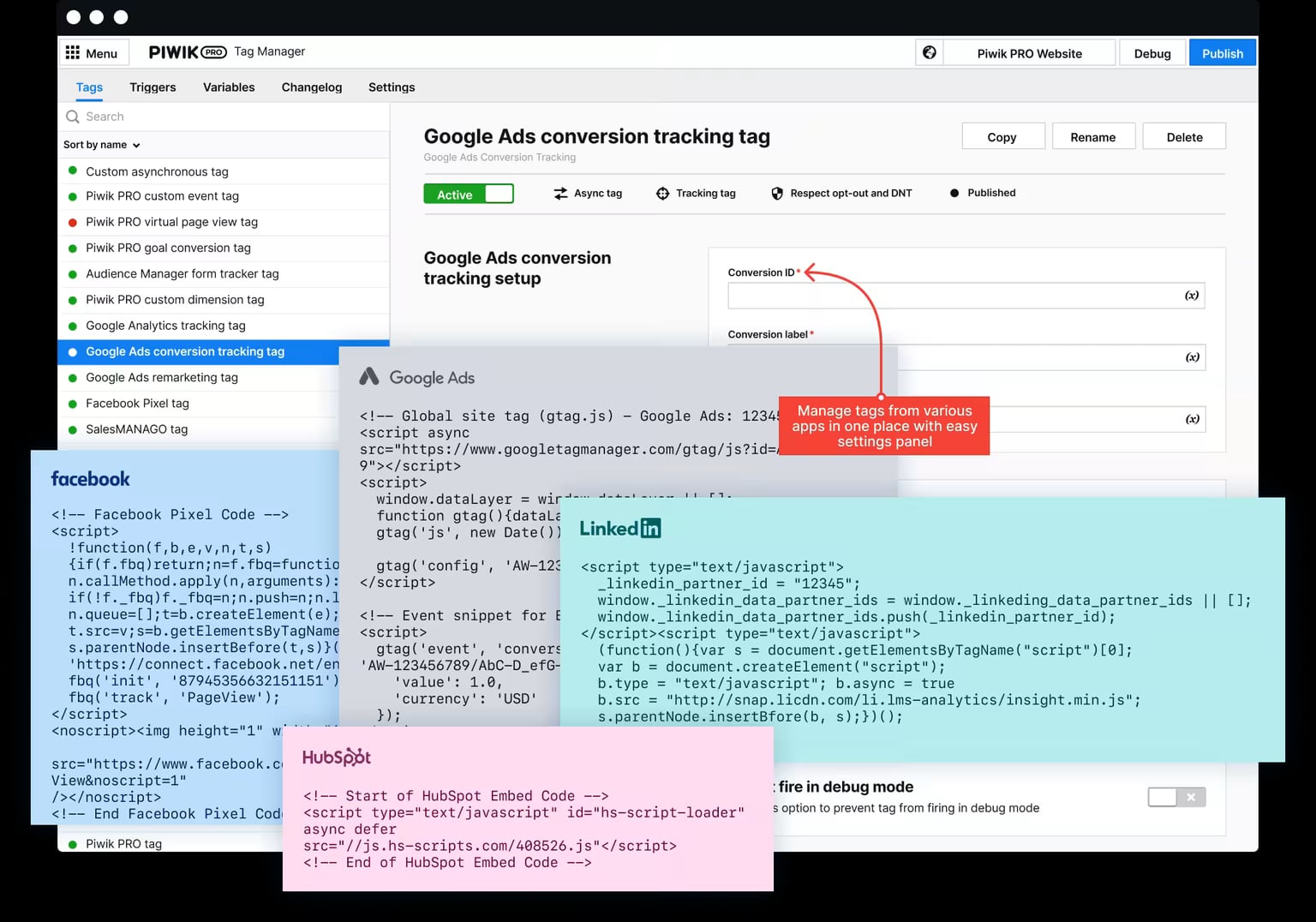
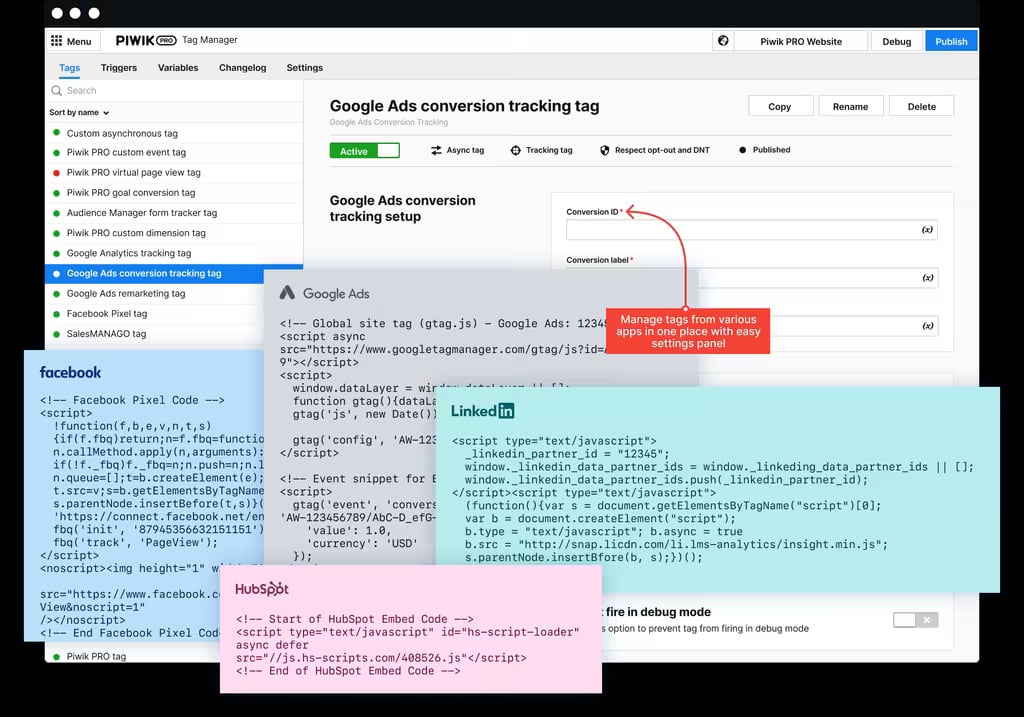
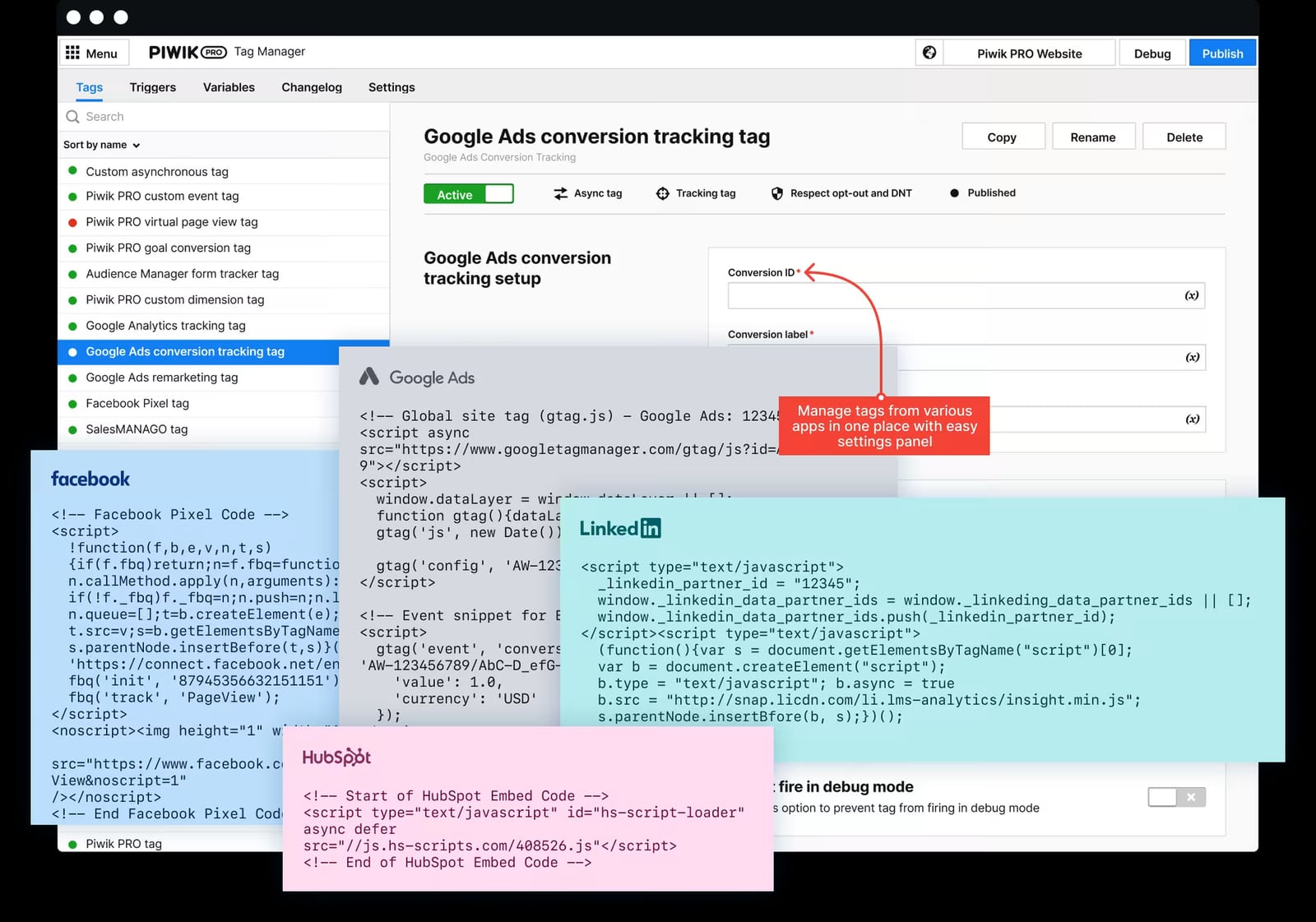
- Tag Manager – Server-side and client-side tag deployment with built-in consent checks
- Consent Manager – Cookie and consent banner management aligned with GDPR and other frameworks
- Customer Data Platform (CDP) – User profile building and audience activation for marketing use cases
The defining characteristic is deployment flexibility. Piwik PRO can run in its own cloud, a private cloud, or fully on-premises. That control over infrastructure is what makes it viable for organizations that cannot send patient or citizen data to third-party servers.
Who Piwik PRO Is For
tracking-tag.
Piwik PRO is not a general-purpose analytics tool for everyone. Its sweet spot is narrow but deep.
Healthcare Organizations and HIPAA Compliance
This is the most compelling use case. Piwik PRO is one of the few analytics platforms that will sign a Business Associate Agreement (BAA), a legal requirement for any vendor handling protected health information (PHI) on behalf of a covered entity. The platform supports HIPAA-compliant hosting, encryption at rest and in transit, data anonymization, and granular access controls.
For a hospital marketing team tracking patient portal usage, a telehealth provider analyzing appointment booking funnels, or a health system optimizing service-line pages, Piwik PRO removes the fundamental incompatibility that makes Google Analytics legally risky in these contexts.
Public Sector and Government
Government agencies and public institutions across the EU and beyond face strict data residency and sovereignty rules. Piwik PRO's on-premises and private cloud options allow these organizations to keep citizen data within their own infrastructure or a designated jurisdiction, something most SaaS analytics tools cannot offer.
GDPR-Conscious Enterprises
For companies operating across the EU, Piwik PRO's integrated Consent Manager simplifies a workflow that is otherwise fragmented across multiple tools. Consent signals feed directly into Analytics and Tag Manager, reducing the risk of firing tags without valid consent.
Organizations Outgrowing Basic Privacy Analytics
Teams that started with lightweight tools like Plausible or Fathom sometimes hit a ceiling: they need tag management, custom funnels, session recordings, or CDP features. Piwik PRO offers a migration path that preserves privacy principles while adding enterprise depth. For a side-by-side look at how these tools differ, see our Data4 vs Piwik PRO vs Fathom Analytics comparison.
Key Strengths
1. Genuine HIPAA Support
Most analytics vendors sidestep HIPAA by saying "don't send us PHI." Piwik PRO takes the opposite approach: sign a BAA, configure the platform correctly, and process health-related data within a compliant framework. This is a structural difference, not a marketing claim.
2. Deployment Flexibility
Few competitors offer all three deployment models — public cloud, private cloud, and on-premises. This flexibility matters when procurement rules, data residency laws, or internal security policies dictate where data must live.
3. Integrated Consent Management
Consent management is usually a bolt-on. In Piwik PRO, it is native. The Consent Manager communicates directly with Tag Manager and Analytics, so tags fire only when consent is valid. This reduces the integration complexity and compliance drift that plague multi-vendor setups.
4. No Data Sampling
Piwik PRO reports on raw, unsampled data. For organizations analyzing low-traffic but high-value pages — a specialty clinic's service pages, a government portal's application flow — this means accurate numbers instead of GA4's thresholding and sampling artifacts.
5. Full Data Ownership
Because you control where data is stored and processed, you also control what happens to it. Piwik PRO does not use your data for its own purposes, a meaningful contrast with ad-supported analytics platforms.
Limitations and Trade-offs

Piwik PRO Review 2026: Privacy-First Analytics Tested - Limitations and Trade-offs.
1. Complexity Is Real
Gartner Peer Insights reviews consistently flag complexity as a recurring theme. One verified reviewer noted that while integrations and reliability stand out, the platform "faces complexity issues." Setting up custom reports, configuring the CDP, and managing server-side tagging requires more technical skill than basic tools.
2. Dashboard Design Feels Dated
User feedback points to dashboards that are functional but not modern. Reviewers mention that comparing time periods is inconvenient because graphs display separately, and dashboard customization is limited. If polished, presentation-ready reporting is a priority, you may need to export data elsewhere.
3. Pricing Is Not Transparent
Piwik PRO does not publish standard pricing. Costs depend on deployment model, monthly traffic volume, and modules selected. This is normal for enterprise software but frustrating for smaller teams evaluating options. Expect to go through a sales process to get concrete numbers.
4. Smaller Ecosystem Than Google Analytics
Piwik PRO integrates with major data warehouses and business systems, but its plugin and third-party integration ecosystem is smaller than GA4's. Teams heavily invested in Google's marketing stack may find gaps.
5. Learning Curve for Non-Technical Users
The platform's power comes with a learning curve. Marketers accustomed to GA4's guided setup or simple privacy tools may need training or documentation time to become productive.
Pricing Signals
While exact pricing requires a quote, several signals help set expectations:
- Enterprise-oriented: Piwik PRO targets mid-market and enterprise organizations, not hobbyists or small blogs. The pricing reflects that positioning.
- Module-based: You can start with Analytics and add Tag Manager, Consent Manager, or CDP as needs grow. Each module adds cost.
- Deployment affects price: On-premises and private cloud deployments typically cost more than the standard cloud offering due to infrastructure and support requirements.
- Free trial available: Piwik PRO offers a free trial of the cloud version, which is the best way to evaluate fit before committing.
For context on how Piwik PRO's pricing and positioning compare to other privacy-focused tools, see our Matomo review and the Data4 vs Piwik PRO vs Fathom Analytics comparison.
Setup and Implementation
Cloud Deployment
The cloud version is the fastest path. You create an account, add a site, install the tracking code (or use the Tag Manager container), and data starts flowing. The interface guides you through basic configuration, including consent banner setup if you enable the Consent Manager.
On-Premises Deployment
On-premises deployment is significantly more involved. You need server infrastructure, database configuration, SSL certificates, and ongoing maintenance. Piwik PRO provides documentation and support, but organizations should budget for IT involvement. This is not a weekend project.
Tag Manager Setup
Piwik PRO's Tag Manager works similarly to Google Tag Manager in concept but adds consent-aware triggering. Tags can be configured to fire only when specific consent categories are granted. For teams migrating from GTM, the concepts transfer, but the interface and terminology differ.
Data Migration
Piwik PRO offers migration support from Google Analytics and other platforms. Historical data cannot always be imported cleanly, so plan for a transition period where both systems run in parallel.
Piwik PRO vs. Common Alternatives
tracking-tag.
Piwik PRO vs. Google Analytics 4
GA4 is free, deeply integrated with Google's ecosystem, and familiar to most marketers. But it cannot sign a BAA, does not offer on-premises deployment, and uses your data within Google's systems. For healthcare, government, and strict GDPR environments, GA4 is often a non-starter. Piwik PRO trades some polish and ecosystem breadth for compliance and control. For a deeper look at GA4's trade-offs, see our Google Analytics review.
Piwik PRO vs. Matomo
Matomo is the closest philosophical relative — both descend from the original Piwik open-source project. Matomo offers a self-hosted free version and is generally simpler. Piwik PRO offers a more integrated enterprise suite with native consent management, CDP, and formal HIPAA support. Matomo is better for budget-conscious teams; Piwik PRO is better for regulated enterprises needing a complete suite.
Piwik PRO vs. Lightweight Privacy Tools
Tools like Plausible, Fathom, and Data4 prioritize simplicity. They are fast to set up, easy to read, and privacy-friendly by design. But they lack tag management, CDP features, session recordings, and HIPAA-specific controls. If you need a simple dashboard and nothing else, lightweight tools win. If you need enterprise depth with privacy, Piwik PRO is the stronger fit. Our Data4 vs Umami comparison explores the simple-tool landscape further.
Decision Criteria: Should You Choose Piwik PRO?
Choose Piwik PRO if:
- You are a healthcare organization that needs a BAA and HIPAA-compliant analytics
- You operate in the EU and need integrated consent management with server-side tagging
- You require on-premises or private cloud deployment for data sovereignty
- You need unsampled data with custom funnels, session recordings, and CDP features
- You are willing to invest time in setup and training
Look elsewhere if:
- You run a small website or blog and need a simple, cheap analytics tool
- You are deeply embedded in the Google marketing ecosystem and cannot migrate
- You need polished, presentation-ready dashboards out of the box
- You want transparent, self-serve pricing without a sales process
Related reading
- Configurable Hit Counter: Options, Setup, and Best Practices - Compare configurable hit counter options, learn what to customize, how to embed one, and when a visible counter or invisible analytics tool makes more sense.
- Data4 vs Plausible Analytics vs PostHog Compared - Compare Data4, Plausible Analytics, and PostHog for website analytics. See privacy, simplicity, product analytics, pricing, and which tool fits your team best.
Sources and further reading
- Piwik PRO Reviews 2026: Details, Pricing, & Features - G2 - What do users say? ... Users consistently praise Piwik PRO for its privacy-focused design and ease of use, making it a strong alternative to Google Analytics. The ...
- A review of HIPAA-compliant analytics platforms - Top HIPAA-compliant analytics platforms for healthcare: compare Google Analytics alternatives, BAA requirements, and implementation costs.
- Piwik PRO Analytics Suite Reviews & Ratings 2026 | Gartner Peer Insights - Explore in-depth Piwik PRO Analytics Suite reviews and insights from real users verified by Gartner, and choose your business software with confidence.
Frequently Asked Questions
Is Piwik PRO really HIPAA-compliant?
Piwik PRO offers HIPAA-compliant hosting, encryption, data anonymization, and will sign a Business Associate Agreement (BAA). However, HIPAA compliance is a shared responsibility: your configuration, data handling practices, and internal policies must also meet HIPAA standards. Consult legal counsel to confirm your specific implementation is compliant.
How much does Piwik PRO cost?
Piwik PRO does not publish standard pricing. Costs depend on deployment model, traffic volume, and selected modules. The platform offers a free trial of the cloud version. Expect enterprise-level pricing, especially for on-premises or private cloud deployments.
Can Piwik PRO replace Google Analytics?
For most reporting use cases, yes. Piwik PRO covers traffic analysis, conversion tracking, funnels, custom events, and audience segmentation. The main gaps are Google Ads integration depth and the broader Google ecosystem. Teams heavily reliant on GA4's Google integrations should evaluate those workflows carefully.
How difficult is Piwik PRO to set up?
Cloud setup is relatively straightforward for anyone familiar with web analytics. On-premises deployment requires significant IT involvement. The Tag Manager and CDP modules add complexity but are optional. Budget time for training if your team is new to the platform.
Does Piwik PRO sample data?
No. Piwik PRO reports on raw, unsampled data, which is a meaningful advantage over GA4 for low-traffic sites and precise reporting.
What is the difference between Piwik PRO and Matomo?
Both share roots in the original Piwik open-source project. Matomo is simpler and offers a free self-hosted option. Piwik PRO is a commercial enterprise suite with integrated consent management, CDP, formal HIPAA support, and more deployment options.
Conclusion
Piwik PRO is not trying to be everything to everyone. It is a focused, compliance-first analytics suite for organizations that cannot afford privacy compromises. Healthcare providers, government agencies, and GDPR-conscious enterprises will find a platform that solves problems Google Analytics simply cannot address — BAA support, on-premises deployment, integrated consent, and full data ownership.
The trade-offs are real: a learning curve, dated dashboards, opaque pricing, and a smaller ecosystem. But for the right organization, those costs are far lower than the legal, financial, and reputational risks of using a non-compliant analytics tool.
If you are evaluating privacy-focused analytics options, start with the free trial, test the consent workflow, and compare against alternatives like Matomo or Data4 to confirm the fit before committing.