
Data4 vs Google Analytics vs PostHog: Which Analytics Tool Fits You?
Choosing an analytics platform in 2026 means navigating three very different philosophies. Google Analytics 4 dominates web traffic reporting and Google Ads integration. PostHog has become the default choice for engineering-led product teams that need session replay, feature flags, and experiments in one stack. Data4 positions itself as a simpler, globally accessible alternative for website owners who want clear traffic and engagement insights without the complexity of either.
This comparison breaks down where each tool excels, where it falls short, and how to pick the right one for your specific situation.
The Core Difference: Three Tools, Three Jobs

PostHog product interface.
Before diving into feature-by-feature comparisons, it helps to understand what each platform is fundamentally built to do.
Google Analytics 4 is a marketing analytics platform. It answers questions like: Which campaigns drove the most conversions? What is the user journey from ad click to purchase? How do different audience segments behave? It is deeply integrated with Google Ads and the broader Google ecosystem, making it the default choice for businesses that spend on Google advertising.
PostHog is a product analytics and developer platform. It answers questions like: Which features do users actually adopt? Where do users drop off in the onboarding funnel? What happened in the session before a bug report? It combines analytics with session replay, feature flags, A/B testing, and error tracking, making it an all-in-one product operating system for technical teams.
Data4 is a website analytics platform built for simplicity. It answers questions like: How many visitors came to my site today? Which pages perform best? Where does my traffic come from? It targets website owners and marketers who want actionable insights without configuring event schemas, debugging tag setups, or learning a complex interface.
Feature Comparison: Where Each Tool Wins

PostHog product interface.
Traffic and Campaign Reporting
Google Analytics 4 remains the market standard for traffic source and campaign analysis. Its integration with Google Ads means you can track the full path from ad impression to on-site conversion without third-party connectors. Audience demographics, acquisition reports, and attribution modeling are mature and well-documented.
Data4 covers the essential traffic metrics most website owners need: visitor counts, traffic sources, page views, and engagement. It does not match GA4's depth in multi-channel attribution or Google Ads integration, but it presents core traffic data in a more digestible format. For a business that wants to know "where is my traffic coming from and which pages convert," Data4 delivers that answer faster.
PostHog treats traffic analysis as a secondary concern. Its web analytics module covers basic page views and referrers, but the platform's strength lies in understanding what users do after they arrive, not where they came from.
Winner: Google Analytics 4 for deep marketing attribution. Data4 for quick, clear traffic answers.
Ease of Use and Setup
Data4 is designed around simplicity. Setup involves adding a tracking snippet and getting a dashboard that is immediately readable. There is no event taxonomy to design, no consent mode configuration to debug, and no steep learning curve. This makes it a practical choice for small teams without dedicated analytics resources.
Google Analytics 4 has a notoriously steep learning curve. The shift from Universal Analytics to GA4 introduced event-based tracking, exploration reports, and a new interface that many users find confusing. Setting up meaningful conversion tracking requires planning, testing, and often a tag management solution.
PostHog sits in the middle. It is developer-friendly, with SDKs for most languages and frameworks, but it assumes technical competence. Non-technical marketers may struggle with its event definitions and query interface.
Winner: Data4 for non-technical users. PostHog for developers who want control.
Product Analytics and User Behavior
PostHog is the clear leader here. Funnels, cohorts, retention analysis, path analysis, and trend insights are all built in. The platform can automatically diagnose problems and even generate pull requests to fix bugs, which is a capability neither GA4 nor Data4 attempts.
Google Analytics 4 offers basic product analytics through its exploration reports, but it is not designed for deep behavioral analysis. SaaS teams often pair GA4 with a dedicated product analytics tool for this reason.
Data4 focuses on website-level behavior: page performance, engagement metrics, and conversion tracking. It does not offer funnel analysis, cohort retention, or feature adoption tracking. For a content site or marketing website, this is sufficient. For a SaaS product, it is not.
Winner: PostHog for product teams. Data4 for content and marketing sites.
Privacy and Compliance
Google Analytics 4 faces the most scrutiny under GDPR and other privacy regulations. EU regulators have issued rulings against Google Analytics data transfers, and many organizations now require consent mode configuration, data processing agreements, and careful server-side setup to remain compliant. This adds complexity and can reduce data quality when users decline consent.
PostHog offers both cloud and self-hosted options. Self-hosting gives organizations full data control, which is attractive for privacy-conscious teams. The platform also supports EU and US cloud hosting regions. However, its feature-rich tracking means you need to be thoughtful about what data you collect.
Data4 positions itself as a privacy-friendly alternative with a focus on simplicity. While it does not offer the same depth of compliance documentation as enterprise platforms like Piwik PRO, its lightweight tracking model collects less personal data by default, which simplifies privacy considerations for many website owners.
Winner: PostHog for teams needing self-hosting. Data4 for lightweight, low-risk tracking.
Pricing and Total Cost
Google Analytics 4 is free for the standard version, which is a major reason for its widespread adoption. However, the "free" price comes with tradeoffs: data sampling at high volumes, limited retention periods, and the implicit cost of feeding Google's advertising data ecosystem. GA4 360 starts at tens of thousands of dollars annually.
PostHog has a generous free tier with usage-based pricing beyond it. The company states that over 90% of its users stay on the free plan. Paid plans scale with event volume, and the platform includes spike detection to prevent surprise bills. For a product team with moderate traffic, PostHog can be very affordable.
Data4 is positioned as a straightforward, affordable analytics solution. While specific pricing is not detailed in public materials, its simplicity-first approach typically translates to lower costs than enterprise platforms. It is worth comparing directly with other lightweight options like Simple Analytics or Umami if budget is a primary concern.
Winner: GA4 for zero-budget marketing teams. PostHog for generous free product analytics. Data4 for predictable, simple pricing.
Ecosystem and Integrations
Google Analytics 4 wins on ecosystem breadth. It integrates natively with Google Ads, Search Console, BigQuery, Looker Studio, and hundreds of third-party tools. If your marketing stack revolves around Google products, GA4 is the path of least resistance.
PostHog integrates with 120+ external sources and offers a context warehouse for unified data querying. Its open-source nature means you can extend it, self-host it, and connect it to your existing data infrastructure. For engineering teams, this flexibility is valuable.
Data4 focuses on core website analytics without a large integration marketplace. This is consistent with its simplicity-first philosophy, but it means you may need to export data manually or use fewer connected tools.
Winner: GA4 for marketing ecosystem. PostHog for developer ecosystem.
When to Choose Each Tool
PostHog Web.
Choose Data4 If...
- You run a content website, blog, or marketing site and need clear traffic insights
- Your team lacks dedicated analytics expertise and wants a tool that works out of the box
- You want a Google Analytics alternative without the complexity of GA4's event model
- You serve a global, multilingual audience and value a platform with multi-language support
- You prioritize simplicity and speed over deep feature coverage
Choose Google Analytics 4 If...
- You spend significantly on Google Ads and need closed-loop conversion tracking
- Your marketing team needs advanced attribution, audience segmentation, and campaign reporting
- You are already invested in the Google ecosystem (Search Console, BigQuery, Looker Studio)
- You have the resources to configure and maintain a complex analytics setup
- You need enterprise-grade features and are willing to pay for GA4 360
Choose PostHog If...
- You are building a SaaS product or web application, not just a marketing website
- Your team includes engineers who want analytics, session replay, feature flags, and experiments in one platform
- You need funnels, cohorts, and retention analysis to understand product usage
- You want the option to self-host for data control and privacy
- You prefer usage-based pricing with a generous free tier
Can You Use More Than One?
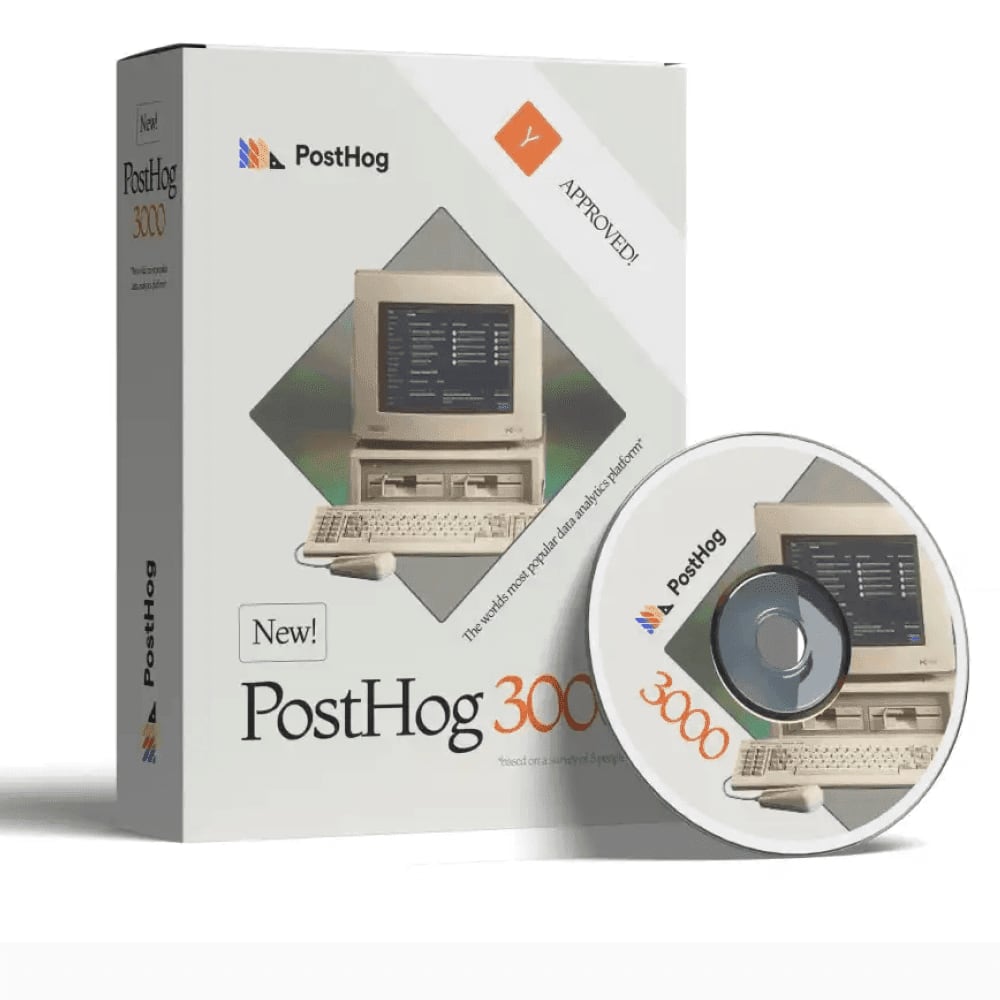
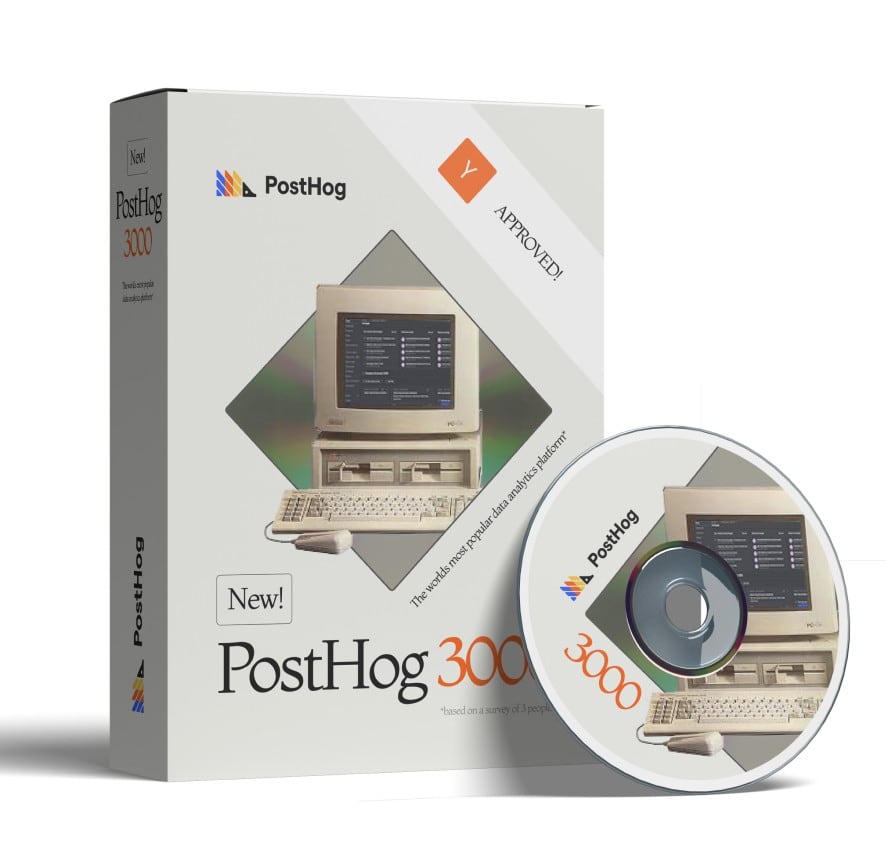
PostHog 3000.
Many organizations run a hybrid stack. A common pattern is:
- GA4 or Data4 for marketing and traffic analytics
- PostHog for product analytics and user behavior
This mirrors the broader industry trend identified in web analytics platform comparisons: web analytics answers "where does traffic come from and which campaigns convert," while product analytics answers "what do users do in the product and why do they churn." These are different questions that often require different tools.
For a small marketing site, one tool is usually enough. For a SaaS company with a marketing site and a product, a hybrid approach is common and often necessary.
A Practical Decision Framework
Follow these steps to make a confident choice:
Define your primary question. Are you measuring marketing performance or product usage? This single answer narrows the field significantly.
Assess your team's technical depth. Non-technical teams should lean toward Data4 or GA4's standard reports. Engineering-led teams will get more from PostHog.
Evaluate privacy requirements. If you operate in the EU or handle sensitive data, consider the compliance burden of each tool. Lightweight options like Data4 or self-hosted PostHog may reduce risk.
Estimate your volume and budget. GA4 is free but limited. PostHog's free tier is generous. Data4's simplicity typically means lower total cost of ownership.
Test before committing. Most platforms offer free tiers or trials. Run a small pilot with real traffic before making a full migration.
For a deeper look at how Data4 compares with other privacy-focused and product analytics tools, see our Data4 vs Plausible Analytics vs PostHog comparison.
Related reading
- Configurable Hit Counter: Options, Setup, and Best Practices - Compare configurable hit counter options, learn what to customize, how to embed one, and when a visible counter or invisible analytics tool makes more sense.
Sources and further reading
- Adding Analytics | Gatsby - Why use analytics? Most professional website teams using Gatsby use one of three types of analytics services on their website: Google…
- Facebook - This content isn't available right now
FAQ
Is Data4 a good replacement for Google Analytics?
For website owners who primarily need traffic, page performance, and engagement metrics, Data4 can serve as a simpler alternative to GA4. It is not a drop-in replacement for teams that rely on Google Ads integration, advanced attribution, or BigQuery exports.
Is PostHog better than Google Analytics?
PostHog is better for product analytics, session replay, feature flags, and experiments. Google Analytics 4 is better for marketing attribution, Google Ads integration, and traffic source analysis. They serve different primary purposes, and many teams use both.
Does PostHog have a free plan?
Yes. PostHog offers a generous free tier with usage-based pricing beyond it. The company reports that over 90% of its users remain on the free plan.
Is Google Analytics still free in 2026?
The standard version of GA4 remains free, but it includes data sampling at high volumes and limited data retention. GA4 360, the enterprise version, requires a significant annual investment.
Which analytics tool is easiest for beginners?
Data4 is designed for simplicity and requires minimal setup or configuration. It is the most beginner-friendly of the three options for basic website analytics.
Can I self-host PostHog?
Yes. PostHog is open source and can be self-hosted, giving organizations full control over their analytics data. This is a key advantage for privacy-conscious teams.
Do I need both web analytics and product analytics?
If you run a SaaS product with a marketing website, you likely need both. Web analytics measures acquisition and campaign performance, while product analytics measures in-product behavior, retention, and feature adoption. A hybrid stack is common and often recommended.
Conclusion
Data4, Google Analytics 4, and PostHog are not direct competitors in the traditional sense. They occupy different positions on a spectrum from simple web analytics to comprehensive product intelligence.
Data4 wins when simplicity, clarity, and global accessibility matter most. It is the practical choice for website owners who want to understand their traffic without becoming analytics experts.
Google Analytics 4 remains the default for marketing teams invested in the Google ecosystem, especially those spending on Google Ads. Its depth comes at the cost of complexity.
PostHog is the clear choice for product and engineering teams that need behavioral insights, session replay, and experimentation in a single platform. Its generous free tier and open-source flexibility make it accessible to startups and enterprises alike.
The right choice depends on your primary question, your team's technical depth, and your privacy requirements. Define those clearly, and the decision becomes much simpler.