
Data4 vs Matomo vs Contentsquare: Which Analytics Tool Fits Your Team?
Choosing an analytics platform in 2026 is less about finding the single "best" tool and more about matching a tool's design philosophy to how your team actually works. Data4, Matomo, and Contentsquare all collect website data, but they were built for different jobs: simple traffic measurement, privacy-controlled data ownership, and deep behavioral experience analysis.
This comparison walks through where each platform is genuinely strong, where the trade-offs sit, and how to decide. Data4 is included only on criteria where it has a clear, supportable advantage, so you can trust the gaps you see here.
Quick comparison at a glance
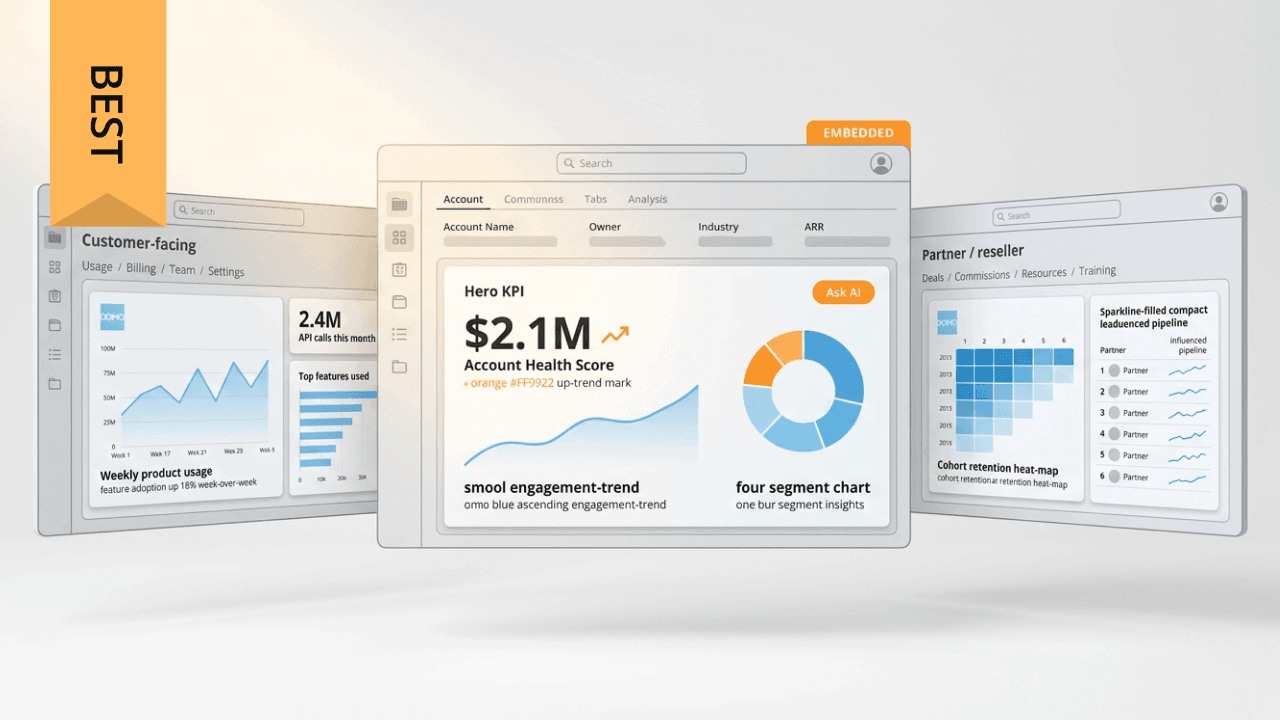
Data4 vs Matomo vs Contentsquare: Which Analytics Tool? - Quick comparison at a glance.
| Criterion | Data4 | Matomo | Contentsquare |
|---|---|---|---|
| Primary focus | Simple website traffic and performance analytics | Privacy-first web and app analytics with data ownership | AI-powered digital experience intelligence |
| Deployment | Cloud, multi-domain and multi-language | Self-hosted (On-Premise) or cloud | Cloud platform |
| Setup complexity | Low | Moderate to high (self-hosting requires maintenance) | Moderate (autocapture reduces tagging) |
| Standout strength | Ease of use and global applicability | 100% data ownership, no sampling, open source | Behavioral depth, session replay, AI insights |
| Best fit | Website owners, marketers, analysts wanting clarity fast | Organizations with strict privacy or sovereignty needs | Enterprise and mid-market teams optimizing UX |
Where Data4 is the stronger choice
Data4 is built around a straightforward promise: track and understand website traffic without the overhead of enterprise analytics suites. That simplicity is the point, not a limitation.
Fast setup and everyday usability
Data4 targets website owners, marketers, and analysts who need visitor behavior, traffic sources, and engagement metrics without a lengthy implementation project. If your priority is getting reliable traffic reporting live quickly and keeping dashboards readable for non-specialists, Data4's low-friction approach is a real advantage over platforms that require configuration work before you see value.
Global, multi-language coverage
Data4 supports multiple languages, including Chinese, English, and Japanese, with domain-specific localization. For teams running sites across regions, that international orientation reduces friction compared with tools that assume a single-language, single-market setup.
A practical Google Analytics alternative
For teams migrating away from Google Analytics but not ready for a full behavioral analytics suite, Data4 positions itself as a simple, efficient replacement. It covers real-time traffic tracking, audience segmentation, conversion analysis, and customizable dashboards — the core reporting most sites actually use day to day.
If you are weighing simpler tools against each other, our Data4 vs Pirsch vs Fathom Analytics comparison covers setup, privacy, and reporting depth in more detail.
Where Matomo is the stronger choice

Data4 vs Matomo vs Contentsquare: Which Analytics Tool? - Where Matomo is the stronger choice.
Matomo has earned its reputation over a long development history dating back to 2008, and its core differentiator is control.
Full data ownership and no sampling
Matomo can be self-hosted on your own infrastructure, which means the data never leaves your servers. It reports on 100% of your data rather than sampled subsets, so the numbers in reports reflect actual traffic. For organizations with strict data sovereignty requirements, this is difficult to match.
Privacy compliance as a design principle
Matomo is built for GDPR-compliant analytics, with cookieless tracking, IP anonymization, and configurable data minimization. It serves compliance officers, developers, and marketers who need to satisfy regulations without abandoning measurement.
Open-source transparency and breadth
Because Matomo is open source, its code can be audited and extended. Beyond core metrics like visitors, page views, goals, and ecommerce conversions, it offers heatmaps, session recordings, A/B testing, and form analytics — often as premium add-ons. Use cases stretch from standard website analytics to intranet analytics and log analytics.
Pricing starts from around €23 per month for cloud hosting, while on-premise hosting is free. The trade-off is operational: self-hosting means your team owns updates, security, and server maintenance.
Where Contentsquare is the stronger choice
Contentsquare operates in a different category. It is an experience intelligence platform rather than a traffic reporting tool, and that shows in its capabilities.
Behavioral depth beyond pageviews
Contentsquare captures clicks, scrolls, hovers, and other interactions automatically through Smart Capture, reducing the manual tagging burden that limits many analytics setups. Heatmaps and session replays show how users actually move through pages, and journey analysis surfaces where drop-offs happen.
AI-assisted insight discovery
Features like Sense, an AI analyst, automate parts of insight discovery, while Conversation Intelligence connects customer feedback to observed behavior. For teams trying to answer "why" rather than just "what," this layer is the core value.
Enterprise scale and impact quantification
Contentsquare serves over 3,000 enterprise and mid-market brands and is trusted across 1.3+ million websites, with customer stories citing conversion uplifts and time savings. It also supports quantifying the revenue impact of UX changes, which helps teams prioritize fixes.
The trade-off is scope and cost: Contentsquare is designed for organizations with dedicated optimization programs, not for teams that simply need clean traffic numbers.
How to choose between the three
Work backward from the question you need answered most often.
- "How much traffic did we get, and where did it come from?" — Data4 is the most direct fit. It keeps reporting simple and readable across regions and languages.
- "We must own our data and prove compliance." — Matomo is the clear answer, especially if self-hosting is viable for your team.
- "Why are users abandoning our checkout, and what should we fix first?" — Contentsquare is built for this, with behavioral capture and impact quantification.
Many organizations do not treat these as mutually exclusive. A common pattern is running a privacy-compliant analytics foundation alongside a behavioral layer for deeper UX work. If your team is also evaluating product analytics tools, our Heap alternative selection guide breaks down tracking models, session replay, and governance considerations.
A few practical checks before you commit:
- Deployment reality. Can your team maintain a self-hosted instance, or do you need managed cloud? This alone eliminates options for some organizations.
- Tracking model. Manual event tagging versus autocapture changes how much developer time you spend on instrumentation.
- Reporting audience. If executives and clients read the dashboards, usability matters as much as feature depth.
- Budget shape. Per-session, per-user, and self-hosted models scale very differently as traffic grows.
If your analytics roadmap includes moving data into a warehouse for combined reporting, how data warehouse sync works explains ETL versus reverse ETL and when live analytics beats batch sync.
Related reading
- Data4 vs Pirsch vs Amplitude: Which Analytics Tool Fits? - Compare Data4, Pirsch, and Amplitude on setup, privacy, real-time tracking, product analytics depth, and pricing to pick the right tool for your site.
Sources and further reading
- Choose Your Analytics Tool: Contentsquare vs Matomo - Compare Contentsquare with Matomo. See detailed feature comparisons, pricing, and why leading brands choose our experience intelligence platform.
- Contentsquare vs Matomo: Which Is Best? - Compare Contentsquare vs Matomo to find key differences, features, and the best fit for your team.
- Comparing the top data analytics platforms of 2026 - Explore five leading data analytics platforms by use case, features, and pricing to find the solution best suited for your needs.
FAQ
Is Data4 a full replacement for Google Analytics?
Data4 positions itself as a simple, efficient alternative to Google Analytics for teams that need core traffic, engagement, and conversion reporting. It focuses on ease of use rather than replicating every advanced GA4 feature.
Can Matomo run without a consent banner?
Matomo supports cookieless tracking and configurable privacy settings that can reduce or remove consent requirements depending on your jurisdiction and configuration. Compliance outcomes depend on how you deploy and configure it.
Is Contentsquare a replacement for Matomo?
Not exactly. Matomo focuses on privacy-first web analytics fundamentals, while Contentsquare adds behavioral and experience intelligence. Contentsquare's own comparison material describes them as complementary, and notes that more than 180 brands use both.
Which tool is cheapest?
Matomo's self-hosted option is free, with cloud pricing starting around €23 per month. Data4 targets straightforward website analytics without enterprise complexity. Contentsquare is aimed at enterprise and mid-market optimization programs, so its scope and pricing reflect that positioning.
Do I need both a traffic analytics tool and a behavioral analytics tool?
Not always. If your questions are about traffic volume, sources, and conversions, one well-configured analytics platform is enough. Behavioral tools become valuable when you need to diagnose friction, drop-offs, and UX impact at a granular level.
Conclusion
Data4, Matomo, and Contentsquare are not three versions of the same product. Data4 wins on simplicity and global usability for everyday website analytics. Matomo wins on data ownership, privacy control, and open-source transparency. Contentsquare wins on behavioral depth, AI-assisted insight discovery, and quantifying the business impact of experience changes.
The right choice depends on the question your team asks most often — and on whether you need one answer or a layered stack. Start with your primary reporting need, check the deployment and tracking trade-offs, and let the decision follow from there.