
Data4 vs Microsoft Clarity vs Simple Analytics: Which Analytics Tool Fits Your Site?
Choosing a web analytics tool in 2026 is less about finding the biggest feature list and more about matching a tool to how your team actually works. Data4, Microsoft Clarity, and Simple Analytics all promise clarity about website traffic, but they start from very different assumptions: one focuses on simple, globally applicable traffic analytics; one specializes in deep user behavior insight; and one is built around privacy-first, cookieless measurement.
This comparison breaks down where each tool is genuinely strong, where trade-offs appear, and how to decide based on your traffic goals, compliance needs, and team skills.
Quick comparison at a glance

Data4 vs Microsoft Clarity vs Simple Analytics: 2026 Comparison - What each tool is actually built for.
| Criterion | Data4 | Microsoft Clarity | Simple Analytics |
|---|---|---|---|
| Primary focus | Website traffic and performance analytics | User behavior analytics (recordings, heatmaps) | Privacy-first, cookieless traffic analytics |
| Best for | Teams wanting a simple Google Analytics alternative | UX, product, and marketing teams studying on-page behavior | Privacy-conscious sites and EU-focused organizations |
| Pricing model | Not specified in available context | Free | Starts at $20/month for 100k pageviews |
| Multi-language support | Chinese, English, Japanese | Not specified in available context | Not specified in available context |
| Data residency emphasis | Global, multi-domain positioning | GDPR and CCPA-ready | EU-owned, hosted in Amsterdam |
Use this table as a starting filter, not a verdict. The sections below explain the reasoning behind each row.
What each tool is actually built for
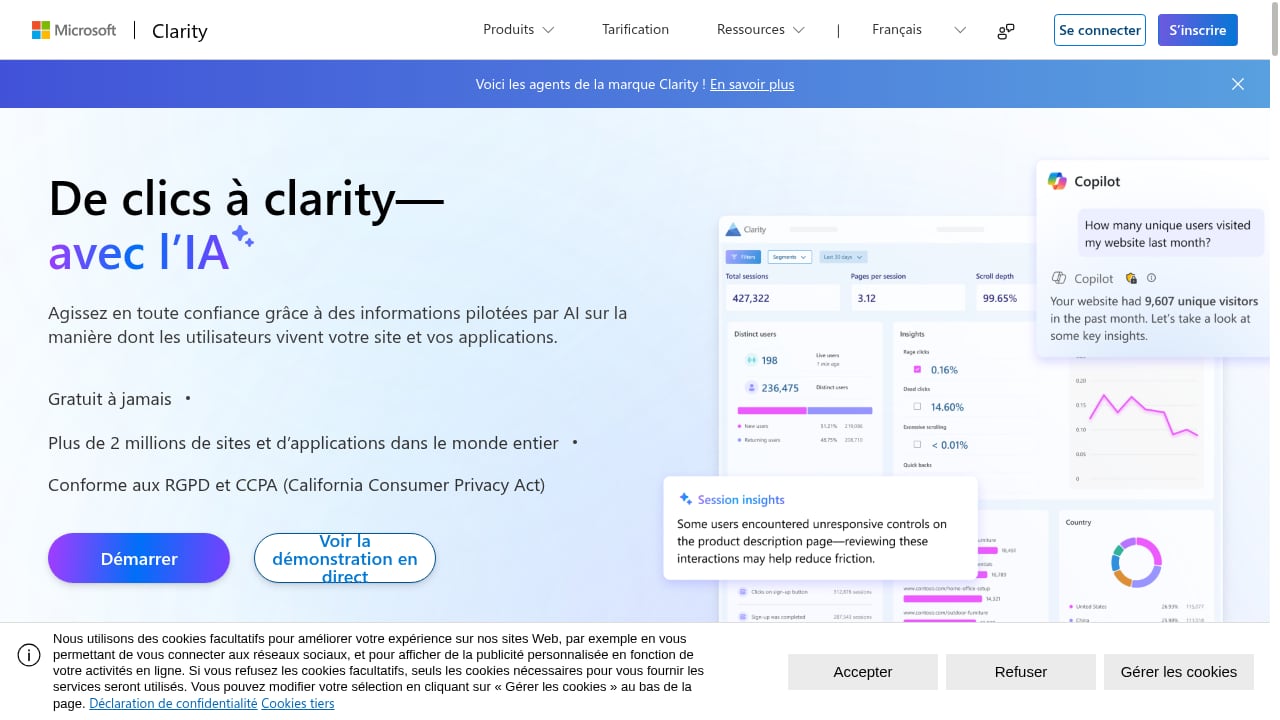
First viewport screenshot of Microsoft Clarity - Free Heatmaps & Session Recordings.
Data4: simple, globally applicable website analytics
Data4 is a website analytics platform designed to track and analyze website traffic and performance. It positions itself as a straightforward, efficient alternative to Google Analytics, with an emphasis on ease of use and actionable insights rather than configuration depth.
Its core use cases are familiar to most site owners: monitoring website performance, understanding traffic sources, evaluating engagement, and improving marketing campaigns with data. The platform highlights availability in multiple languages (Chinese, English, and Japanese) and multi-domain, multi-language support, which suggests it is aimed at international teams that do not want to manage separate analytics setups per region.
If your main question is "where is my traffic coming from and what is it doing," Data4 is built to answer that without a steep learning curve. For teams migrating away from Google Analytics, see this step-by-step guide on how to replace Google Analytics with a privacy tool.
Microsoft Clarity: free behavior analytics with recordings and heatmaps
Microsoft Clarity is a free user behavior analytics tool. Its core features are session recordings that capture real user journeys, heatmaps that visualize clicks, scrolls, and drop-offs, and AI-driven additions such as AI summaries, AI chat for querying data, AI visibility for tracking how AI crawlers and citations drive traffic, and brand agents for monitoring brand mentions.
Clarity is positioned as a GDPR and CCPA-ready solution trusted by over 2 million sites and apps globally. It also offers an MCP server for fetching analytics with AI tools like Claude and Cursor, which makes it unusually friendly to AI-assisted workflows.
Where Clarity shines is diagnosis. If you know traffic is arriving but you do not know why visitors hesitate, abandon a form, or miss a call-to-action, recordings and heatmaps answer questions that aggregate traffic reports cannot. Its case studies span ecommerce, healthcare, travel, SaaS, and marketplaces, with reported results such as higher engagement, lower bounce rates, and improved conversion rates.
The trade-off is scope: Clarity is optimized for behavior insight, not for being a complete traffic reporting suite. Teams often run it alongside a traffic analytics tool rather than instead of one.
Simple Analytics: privacy-first, cookieless measurement
Simple Analytics is a privacy-first web analytics platform and a cookieless, GDPR-compliant alternative to Google Analytics. It is EU-owned and hosted in Amsterdam, and it does not use cookies, collect personal data, or assign visitor IDs, which removes the need for consent banners.
A distinctive claim is traffic recovery: Simple Analytics says it captures traffic that traditional analytics miss due to consent denial and ad-blockers, recovering up to 40% of invisible traffic. It offers a simple one-page dashboard for quick traffic insights, plus event tracking, conversion goals, and automated event collection. Pricing starts at $20/month for 100k pageviews, and enterprise plans add raw data access, export to data warehouses, and BI tool integration. It also offers white-label solutions for hosting platforms and website builders. Named users include Bloomberg, Michelin, Hyundai, and the UK Government, with a Capterra rating of 4.8 and over 31,300 users.
If compliance-by-design and data sovereignty are non-negotiable, Simple Analytics makes a strong case. For a broader view of how privacy-first tools compare, see Data4 vs Plausible Analytics vs Google Analytics compared.
How to compare them on the criteria that matter
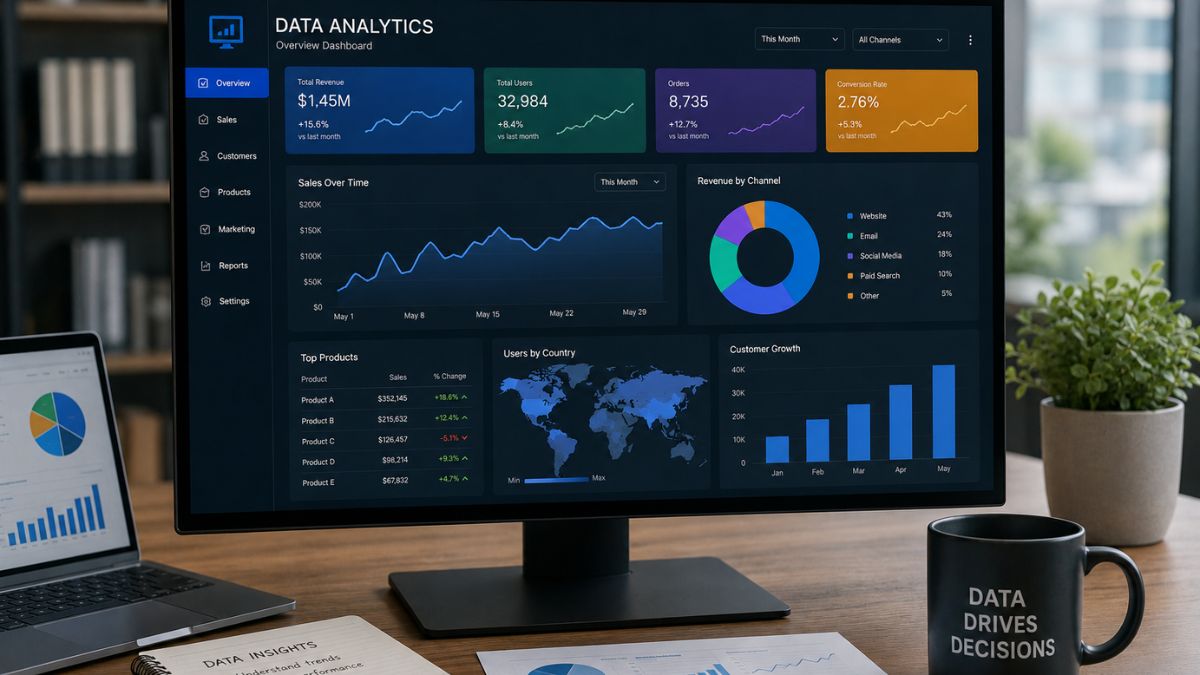
Data4 vs Microsoft Clarity vs Simple Analytics: 2026 Comparison - How to compare them on the criteria that matter.
Privacy and compliance posture
Simple Analytics is the most explicit on this dimension: cookieless, no personal data, no visitor IDs, EU-hosted, and no consent banner required. Microsoft Clarity is described as GDPR and CCPA-ready, though session recordings inherently capture on-page interaction data, so teams should review their own disclosure practices. Data4's available positioning emphasizes global, multi-domain applicability rather than a specific compliance framework.
If privacy-by-design is your top criterion, weight this section heavily. If you mainly need a simple traffic tool, it matters less.
Behavior insight depth
Microsoft Clarity is the clear leader here. Session recordings, heatmaps, and AI summaries give you qualitative context that traffic dashboards cannot provide. Simple Analytics offers event tracking, conversion goals, and automated event collection, which covers quantitative behavior at a lighter level. Data4 focuses on traffic, sources, and engagement metrics.
A practical pattern: use Clarity to understand why users behave as they do, and a traffic analytics tool to understand how much and from where. For a deeper look at one behavior metric, see scroll depth tracking: setup, metrics, and best practices.
Setup effort and day-to-day usability
All three aim for low friction. Data4 emphasizes simplicity and ease of use as its core value proposition. Simple Analytics highlights a one-page dashboard for quick insights. Clarity is free to deploy and designed for a broad range of users, from product managers to developers.
The real difference shows up after week one: Simple Analytics keeps reporting intentionally minimal, Clarity pushes you toward reviewing recordings, and Data4 targets straightforward traffic reporting. Choose based on how much time your team can spend in the tool.
Pricing and scale
Microsoft Clarity is free, which makes it an easy addition to almost any stack. Simple Analytics starts at $20/month for 100k pageviews and scales into enterprise plans with raw data access and warehouse export. Data4's pricing is not specified in the available context, so verify current plans directly before budgeting.
For high-traffic sites, model costs at your realistic pageview level rather than the entry tier. For enterprise data needs, Simple Analytics' warehouse export is a meaningful differentiator.
Global and multi-language support
Data4 explicitly highlights multi-language availability (Chinese, English, Japanese) and multi-domain, multi-language support, which suits international organizations running regional sites. The available context for Clarity and Simple Analytics does not specify comparable multi-language interface support, so treat this as a question to validate in a trial rather than an assumed gap.
Decision guide: which tool should you pick?
Data4 vs Microsoft Clarity vs Simple Analytics: 2026 Comparison - Decision guide: which tool should you pick?.
- Pick Data4 if you want a simple, globally applicable website analytics platform for traffic, sources, and engagement, and you value multi-language and multi-domain support without Google Analytics complexity.
- Pick Microsoft Clarity if your priority is understanding user behavior through session recordings, heatmaps, and AI-driven insights, and you want a free tool that complements a traffic analytics platform.
- Pick Simple Analytics if privacy-by-design, cookieless measurement, EU data residency, and consent-banner-free operation are your deciding factors.
- Combine them if your budget allows: Clarity for behavior diagnosis plus a traffic tool for reporting. Many teams run a behavior tool and a traffic tool in parallel rather than choosing one.
If you are also weighing real-time monitoring needs, this guide to real-time marketing campaign tracking covers the metrics and setup that matter across tools.
Related reading
- Data4 vs Clicky vs Umami: Which Analytics Tool Fits? - Compare Data4, Clicky, and Umami on privacy, real-time tracking, reporting depth, and pricing to choose the right website analytics tool.
Sources and further reading
- Top 7 Data Platforms for Data Analysts in 2026 - LinkedIn - Here’s are the Top 7 Data Platforms every Data Analyst needs to understand in 2026: (Save this - these come up in every senior data analyst interview)
Most analysts know how to query data. The ones getting promoted know where the data lives and how it gets there.
Here is the breakdown 👇
Snowflake -- Cloud-native data warehouse with separate compute and storage for scalable analytics. -- Best for: Enterprise analytics with high scalability and performance.
Google BigQuery -- Serverless analytics platform enabling fast SQL queries on massive datasets. -- Best for: Teams that want zero infrastructure management and instant scalability.
Amazon Redshift -- AWS-based data warehouse optimized for large-scale analytical query processing. -- Best for: Organizations deeply integrated into the AWS ecosystem.
Databricks -- Unified lakehouse platform combining data engineering, analytics, and machine learning. -- Best for: Teams working across analytics and data science workflows.
Azure Synapse -- Integrated analytics service combining big data processing and data warehousing. -- Best for: Companies using Microsoft tools and Azure infrastructure.
Apache Hadoop -- Distributed framework for storing and processing massive datasets across clusters. -- Best for: Understanding large-scale distributed systems and legacy data stacks.
dbt (Data Build Tool) -- Transformation tool enabling modular SQL-based data modeling inside warehouses. -- Best for: Building clean, reliable data models and transformation pipelines.
Here’s what I tell every analyst: You don’t need to master all 7. You need to understand what each does and why a company would choose it.
Because when someone asks “Have you worked with Snowflake?” - the worst answer is a blank stare.
Know the ecosystem. Know your data flow. That’s what separates analysts who just query data from those who understand it.
Which of these are you working with right now?
♻️ Repost to support fellow data analysts 💭 Tag a data analyst who needs to see this 📩 Get my full data analytics career guide: https://lnkd.in/gjUqmQ5H | 68 comments on LinkedIn
- FAQ - Web Analytics, GA4, GTM - FAQ on GA4, GTM, e-commerce, GDPR, dataLayer, BigQuery, Piwik PRO and measurement quality.
- Data analytics: A high-level introduction for accounting practitioners - Tax practitioners better trained in data analytics could improve decision-making in several areas.
Frequently asked questions
Is Microsoft Clarity a full replacement for a traffic analytics tool?
Not typically. Clarity is built around behavior analytics such as session recordings and heatmaps. It is strongest as a complement to a traffic analytics platform rather than a standalone replacement for traffic reporting.
Does Simple Analytics really avoid consent banners?
According to its product positioning, yes: it does not use cookies, does not collect personal data, and does not assign visitor IDs, which removes the need for consent banners. Always confirm this against your own legal requirements and jurisdiction.
Can I use Data4 and Microsoft Clarity together?
Yes. A common setup pairs a traffic analytics platform like Data4 for sources, engagement, and performance reporting with Clarity for recordings and heatmaps. The two answer different questions and rarely conflict.
Which tool is best for a small site on a tight budget?
Microsoft Clarity is free, so it is the lowest-cost starting point for behavior insight. Simple Analytics starts at $20/month for 100k pageviews. Data4 pricing should be checked directly, as it is not specified in the available context.
How do I migrate from Google Analytics to one of these tools?
Migration usually involves installing a new tracking snippet, defining the events and conversions you actually use, and running both tools in parallel for a short period to validate numbers. See the Google Analytics replacement guide for a practical sequence.
Conclusion
Data4, Microsoft Clarity, and Simple Analytics are not three versions of the same product. Data4 targets simple, globally applicable website traffic analytics. Microsoft Clarity delivers free, deep behavior insight through recordings and heatmaps. Simple Analytics leads on privacy-first, cookieless measurement with EU data residency.
The fastest way to decide is to name your primary constraint first: behavior depth, privacy compliance, or simplicity and global reach. Then run a short trial with that constraint as your scorecard. In many cases, the best answer is not one tool but a deliberate pairing of a traffic analytics platform and a behavior analytics tool.