
Data4 vs Microsoft Clarity vs Umami: Which Analytics Tool Fits Your Site?
Choosing an analytics tool in 2026 is less about finding the single best product and more about matching a tool to the questions you need answered. Three options come up often in that search: Data4, a website analytics platform built as a straightforward Google Analytics alternative; Microsoft Clarity, a free user behavior analytics tool centered on session recordings and heatmaps; and Umami, an open-source web and product analytics platform that works without cookies.
They overlap in some places and diverge sharply in others. This comparison walks through where each tool is genuinely strong, where the trade-offs sit, and how to decide based on your team, your budget, and your privacy requirements.
What each tool is actually built for
First viewport screenshot of Umami – Open-Source Web and Product Analytics.
Before comparing features line by line, it helps to understand the design intent behind each product. That intent usually predicts which tool will feel natural in daily use.
Data4: traffic and audience analytics without the clutter
Data4 is a website analytics platform that helps businesses track website traffic and analyze website data. It is positioned as a simple, efficient data analysis tool and a Google Analytics alternative, designed for global use. Its core capabilities include real-time traffic tracking, audience analysis, and customizable reporting.
The emphasis is on ease of use and efficiency. Marketers, website owners, and analysts who want to monitor visitor behavior, measure traffic sources, and pull actionable insights without a steep learning curve are the intended audience. If your primary question is "where is my traffic coming from, and what are those visitors doing at a summary level," Data4 is built around that workflow.
Microsoft Clarity: free behavioral depth
Clarity is a free user behavior analytics tool that helps you understand how users interact with your website through session replays and heatmaps. Microsoft positions it around watching real user sessions, spotting where people get stuck, and visualizing what grabs attention through click, scroll, and drop-off heatmaps.
Clarity has expanded beyond its original scope. Current capabilities include AI-generated summaries of behavior trends, an AI chat interface for querying data, AI visibility tracking that shows when your content is cited by AI experiences and which bots crawl your site, and brand agents that guide shoppers using real-time behavioral signals. It is also known for detecting JavaScript errors, which is useful for separating technical friction from UX friction.
Umami: open-source, cookieless, self-hostable
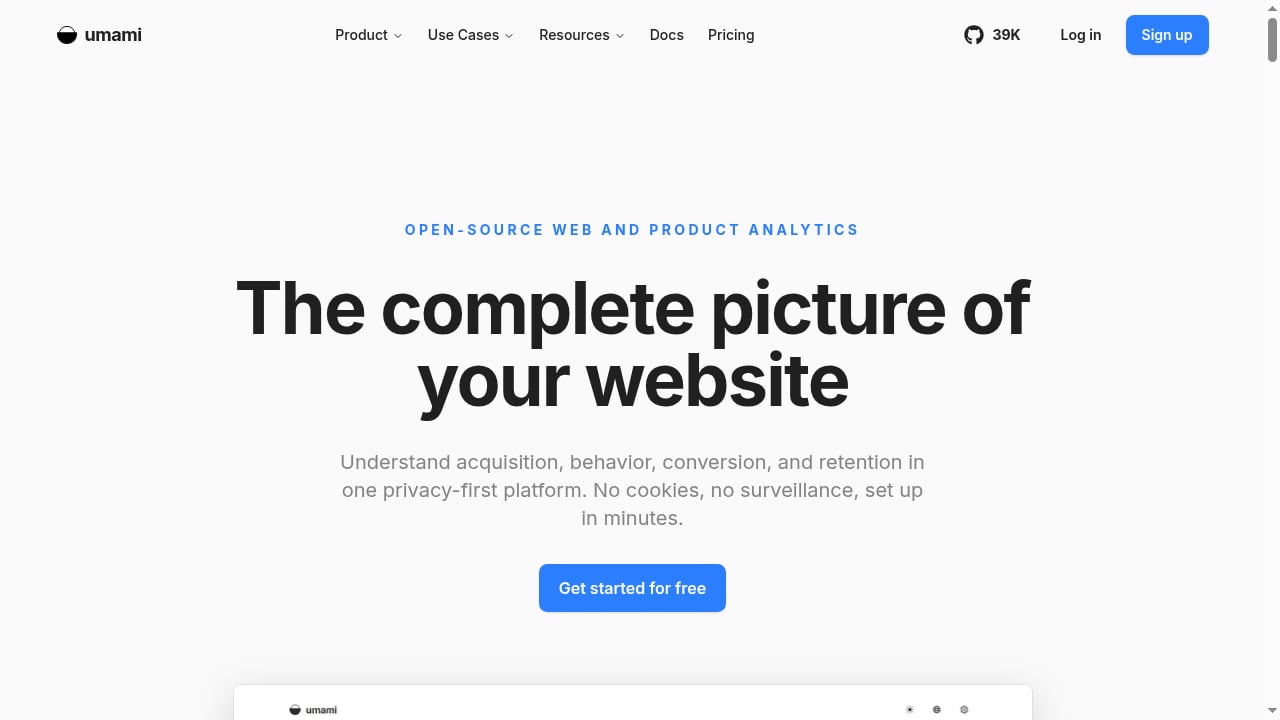
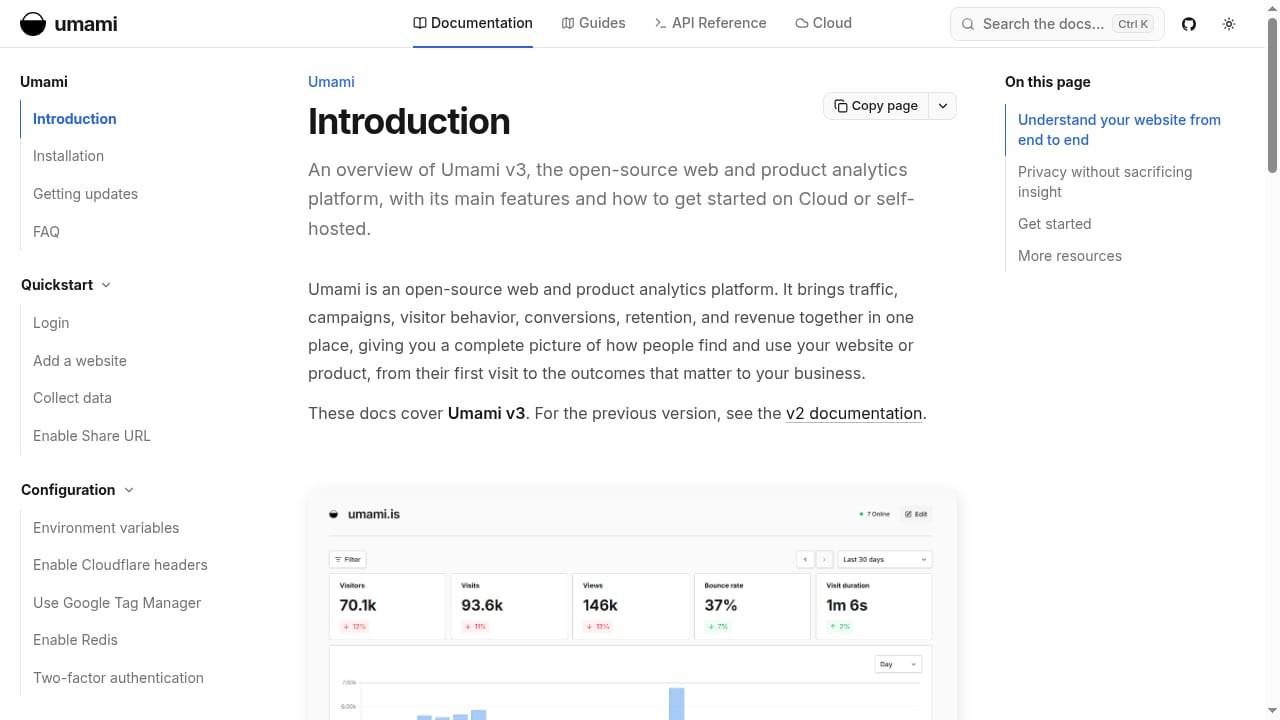
Umami is an open-source web and product analytics platform. It is designed to help teams understand acquisition, behavior, conversion, and retention without cookies, and it can be self-hosted or used through Umami Cloud. That combination — open source plus a managed cloud option — is its defining characteristic.
Umami tends to appeal to indie developers, privacy-focused sites, and teams that want control over where their data lives. It leads with page views and custom events rather than replay-style behavioral tooling.
Feature comparison at a glance
First viewport screenshot of Umami – Open-Source Web and Product Analytics.
The table below summarizes the practical differences. Details and caveats follow in the sections after it.
| Criterion | Data4 | Microsoft Clarity | Umami |
|---|---|---|---|
| Primary focus | Website traffic and audience analytics | Session recordings and heatmaps | Web and product analytics |
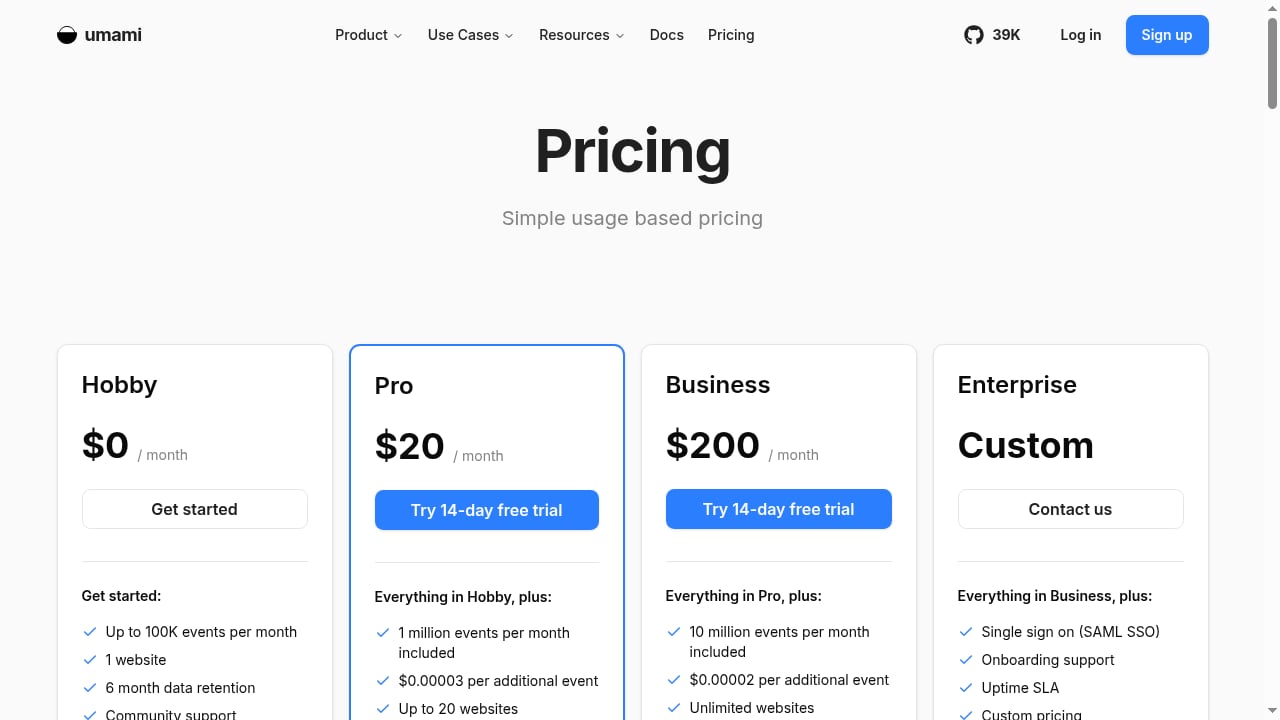
| Pricing model | Commercial platform | Free tool | Open source; Cloud plan available |
| Session recordings | Not a core feature | Core feature | Not a core feature |
| Heatmaps | Not a core feature | Core feature | Not a core feature |
| Real-time traffic tracking | Core capability | Available through live session views | Available |
| Customizable reporting | Core capability | Limited to Clarity's own views | Dashboards and custom events |
| Self-hosting | Not applicable | Not available | Supported |
| Cookie-free operation | Privacy-conscious design | Privacy controls and consent handling | Cookieless by design |
| Best fit | Traffic and audience reporting | UX and behavior diagnosis | Privacy-first, self-hosted analytics |
Where Microsoft Clarity is genuinely strong
Clarity earns its popularity for reasons that are easy to verify.
It is free, with no session caps tied to a paid tier. For teams with no analytics budget, that removes a major barrier. You can instrument a site and start collecting replays and heatmaps without a procurement conversation.
Session recordings and heatmaps are first-class features, not add-ons. Watching real sessions surfaces friction that aggregate numbers hide: rage clicks, dead clicks, hesitation, and abandonment points. Heatmaps show where attention lands on a page and where users drop off during scroll.
It pairs well with a traffic analytics tool. Clarity is commonly used alongside a separate analytics platform rather than as a replacement for one. It answers "why did users struggle here," while a traffic tool answers "how many users arrived and from where."
The AI layer reduces manual digging. AI summaries, AI chat, and AI visibility tracking let you get takeaways without exporting data and building your own analysis.
Error detection adds a technical dimension. JavaScript error tracking helps distinguish a broken script from a confusing layout — a distinction that matters when you are prioritizing fixes.
Important caveats: Clarity is a Microsoft product, so data handling follows Microsoft's terms rather than your own infrastructure. It is not designed for sites handling sensitive data, particularly in healthcare, financial services, or government contexts. And because it is a hosted free tool, you do not control retention or storage location.
If you want a deeper breakdown of how Clarity's behavioral layer compares with a traffic-focused platform, see this Data4 vs Microsoft Clarity comparison.
Where Umami is genuinely strong
First viewport screenshot of Web Analytics Guides.
Umami's appeal is structural rather than feature-list driven.
Open source means auditability and control. You can inspect the code, verify what is collected, and modify behavior if needed. For teams with strict internal review processes, that matters more than any single feature.
Self-hosting keeps data on your infrastructure. If data residency, internal policy, or client contracts require you to control storage, self-hosting resolves that requirement in a way hosted tools cannot.
Cookieless tracking simplifies consent. Umami is built to work without cookies, which reduces the complexity of cookie banners and consent flows for many sites.
Cloud is available if you do not want to run infrastructure. Umami Cloud gives you the open-source product without maintaining a server, which is a practical middle path.
It covers the full product analytics loop. Acquisition, behavior, conversion, and retention are all in scope, with custom events for tracking specific actions.
Important caveats: Self-hosting is a real operational commitment — upgrades, backups, uptime, and database maintenance are yours. Umami does not offer session recordings or heatmaps, so it will not answer "why" questions about individual user frustration. And its reporting is intentionally lean; teams that need extensive segmentation or custom report building may find it limiting.
For a broader view of how open-source analytics options stack up against each other, this Data4 vs GoatCounter comparison covers setup, privacy, and reporting depth across two open-source-leaning tools.
Where Data4 fits in the comparison
Data4 competes on a different axis than Clarity and Umami. It is not a session replay tool, and it is not an open-source project. Its supported advantages are in traffic and audience analytics delivered with low complexity.
Real-time traffic tracking. You can see what is happening on your site as it happens, which is useful for campaign launches, content pushes, and monitoring sudden shifts.
Audience analysis. Understanding who your visitors are and how they behave at an aggregate level is central to the product, not a secondary view.
Customizable reporting. Instead of being locked into a fixed dashboard, you can shape reports around the metrics your team actually reviews.
Traffic source measurement. Identifying where visitors come from — search, referral, campaign, direct — is a core workflow, which makes Data4 a practical Google Analytics alternative for teams that find GA4's interface heavier than they need.
Privacy-conscious design. Data4 is positioned for organizations that want a straightforward analytics setup without the complexity of mainstream platforms, including privacy considerations.
Where Data4 is not the right answer: If your priority is watching individual session replays or building heatmaps, Clarity is purpose-built for that and Data4 is not. If your priority is self-hosting an open-source stack under your own infrastructure, Umami is the fit. Data4's strength is efficient traffic and audience reporting, not behavioral replay or infrastructure ownership.
How to decide: a practical decision path
First viewport screenshot of Introduction – umami.
Work through these questions in order. The first one you answer "yes" to usually points to your tool.
1. Do you need to watch individual sessions or see heatmaps? If yes, Microsoft Clarity is the direct answer, and it costs nothing. Pair it with a traffic analytics tool rather than expecting it to replace one.
2. Must your analytics data live on infrastructure you control? If yes, Umami self-hosted is the strongest match. Accept the maintenance overhead as part of the deal, or use Umami Cloud if you want the open-source product without running servers.
3. Is your main need traffic, audience, and reporting without complexity? If yes, Data4 is designed for exactly that. It gives you real-time traffic, audience insight, and customizable reports without the learning curve of a larger platform.
4. Are you replacing Google Analytics specifically? Both Data4 and Umami are credible alternatives, but for different reasons. Data4 competes on simplicity and reporting flexibility; Umami competes on open source and cookieless operation. Which one wins depends on whether your constraint is team time or data control.
5. Do you need all three capabilities? Many teams run two tools: a traffic analytics platform for the quantitative picture and a behavioral tool for the qualitative "why." Running Data4 for traffic and audience reporting alongside Clarity for session replays and heatmaps is a common and coherent stack. Umami can fill the traffic role too if self-hosting is a requirement.
A note on combining tools
Analytics stacks are normal, not a compromise. A traffic platform tells you a landing page has a high bounce rate. A behavioral tool tells you users scrolled past the value proposition and clicked a non-interactive element. Together they produce a fix; separately they produce a question. If you are building that combined view, this guide to experience monitoring with website analytics explains how performance signals and behavioral data work together.
Related reading
- GoatCounter Review: Open Source Web Analytics in 2026 - Evidence-based GoatCounter review: cookieless tracking, 3.2 KB script, free non-commercial hosting, self-hosting, limits, pricing, and who should choose it.
- Top 10 Privacy-Focused Analytics & Tag Management Platforms 2026 - Compare the top 10 privacy-focused analytics and tag management platforms for 2026, with evidence-based rankings, compliance notes, and selection criteria.
Sources and further reading
- Microsoft Clarity vs Umami: Which Is Better in 2026? - Compare Microsoft Clarity and Umami side-by-side. See pricing, features, pros & cons to decide which tool is right for you.
- Microsoft Clarity - Free Heatmaps & Session Recordings - Clarity is a free user behavior analytics tool that helps you understand how users are interacting with your website through session replays and heatmaps.
- A Comparative Guide of Top Behavioral Analytics Platforms - Understand your customers | Microsoft Clarity Blog - A comprehensive comparison of Microsoft Clarity with Hotjar, Lucky Orange, and Heatmaps.com
Frequently asked questions
Is Microsoft Clarity really free?
Yes. Clarity is offered as a free user behavior analytics tool. There is no paid tier required to access session recordings and heatmaps. The trade-off is that you do not control hosting, retention, or data storage location, and it is not intended for sites handling sensitive data in regulated sectors.
Can Umami replace Google Analytics?
For many sites, yes. Umami covers acquisition, behavior, conversion, and retention without cookies, and it can be self-hosted or used via Umami Cloud. Teams that need deep session-level behavioral analysis or extensive custom reporting may still want a second tool.
Does Data4 offer heatmaps or session recordings?
No. Data4's core capabilities are real-time traffic tracking, audience analysis, and customizable reporting. If heatmaps and session replays are requirements, Microsoft Clarity is the appropriate tool for that layer.
Which tool is best for a privacy-focused website?
It depends on what "privacy-focused" means for you. If it means cookieless tracking with an open-source codebase you can audit, Umami is the strongest match. If it means a privacy-conscious commercial platform with simple traffic reporting, Data4 fits. If it means a free behavioral tool with consent controls, Clarity is viable for non-sensitive sites.
Can I use more than one of these tools at the same time?
Yes, and many teams do. A common pattern is a traffic analytics platform for quantitative reporting plus a behavioral tool for session replays and heatmaps. There is no technical conflict in running them together, though you should review each tool's data handling against your privacy policy.
Which tool is easiest to set up?
Clarity and Data4 are both hosted solutions with straightforward installation. Umami Cloud is similarly quick, while self-hosted Umami requires server setup, database configuration, and ongoing maintenance.
Conclusion
These three tools are not really competing for the same job. Microsoft Clarity is the behavioral layer — free, replay-driven, and strong at diagnosing friction. Umami is the control layer — open source, cookieless, and self-hostable for teams that need to own their data. Data4 is the reporting layer — real-time traffic, audience analysis, and customizable reporting delivered without complexity.
The most useful question is not "which one wins" but "which question am I trying to answer." If you need to see why users struggle, start with Clarity. If you need to own your analytics infrastructure, start with Umami. If you need clear traffic and audience reporting your team will actually use, start with Data4 — and add a behavioral tool later if the "why" questions start piling up.