
GoatCounter Review: Open Source Web Analytics in 2026
GoatCounter is one of the few analytics tools that tells you exactly what it is: a small, open source, cookieless counter for people who want honest traffic numbers without a consent banner. It is not a growth platform, and it does not pretend to be one. This review covers what it actually measures, how the free and paid tiers work, what self-hosting involves, where it breaks down, and how to decide whether it fits your site in 2026.
What GoatCounter is
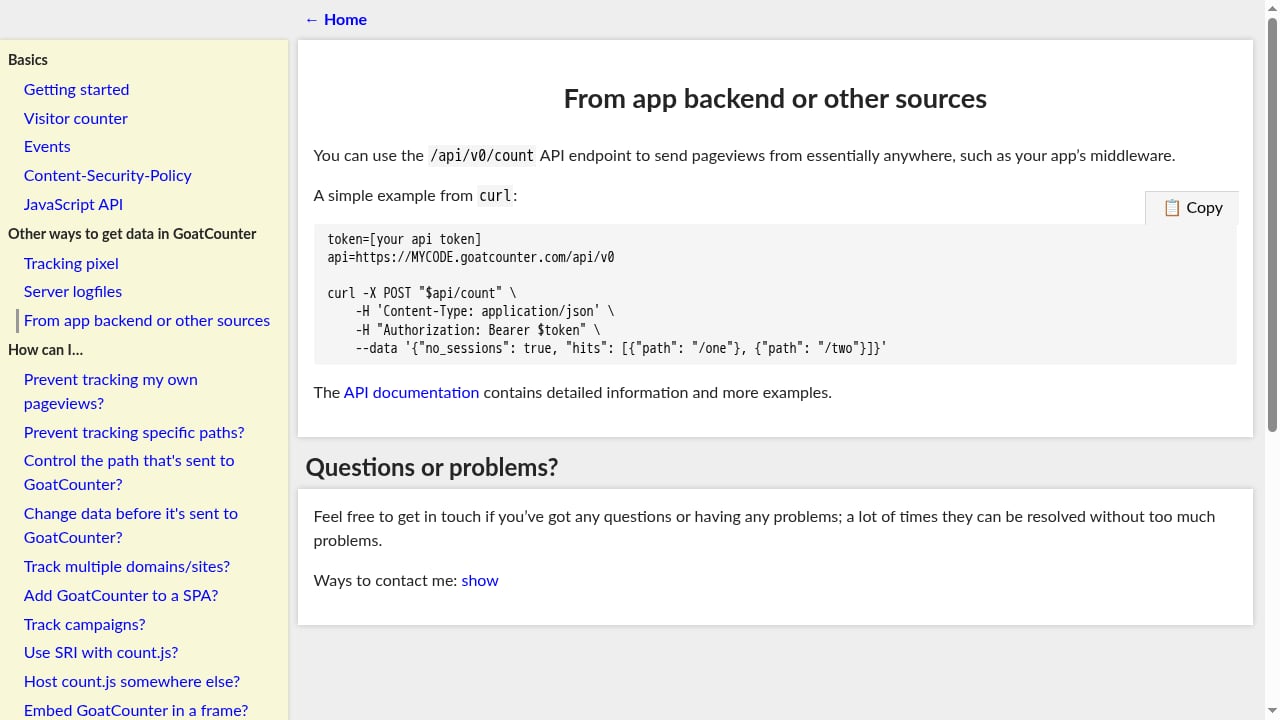
First viewport screenshot of GoatCounter documentation.
GoatCounter is an open source web analytics tool created and maintained by Martin Tournoij, a Dutch developer who has worked on it since 2019. It is licensed under the EUPL-1.2, a copyleft licence recognised across EU member states, and the source code is publicly inspectable.
The product ships in two forms:
- Hosted at goatcounter.com, free for personal and non-commercial sites and paid for commercial use.
- Self-hosted, as a single compiled Go binary you run on your own server.
It is written in Go, defaults to SQLite, and supports PostgreSQL for larger deployments. That stack choice is the reason it can run on hardware that would buckle under a typical PHP or Node-based analytics stack.
What GoatCounter actually measures
The reporting surface is deliberately narrow. You get:
- Pageviews per URL, with daily and hourly resolution
- Referrers grouped by domain, with the full URL on hover
- Browser and operating system breakdowns, including versions
- Screen sizes, useful for responsive design audits
- Country-level location, derived from the IP at request time and then discarded
- Campaign tracking through UTM parameters or custom attributes
- Basic event tracking for clicks and similar actions
- An optional public dashboard you can expose at a shareable URL
What it does not store: IP addresses, cookies, fingerprints, user IDs, or anything that could re-identify a returning visitor across sessions.
How the cookieless model works
GoatCounter identifies a visit using a hash derived from the IP address, the User-Agent string, and a rotating salt. The raw IP is never written to the database. Because no persistent identifier is set on the visitor's device, the tool does not trigger the consent requirement that cookie-based analytics normally does. That removes an entire layer of friction: no cookie banner, no consent management platform, no blocked script waiting on user approval.
The script size claim, measured
The project has long advertised a sub-1 KB tracking script. Independent measurement tells a more nuanced story. The count.js file served from gc.zgo.at measures roughly 3.2 KB gzipped, and the uncompressed file is around 9 KB and is not minified. The older count.v3.js is marginally smaller.
That is still dramatically lighter than Google Analytics 4, which ships well over 100 KB gzipped. But it is not the lightest option available: Plausible, Cabin, and counter.dev all deliver less over the wire, and counter.dev is under half a kilobyte. GoatCounter's real advantage is the combination of a small script, no cookies, and a free hosted tier, not the script size alone.
Beyond JavaScript: the tracking pixel and log parsing
The most underrated part of GoatCounter is that it does not require JavaScript at all. Two alternatives are documented:
- A tracking pixel, for environments where scripts are unwelcome or blocked.
- Server log file parsing, which lets you generate analytics from logs you already have.
The log parsing option is genuinely useful during migration, because it means you can backfill historical traffic data without having tracked anything in the browser at that time. Very few tools in this category take non-JavaScript measurement this seriously.
Pricing signals
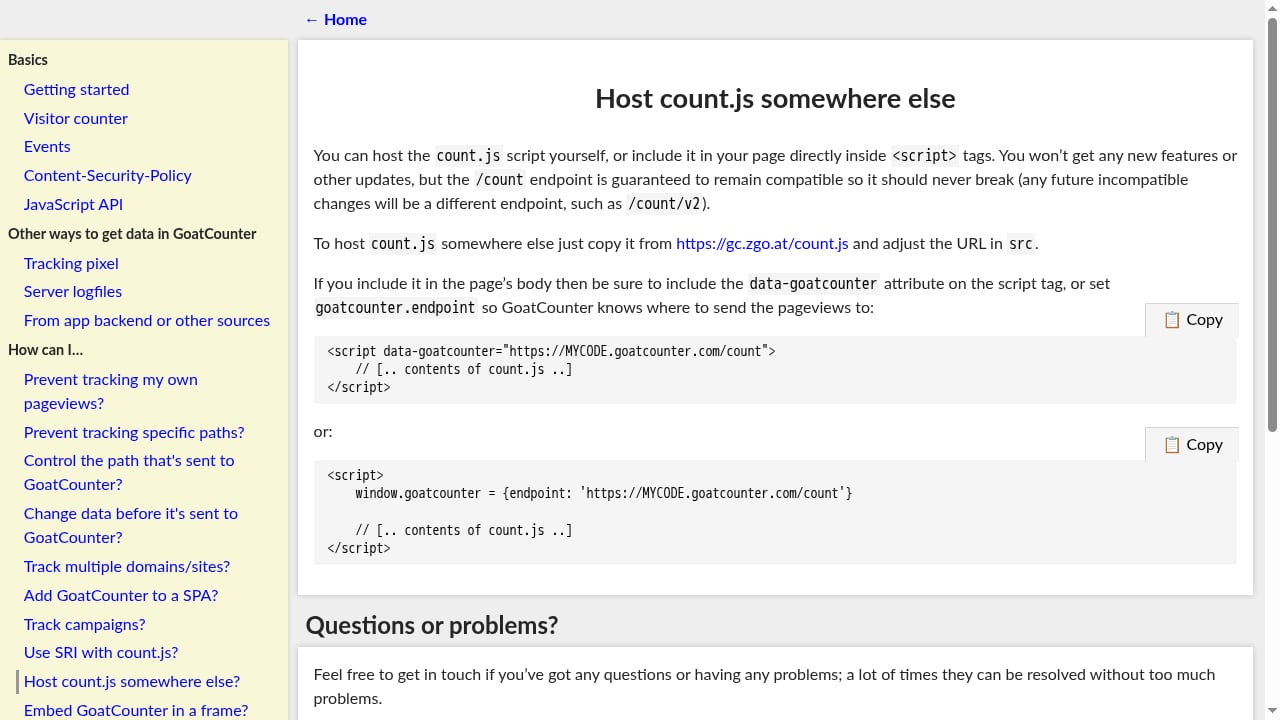
First viewport screenshot of GoatCounter documentation.
GoatCounter's pricing is simple, and most users pay nothing.
| Option | Cost | Best for |
|---|---|---|
| Self-hosted | Free, plus server cost | Developers, privacy-first projects, anyone with a VPS |
| Hosted, personal or non-commercial | Free, donations encouraged | Personal blogs, open source projects, small communities |
| Hosted, commercial | From around $5/month for up to 100,000 pageviews | Small businesses that want managed hosting |
| Hosted, higher volume | Around $15/month for up to 1,000,000 pageviews | Commercial sites with meaningful traffic |
The non-commercial clause on the free tier is enforced by an honour system rather than automation. The request is stated clearly in the dashboard. One quirk worth knowing: older documentation quoted a 6,000 pageview soft cap, and some third-party reviews still repeat that number. The current free limit is much higher, and the dashboard warns you well before you approach it.
If you are comparing this against other privacy-first options on cost and capability, our roundup of the top 10 privacy-focused analytics and tag management platforms puts the pricing tiers side by side.
Self-hosting GoatCounter
Self-hosting is where GoatCounter is strongest for technical users. The whole product is a single Go binary of roughly 25 MB. There is no PHP runtime, no Node.js dependency tree, and no mandatory Docker setup, though a Docker image and a community Helm chart exist if you prefer containers.
A typical deployment path looks like this:
- Download the binary for your platform, usually Linux amd64 for a VPS.
- Choose SQLite for low-traffic sites or PostgreSQL for higher volume and multi-site setups.
- Start the server with a single command, for example
goatcounter serve -listen :8080 -db sqlite3://db.sqlite3. - Put Nginx or Caddy in front for TLS termination and reverse proxying.
- Create your first site account, then paste the tracking snippet into your site's footer template.
Real-world resource usage is modest: roughly 10 MB of RAM at idle, up to about 30 MB under moderate load, with a SQLite file that grows by roughly 100 KB per 10,000 pageviews. A site receiving 50,000 monthly pageviews runs comfortably on a small VPS with 512 MB of RAM. From binary download to first recorded pageview, the process typically takes under 30 minutes on a clean server.
A single installation can track multiple domains. Each site gets its own code, dashboard, and snippet, which makes it practical for developers or agencies managing several small properties.
Where GoatCounter falls short
This is the part most reviews soften. GoatCounter's limitations are structural, not bugs, and they matter depending on what you are trying to learn.
- No funnels. You can log events, but you cannot define a multi-step conversion path or see drop-off between steps.
- No goals dashboard. Events are counted, but they do not roll up into named goals with conversion rates. You build that yourself through filtering.
- No e-commerce tracking. No revenue, products, or cart events out of the box.
- No heatmaps or session recordings. Nothing that shows how people behave on a page.
- No user-level journey analysis. This is by design and incompatible with the privacy model.
- API access is paid-only on the hosted tier. Self-hosted installations get the API for free.
- Limited data retention controls. There is no fine-grained "delete after 90 days" toggle.
- No mobile SDK. Native iOS or Android tracking requires calling the HTTP endpoint manually.
- A plain interface. Functional, but not visually polished compared to newer competitors.
- Single-maintainer risk. The project is well maintained, but there is no team, no company, and no enterprise support SLA behind it.
That last point deserves weight. If your organisation needs guaranteed response times or a contractual roadmap, a one-person project is a real continuity risk. For a blog or documentation site, it is usually an acceptable trade.
GoatCounter vs Plausible vs Umami
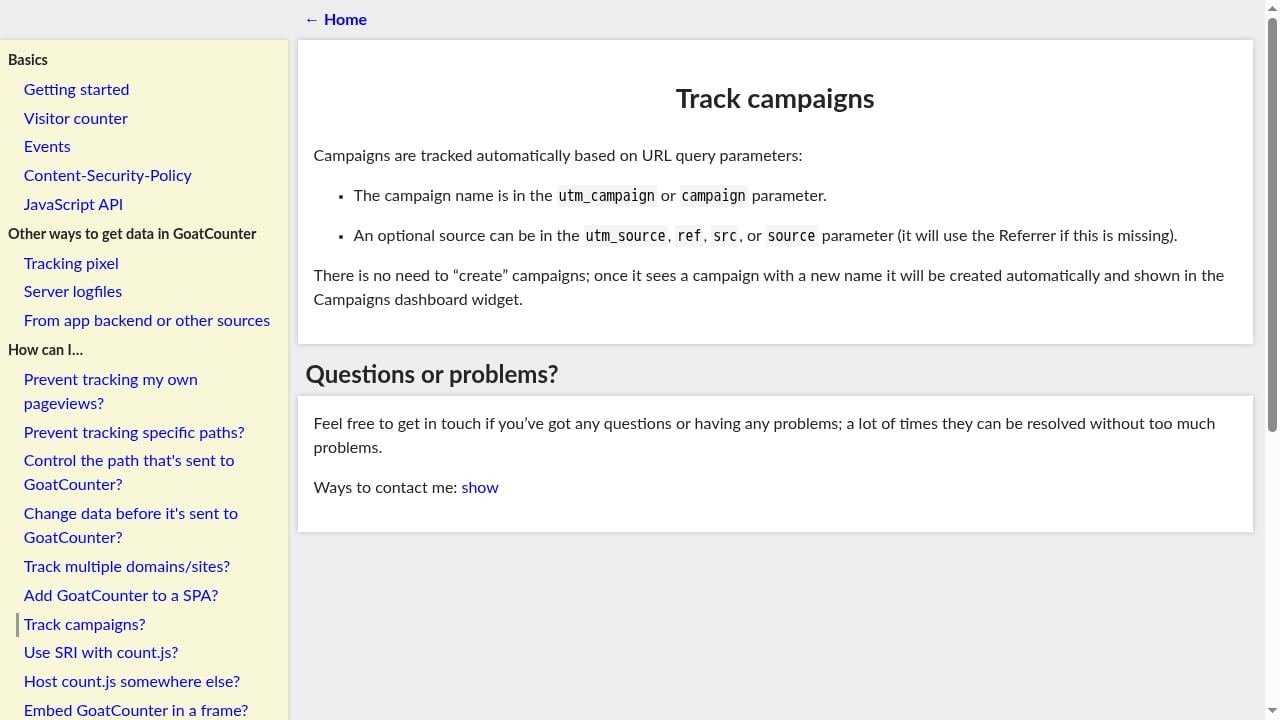
First viewport screenshot of GoatCounter documentation.
These three are the most common alternatives people weigh against each other.
| Capability | GoatCounter | Plausible | Umami |
|---|---|---|---|
| Script size, gzipped | ~3.2 KB | ~1.25 KB | ~2.25 KB |
| Free hosted tier | Yes, non-commercial | Trial only | Yes, limited events |
| Self-host licence | EUPL-1.2 | AGPL | MIT |
| Default database | SQLite | PostgreSQL plus ClickHouse | PostgreSQL or MySQL |
| Goals and conversions | Limited | Yes | Yes |
| Funnels | No | Yes, paid | Yes |
| API access | Paid hosted, free self-hosted | Paid plan | Free |
| Cookie-free | Yes | Yes | Yes |
The pattern is consistent. GoatCounter is the simplest to deploy and the cheapest at entry level, while Plausible and Umami offer richer reporting. If you need funnels or conversion analysis, GoatCounter is the wrong tool. If you need a dependable visit count with almost no operational overhead, it is one of the best options available.
For a direct head-to-head, see our Data4 vs GoatCounter comparison, which walks through setup, privacy, and reporting depth side by side.
Who should use GoatCounter
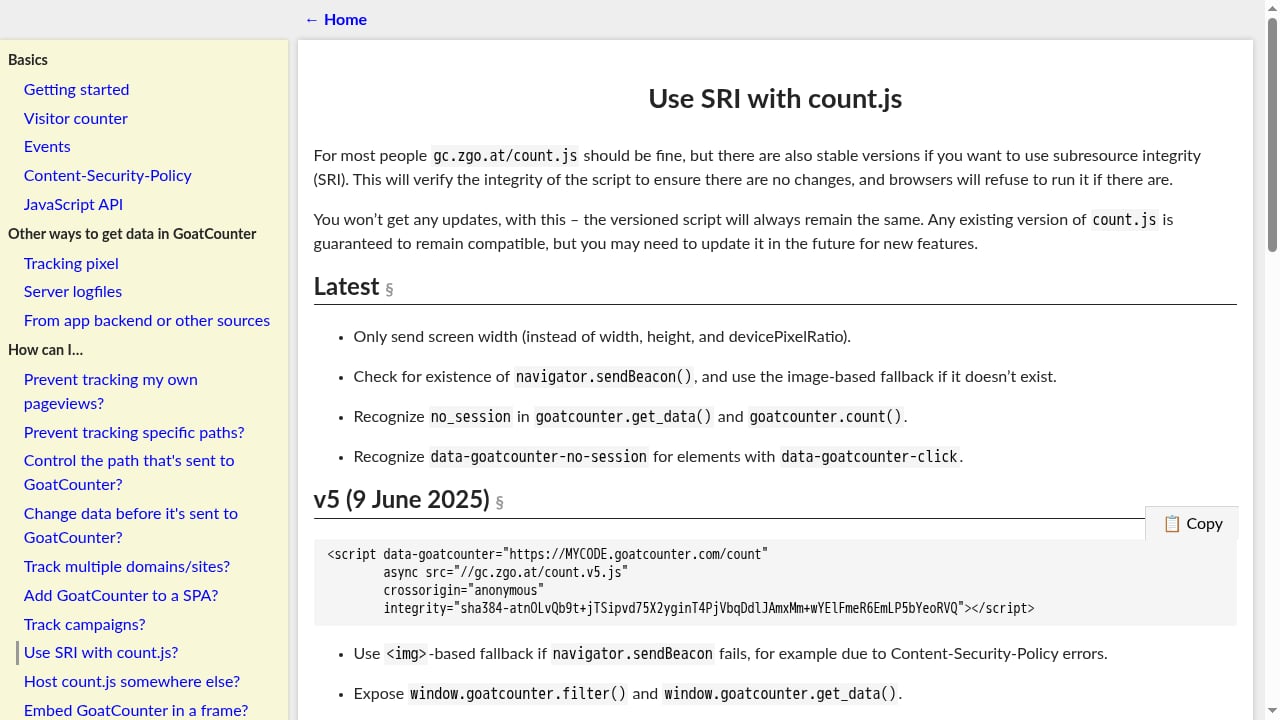
First viewport screenshot of GoatCounter documentation.
GoatCounter fits a specific profile well:
- Personal blogs and content sites that need to know which posts get traffic and where readers come from.
- Open source project documentation, where lightweight and free-to-self-host align with community values.
- Developers who want a fast self-hosted setup without Docker or a database server to administer.
- Sites where a cookie banner would hurt UX, such as landing pages where conversion rate matters.
- Low-resource environments, including small VPS instances, shared hosting with SSH access, and ARM single-board computers.
- Sites that ship no client-side JavaScript, thanks to the tracking pixel and log parsing options.
Who should look elsewhere
You should choose a different tool if any of these apply:
- You need funnels, cohort analysis, or multi-step conversion reporting.
- You run e-commerce and need revenue attribution.
- You need heatmaps or session replay to understand usability problems.
- You require a support contract, an SLA, or a vendor roadmap commitment.
- You want a polished, modern dashboard as a baseline expectation.
If behavioural depth is the priority, a platform built around the behavioural layer is a better fit. Our guide to experience monitoring for website teams explains how performance signals and behavioural analytics combine to show why visitors struggle, which is a question GoatCounter is not designed to answer.
Decision criteria: a short checklist
Before committing, answer these five questions:
- Do you need to understand behaviour, or just count visits? GoatCounter only does the second.
- Is your site commercial? If yes, budget for the paid hosted tier or self-host.
- Do you have server access and basic Linux comfort? If yes, self-hosting is the cheapest and most controllable path.
- Does a cookie banner damage your UX or conversion rate? If yes, GoatCounter removes it entirely.
- Can you accept single-maintainer risk? If not, choose a project with a company behind it.
If you answer "count visits," "no," "yes," "yes," and "yes," GoatCounter is close to ideal. Any other combination means you should compare alternatives before installing.
Related reading
- Data4 vs Pirsch vs Woopra: Best Privacy Analytics Pick - Compare Data4, Pirsch, and Woopra on privacy, pricing, setup, and reporting depth to choose the right analytics tool for your site in 2026.
Sources and further reading
- GoatCounter Review: Honest Verdict After a Year in Production - GoatCounter review from real production use: no cookies, 3.5 KB script, EUPL-licensed, free self-hosted. Who should use it — and when to choose something else.
- GoatCounter Review: A Lightweight Analytics Tool, Measured - GoatCounter tested: free personal hosting, 1KB cookieless script, EUPL-1.2 license, 8-hour salt rotation. Honest look at what it delivers and where Plausible beats it. By Mark Sutton.
- GoatCounter review: scored 6.9 out of 10 | GTM Analytics - Deliberately tiny, deliberately free, and honest about being neither polished nor ambitious. Ranked No. 10 of 30 against ten weighted measures, with pricing.
FAQ
Is GoatCounter really free?
Self-hosting is free under the EUPL-1.2 licence, and the hosted service is free for personal and non-commercial sites. Commercial use on goatcounter.com starts at around $5 per month for up to 100,000 pageviews. The free tier is governed by an honour system rather than automated enforcement.
Does GoatCounter need a cookie banner?
No. It sets no cookies and stores no personal data, so the consent requirement that applies to cookie-based analytics does not apply. The visit identifier is a hash built from the IP address, User-Agent, and a rotating salt, and the raw IP is discarded.
How big is the GoatCounter tracking script?
Independent measurement puts count.js at roughly 3.2 KB gzipped and about 9 KB uncompressed. That is far smaller than Google Analytics 4, but larger than Plausible, Cabin, and counter.dev. The sub-1 KB figure sometimes quoted does not match what the CDN currently serves.
Can GoatCounter track without JavaScript?
Yes. It offers a tracking pixel for script-free environments and documented support for parsing server log files. Log parsing also lets you backfill historical traffic data during a migration.
Does GoatCounter support funnels or e-commerce tracking?
No. There are no funnels, no named goals with conversion rates, and no revenue or product tracking. Events can be logged and counted, but multi-step conversion analysis is outside its scope.
What database does GoatCounter use?
SQLite is the default and handles low-traffic sites without tuning. PostgreSQL is supported for higher traffic volumes and multi-site installations.
Is GoatCounter a good fit for a SaaS business?
Only if you need traffic counts rather than product analytics. A SaaS that needs signup funnels, activation metrics, or revenue attribution should use a tool built for those questions. A SaaS that only wants to know which marketing pages get traffic can use GoatCounter on a paid or self-hosted plan.
Conclusion
GoatCounter is an honest tool with a narrow job. It counts visits, referrers, browsers, screen sizes, and locations without cookies, without a consent banner, and without asking much of your server. The free hosted tier covers non-commercial sites generously, and self-hosting is one of the simplest deployments in the privacy analytics space: a single Go binary, SQLite by default, and a working installation in under half an hour.
The trade-offs are equally clear. No funnels, no goals dashboard, no e-commerce tracking, no behavioural tooling, and a single maintainer behind the project. If you need to understand why visitors convert or abandon, this is the wrong tool. If you need to know how many people read your pages and where they came from, at effectively no cost and with no privacy exposure, GoatCounter is one of the most sensible choices available in 2026.