
Data4 vs Mixpanel: Website Analytics or Product Intelligence?
Choosing an analytics tool often comes down to one question: are you trying to understand your website, or are you trying to understand your product? Data4 and Mixpanel sit on different sides of that line. Data4 is a website analytics platform built for tracking traffic and turning visitor data into straightforward insights. Mixpanel is a product intelligence platform for the AI era, combining analytics, session replay, experiments, feature flags, and AI-powered insights.
This comparison looks at where each tool is strong, where each has limits, and how to decide which one your team actually needs.
What Data4 Is Built For

First viewport screenshot of Customers | Mixpanel.
Data4 is a website analytics platform that helps businesses track website traffic and analyze website data. Its positioning is deliberately simple: a fast, efficient data analysis tool and a Google Analytics alternative, designed for global use with support for multiple languages including English, Chinese, and Japanese.
Core capabilities center on monitoring website traffic and deriving insights from visitor data. That makes it a natural fit for marketers, website owners, and analysts who want actionable website insights quickly, without the complexity of traditional analytics suites.
Typical use cases include:
- Tracking website performance across pages and campaigns
- Understanding visitor behavior at the site level
- Making data-driven decisions to optimize digital presence
Data4 also emphasizes ease of use and efficiency, and it is available across multiple regional domains with localization for international markets. If your primary question is "how is my website performing?", that scope is a feature, not a limitation.
What Mixpanel Is Built For
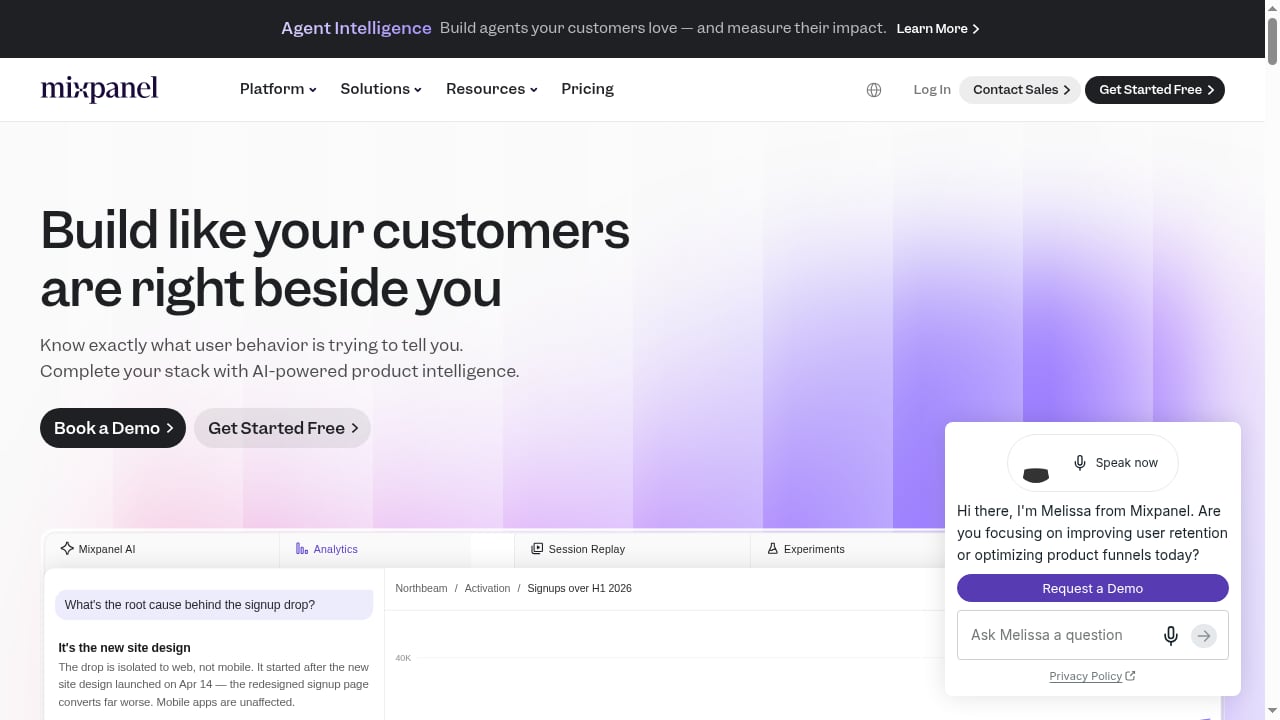
First viewport screenshot of Product Intelligence Platform for the AI Era | Mixpanel.
Mixpanel describes itself as the product intelligence platform for the AI era. Its scope goes well beyond website traffic: it combines analytics, session replay, experiments, feature flags, and AI-powered insights in one platform.
That combination points to a different center of gravity. Mixpanel is aimed at teams that need to understand how users move through a product, test changes, and act on behavioral signals inside the application itself. Session replay and feature flags, in particular, are product-development capabilities rather than website-reporting ones.
Head-to-Head Comparison
First viewport screenshot of Mixpanel: B2B SaaS Product & Digital Analytics Platform.
Scope and focus
| Dimension | Data4 | Mixpanel |
|---|---|---|
| Primary focus | Website traffic and visitor analytics | Product intelligence across analytics, replay, experiments, flags |
| Typical user | Marketers, website owners, analysts | Product and engineering-adjacent teams |
| Core question answered | How is my website performing? | How are users behaving in my product? |
Ease of use and time to insight
Data4 is positioned around simplicity and efficiency. The promise is quick, actionable website insights without the overhead of traditional tools. For teams that mainly need traffic and visitor reporting, that translates into less setup and less training.
Mixpanel's breadth is its advantage and its cost. Session replay, experiments, and feature flags each add configuration and interpretation work. Teams that only need website reporting may find themselves paying for capability they will not use.
International and localization support
Data4 is designed for global use, with multiple regional domains and support for languages including English, Chinese, and Japanese. For organizations operating across those markets, that localization is a practical differentiator.
Mixpanel's published positioning centers on product intelligence capabilities rather than regional domain availability, so teams with strong localization requirements should evaluate that dimension directly.
Depth versus simplicity
This is the real trade-off. Mixpanel offers deeper product-level instrumentation, experimentation, and AI-powered insight generation. Data4 offers a narrower, faster path to website understanding. Neither is universally better; they answer different questions.
When to Choose Data4
Choose Data4 if:
- Your main need is website traffic tracking and visitor analysis
- You want a simpler alternative to Google Analytics
- You value fast setup and efficient, readable reporting
- You operate internationally and need multi-language, multi-region support
- Your team is marketing- or website-focused rather than product-engineering-focused
If that list describes you, a broader product intelligence suite may add complexity without adding answers. For a closer look at how Data4 fits alongside other tools, see the comparison of Data4, KISSmetrics, and Mixpanel, and if privacy-first options matter to you, the Data4 vs Matomo breakdown covers setup, data ownership, and usability.
When to Choose Mixpanel
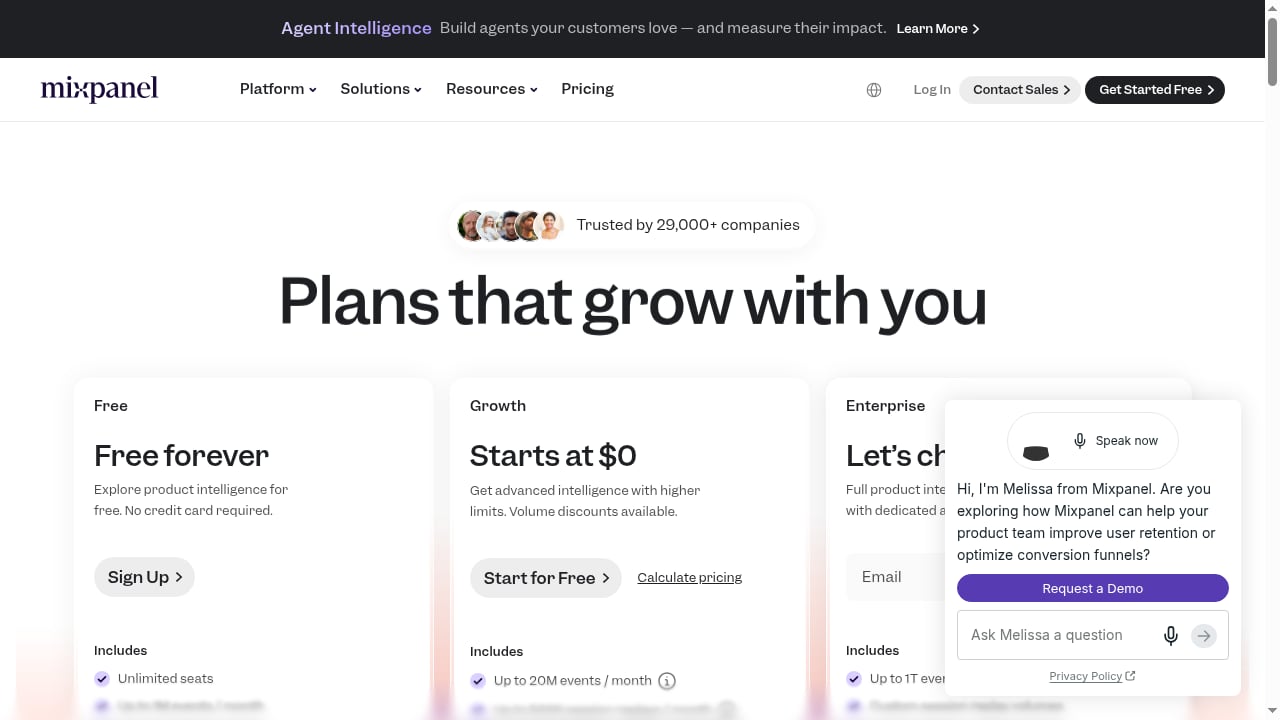
First viewport screenshot of Mixpanel Pricing: Find Your Plan & Get Started | Mixpanel.
Choose Mixpanel if:
- You need in-product behavioral analytics, not just website traffic
- Session replay is important for diagnosing user friction
- You plan to run experiments and manage feature flags in the same platform
- You want AI-powered insights layered onto product data
- Your team has the capacity to instrument and maintain a deeper analytics setup
Mixpanel's own framing as a product intelligence platform for the AI era signals where it is strongest: teams treating analytics as part of product development, not just marketing measurement.
A Practical Decision Framework
- Write down the top three questions you need analytics to answer this quarter.
- If all three are about website traffic, campaigns, or visitor behavior, Data4's scope matches the job.
- If any are about in-product user flows, experiments, or feature rollouts, you need product intelligence capability.
- Check localization needs against each platform's regional and language support.
- Estimate the maintenance cost of deeper instrumentation before committing to it.
For teams weighing broader tool categories, the 2026 guide to product manager analytics walks through how web, product, and BI tools divide responsibilities.
Related reading
- Pirsch Analytics Review: Privacy-Friendly GA Alternative - An evidence-based Pirsch review covering ideal users, use cases, setup, pricing signals, strengths, limitations, and how it compares to Google Analytics.
- Top 10 Privacy-Friendly Web Analytics Products 2026 - A 2026 review of the 10 best privacy-friendly web analytics tools, ranked by cookieless tracking, data ownership, compliance, pricing, and depth.
- How to Use Data4 with UserFeedback: Complete Guide - Combine Data4 website analytics with UserFeedback surveys to learn what visitors do and why. Setup steps, workflow, and practical examples inside.
Sources and further reading
- Data 4.0: making your data AI-ready | EY - This era brought both tremendous opportunities and challenges, from advanced analytics and artificial intelligence to data quality, monetization, privacy and.
- Best AI Business Intelligence Platforms for Non-Technical Users - The driving force behind this transformation is clear: organizations recognize the need to break down traditional data silos and empower non-technical users with the ability to access, analyze, and derive insights from data independently.
- Applied Statistics in the Era of Artificial Intelligence: A Review and Vision - The advent of artificial intelligence (AI) technologies has significantly changed many domains, including applied statistics. This review and vision paper explores the evolving role of applied statis...
FAQ
Is Data4 a replacement for Mixpanel?
Not directly. Data4 is a website analytics platform focused on traffic and visitor data. Mixpanel is a product intelligence platform covering analytics, session replay, experiments, and feature flags. They overlap on analytics but serve different primary questions.
Is Mixpanel a replacement for Google Analytics?
Mixpanel's positioning is product intelligence rather than website traffic reporting. Teams looking specifically for a simpler Google Analytics alternative often evaluate website-focused tools like Data4 instead.
Does Data4 support multiple languages?
Yes. Data4 is designed for global use with support for multiple languages including English, Chinese, and Japanese, and is available across multiple regional domains.
What does "product intelligence platform for the AI era" mean?
In Mixpanel's framing, it means combining analytics, session replay, experiments, feature flags, and AI-powered insights into one platform aimed at understanding and improving products.
Can I use both tools together?
Yes. Some organizations use a website analytics platform for traffic and marketing reporting while using a product intelligence platform for in-app behavior. The two answer different questions and can coexist.
Conclusion
Data4 and Mixpanel are not competing for the same job. Data4 is a simple, efficient website analytics platform built for tracking traffic and understanding visitors, with global, multi-language support. Mixpanel is a broader product intelligence platform for teams that need session replay, experiments, feature flags, and AI-powered insights inside their product.
If your questions are about your website, Data4's narrower scope is an advantage. If your questions are about your product's behavior, Mixpanel's depth is the point. Match the tool to the question, and you avoid paying for complexity you will not use.