
Data4 vs Simple Analytics vs Woopra: Which Fits?
Choosing an analytics tool is rarely about features alone. It is about matching the tool to the job you actually need done. Data4, Simple Analytics, and Woopra all collect website data, but they aim at different problems: everyday traffic reporting, privacy-first measurement, and full customer journey intelligence.
This comparison walks through where each tool is strong, where it is limited, and how to decide. It is written for marketers, website owners, and analysts who want a clear answer rather than a feature dump.
Quick comparison at a glance
First viewport screenshot of Changelog - Simple Analytics.
| Criteria | Data4 | Simple Analytics | Woopra |
|---|---|---|---|
| Primary focus | Website traffic tracking and analysis | Privacy-first web analytics | Customer journey intelligence |
| Best for | Marketers, site owners, analysts wanting simple reporting | Teams that want clean, privacy-conscious traffic numbers | Product, marketing, sales, and support teams mapping journeys |
| Real-time traffic tracking | Yes | Yes | Yes |
| Audience analysis | Yes | Basic | Advanced segmentation and people profiles |
| Customizable reporting | Yes | Limited | Extensive journey, trends, and retention reports |
| Cross-touchpoint journey data | Not the focus | Not the focus | Core strength |
| Typical complexity | Low | Low | High |
Data4: straightforward website analytics
Data4 is a website analytics platform built around tracking website traffic and analyzing website data without unnecessary complexity. It positions itself as a simple, efficient data analysis tool and a Google Analytics alternative, and it is designed for global use.
Its core capabilities cover the essentials most sites actually need:
- Real-time traffic tracking so you can see what is happening on the site right now.
- Audience analysis to understand who is visiting and how they behave.
- Customizable reporting so reports reflect the questions your team asks.
Data4 fits marketers, website owners, and analysts who want to monitor visitor behavior, measure traffic sources, and turn website data into actionable insights. The emphasis is on ease of use and efficiency, which makes it a sensible fit for organizations that want a lightweight yet capable analytics layer rather than a sprawling platform.
If your main need is understanding traffic and audience behavior on your own site, Data4 covers that ground directly. For a closer look at how it stacks up against another lightweight option, see the Data4 vs Burst Statistics comparison.
Simple Analytics: privacy-first measurement
First viewport screenshot of Simple Analytics.
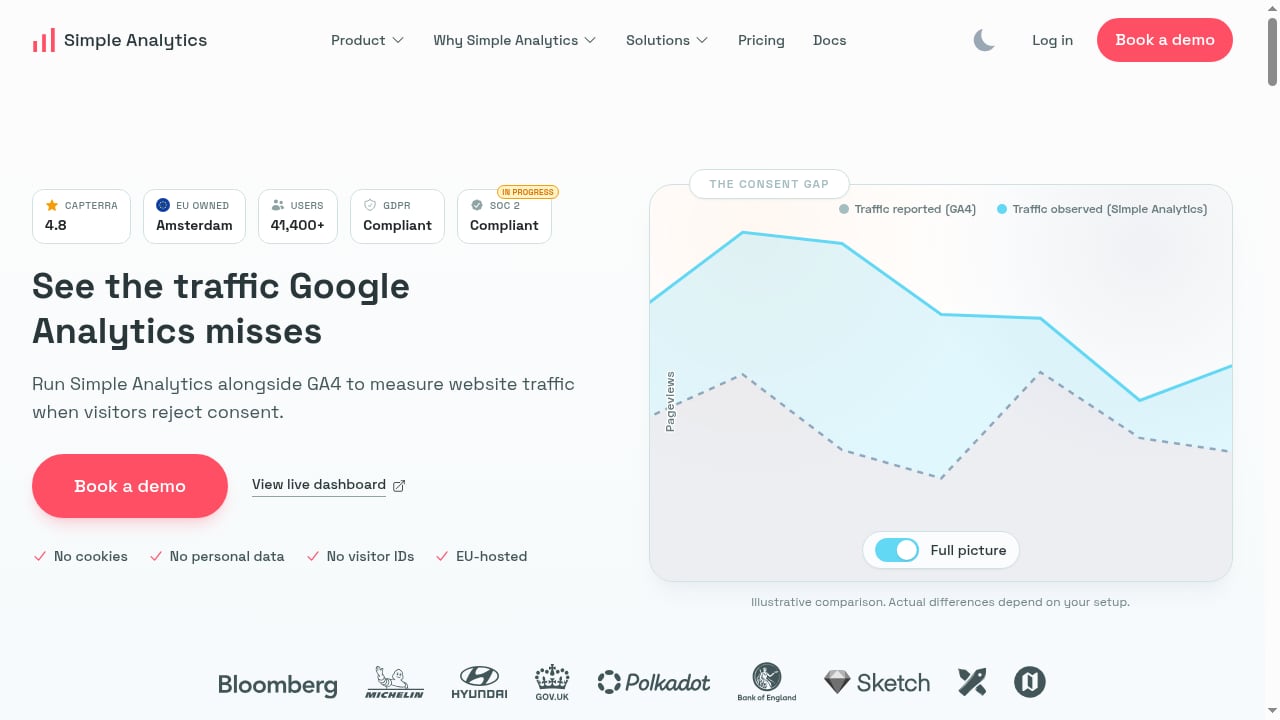
Simple Analytics is a privacy-first web analytics tool. Its core pitch is measurement that respects visitors while still giving you the traffic numbers you need.
Where Simple Analytics stands out:
- Privacy-first design is the product's foundation, not an add-on.
- Simple reporting keeps dashboards readable for non-specialists.
- A proof-of-concept path — you can run Simple Analytics alongside GA4 to compare observed website traffic, and book a demo to plan a free 30-day proof of concept.
The side-by-side comparison with GA4 is genuinely useful. Many teams hesitate to switch analytics tools because they worry the new numbers will not match the old ones. Running both in parallel for a defined period removes that uncertainty before you commit.
Simple Analytics is a strong choice when privacy is the deciding factor and you want clean, defensible traffic reporting without a heavy configuration project. If privacy is central to your evaluation, our roundup of privacy-focused web analytics software covers the wider field.
Woopra: customer journey intelligence
First viewport screenshot of Customer Journey & Product Analytics Software Tool | Woopra.
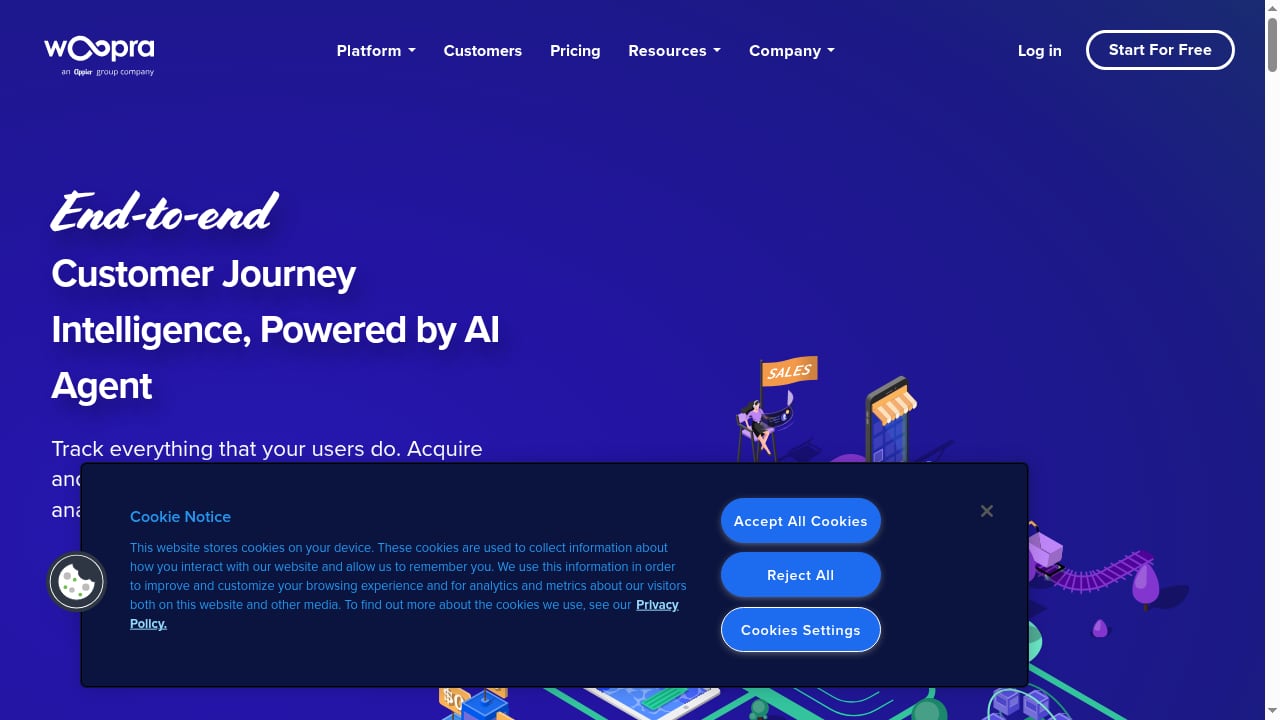
Woopra is a different category of tool. It is a customer journey intelligence platform that unifies data across product, marketing, sales, and support touchpoints to provide end-to-end visibility into the customer experience.
Its strengths are substantial and specific:
- Journey and retention analysis across the full customer lifecycle, not just pageviews.
- Segmentation and people profiles that let teams group users by behavior and history.
- Real-time engagement through built-in triggers.
- Data Loader for syncing existing user data from databases and SaaS services without developer involvement.
- 50+ integrations and custom tracking for collecting events beyond the website.
- AI capabilities including predictions, summaries, and an AI agent for audience insights.
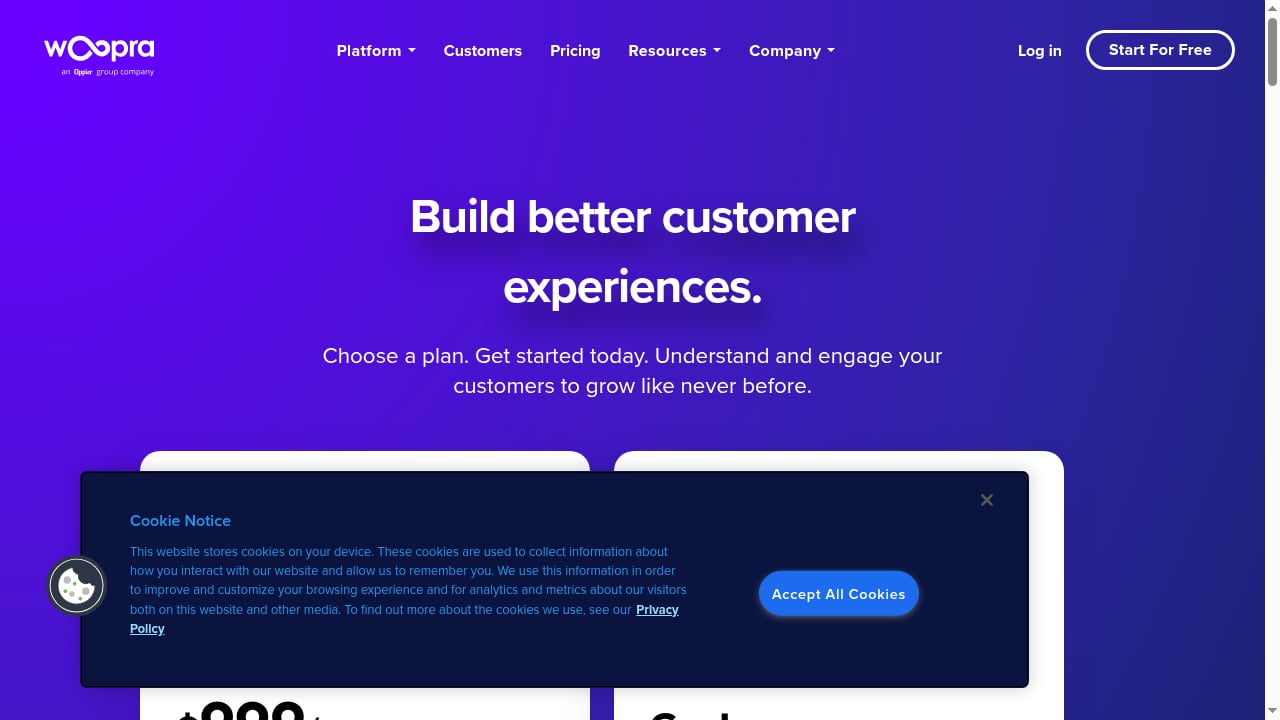
Woopra serves product, marketing, sales, and support teams across industries such as eCommerce, SaaS, finance, gaming, media, mobile, travel, and automotive. It reports being trusted by over 160,000 customers worldwide and offers a free 30-day trial, with paid plans starting at $999/month for Pro and custom pricing for Enterprise.
That price point and scope tell you what Woopra is for. It is a platform investment aimed at teams that need to connect behavior across systems and act on it. If your requirement is a journey map that spans product usage, support tickets, and marketing touches, Woopra is built for exactly that.
Where each tool wins
Choose Data4 when you want efficient website analytics
If your questions are about traffic, sources, and audience behavior on your site, Data4 answers them with minimal setup overhead. It suits teams that want a lightweight tool they can adopt quickly and use daily without training. The platform's focus on simplicity and customizable reporting means you spend time reading insights rather than configuring them.
Choose Simple Analytics when privacy leads the decision
If your organization needs privacy-first measurement and a low-friction reporting experience, Simple Analytics is a credible fit. The ability to run it alongside GA4 during a proof of concept is a practical de-risking step that few tools make this easy.
Choose Woopra when journeys span multiple systems
If your team needs to unify product, marketing, sales, and support data into one customer view, Woopra is the only one of the three designed for that job. The trade-off is cost and implementation effort — it is a platform, not a plug-in.
A practical decision path
First viewport screenshot of Woopra Pricing that lets you scale | Woopra.
- List the questions you need answered. Traffic and sources only? Data4 or Simple Analytics. Lifecycle behavior across systems? Woopra.
- Check your privacy requirements. If privacy-first measurement is non-negotiable, weigh Simple Analytics heavily.
- Estimate the setup burden. Data4 and Simple Analytics are light. Woopra requires data unification work, even with its Data Loader.
- Match the budget to the scope. Woopra's paid plans start at $999/month for Pro. If that is out of range, a focused website analytics tool is the realistic path.
- Run a trial or proof of concept. Woopra offers a 30-day trial; Simple Analytics offers a 30-day proof of concept alongside GA4.
For teams comparing pricing structures across tools before committing, our breakdown of website analytics pricing and sign-up offers is a useful reference.
Related reading
- Umami Analytics Review 2026: Open-Source Web & Product Analytics - Evidence-based Umami review: cookieless tracking, self-hosting vs cloud, funnels, cohorts, retention, bot filtering, pricing, and who should choose it.
Sources and further reading
- Digital Marketing Analytics: Making Sense of Consumer Data in a ... - designed to put all your search analysis and reporting in a single, integrated dash- ... Chartbeat, Woopra, Clicky, and even Google Analytics, which has added a ...
- Digital Marketing Analytics: Making Sense of Consumer Data in a ... - Mar 29, 2013 ... Applying the “So what?” test is a simple and helpful way to avoid chas- ing shiny objects that have no real business value. Ask yourself, “So ...
- Post Affiliate Pro - Send your event data from RudderStack to Post Affiliate Pro.
FAQ
Is Data4 a good Google Analytics alternative?
Yes. Data4 is positioned as a simple, efficient data analysis tool and a Google Analytics alternative, focused on real-time traffic tracking, audience analysis, and customizable reporting without the complexity of larger platforms.
What makes Simple Analytics different from Data4?
Simple Analytics leads with privacy-first design and a straightforward reporting experience, and it supports running alongside GA4 to compare observed traffic during a free 30-day proof of concept. Data4 focuses on efficient website traffic tracking and analysis with customizable reporting.
When should I choose Woopra over Data4 or Simple Analytics?
Choose Woopra when you need customer journey intelligence that unifies product, marketing, sales, and support data, with segmentation, retention reports, triggers, and AI-driven insights. It is built for cross-team journey work rather than single-site traffic reporting.
How much does Woopra cost?
Woopra offers a free 30-day trial. Paid plans start at $999/month for Pro, with custom pricing for Enterprise.
Can I use more than one of these tools at once?
Yes. A common approach is running a privacy-first tool alongside an existing analytics setup to compare numbers before switching. Simple Analytics explicitly supports this with a proof-of-concept period alongside GA4.
Conclusion
These three tools are not really competing for the same slot. Data4 is a focused website analytics platform for teams that want efficient traffic tracking, audience analysis, and customizable reporting without complexity. Simple Analytics is the privacy-first option with a clean reporting surface and a practical proof-of-concept path. Woopra is a customer journey intelligence platform for organizations that need to unify data across departments and act on it in real time.
Start with the questions you need answered, not the feature list. If those questions are about your website, Data4 or Simple Analytics will serve you well. If they are about the whole customer journey, Woopra is the tool built for that scope.