
Data4 vs Statcounter: Which Website Analytics Platform Fits Your Needs?
Choosing between Data4 and Statcounter comes down to what you actually need from your website analytics. Both tools position themselves as simpler alternatives to Google Analytics, but they approach that promise differently. Data4 emphasizes global accessibility, multi-language support, and a clean, straightforward dashboard. Statcounter leans into granular visitor-level detail, session replay, and conversion tracking. This comparison breaks down the strengths, trade-offs, and practical fit of each platform so you can decide with confidence.
Quick Verdict
If you want a lightweight, globally applicable analytics tool that gets out of your way, Data4 is the stronger pick. Its multi-language interface and domain-specific localization make it especially useful for international teams and non-technical users. Statcounter remains a capable option for marketers who need session-level inspection and conversion diagnostics, but its feature depth can feel cluttered if you only want clean traffic insights.
What Is Data4?
Data4 is a website analytics platform built around simplicity and global reach. It tracks traffic, visitor behavior, and engagement metrics without the configuration overhead that often accompanies enterprise analytics suites. The platform is designed for website owners, marketers, and analysts who want actionable data without a steep learning curve.
Key characteristics of Data4 include:
- Real-time traffic tracking to monitor current visitor activity
- Audience segmentation for understanding different visitor groups
- Conversion analysis to measure goal completion
- Customizable dashboards that surface the metrics you care about
- Multi-language support in Chinese, English, and Japanese, with domain-specific localization
Data4 explicitly positions itself as a Google Analytics alternative. Its value proposition centers on being simple, efficient, and dependable for users who find traditional analytics tools overwhelming. The platform's international focus is a meaningful differentiator: few lightweight analytics tools invest in the same level of language and regional support.
What Is Statcounter?
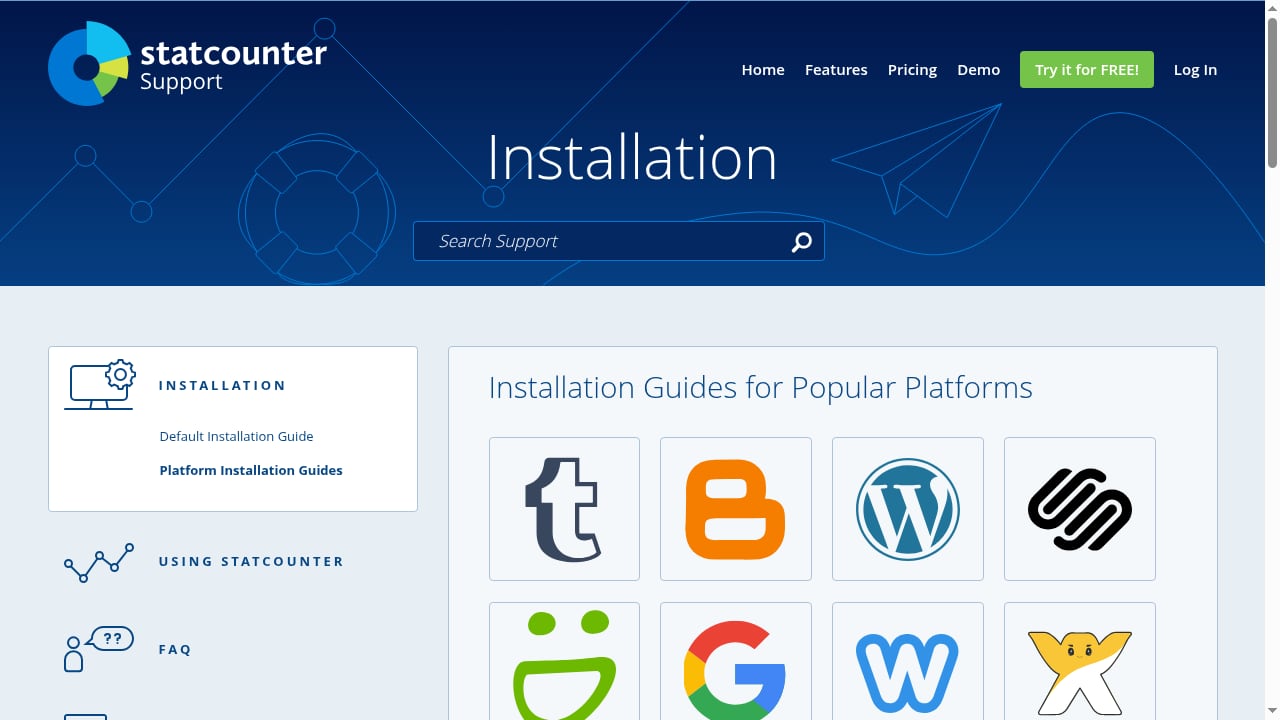
First viewport screenshot of Statcounter - Web Analytics Made Easy.
Statcounter is a web analytics service that has been around since 1999. It offers real-time visitor monitoring, an invisible web tracker, and a configurable hit counter. The platform markets itself as easy to use, with a free tier available for smaller sites.
Notable Statcounter features include:
- Session replay to watch how individual visitors interact with your site
- Conversion rate tracking tied to specific goals
- Click fraud detection for paid traffic campaigns
- Landing page analysis to evaluate entry-point performance
- UTM campaign tracking for marketing attribution
- Visitor labels and alerts to flag specific behaviors
- Google keyword data sync for search insights
- Multi-project management from a single account
Statcounter's depth is impressive, but it comes with a trade-off. The interface packs many features into a compact space, which can overwhelm users who only need basic traffic metrics. The platform's longevity also means some workflows feel dated compared to modern analytics dashboards.
Data4 vs Statcounter: Feature Comparison
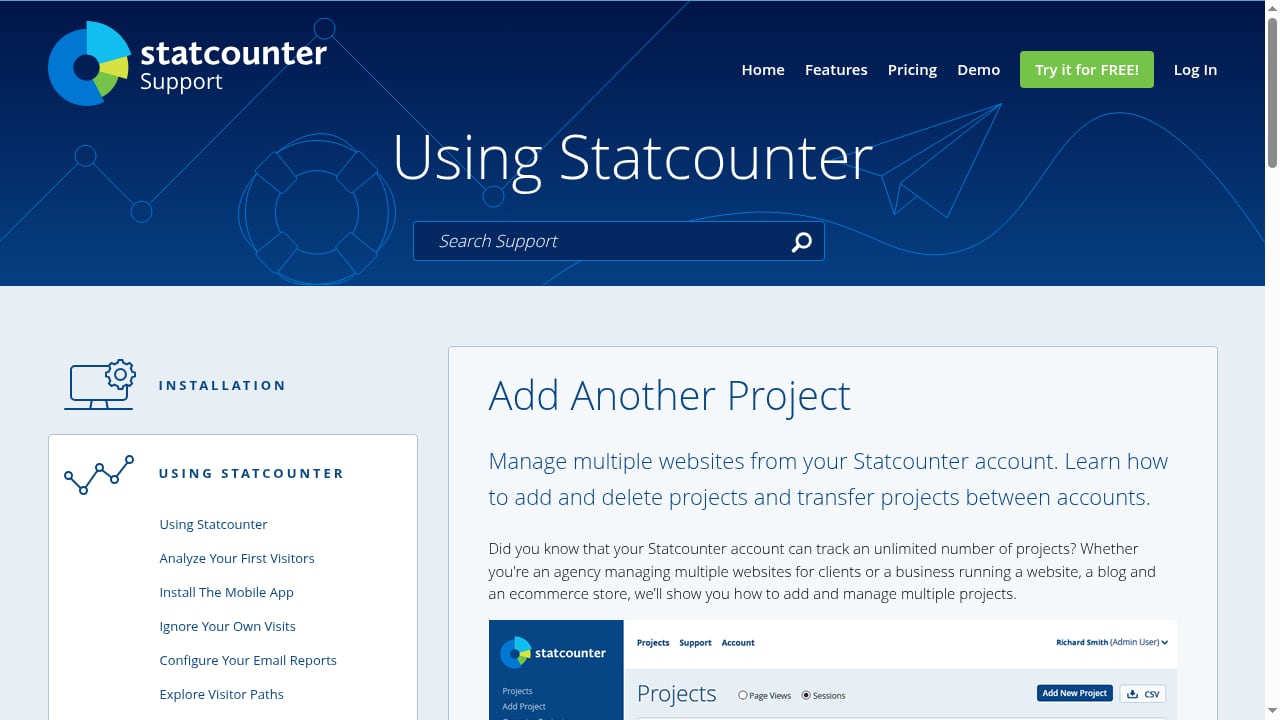
First viewport screenshot of Manage multiple websites from your Statcounter account..
Ease of Use and Onboarding
Data4 prioritizes a clean, focused experience. The dashboard is designed to show essential metrics without requiring extensive configuration. For a small business owner or content marketer who wants to check pageviews, traffic sources, and top pages, Data4 gets you there quickly.
Statcounter offers more controls, but that also means more setup decisions. You can configure visitor labels, alerts, filters, and multiple projects, which is powerful but requires time to learn. The session replay feature, while useful, adds another layer of complexity to navigate.
Advantage: Data4 for straightforward setup; Statcounter for users who want granular control.
Global and Multi-Language Support
This is where Data4 stands out clearly. The platform supports Chinese, English, and Japanese interfaces and emphasizes domain-specific localization. If your team operates across regions or you manage sites in multiple languages, Data4 reduces friction immediately.
Statcounter's interface is primarily English-focused. While the service works globally, it does not market the same level of multi-language or regional customization. For international teams, this can create unnecessary barriers.
Advantage: Data4.
Visitor-Level Detail and Session Insights
Statcounter excels at showing you exactly what individual visitors do. Session replay lets you watch interactions, while visitor labels and alerts help you track specific users or behaviors. For diagnosing conversion problems or understanding user journeys, this level of detail is valuable.
Data4 focuses more on aggregate insights. You can segment audiences and analyze conversions, but the platform does not emphasize session replay or individual visitor inspection to the same degree. If you need to watch a single user's path through your site, Statcounter is the better tool.
Advantage: Statcounter for session-level analysis; Data4 for clean aggregate reporting.
Conversion and Campaign Tracking
Both platforms support conversion tracking, but their approaches differ. Statcounter offers conversion rate tracking tied to goals, click fraud detection, and UTM campaign analysis. These features are particularly useful for paid advertising teams that need to verify traffic quality and attribute conversions accurately.
Data4 includes conversion analysis and audience segmentation, but the product context suggests a broader focus on overall performance rather than deep paid-traffic forensics. For most content-driven sites, Data4's conversion tracking is sufficient. For ad-heavy operations, Statcounter's click fraud detection adds a layer of protection Data4 does not emphasize.
Advantage: Statcounter for paid traffic teams; Data4 for general conversion monitoring.
Reporting and Alerts
Statcounter offers email reports and a mobile app, so you can monitor site activity on the go. The ability to set visitor alerts means you can get notified when specific behaviors occur, such as a high-value visitor returning or a suspicious traffic spike.
Data4's customizable dashboards serve a similar purpose but focus on visual clarity rather than notification triggers. If you prefer scheduled email summaries and instant alerts, Statcounter has the edge. If you prefer a clean dashboard you check on your own schedule, Data4 works well.
Advantage: Statcounter for proactive alerts; Data4 for dashboard clarity.
Pricing Considerations
Statcounter offers a free tier, which makes it accessible for small sites and hobby projects. Paid plans scale based on pageviews and features. The free tier is a genuine advantage for users who want to test the platform before committing.
Data4's pricing is not detailed in the available product context, so direct cost comparison is difficult. However, Data4's positioning as a simple, efficient alternative suggests it aims to be competitive with other lightweight analytics tools. If budget is your primary concern, Statcounter's free tier is worth exploring first. If you value multi-language support and a cleaner interface, Data4 may justify its cost regardless of exact pricing.
For a deeper look at how Data4 compares to other analytics platforms, see our Data4 vs Google Analytics vs Mixpanel comparison.
When to Choose Data4
Data4 is the better fit when:
- Your team operates in multiple languages or regions
- You want a Google Analytics alternative without a steep learning curve
- You need clean, actionable dashboards rather than session-level forensics
- Your primary goals are traffic monitoring, audience understanding, and conversion tracking
- You prefer a focused tool over a feature-heavy interface
Data4's emphasis on global applicability and simplicity makes it especially strong for content sites, small businesses, and international teams. If you are already considering other lightweight options, our Data4 vs Fathom Analytics comparison explores how Data4 stacks up against another simplicity-focused rival.
When to Choose Statcounter
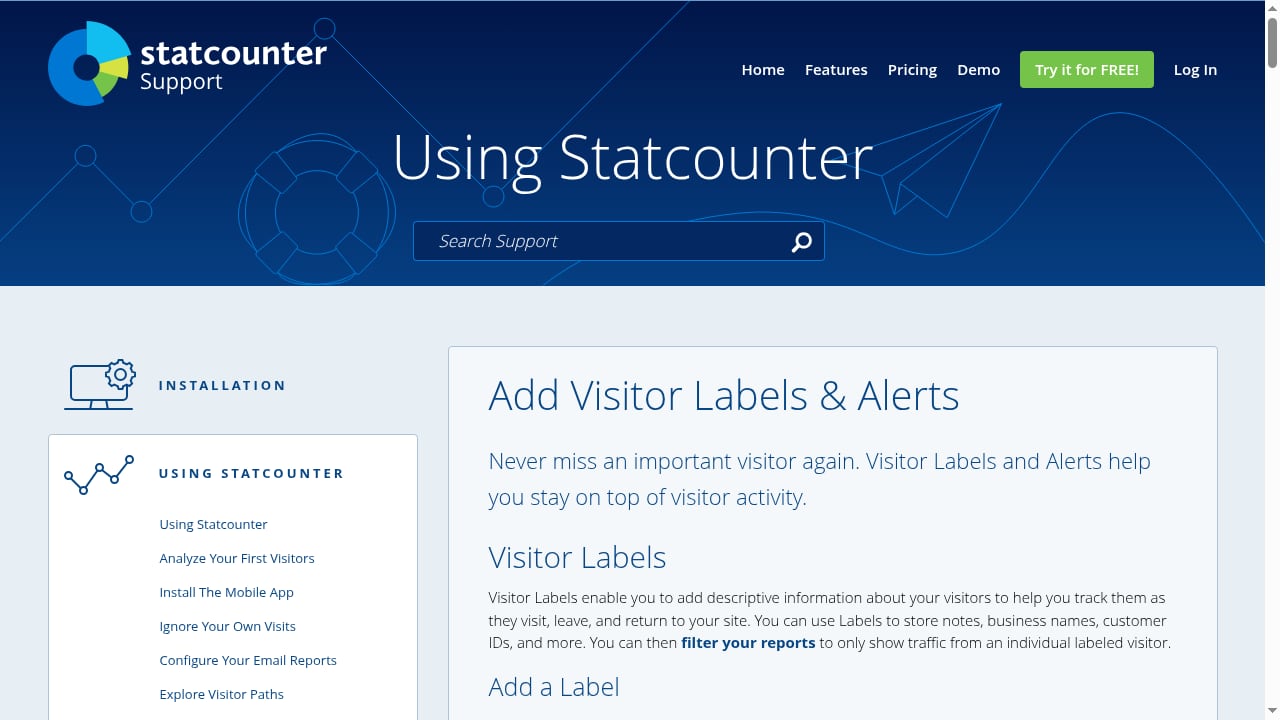
First viewport screenshot of Never miss an important visitor with Labels & Alerts..
Statcounter is the better fit when:
- You need session replay to diagnose user experience issues
- You run paid advertising campaigns and want click fraud detection
- You want visitor labels and alerts for specific user tracking
- You manage multiple projects from a single account
- You value a free tier for small sites
Statcounter's depth suits marketing agencies, e-commerce teams, and analysts who need to inspect individual visitor behavior. The platform's age also means it has a large user base and extensive documentation, which can help when troubleshooting.
Data4 vs Statcounter: Side-by-Side Summary
First viewport screenshot of Statcounter - Web Analytics Made Easy.
| Feature | Data4 | Statcounter |
|---|---|---|
| Core focus | Simple, global analytics | Detailed visitor tracking |
| Multi-language support | Chinese, English, Japanese | Primarily English |
| Session replay | Not emphasized | Yes |
| Click fraud detection | Not emphasized | Yes |
| Visitor labels and alerts | Not emphasized | Yes |
| Free tier | Not specified | Yes |
| Real-time tracking | Yes | Yes |
| Conversion tracking | Yes | Yes |
| Customizable dashboards | Yes | Limited |
| Best for | International teams, content sites | Ad teams, UX analysts |
Real-World Example: Choosing for a Multilingual Content Site
Imagine you run a content site with readers in Japan, China, and the United States. Your team includes editors who prefer to view analytics in their native languages. You need to track pageviews, traffic sources, and conversion events like newsletter signups.
With Data4, your Japanese editor can open the dashboard in Japanese, your Chinese editor in Chinese, and your US editor in English. Everyone sees the same metrics in a clean interface. Setup takes minutes, and nobody needs to learn a complex tool.
With Statcounter, you would get session replay and visitor alerts, but your multilingual team would need to navigate an English-only interface. The extra features are useful, but they do not solve your core problem: making analytics accessible to a global team.
In this scenario, Data4 is the clear choice.
Real-World Example: Choosing for a Paid Advertising Team
Now imagine you run paid campaigns across Google Ads and social platforms. You need to verify that clicks are legitimate, track which landing pages convert, and watch session replays to understand why some visitors abandon their carts.
Statcounter's click fraud detection, UTM campaign tracking, and session replay directly address these needs. You can set alerts for suspicious traffic patterns and inspect individual sessions to find friction points. The free tier also lets you test the platform before upgrading.
Data4 would give you aggregate conversion data, but it would not help you identify fraudulent clicks or watch a specific user's session. For this use case, Statcounter's depth is worth the added complexity.
What the Data Says About Statcounter's Reach
Statcounter's data is widely used in academic and industry research. For example, a study published in the MSL Journal used Statcounter data to measure search engine market share over a decade. This kind of adoption speaks to Statcounter's reliability as a data source, but it does not necessarily translate to a better user experience for everyday analytics tasks.
Data4 does not have the same public research footprint, but its product positioning suggests a different priority: serving website owners directly rather than providing datasets for external analysis. If you want a tool that researchers trust for market share data, Statcounter has a track record. If you want a tool that makes your own site analytics easier to understand, Data4's focus is more aligned with that goal.
Limitations to Keep in Mind
Data4 limitations:
- No session replay or individual visitor inspection emphasized
- No click fraud detection mentioned in available product context
- Pricing details are not publicly specified, making budget planning harder
- Fewer advanced features for paid advertising teams
Statcounter limitations:
- Interface can feel cluttered compared to modern analytics dashboards
- Limited multi-language support, which hurts international teams
- Session replay and advanced features may require higher-tier plans
- The platform's age means some workflows feel dated
Neither tool is perfect. The right choice depends on which limitations you can live with.
Related reading
- Contentsquare Review 2026: Features, Pricing, and Limits - Evidence-based Contentsquare review covering experience analytics, AI insights, pricing signals, setup, limitations, and which teams benefit most.
Sources and further reading
- Automatic Binary Dataset Construction for Machine Learning - Binary code is pervasive, and binary analysis is a key task in reverse engineering, malware classification, and vulnerability discovery. Unfortunately, while there exist large corpuses of malicious binaries, obtaining high-quality corpuses of benign binaries for modern systems has proven challenging (e.g., due to licensing issues). Consequently, machine learning based pipelines for binary analysis utilize either costly commercial corpuses (e.g., VirusTotal) or open-source binaries (e.g., coreutils) available in limited quantities. To address these issues, we present Assemblage: an extensible cloud-based distributed system that crawls, configures, and builds Windows PE binaries to obtain high-quality binary corpuses suitable for training state-of-the-art models in binary analysis. We have run Assemblage on AWS over the past year, producing 890k Windows PE and 428k Linux ELF binaries across 29 configurations. Assemblage is designed to be both reproducible and extensible, enabling users to publish "recipes" for their datasets, and facilitating the extraction of a wide array of features. We evaluated Assemblage by using its data to train modern learning-based pipelines for compiler provenance and binary function similarity. Our results illustrate the practical need for robust corpuses of high-quality Windows PE binaries in training modern learning-based binary analyses.
- Vehicle Probes and Crowdsourced Data - | ITS Deployment Evaluation - Vehicle Probes and Crowdsourced Data4. Identify special skills needed to ... Web Analytics Made Easy - StatCounter · ITS Deployment Evaluation · INTELLIGENT ...
FAQ
Is Data4 a good alternative to Google Analytics?
Yes. Data4 positions itself explicitly as a Google Analytics alternative, with a focus on simplicity and global accessibility. It offers real-time tracking, audience segmentation, and conversion analysis without the complexity that often frustrates Google Analytics users.
Does Statcounter offer a free plan?
Yes. Statcounter provides a free tier, making it accessible for small websites and personal projects. Paid plans unlock additional features and higher pageview limits.
Can I use Data4 on multiple websites?
Data4 supports multi-domain use, and its product context highlights multi-domain, multi-language support. This makes it suitable for users managing several sites across different regions.
Which tool is better for session replay?
Statcounter. Session replay is a core Statcounter feature that lets you watch how individual visitors interact with your site. Data4 does not emphasize session replay in its available product information.
Does Data4 support languages other than English?
Yes. Data4 supports Chinese, English, and Japanese interfaces, with domain-specific localization. This is a significant advantage for international teams.
Is Statcounter difficult to learn?
Statcounter is not inherently difficult, but its feature density can feel overwhelming at first. Users who only need basic traffic metrics may find the interface more complex than necessary. Data4 offers a simpler onboarding experience for those users.
Final Verdict
Data4 and Statcounter serve different audiences despite both being positioned as Google Analytics alternatives. Data4 wins on global accessibility, multi-language support, and interface clarity. Statcounter wins on session-level detail, click fraud detection, and a free tier.
Choose Data4 if you want a clean, internationally friendly analytics tool that gets you to actionable insights quickly. Choose Statcounter if you need forensic-level visitor analysis and are willing to navigate a denser interface.
If you are still weighing your options, our Data4 vs Piwik PRO comparison examines how Data4 stacks up against a privacy-first analytics suite, and the KISSmetrics review offers another perspective on person-level analytics tools.