
Data4 vs Woopra: Which Analytics Tool Fits You?
Choosing between Data4 and Woopra comes down to one core question: do you need a straightforward website analytics dashboard, or a full customer journey intelligence platform? Both tools track user behavior, but they are built for very different jobs, teams, and budgets.
Data4 positions itself as a simple, efficient, globally applicable alternative to Google Analytics. It focuses on website traffic, engagement, and conversion metrics without the learning curve of enterprise-grade tooling. Woopra, by contrast, is an end-to-end customer journey platform that unifies product, marketing, sales, and support data into a single user-level view, with AI features layered on top.
This guide compares the two across ease of use, tracking depth, pricing signals, and ideal use cases so you can pick the right tool for your team.
What Data4 Does Well

First viewport screenshot of Gaming Analytics | Woopra.
Data4 is designed for website owners, marketers, and analysts who want actionable traffic insights without the complexity of traditional analytics suites. Its core strengths are simplicity, speed, and global accessibility.
Simple Setup and Clear Dashboards
Data4 emphasizes a clean, approachable interface. Instead of requiring custom event schemas, complex tracking plans, or developer-heavy implementation, it focuses on the metrics most website teams need: traffic sources, visitor behavior, engagement, and conversions.
The platform is built as a reliable Google Analytics replacement, which means the learning curve is intentionally low. If you have used a traditional web analytics tool before, Data4 will feel familiar within minutes.
Global and Multilingual Support
One of Data4's standout advantages is its international focus. The website highlights availability in Chinese, English, and Japanese, along with domain-specific localization. For businesses operating across multiple regions or serving non-English-speaking audiences, this is a practical benefit that many analytics tools overlook.
Straightforward Website Performance Monitoring
Data4 covers the core use cases most site owners care about:
- Real-time traffic tracking
- Audience segmentation
- Conversion analysis
- Customizable dashboards
- Marketing campaign performance
If your goal is to understand how visitors find and use your website, Data4 delivers that without unnecessary overhead.
Where Woopra Falls Short for Simple Website Analytics
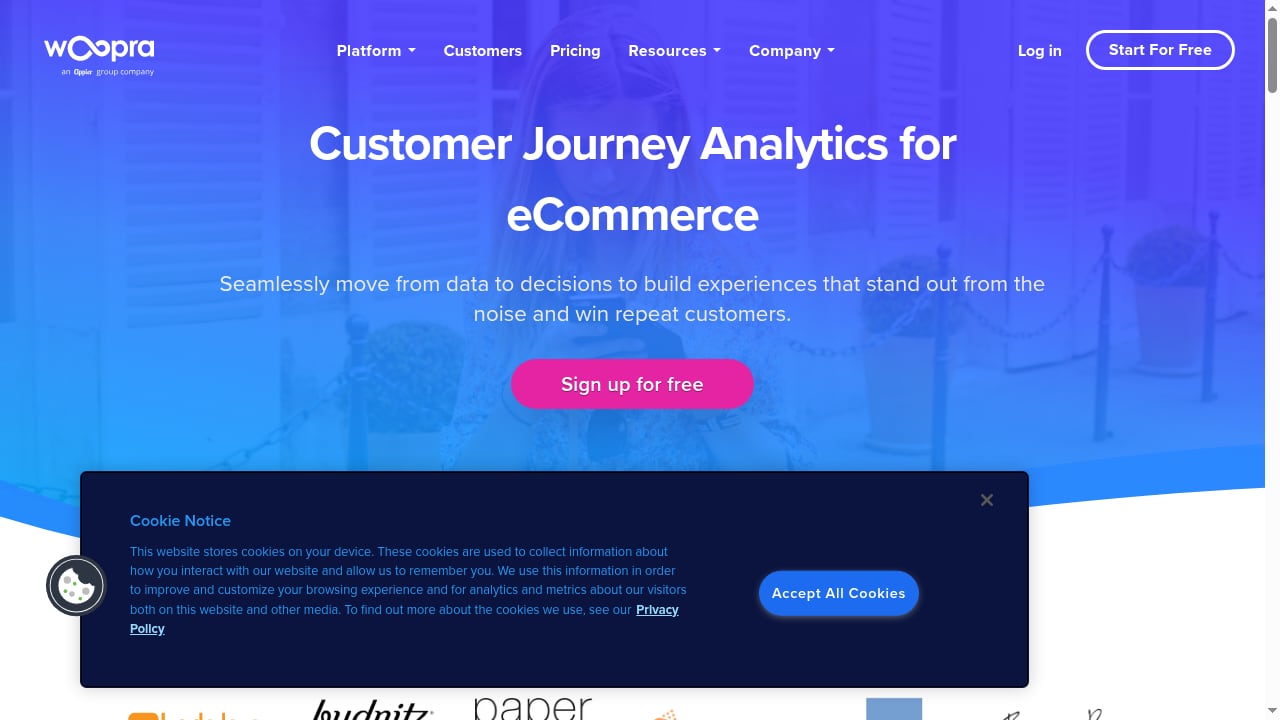
First viewport screenshot of eCommerce Analytics Solutions | Woopra.
Woopra is a powerful platform, but that power comes with trade-offs that make it a poor substitute for teams that only need website analytics.
High Cost of Entry
Woopra's pricing starts at $999 per month for the Pro plan, with Enterprise pricing above that. For a small business, content site, or marketing team that simply needs to track pageviews, referrers, and conversions, this is a significant investment. Data4's positioning as a lightweight alternative implies a far more accessible price point for basic website analytics.
Complexity and Setup Overhead
Woopra's core value is unifying data from product, marketing, sales, and support channels through custom tracking and over 50 integrations. That is a feature-rich but implementation-heavy approach. To get real value, teams need to define events, map customer journeys, configure integrations, and maintain data quality across systems.
For a website owner who just wants to know which pages perform well and where traffic comes from, this setup burden is disproportionate to the need.
Product Analytics Focus, Not Website Analytics Focus
Woopra is fundamentally a customer journey and product analytics tool. Its feature set—journey mapping, retention reporting, AI predictions, engagement triggers—is oriented toward SaaS companies and multi-touchpoint businesses. A content publisher or marketing site does not need journey orchestration or sales and support data unification to answer basic traffic questions.
Feature Comparison: Data4 vs Woopra

First viewport screenshot of Mobile Analytics | Woopra.
| Capability | Data4 | Woopra |
|---|---|---|
| Primary focus | Website traffic and performance | Customer journey across all touchpoints |
| Setup complexity | Low | High (custom tracking, integrations) |
| Learning curve | Minimal | Steep |
| Pricing signal | Accessible, lightweight | Starts at $999/month |
| Real-time traffic tracking | Yes | Yes |
| Audience segmentation | Yes | Yes |
| Conversion analysis | Yes | Yes |
| Journey mapping | No | Yes |
| Retention reporting | No | Yes |
| AI predictions and suggestions | No | Yes (Copilot, predictions) |
| 50+ integrations | No | Yes |
| Multilingual interface | Yes (Chinese, English, Japanese) | Not a highlighted strength |
| Best for | Website owners, marketers, analysts | Product, marketing, sales, and support teams |
When to Choose Data4
Choose Data4 if any of the following describes your situation:
- You need a Google Analytics alternative that is simpler to use.
- Your primary need is website traffic, engagement, and conversion tracking.
- You want a tool your team can adopt without extensive training or developer support.
- You operate a multilingual or multi-region website and value localized analytics.
- You want to avoid the high cost and setup complexity of enterprise journey platforms.
For teams evaluating lightweight, privacy-conscious options, our Visitors review and Simple Analytics tutorial cover similar tools that prioritize ease of use.
When Woopra Might Still Be the Right Choice

First viewport screenshot of Content Analytics | Woopra.
Woopra is not a bad product—it is simply built for a different job. Consider Woopra if:
- You need to unify data from product, marketing, sales, and support into one customer view.
- Your team requires journey mapping and retention analysis across multiple channels.
- You have the budget and engineering resources to implement custom tracking and integrations.
- AI-driven features like predictions and engagement triggers are central to your workflow.
If your needs lean toward product analytics rather than website analytics, our Data4 vs Amplitude comparison and Mixpanel review explore product-focused alternatives in more depth.
How to Decide in Practice
A useful exercise is to write down the three questions you need your analytics tool to answer every week. If those questions look like "Which pages drive the most conversions?" and "Where does my traffic come from?", Data4 is the more efficient choice.
If your questions look like "Which users churned after signing up?" and "What sequence of touchpoints leads to a paid upgrade?", Woopra's journey intelligence is the better fit—provided the budget supports it.
For a broader look at how Data4 compares to other lightweight and privacy-focused options, see our Data4 vs GoatCounter vs Simple Analytics comparison and Data4 vs Microsoft Clarity guide.
Sources and further reading
- Post Affiliate Pro - Send your event data from RudderStack to Post Affiliate Pro.
- Infected a few days ago - Am I infected? What do I do? - Infected a few days ago - posted in Am I infected? What do I do?: My computer has infected I believe. There are around... say... 15 svchost.exe s and one called SMSvchost.exe. And a bunch of weird processes, such as w3wp.exe and a TeamViewer_service.exe one is up, when i never loaded it up. I scanned with the most updated mbam.exe and it found something, but it didn't seem to have done anything. I would look into this processes, but I need to do something important tomorrow and I need...
- Extension Matrix - MediaWiki - From mediawiki.org
FAQ
Is Data4 a good alternative to Google Analytics?
Yes. Data4 positions itself specifically as a simpler, more efficient replacement for Google Analytics, with a focus on actionable website insights and multilingual support.
How much does Woopra cost?
Woopra's Pro plan starts at $999 per month, with an Enterprise plan available for advanced AI features, data warehouse sync, SSO, and dedicated support. A free 30-day trial is offered.
Does Data4 offer customer journey tracking like Woopra?
No. Data4 focuses on website traffic and performance analytics. Woopra is a dedicated customer journey intelligence platform with journey mapping, retention reporting, and cross-channel data unification.
Which tool is easier to set up?
Data4 is designed for simplicity and fast adoption. Woopra requires custom tracking configuration and integration setup to unlock its full value, which typically demands more technical effort.
Can I use Woopra just for website analytics?
Technically yes, but it would be an expensive and complex way to do it. Woopra's value is in unifying multiple data sources and tracking the full customer journey, not in basic pageview and referrer reporting.
Conclusion
Data4 and Woopra solve different problems. Data4 is the practical choice for website owners and marketers who want clear traffic, engagement, and conversion insights without the cost and complexity of an enterprise platform. Its simplicity, multilingual support, and Google Analytics alternative positioning make it a strong fit for straightforward website analytics.
Woopra is a capable customer journey platform, but its $999/month starting price, implementation overhead, and product analytics orientation make it a poor substitute for teams that only need website-level insights. Choose the tool that matches the questions you actually need to answer—not the one with the longest feature list.