
Heap Review 2026: Features, Pricing, and Honest Verdict
Heap positions itself as the digital insights platform that captures everything, so you never have to guess what users did before you started tracking it. That promise is ambitious, but it also explains why product, marketing, and data teams keep putting Heap on their shortlists. This review examines what Heap actually delivers, where it shines, and where the platform still asks for patience.
What Is Heap?
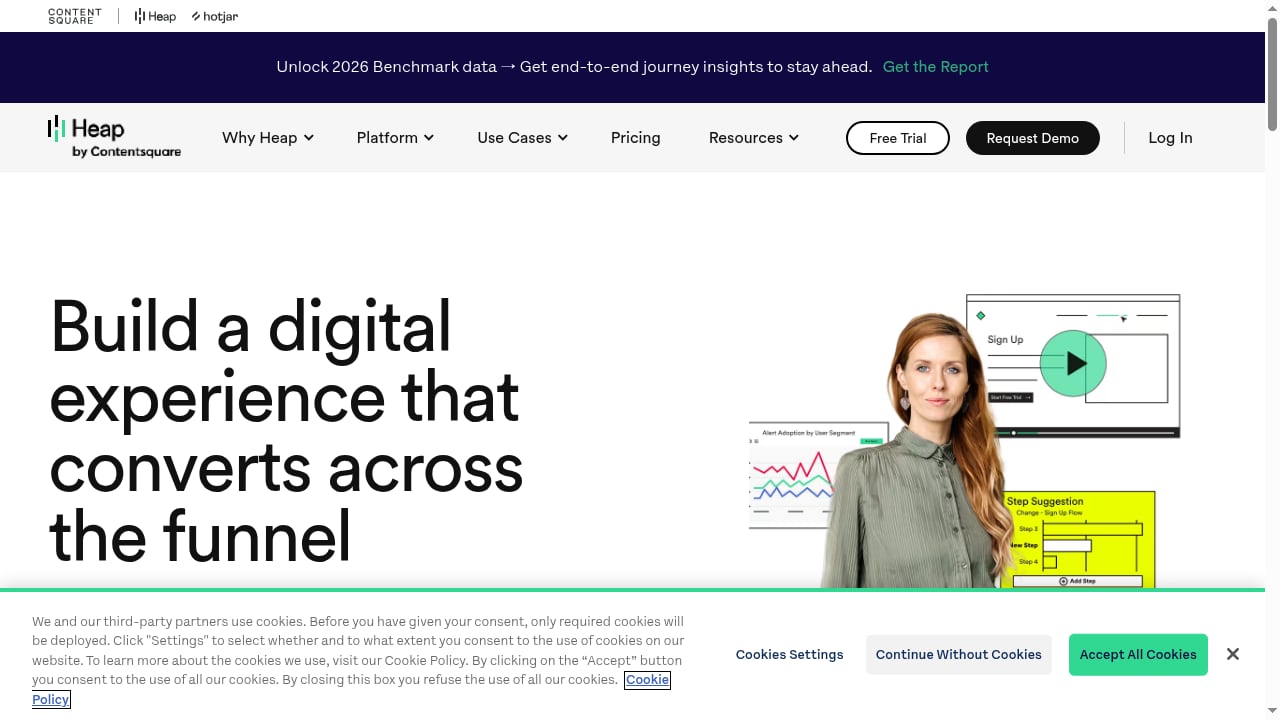
First viewport screenshot of Heap for Marketing Teams.
Heap is a digital insights platform that automatically captures every user interaction on websites, products, and mobile apps. Instead of requiring engineers to manually tag events before data collection begins, Heap records clicks, pageviews, form submissions, taps, and other interactions by default. That dataset becomes the foundation for funnels, retention reports, journey maps, session replays, and AI-generated insights.
Heap joined forces with Contentsquare, which has expanded its capabilities around experience analytics and broader digital insights. The platform reports more than 10,000 companies using it, with published outcomes such as 20% increased adoption, 30% increased conversions, and over $1 million in increased loan volume.
How Heap Works: Autocapture and Retroactive Analysis

First viewport screenshot of Heap for Product Teams.
The core idea behind Heap is simple: collect first, define later.
Traditional product analytics tools require teams to decide in advance which events matter. If you forget to track a button click, that data is gone forever. Heap flips the model. Its autocapture technology records all interactions from the moment the snippet or SDK is installed, then lets you define events retroactively.
This has practical consequences. A product manager can ask a question like "How many users clicked the pricing link on the mobile homepage last quarter?" even if nobody instrumented that event at the time. Heap can answer it because the raw interaction data already exists.
What Autocapture Actually Captures
Heap captures a broad range of interaction data without manual setup:
- Clicks, taps, and swipes on web and mobile
- Pageviews and screen views
- Form field changes and submissions
- Session metadata such as device, browser, location, and referrer
- Custom user properties when you choose to send them
This approach reduces the back-and-forth between product teams and engineers. In practice, reviewers on G2 and Gartner Peer Insights frequently note that building funnels and journey analyses feels approachable even without heavy engineering support.
Key Features Worth Evaluating
First viewport screenshot of Heap Delivers Solutions at Speed for Enterprises of Any Size and Complexity.
Session Replay
Session replay lets teams watch real user sessions to see where people hesitate, rage-click, or abandon a flow. One Gartner Peer Insights reviewer highlighted rage-click detection as especially valuable for spotting frustration points that aggregate metrics never reveal.
Heatmaps
Heatmaps visualize where users click, scroll, and focus attention on a page. For marketing and UX teams, this helps answer questions like whether a CTA is visible enough or whether users are interacting with elements that were never intended to be clickable.
Heap Sense: AI-Powered Insights
Heap Sense applies machine learning to the autocaptured dataset and surfaces anomalies, trends, and opportunities automatically. Instead of manually digging through dashboards, teams can receive prompts about unexpected behavior changes, such as a sudden drop in a specific funnel step.
Heap Connect: Data Warehouse Sync
Heap Connect syncs the complete autocaptured dataset to your data warehouse, including Snowflake, BigQuery, and Redshift. For data teams that prefer SQL and existing BI tooling, this is a meaningful advantage. It means Heap can serve as both an analytics interface and a reliable event data pipeline.
Retroactive Funnels and Retention
Because all events are stored from day one, teams can build funnels and retention cohorts retroactively. This is especially useful when a new question emerges weeks or months after a feature launch.
Ideal Users and Use Cases
Heap is not a one-size-fits-all tool. It fits best in specific scenarios.
Product Teams That Ship Frequently
Fast-moving product teams benefit most from autocapture. When features change every sprint, manual event tagging becomes a bottleneck. Heap removes much of that overhead.
Teams Without Dedicated Analytics Engineering
Smaller product and marketing teams often lack the engineering capacity to instrument every event. Heap's no-code event definition makes analytics accessible to non-technical stakeholders.
eCommerce and Conversion Optimization
Heap works well for eCommerce teams focused on understanding purchase journeys, cart abandonment, and checkout friction. Session replay and heatmaps provide direct evidence of where shoppers get stuck.
Financial Services and Regulated Industries
The platform has notable adoption in financial services, where understanding application and onboarding flows can directly affect revenue. Published outcomes include significant loan volume increases tied to funnel improvements.
EdTech and SaaS Retention
For subscription products, Heap's retroactive retention analysis helps teams understand which onboarding behaviors predict long-term engagement.
Strengths: What Heap Does Well
Genuinely Retroactive Data
The retroactive analysis capability is not marketing fluff. It changes how teams work because questions can be answered after the fact without planning ahead.
Reduced Engineering Dependency
Multiple user reviews emphasize that Heap lets product managers and marketers answer their own questions. The interface is generally considered intuitive for building funnels, retention reports, and journey analyses.
Complete Dataset for Data Teams
Heap Connect gives data teams access to raw, granular event data in their warehouse. This makes Heap more than a dashboard tool; it can serve as the central event collection layer.
Strong Session Replay and Frustration Signals
Rage-click detection and session replay provide qualitative context that complements quantitative funnels. Teams can move from "conversion dropped 8%" to "users are clicking a broken link on the checkout page" quickly.
Limitations and Trade-offs
Pricing Can Escalate Quickly
Heap does not publish transparent pricing on its website, and user discussions on Reddit and review platforms frequently mention cost as a consideration. Autocapture generates large event volumes, which can push pricing higher as usage grows. Teams should clarify event volume limits and overage costs before committing.
Data Volume and Noise
Capturing everything also means capturing noise. Bots, accidental clicks, and low-value interactions can clutter the dataset. Teams need governance practices to keep dashboards meaningful.
Learning Curve for Advanced Analysis
While basic funnels are approachable, advanced segmentation, custom properties, and data governance still require a learning investment. Heap is easier than many alternatives, but it is not effortless.
Privacy and Compliance Responsibility
Autocapture collects a lot of user interaction data by default. Teams in regulated industries or regions with strict privacy laws need to configure data redaction, consent management, and retention policies carefully.
Performance Considerations
The Heap snippet adds a script to your site or app. While generally lightweight, teams should monitor page performance and ensure the script does not conflict with other tools.
Heap Pricing Signals
Heap does not publish fixed pricing tiers. The platform uses a quote-based model influenced by session volume, feature access, and add-ons such as session replay and Heap Connect. This is consistent with enterprise-focused product analytics tools.
What teams should expect:
- Free or trial options may be available for small projects, but they are not prominently marketed.
- Mid-market plans typically start in the low thousands per month.
- Enterprise plans with warehouse sync, advanced governance, and dedicated support can reach tens of thousands annually.
When evaluating Heap, ask specifically about event volume limits, session replay storage, and whether Heap Connect is included or priced separately.
Setup and Implementation
Getting started with Heap is straightforward for web products. Install the JavaScript snippet or use a tag manager, and autocapture begins immediately. Mobile apps require SDK integration, which is slightly more involved but still well-documented.
The real setup work happens after installation:
- Define key events and properties that matter for your business.
- Set up user identity mapping to connect anonymous and logged-in sessions.
- Configure data redaction and privacy controls.
- Build initial dashboards, funnels, and retention reports.
- Train team members on self-serve analysis.
Most teams can see value within days, but full organizational adoption typically takes weeks.
Heap vs Alternatives

First viewport screenshot of Heap in the Modern Data Stack.
Heap vs Mixpanel
Mixpanel also offers strong product analytics, but its traditional model relies more on explicit event tracking. Heap's autocapture reduces upfront instrumentation work. Reddit discussions from product managers often frame Heap as easier for capturing and visualizing data quickly, while Mixpanel offers more granular control for teams with dedicated analytics resources.
Heap vs Amplitude
Amplitude is a direct competitor with deep behavioral analytics and experimentation features. Heap's differentiator remains retroactive analysis and the completeness of its raw dataset. Teams that value warehouse access may prefer Heap Connect.
Heap vs Microsoft Clarity
Microsoft Clarity offers free session replay and heatmaps but lacks Heap's depth in funnels, retention, and warehouse sync. For teams deciding between lightweight behavior tools and full product analytics, a comparison like Data4 vs Microsoft Clarity vs Matomo can clarify the trade-offs.
Heap vs Matomo
Matomo emphasizes privacy and data ownership, with self-hosted options and transparent pricing. Heap prioritizes depth of behavioral insight. Teams weighing privacy-first analytics against product analytics depth can review Matomo pricing and the Data4 vs Matomo comparison for context.
Decision Criteria: Should You Choose Heap?
Heap is a strong fit when:
- You need retroactive answers without pre-planned event tracking.
- Your team lacks dedicated analytics engineering resources.
- You want session replay, heatmaps, and funnels in one platform.
- You need raw event data in your warehouse via Heap Connect.
- You operate in eCommerce, SaaS, EdTech, or financial services with complex user journeys.
Heap is less ideal when:
- Your budget is tight and event volume is high.
- You only need basic pageview analytics.
- You require full self-hosted data ownership.
- Your team prefers SQL-first workflows without a separate analytics UI.
For teams exploring lightweight or privacy-focused alternatives, resources like the GoatCounter review and Plausible Analytics review provide useful comparisons.
Related reading
- Data4 vs Visitors: Which Analytics Tool Fits You? - Compare Data4 and Visitors for website analytics. See simplicity, privacy, real-time tracking, pricing, and which tool fits your team in 2026.
Sources and further reading
- Heap by Contentsquare Reviews & Product Details - G2 - The interface is intuitive, and building funnels, retention reports, and user journey analyses is straightforward even without heavy engineering support. Heap ...
- Heap Reviews, Ratings & Features 2026 | Gartner Peer Insights - Heap can tell us how many times a customer has raged clicked a link, how long they've spent on pages, and more. This is an extremely valuable insight for me as ...
- Reviews about Pros and Cons of Heap.io over Mixpanel - Reddit - Feb 14, 2024 ... Heap made capturing data, visualising and analysing data way easier. It's packed full of useful features and was a godsend when working on loan ...
Frequently Asked Questions
Is Heap really fully automatic?
Heap autocaptures user interactions automatically, but you still need to define which events matter for your analysis. The difference is that you can define them retroactively instead of before data collection begins.
How much does Heap cost?
Heap uses quote-based pricing without public tiers. Costs depend on session volume, feature access, and add-ons. Expect mid-market plans to start in the low thousands per month, with enterprise plans significantly higher.
Can Heap replace Google Analytics?
Heap can replace Google Analytics for product and behavioral analysis, but it is not designed as a marketing attribution or acquisition analytics tool. Many teams use Heap alongside a web analytics platform rather than as a direct replacement.
Does Heap work on mobile apps?
Yes. Heap provides SDKs for iOS and Android that autocapture taps, swipes, screen views, and other interactions. Mobile setup requires more engineering work than the web snippet.
Is Heap compliant with GDPR and CCPA?
Heap provides tools for data redaction, consent management, and retention controls, but compliance responsibility ultimately rests with your organization. Teams in regulated industries should review Heap's data processing terms carefully.
What is Heap Connect?
Heap Connect is a feature that syncs your complete autocaptured dataset to a data warehouse such as Snowflake, BigQuery, or Redshift. It is especially valuable for data teams that want raw event data for SQL analysis.
Final Verdict
Heap delivers on its central promise: it captures user interactions automatically and lets teams answer questions they did not know to ask in advance. That capability alone makes it a compelling choice for product teams that ship quickly and lack dedicated analytics engineering.
The trade-offs are real. Pricing can climb with event volume, autocapture creates noise that requires governance, and advanced features still demand a learning investment. But for organizations that need deep behavioral insight without a heavy instrumentation burden, Heap remains one of the strongest options in the product analytics category.
If your team regularly asks "why did users do that?" and struggles to answer because the data was never tracked, Heap is worth a serious evaluation.