
Hit Counter: What It Means, How It Works, and Modern Alternatives
A hit counter is one of the oldest tools on the web: a small script or widget that displays how many times a page has been loaded. It was the original way to show that a site had traffic. Today, the term still appears in two very different contexts — a simple visitor counter on a blog, and a technical "hit counter" design problem in system design interviews — and it's worth understanding both before you decide what your site actually needs.
This article explains what a hit counter counts, why its numbers are often misleading, how a hit counter is designed at scale, and how to move from a raw hit count to analytics that tell you something useful.
What Is a Hit Counter?
Hit Counter: What It Means, How It Works, and Modern Alternatives - What Is a Hit Counter?.
A hit counter records and displays the number of requests a page or resource receives. In its classic form, it's a snippet of HTML or JavaScript embedded in a page that increments a stored number each time the page loads, then renders that number as text or a small image.
Key characteristics of a traditional hit counter:
- It counts requests, not people. Every page load, refresh, bot crawl, or image request can add a hit.
- It is usually per-page or per-site. Some counters show a single total; others show daily or monthly counts.
- It is often free and requires no account. Many providers offer embeddable counters with no registration or email.
- It is display-oriented. The main output is a visible number, sometimes with basic statistics behind it.
Hit vs. visitor vs. pageview
The distinction matters more than most people expect:
| Metric | What it counts | Typical inflation |
|---|---|---|
| Hit | Any request to a file or page | Very high — one page can generate many hits |
| Pageview | A page being loaded | Medium — includes refreshes and bots |
| Visitor / user | A distinct person or device | Lowest — deduplicated over a time window |
| Session | A group of interactions in one visit | Depends on timeout rules |
A single page with five images can generate six hits for one visitor. That's why a site showing "1,000,000 hits" may have far fewer actual readers.
How a Hit Counter Works
Hit Counter: What It Means, How It Works, and Modern Alternatives - How a Hit Counter Works.
At its simplest, a hit counter follows three steps:
- Detect a load. A script runs when the page renders, or a server logs the request.
- Increment a stored value. The count is kept in a file, a database row, or an in-memory store.
- Return and display the number. The updated value is written back into the page.
A minimal client-side example
<script>
  fetch('/api/hit?page=home', { method: 'POST' })
    .then(r => r.json())
    .then(data => {
      document.getElementById('counter').textContent = data.total;
    });
</script>
<span id="counter">—</span>
This works for a hobby site, but it has two weaknesses: it counts every load including bots and refreshes, and it depends on JavaScript being enabled.
Server-side counting
Server-side counting is more reliable because it captures requests even when scripts are blocked, but it still counts assets, crawlers, and prefetches unless you filter them. If you want a durable count, store it in a database rather than a flat file, and deduplicate by IP or session where accuracy matters.
The Hit Counter as a System Design Problem
Hit Counter: What It Means, How It Works, and Modern Alternatives - The Hit Counter as a System Design Problem.
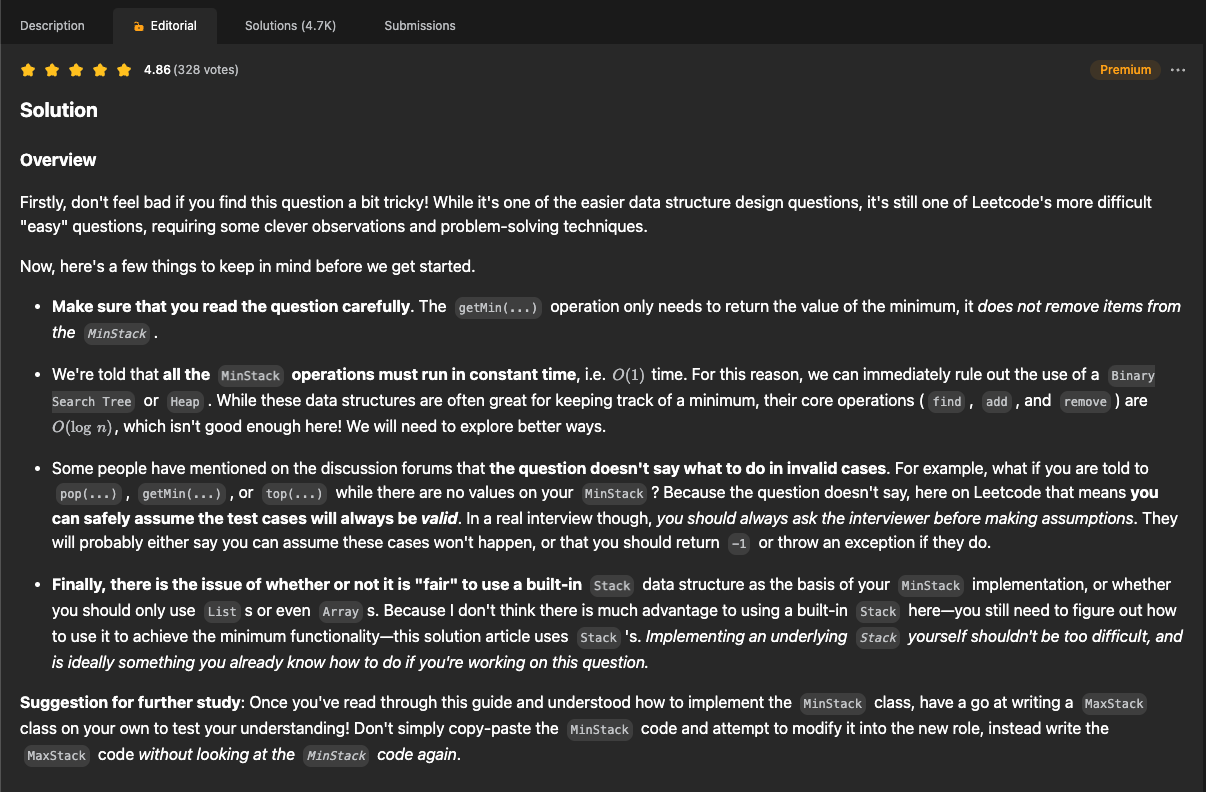
If you've prepared for engineering interviews, you've likely seen "design a hit counter" as an exercise. The classic version asks you to record hits and return the number of hits in the last 300 seconds (5 minutes), with two operations: hit(timestamp) and getHits(timestamp).
Common approaches, from simplest to most efficient:
- Brute force with a list. Store every timestamp; scan and count. Recording is O(1), but querying is O(n).
- Queue. Push timestamps and pop anything older than 300 seconds. Memory grows with traffic volume.
- Circular array (bucketed). Use two fixed arrays of size 300, indexed by
timestamp % 300. BothhitandgetHitsbecome effectively O(1) with constant space.
times = [0] * 300
counts = [0] * 300

def hit(timestamp):
    idx = timestamp % 300
    if times[idx] != timestamp:
        times[idx] = timestamp
        counts[idx] = 1
    else:
        counts[idx] += 1

def get_hits(timestamp):
    return sum(
        counts[i] for i in range(300)
        if timestamp - times[i] < 300
    )
The circular-array approach is the standard answer because it handles high request rates without unbounded memory growth. At production scale, you'd also need to handle concurrent writes, distribute counters across nodes, and reconcile counts — the same challenges that make accurate website measurement genuinely hard.
Why Raw Hit Counts Are Misleading
Hit Counter: What It Means, How It Works, and Modern Alternatives - Why Raw Hit Counts Are Misleading.
A visible hit counter can create more problems than it solves:
- Bot traffic inflates numbers. Crawlers, scrapers, and monitoring tools all register hits.
- Refreshes and internal clicks count. Your own visits and your team's testing add up.
- No context. A number without sources, geography, or behavior tells you nothing about why traffic changed.
- Privacy and trust concerns. Some third-party counters log visitor IPs and locations, which may require disclosure under privacy regulations.
- Performance cost. Synchronous counter scripts can block page rendering; asynchronous ones are better.
For a personal blog, a decorative counter is harmless. For a business site, a raw hit count is a vanity metric that can actively mislead decisions.
From Hit Counter to Real Analytics
If you want to know how many people visit, where they come from, and what they do, you need analytics rather than a counter. The core differences:
| Capability | Basic hit counter | Analytics platform |
|---|---|---|
| Unique visitors | Rarely | Yes |
| Traffic sources | Sometimes | Yes |
| Behavior and engagement | No | Yes |
| Conversion tracking | No | Yes |
| Bot filtering | Limited | Yes |
| Segmentation | No | Yes |
A platform like Data4 approaches this from the opposite direction of a counter: instead of one number, it focuses on traffic sources, audience segmentation, and conversion analysis in a straightforward interface, positioned as a simpler alternative to Google Analytics. If your goal is understanding visitors rather than displaying a tally, that's the category to evaluate.
When comparing tools, weigh these factors:
- Setup effort. A counter takes minutes; analytics needs a tracking snippet or tag.
- Data ownership and privacy. Self-hosted options keep data on your infrastructure.
- Reporting depth. Counters show totals; analytics shows funnels, retention, and campaigns.
- Cost. Free counters are free; analytics ranges from free tiers to enterprise pricing.
For deeper comparisons, see Data4 vs Statcounter vs Matomo, which covers setup, privacy, and reporting depth, and Clicky alternatives if you're evaluating privacy-focused tools.
If you still want a visible counter
You can keep a lightweight counter for aesthetics while running analytics in parallel. Just make sure the counter isn't your only source of truth, and check whether the provider supports HTTPS and asynchronous loading so it doesn't slow your pages.
Practical Checklist Before You Add a Counter
- Decide what you actually want to measure: total loads, unique visitors, or engagement.
- Check whether the counter script loads asynchronously and over HTTPS.
- Review the provider's data practices if you collect visitor IPs or locations.
- Filter obvious bot traffic if the number will be shown publicly.
- Consider whether an analytics tool answers your question better than a counter.
Related reading
- Data4 vs Statcounter vs PostHog: Which Analytics Fits? - Compare Data4, Statcounter, and PostHog on setup, reporting depth, privacy, and pricing to pick the right analytics tool for your site or product.
- A/B Testing Explained: How to Run Tests That Convert - Learn how A/B testing works, from hypothesis and sample size to statistical significance, plus how to measure results in your analytics platform.
- Data4 vs Heap vs Statcounter: Which Analytics Fits? - Compare Data4, Heap, and Statcounter on setup, traffic reporting, product analytics depth, privacy, and pricing to pick the right analytics tool.
Sources and further reading
- Free hit counter for blog and website No registration & No Email - Beautiful free counter. Quick and easy installation in your page, no email required. Comprehensive and detailed statistics for your website, geolocation of your visitors.
- Hit counter - MTG Wiki - Fandom - Hit counters are a type of counter introduced in Guilds of Ravnica. They have been related to Assassins marking cards that get exiled and which can be counted ...
- Design a Hit Counter - GeeksforGeeks - Your All-in-One Learning Portal: GeeksforGeeks is a comprehensive educational platform that empowers learners across domains-spanning computer science and programming, school education, upskilling, commerce, software tools, competitive exams, and more.
FAQ
What is a hit counter?
A hit counter is a script or widget that records how many times a page or file is requested and displays that total. It counts requests, not unique people.
What's the difference between hits and visitors?
A hit is any request, including images and refreshes. A visitor is a distinct person or device, usually deduplicated over a time window. One visitor can generate dozens of hits.
Are free hit counters safe to use?
Many are, but quality varies. Check that the provider uses HTTPS, loads asynchronously, and clearly explains what visitor data it collects. Avoid counters that inject heavy third-party scripts.
Can I build my own hit counter?
Yes. A simple version stores a count in a database and increments it on each request. For high-traffic or time-windowed counting, use a bucketed circular array or a queue, and handle concurrent writes carefully.
Do I need a hit counter if I already use analytics?
Usually not. Analytics platforms provide visitor counts plus sources, behavior, and conversions. A counter is mainly decorative or useful as a quick public tally.
Why does my hit counter show more traffic than my analytics tool?
Because it counts every request, including bots, refreshes, and asset loads, while analytics tools deduplicate and filter traffic.
Conclusion
A hit counter is a simple, nostalgic way to show that a page gets traffic — and a genuinely interesting data-structure problem when you scale it. But for decision-making, raw hits are noisy and easy to misread. If you need to understand who visits, where they come from, and what they do next, move beyond the counter and use an analytics platform that reports unique visitors, sources, and conversions. Keep the counter if you like the look of it; just don't let it be the number you trust.