
Marketers Campaign Tracking: A Practical Guide
Marketers campaign tracking is the practice of tagging, measuring, and attributing the traffic and conversions that come from your marketing activities. Without it, you are guessing which emails, ads, and social posts actually drive revenue. This guide explains how tracking works, which methods to use, and how to turn campaign data into decisions.
What Is Campaign Tracking?
Marketers Campaign Tracking: A Practical Guide - What Is Campaign Tracking?.
Campaign tracking is the process of logging the details of a marketing campaign when someone clicks a link to your website. It answers questions like:
- Which channel brought this visitor (email, social, paid search)?
- Which specific campaign, ad, or post did they engage with?
- Did that visit lead to a signup, purchase, or other conversion?
Standard referral data is not enough. Many channels—especially email and some social apps—do not pass reliable referrer information, so visits show up as "direct" traffic. Campaign tracking fixes that by attaching explicit labels to your links or by using tracking pixels.
Why Marketers Campaign Tracking Matters
Marketers Campaign Tracking: A Practical Guide - Why Marketers Campaign Tracking Matters.
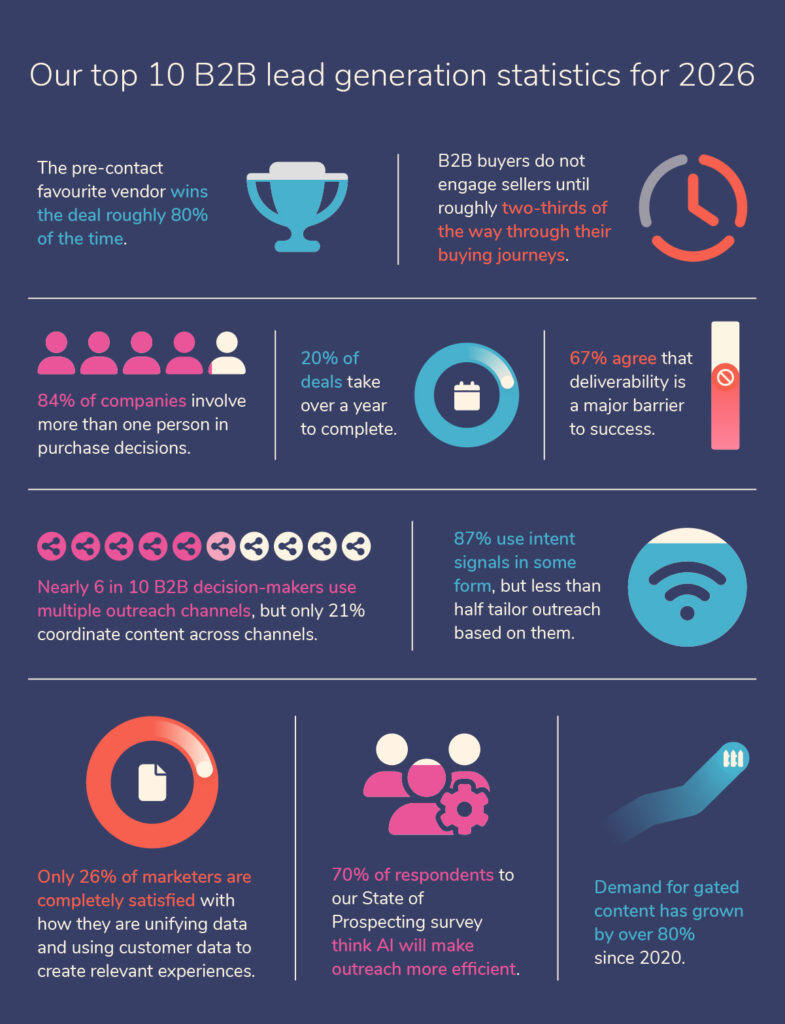
If you run more than one campaign at a time, you need to know which ones earn their budget. Campaign tracking gives you:
- Channel-level clarity: See which platforms send engaged visitors, not just clicks.
- Creative-level insight: Compare individual emails, banners, or posts to find what resonates.
- ROI evidence: Connect spend to conversions and revenue so you can justify or cut campaigns.
- Faster optimization: Spot underperforming campaigns early and shift budget before the quarter ends.
Core Methods for Tracking Campaigns
Marketers Campaign Tracking: A Practical Guide - Core Methods for Tracking Campaigns.
There are three common approaches. Most teams use a combination.
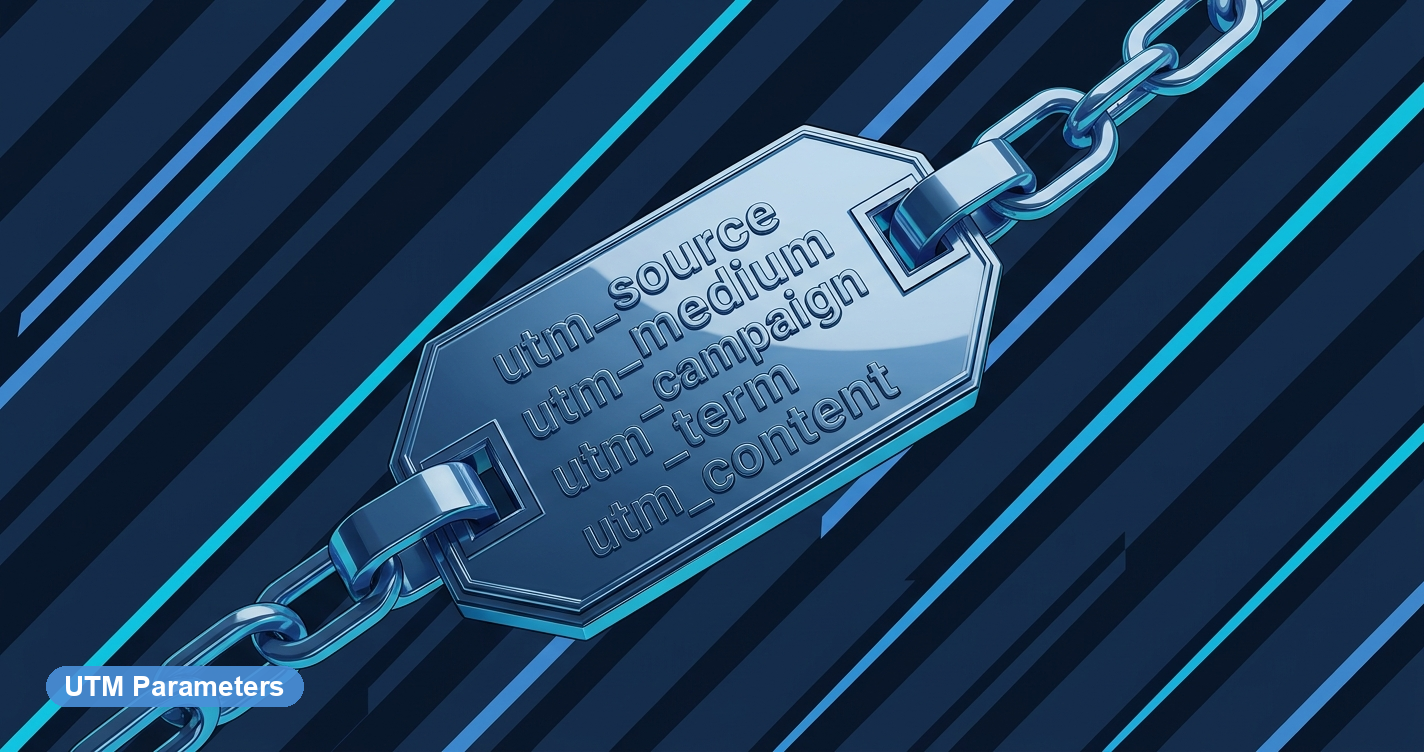
1. UTM Parameters (URL Tagging)
UTM parameters are query strings added to the end of a URL. They tell your analytics platform where the click came from. A typical tagged URL looks like this:
https://example.com/?utm_source=newsletter&utm_medium=email&utm_campaign=spring_sale
The five standard UTM parameters are:
| Parameter | Purpose | Example |
|---|---|---|
utm_source |
The platform or source | newsletter, twitter, google |
utm_medium |
The marketing channel | email, social, cpc |
utm_campaign |
The campaign name | spring_sale, product_launch |
utm_content |
The specific link or creative | header_button, blue_banner |
utm_term |
The paid keyword (for search ads) | running_shoes |
UTM parameters work with any analytics tool that reads query strings, including Data4. They are the most flexible and widely supported method.
Best practice: Use a consistent naming convention (lowercase, hyphens instead of spaces) and document it in a shared spreadsheet so your team does not create duplicate campaign names.
2. Tracking Pixels
A tracking pixel is a small piece of code—often a 1x1 transparent image—placed on a page or in an email. When the page loads or the email is opened, the pixel fires and records the event.
Pixels are useful for:
- Measuring email opens when you cannot rely on link clicks.
- Tracking conversions on specific pages (e.g., a thank-you page).
- Retargeting audiences on ad platforms.
Pixels are common in paid advertising, but they require careful privacy handling. If you use pixels, make sure your consent management approach is solid. A consent management platform helps you collect and honor user preferences before firing tracking scripts.
3. Cookies and First-Party Data
Cookies store a small identifier in the user's browser. First-party cookies (set by your own domain) are still widely used for session and conversion tracking. Third-party cookies, however, are being phased out by major browsers, so relying on them for campaign tracking is increasingly risky.
The practical takeaway: prioritize UTM parameters and first-party analytics. They are more durable and easier to audit.
How to Set Up Campaign Tracking in 5 Steps

Marketers Campaign Tracking: A Practical Guide - How to Set Up Campaign Tracking in 5 Steps.
- Define your campaign naming convention. Decide how you will name sources, mediums, and campaigns. Write it down.
- Build your tagged URLs. Use a UTM builder or spreadsheet formula. Double-check spelling—
utm_campaignandutm_campainare different parameters. - Place links in your campaign assets. Email buttons, social posts, display ads, guest articles—every outbound link should be tagged.
- Verify tracking in your analytics platform. Click your own link and confirm the campaign appears in your reports. Data4 shows campaign traffic in real time, so you can validate before launch.
- Review and iterate. Set a weekly or biweekly review to compare campaign performance and adjust.
Reading Campaign Reports: Metrics That Matter
Once tracking is live, your analytics dashboard becomes the source of truth. Focus on these metrics:
- Sessions by campaign: How much traffic did each campaign drive?
- Engagement rate: Did visitors stay, scroll, or bounce immediately?
- Conversion rate: What percentage of campaign visitors completed your goal?
- Cost per acquisition (CPA): For paid campaigns, how much did each conversion cost?
- Return on ad spend (ROAS): Revenue divided by ad spend.
A campaign with high traffic but low conversion may need a better landing page. A campaign with low traffic but high conversion may deserve more budget.
Choosing the Right Campaign Tracking Tools
Your tracking method is only as good as the platform that reports on it. Here is how to think about tool selection:
| Need | What to look for |
|---|---|
| Simple UTM reporting | A platform that automatically groups traffic by source, medium, and campaign |
| Real-time validation | Live dashboards so you can check tags before a big send |
| Privacy compliance | Built-in consent handling or easy integration with a CMP |
| Custom reporting | Ability to segment by campaign and export or API-access data |
| Global teams | Multi-language support and clear, non-technical interfaces |
If you are comparing options, a side-by-side review like Data4 vs Plausible Analytics vs Simple Analytics can help you weigh privacy, ease of use, and reporting depth. For teams that need to pull campaign data into their own dashboards, an analytics API makes it possible to combine campaign metrics with CRM or ad platform data.
Common Campaign Tracking Mistakes
- Inconsistent naming:
Email,email, ande-mailbecome three different sources. Standardize. - Tagging internal links: UTM parameters on internal links can overwrite the original source and corrupt your data.
- Forgetting mobile apps: Some social apps strip referrer data. Always use UTMs for social posts.
- Ignoring privacy rules: Tracking without consent can create legal risk. Use a CMP and respect opt-outs.
- Never reviewing reports: Tracking without analysis is just data collection. Schedule time to act on what you learn.
Related reading
- Data4 vs Umami vs KISSmetrics: Which Analytics Tool Fits? - Compare Data4, Umami, and KISSmetrics on privacy, ease of use, reporting depth, and pricing to choose the right website analytics tool.
- Consent Management Platform: How to Choose One in 2026 - Learn what a consent management platform does, how it differs from a cookie banner, and how to choose a CMP that keeps your analytics compliant.
- Data4 vs Pirsch vs Google Analytics: Which Fits Your Site? - Compare Data4, Pirsch, and Google Analytics on setup, privacy, reporting depth, and pricing to pick the right website analytics tool for your team.
Sources and further reading
- What is Campaign Tracking? - Analytics Platform - Matomo - Campaign Tracking is a feature which enables you to log marketing campaign details when linking to your website online. This can help you track the exact impact of your marketing campaigns. It reveals things like, how much traffic they are bringing in, how engaged those visitors are, and whether the campaign is resulting in sales or not.
- Free Marketing Campaign Tracking Template - Airtable - Campaign management has a lot of moving pieces, and relying on marketing campaign tracking tools to keep everything in one place ensures campaigns are moving...
- Campaign Tracking - Definition & Examples - Parse.ly - In the context of web traffic and analytics, campaign tracking is the process of measuring the success of content campaigns by monitoring associated data points. This data can include where traffic is coming from, what actions visitors take on your site, and how much revenue those campaigns generate.
FAQ
What is the difference between campaign tracking and referral tracking?
Referral tracking relies on the browser sending the previous page's address. Campaign tracking uses explicit tags (UTMs) or pixels, so it works even when referral data is missing—such as in email or some social apps.
Do I need UTM parameters if I use a tracking pixel?
They serve different purposes. UTMs tell you where a click came from; pixels track actions like opens or conversions. Many teams use both: UTMs for attribution and pixels for conversion events.
How many UTM parameters should I use?
At minimum, use utm_source, utm_medium, and utm_campaign. Add utm_content and utm_term when you need to compare creatives or paid keywords.
Can I track campaigns without cookies?
Yes. UTM parameters and server-side tracking do not rely on third-party cookies. First-party analytics platforms like Data4 can report campaign performance without invasive tracking.
How often should I review campaign tracking data?
For active campaigns, weekly is a good baseline. For always-on campaigns, a monthly deep dive is sufficient. The key is to review consistently and adjust.
Conclusion
Marketers campaign tracking is not about collecting more data—it is about collecting the right data and acting on it. Start with a clean UTM naming convention, validate your tags in a real-time analytics platform, and review performance against clear goals. Whether you run email, social, or paid search campaigns, the discipline of tagging and measuring will separate campaigns that look busy from campaigns that actually drive growth.