
Statcounter Review: A Practical GA4 Alternative for Real-Time Insights
If you find modern analytics platforms bloated or too complex, Statcounter offers a refreshingly direct approach. Founded in 2000 as a simple hit counter, it has evolved into a fully fledged web analytics tool that prioritizes real-time visitor data and session-level detail over aggregated, privacy-first modeling. This review examines who Statcounter truly serves, where it excels, and where its age shows, helping you decide if it fits your workflow better than the default Google Analytics 4 setup.
Who Is Statcounter Really For?
First viewport screenshot of Statcounter - Web Analytics Made Easy.
Statcounter is not trying to replace enterprise-grade analytics suites. It shines for a specific set of users who need immediate, granular behavioral data without complex configuration.
Small Business Owners and Freelancers
If you run a portfolio site, a local service business, or a niche e-commerce store, you likely need to see exactly who is on your site right now and what they are clicking. Statcounter’s live visitor feed provides this without the reporting delays common in GA4. You can watch a potential client navigate your pricing page and adjust your pitch accordingly.
Marketers Fighting Click Fraud
Paid traffic is expensive, and click fraud drains budgets fast. Statcounter’s Visitor Activity log shows IP addresses, hostnames, and repeat visit patterns. Seeing multiple ad clicks from the same IP in quick succession is a strong signal of fraud. This level of transparency is rarely available in privacy-aggregated platforms, making Statcounter a practical defense tool for small-scale PPC campaigns.
Agencies Managing Multiple Client Sites
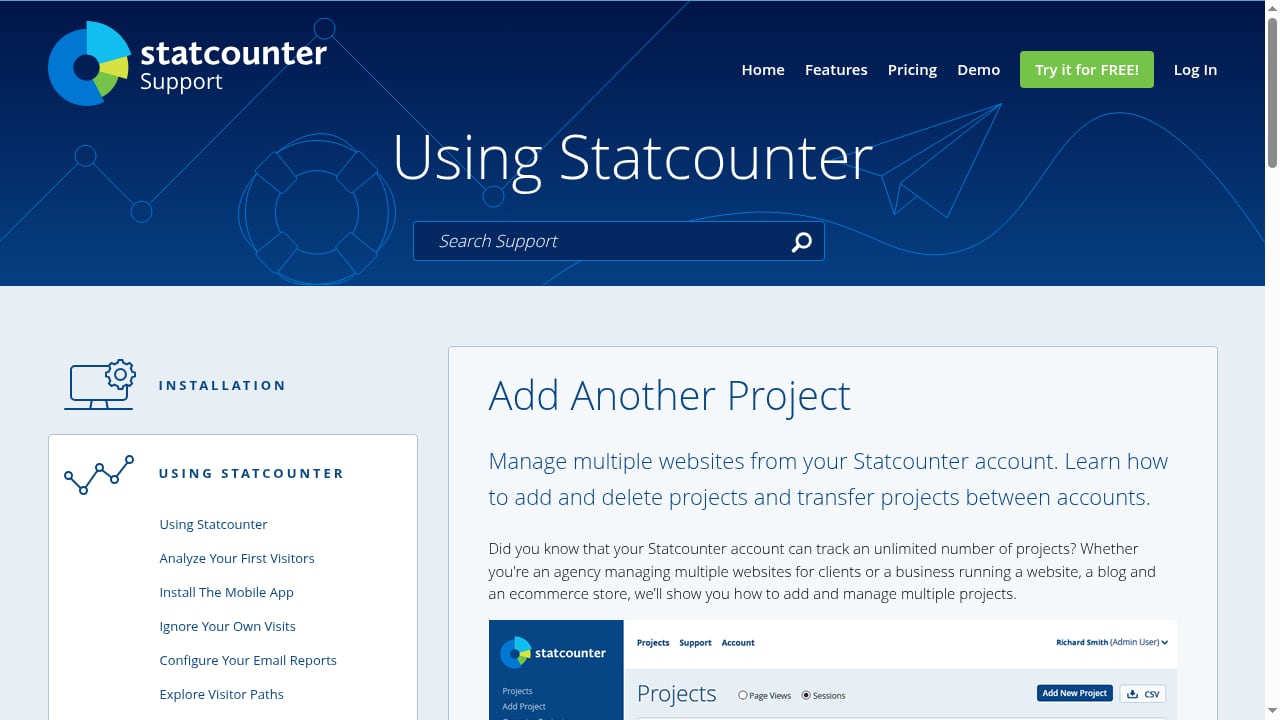
With unlimited projects and users on paid plans, agencies can monitor dozens of client websites from a single dashboard. The ability to set up automated email reports for each client, summarizing key stats, reduces the manual work of pulling data. The mini trend charts on the projects page give a quick health check at a glance.
Core Features That Define the Statcounter Experience
First viewport screenshot of Manage multiple websites from your Statcounter account..
Statcounter’s feature set is built around a simple philosophy: show the raw data first, then let you filter it. This contrasts sharply with tools that present modeled or sampled reports.
Real-Time Visitor Activity and Magnify
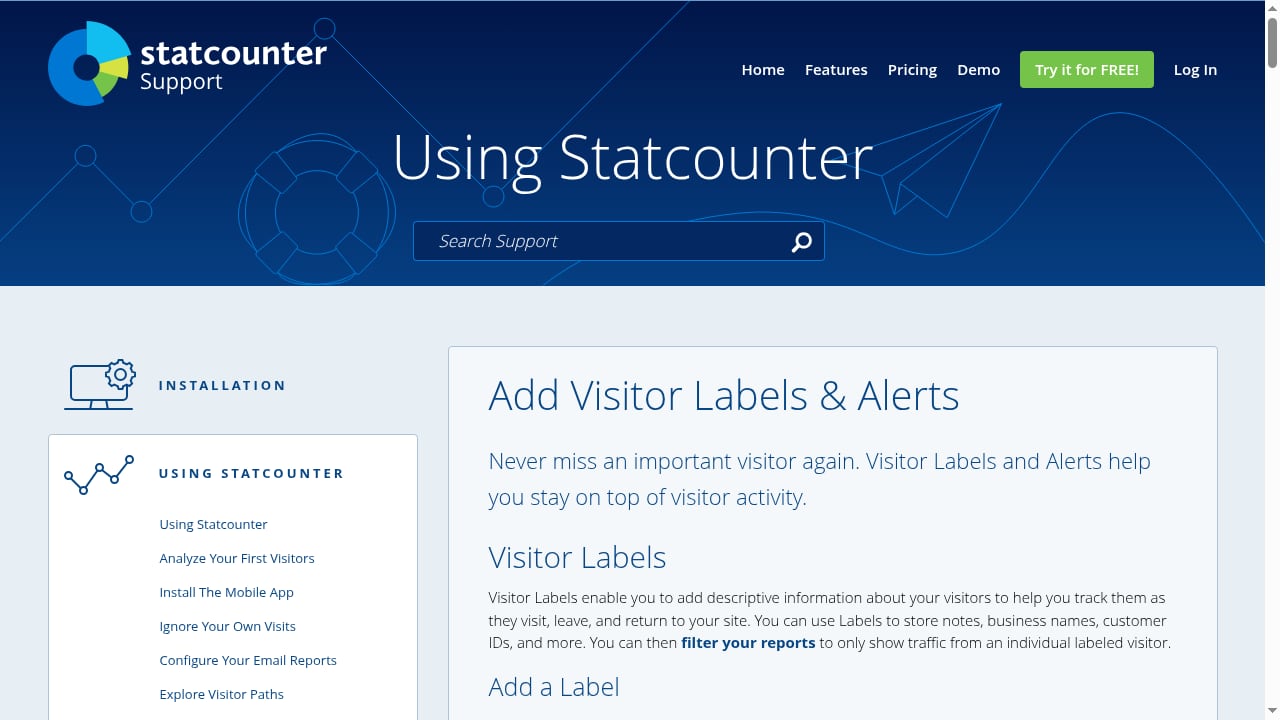
This is the heart of Statcounter. The live feed updates as visitors arrive, showing their location, device, referral source, and page-by-page navigation path. The Magnify Visitor tool goes deeper, letting you isolate a single visitor’s entire history across multiple sessions. You can label that visitor (e.g., “VIP Client” or “Support Issue”) and set alerts for their return. This turns anonymous traffic into trackable behavioral profiles without storing personal data.
Session Replay Recordings
Session replay is integrated directly into the visitor activity log. Instead of jumping to a separate heatmap tool, you click a replay icon next to a visitor’s session and watch a video-like recording of their screen. You see mouse movements, clicks, taps, and scrolls exactly as they happened. This is invaluable for spotting broken forms, confusing navigation, or JavaScript errors that frustrate users. For a deeper comparison of tools that offer similar behavioral insights alongside strong privacy controls, see our Data4 vs Pirsch vs Matomo comparison.
Landing Page and Conversion Analysis
Statcounter automatically identifies entry pages and calculates bounce rates and conversion rates based on a goal you define, such as reaching a thank-you page. The Page Trends feature overlays traffic source data—search, referral, paid—so you can see if your SEO-optimized landing page is actually converting better than your ad-driven one. This closes the loop between marketing spend and on-site behavior without requiring complex UTM parameter setups, though UTM tracking is fully supported.
Filters, Labels, and Alerts
You can combine filters to create dynamic segments: for example, visitors from a specific city who viewed more than three pages and returned twice. Labels let you tag these cohorts manually. Alerts can then notify you when a labeled visitor returns or when a specific page’s traffic drops. This level of hands-on visitor management is unique and feels more like a CRM-lite for website traffic.
Setup and Onboarding: Surprisingly Quick
Getting started with Statcounter takes under five minutes. After creating an account with just a name and email, you add a project by entering your website URL. The platform automatically detects your timezone and, crucially, recognizes common CMS platforms like WordPress or Shopify. It then displays platform-specific instructions for inserting the tracking code before the closing </body> tag. A verification button confirms the code is active. The 30-day free trial requires no credit card, and the free plan remains available indefinitely for basic stats on a single site with limited data retention.
Pricing Signals: What the Free and Paid Tiers Reveal
Statcounter’s pricing is based on log size—the number of page views stored—rather than monthly traffic volume alone.
- Free Plan: 500 recent page views stored. Suitable only for very small personal projects or testing.
- Starter ($9/month): 5,000 log size. Fits a new blog or a local business site with modest traffic.
- Growth ($19/month): 25,000 log size. The sweet spot for most small businesses running active marketing campaigns.
- Business ($39/month): 100,000 log size. Accommodates higher-traffic sites that still need session-level detail.
- Premium ($79/month): 500,000 log size. For agencies or content-heavy sites requiring deep historical data.
All paid plans include unlimited projects, unlimited users, session replay, conversion tracking, and email reports. The pricing is transparent and scales linearly, but the log size limitation means that on busy days, older recordings and visitor details will be overwritten faster. This is a deliberate design choice to keep the tool fast and simple, but it is a critical limitation to understand.
Statcounter vs Google Analytics: A Decision Framework
First viewport screenshot of Statcounter - Web Analytics Made Easy.
Choosing between Statcounter and GA4 depends on what you value more: individual visitor context or aggregated trend analysis.
When Statcounter Wins
- Immediate, real-time data. You see visitors the second they land; GA4 often has a 24-48 hour delay in standard reports.
- Individual session detail. IP addresses, hostnames, and full navigation paths are visible. GA4 anonymizes or aggregates this.
- Click fraud detection. The raw referral and IP data make it possible to spot invalid traffic manually.
- Simplicity. The interface uses plain language like “Visitors” and “Pages,” not “Engaged Sessions” or “Event Count.”
- No sampling. You view all recorded data, not a statistical projection.
When GA4 or a Privacy-First Alternative Wins
- E-commerce funnel analysis. GA4’s dedicated e-commerce events and funnel reports are far more sophisticated.
- Long-term trend analysis. Statcounter’s log size limits historical data; GA4 stores data for months or years.
- Privacy compliance. Statcounter uses cookies and collects IP addresses, which requires consent management. If you need a cookieless, GDPR-first approach, explore our guide on adblock visitor tracking and privacy-first tools.
- Machine learning insights. GA4 provides predictive audiences and anomaly detection that Statcounter lacks.
For many small teams, the ideal setup is not either/or. Use Statcounter for daily tactical decisions, session replay, and PPC fraud monitoring, while keeping GA4 in the background for long-term SEO trends and e-commerce reporting. You can also cross-reference Statcounter’s raw numbers against GA4’s modeled data to get a more complete picture of your true traffic, especially when adblockers skew results.
Limitations to Consider Before Committing
No tool is perfect, and Statcounter’s age shows in a few areas.
- Interface design. The dashboard is functional but looks dated. It prioritizes data density over visual polish, which can overwhelm new users.
- Data retention. The log size model means you trade depth for breadth. If you experience a sudden traffic spike, you may lose older session replays quickly.
- No native heatmaps. While session replay is powerful, Statcounter does not offer aggregated click heatmaps or scroll maps. You would need a separate tool for that.
- Limited integrations. It connects with Google Search Console and Google Ads, but lacks native integrations with CRMs, email marketing platforms, or modern data warehouses.
- User review sentiment. On platforms like G2 and Trustpilot, users consistently praise the detailed analytics and ease of use. However, a smaller subset of reviews on Trustpilot cite frustrations with customer support responsiveness and account management. The average rating hovers around 3 out of 5 on some review sites, indicating that while the core product works well, the service experience can be inconsistent.
Related reading
- Data4 vs Piwik PRO vs Google Analytics: Which Fits Best? - Compare Data4, Piwik PRO, and Google Analytics on simplicity, privacy, data control, and actionable insights. Find the right analytics platform for your needs.
Sources and further reading
- Read Customer Service Reviews of www.statcounter.com - every review on our platform—verified or not—is screened by our 24/7 automated software. 2.9 Average TrustScore 3 out of 5 17 reviews 5-star 4-star 3-star 2- ...
- StatCounter Reviews 2026: Details, Pricing, & Features - Users consistently praise the product for its ease of use and detailed analytics, making it a reliable choice for tracking website traffic.Read more
- Statcounter — A Good Alternative to Google Analytics? - Is Statcounter a good alternative to Google Analytics for small businesses and freelancers? Read our in-depth review.
Frequently Asked Questions
Is Statcounter really free?
Yes, there is a free plan that stores up to 500 recent page views. It includes basic summary stats and the visitor activity log, but session replay and advanced features require a paid plan. The free plan is best for testing the tool on a very low-traffic site.
Does Statcounter slow down my website?
The tracking code is a lightweight JavaScript snippet that loads asynchronously. In most cases, it has a negligible impact on page speed. Statcounter’s infrastructure is designed to handle the logging separately from your server.
Can I use Statcounter alongside Google Analytics?
Absolutely. The two scripts do not conflict. Many users run both to get real-time individual data from Statcounter and long-term aggregated data from GA4. Just ensure you update your cookie consent banner to disclose both trackers.
How does Statcounter handle visitor privacy?
Statcounter collects IP addresses and uses cookies to track sessions. It does not collect personally identifiable information like names or email addresses by default. You are responsible for configuring your privacy policy and consent mechanism appropriately, especially under GDPR.
What happens when I hit my log size limit?
When your log is full, the oldest visitor records and session replays are automatically deleted to make room for new data. Your summary stats and aggregate reports remain intact. Upgrading your plan increases the log size and retains more history.
Final Verdict: A Specialized Tool for Hands-On Site Owners
First viewport screenshot of Never miss an important visitor with Labels & Alerts..
Statcounter is not a universal analytics solution, and it does not try to be. It is a specialized instrument for website owners who want to see real people, not just aggregate metrics. The combination of a live visitor feed, session replay, and IP-level detail makes it uniquely suited for diagnosing usability issues, validating PPC traffic quality, and understanding individual customer journeys. If you are frustrated by the abstraction of modern analytics and want to get your hands dirty with raw behavioral data, Statcounter remains a compelling, affordable choice. For broader platform comparisons, see our top 10 website analytics platforms for 2026.
Just be aware of its limits: it is not a long-term data warehouse, its interface is utilitarian, and you must manage privacy compliance carefully. But for the small business owner, freelancer, or agency that needs to know exactly what a visitor did on a site this morning, Statcounter delivers with a clarity that few modern tools match.