
Top 10 Web Analytics Software Products for 2026
Choosing web analytics software in 2026 is less about feature lists and more about fit. The right tool depends on your privacy obligations, your team's technical comfort, and whether you need simple traffic counts or deep behavioral analysis. This guide ranks ten products that genuinely belong to the web analytics category, using transparent criteria and evidence from vendor documentation, independent detection data, and published pricing.
How We Evaluated These Tools
We scored each product on five criteria:
- Data depth and insight quality — what questions the tool can actually answer about traffic, behavior, and conversions.
- Ease of use — setup time, interface clarity, and whether non-technical users can get value without a developer.
- Privacy and data ownership — cookie usage, data residency, consent requirements, and self-hosting options.
- Pricing and value — entry price, free tier usability, and what gates the next tier.
- Evidence of real adoption — independent detection counts where available, plus documented limitations from vendor docs or review sentiment.
We excluded tools that are primarily data warehouses, BI platforms, or product analytics suites without a web analytics core. Data4 is a website analytics platform that some readers will encounter during research, but it is not ranked here because it sits outside the scope of this web analytics software category. It may still be relevant as a complementary tool for teams that need lightweight traffic tracking alongside a dedicated analytics stack.
1. Google Analytics 4
First viewport screenshot of Manage multiple websites from your Statcounter account..
Best for: Free, universal baseline reporting
Google Analytics 4 remains the default starting point for most websites. Independent detection data from TechnologyChecker found GA4 on over 3.6 million active domains, more than the other eight tools on that list combined. It is free, integrates natively with Google Ads, Search Console, and Looker Studio, and offers a free BigQuery export for raw event data.
The trade-off is complexity. GA4's event-based model requires configuration before reports become useful, and its interface has a steep learning curve. Privacy-conscious organizations also need to consider US data transfers and consent modeling. For teams already in Google's ecosystem, it is hard to beat on cost and integration.
2. Matomo
Best for: Full data ownership and self-hosting
Matomo is the most established open-source web analytics platform. It can be self-hosted for free or used via Matomo Cloud starting at €29 per month. Because you control the database, Matomo appeals to organizations with strict data residency requirements or those who want to avoid third-party data processing entirely.
Matomo supports heatmaps, session recordings, and A/B testing through plugins, though some advanced features require paid add-ons. Setup is more involved than cloud-only tools, but the ownership trade-off is clear. For a deeper comparison of privacy-focused options, see our Data4 vs Visitors vs Matomo privacy analytics comparison.
3. Plausible Analytics
Best for: Lightweight, EU-hosted Google Analytics replacement
Plausible is a cookieless, lightweight analytics tool hosted in the EU. It starts at $9 per month and is designed for teams that want simple, compliant reporting without a complex setup. TechnologyChecker detected Plausible on over 32,000 active domains, making it one of the most widely adopted GA alternatives.
Plausible's dashboard is intentionally minimal: pageviews, referrers, countries, and goals. It does not offer session recordings or heatmaps, so it works best as a primary traffic analytics tool rather than a full behavioral suite. For teams under EU regulatory pressure, it is a strong default.
4. Clicky
Best for: Privacy-friendly real-time analytics
Clicky positions itself as a privacy-friendly Google Analytics alternative with a focus on real-time monitoring. It shows traffic as it happens, including individual visitor sessions, and includes heatmaps, uptime monitoring, and goal tracking. Clicky is particularly useful for site owners who want to react to traffic changes immediately rather than waiting for batched reports.
Pricing starts with a free plan for low-traffic sites, with paid tiers based on pageview volume. Clicky's interface is more approachable than GA4 for beginners, though its reporting depth is less than enterprise platforms. It is a solid choice for bloggers, small businesses, and marketers who value immediacy.
5. Fathom Analytics
Best for: Simple, compliant reporting across client sites
Fathom Analytics is a privacy-first, cookieless tool that starts at $15 per month. It is designed for simplicity: one dashboard, clear metrics, and no cookie banners required. TechnologyChecker detected Fathom on over 16,000 active domains, and its adoption is growing among agencies managing multiple client sites.
Fathom does not offer session recordings or advanced segmentation. Its strength is speed and clarity. For a detailed breakdown, see our Fathom Analytics review.
6. Microsoft Clarity
Best for: Free heatmaps and session recordings
Microsoft Clarity is a free behavioral analytics tool that complements traffic analytics. It provides heatmaps, session recordings, and frustration signals like rage clicks and dead clicks. There are no traffic limits and no paid tier, making it an accessible way to understand why pages underperform.
Clarity is not a full web analytics platform; it does not replace GA4 for traffic reporting. It works best alongside a tool like GA4 or Matomo. For a comparison with Matomo and Data4, see our Data4 vs Microsoft Clarity vs Matomo analysis.
7. Statcounter
First viewport screenshot of Statcounter - Web Analytics Made Easy.
Best for: Free, configurable hit counter and real-time stats
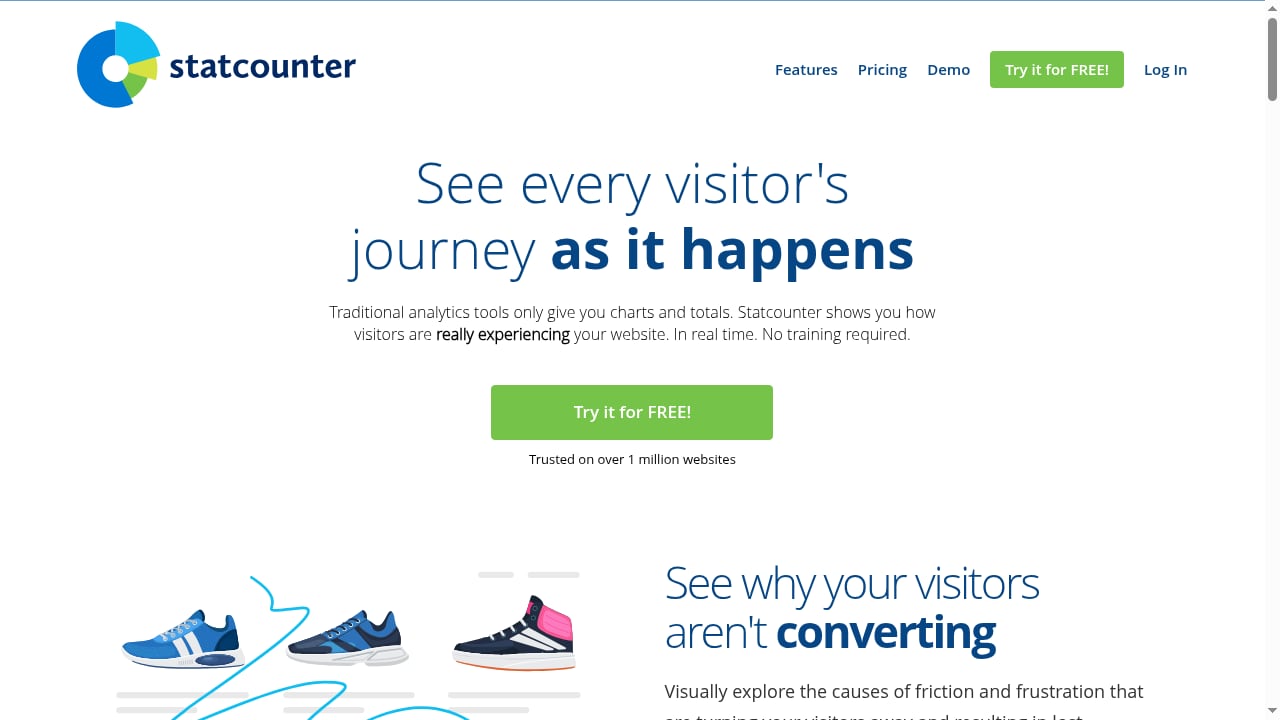
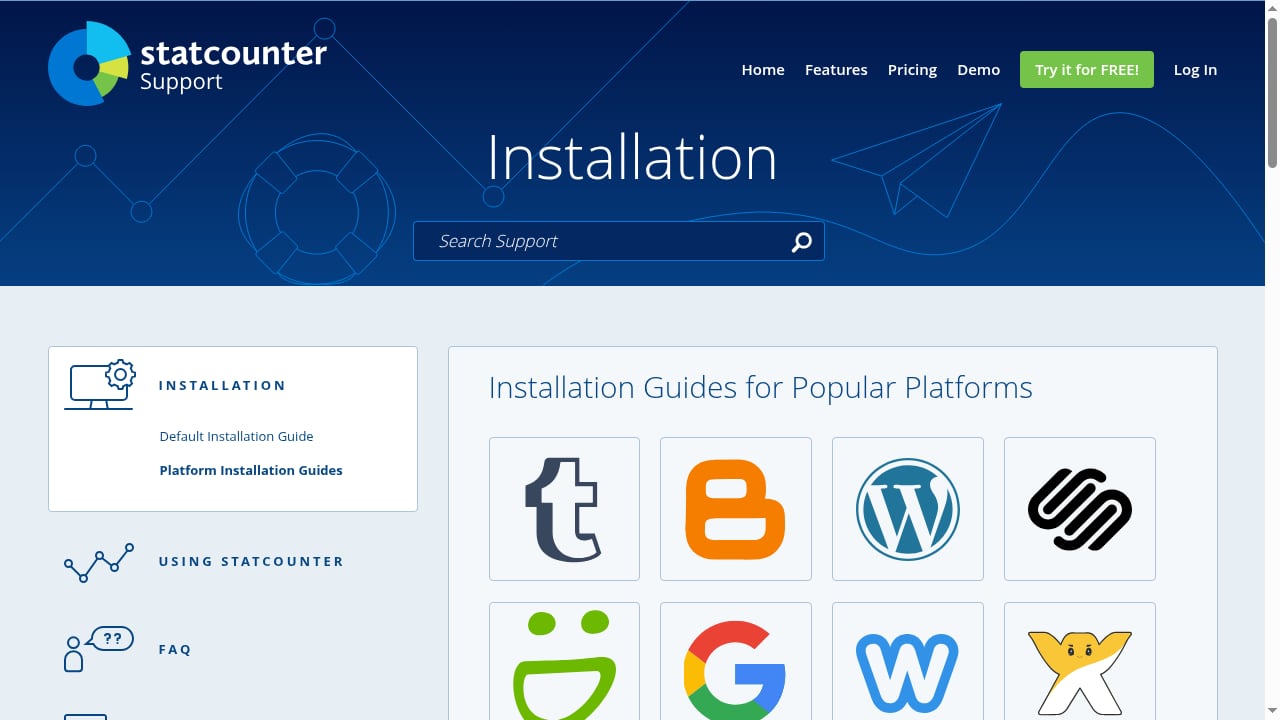
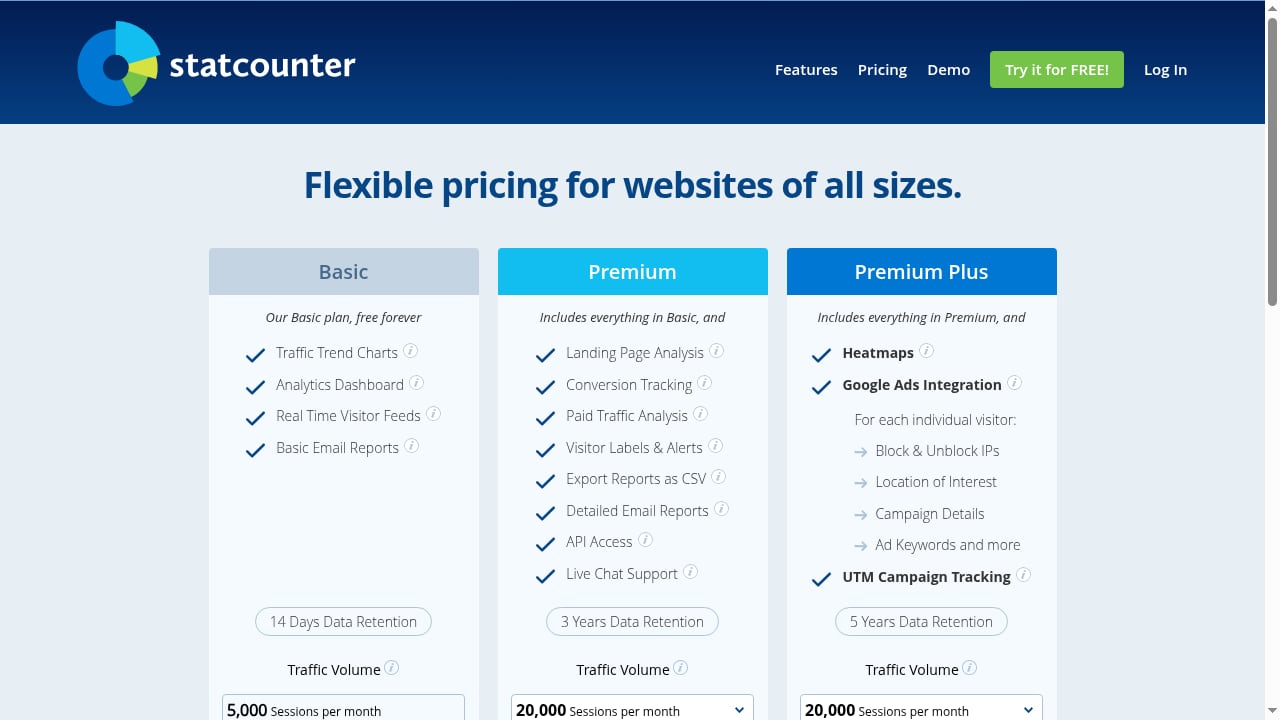
Statcounter is a long-standing web analytics tool that offers a free invisible tracker, highly configurable hit counters, and real-time detailed stats. It is lightweight and easy to install, making it suitable for small sites and personal projects. The free plan includes basic traffic reporting, while paid plans add more history and features.
Statcounter's reporting is less modern than newer tools, but its reliability and simplicity keep it relevant. It is a practical option for site owners who want essential traffic data without a learning curve.
8. PostHog
Best for: Product teams needing analytics plus experimentation
PostHog combines web analytics with product analytics, session recordings, feature flags, and A/B testing. It has a free tier and usage-based pricing, and TechnologyChecker detected it on over 20,000 active domains. PostHog is open-source and can be self-hosted.
The trade-off is complexity. PostHog is built for product teams, not marketers, and its web analytics features are part of a broader suite. It is a strong choice for SaaS companies that want one tool for both marketing site and product data.
9. Adobe Analytics
Best for: Enterprise multi-channel attribution
Adobe Analytics is an enterprise-grade platform for large organizations with complex attribution needs. It is quote-based and typically requires a significant investment. TechnologyChecker detected it on over 19,000 active domains, reflecting its presence in large enterprises.
Adobe Analytics excels at cross-channel analysis, segmentation, and integration with Adobe Experience Cloud. It is not suitable for small teams or those seeking simplicity. The learning curve is steep, and implementation often requires specialist support.
10. Umami
Best for: Developers who want to self-host for free
Umami is an open-source, self-hostable analytics tool. It is free to use if you host it yourself, with a cloud option for those who prefer managed hosting. TechnologyChecker detected Umami on over 12,000 active domains.
Umami is lightweight, privacy-focused, and simple. It does not offer advanced features like funnels or session recordings, but it covers core traffic metrics well. It is a good fit for developers and technical teams who want full control without cost.
Comparison Table
First viewport screenshot of Statcounter - Web Analytics Made Easy.
| Tool | Best For | Starting Price | Privacy-Friendly | Self-Hosting |
|---|---|---|---|---|
| Google Analytics 4 | Free baseline reporting | Free | No | No |
| Matomo | Data ownership | €29/mo (cloud) | Yes | Yes |
| Plausible | Lightweight EU-hosted | $9/mo | Yes | Yes (self-hosted) |
| Clicky | Real-time privacy analytics | Free tier | Yes | No |
| Fathom Analytics | Simple client reporting | $15/mo | Yes | No |
| Microsoft Clarity | Free heatmaps | Free | Partial | No |
| Statcounter | Free hit counter | Free tier | Partial | No |
| PostHog | Product analytics | Free tier | Yes | Yes |
| Adobe Analytics | Enterprise attribution | Quote-based | No | No |
| Umami | Developer self-hosting | Free (self-hosted) | Yes | Yes |
How to Choose the Right Web Analytics Software
First viewport screenshot of Statcounter - Web Analytics Made Easy.
Start with your constraints, not features:
- If you need free and comprehensive: Google Analytics 4 is still the baseline, but pair it with a privacy-friendly tool if consent is a concern.
- If privacy is non-negotiable: Matomo, Plausible, Fathom, or Umami. For a broader look at privacy-first options, see our Top 10 privacy-first web analytics software for 2026.
- If you need behavioral insight: Microsoft Clarity for free heatmaps and recordings, or PostHog for product analytics.
- If you manage client sites: Fathom or Plausible offer simple, compliant reporting.
- If you want real-time reaction: Clicky or Statcounter provide immediate traffic visibility.
Many teams run two tools: a primary analytics platform and a complementary behavioral or privacy tool. That is a valid strategy, especially when consent rates affect data completeness.
Related reading
- Data4 vs Contentsquare: AI-Native Experience Optimization - Compare Data4 and Contentsquare: website analytics simplicity versus AI-native experience optimization. See fit, trade-offs, and who should choose which.
- Burst Statistics Review: Privacy-First WordPress Analytics - Hands-on Burst Statistics review: cookieless WordPress analytics, setup, free vs Pro pricing, WooCommerce tracking, strengths, limits, and who should use it.
- AEO Tools and Website Analytics: How Data4 Fits - AEO tools track AI search visibility. Learn how website analytics like Data4 provides the first-party data your AEO strategy needs.
Sources and further reading
- 10 Best Web Analytics Tools to Use in 2026 (Free & Paid) - Are you searching for the best web analytics tools to dig deeper into the performance of your website and make more informed decisions? Check out this guide!
- 15 Best Data Analytics Tools in 2026 (Free & Paid Compared) - Domo - Sep 10, 2026 ... The top data visualization tools commonly evaluated by enterprise teams include Tableau, Microsoft Power BI, Domo, Looker, and Qlik. Each offers ...
- I Analyzed 9 Web Analytics Tools - Ranked by Our Usage Data - I analyzed detection data across millions of domains to rank 9 web analytics tools for 2026. Most Google Analytics alternatives don't actually replace it.
FAQ
What is the best free web analytics software in 2026?
Google Analytics 4 is the most widely used free option, but Microsoft Clarity and Statcounter also offer free plans. For privacy-friendly free options, Umami (self-hosted) and Matomo (self-hosted) are strong choices.
Which web analytics tool is best for privacy compliance?
Matomo, Plausible, Fathom, and Umami are designed with privacy in mind. They avoid cookies or offer cookieless tracking, and some can be self-hosted to keep data in your control.
Can I use multiple web analytics tools on one site?
Yes. Many teams run Google Analytics 4 alongside a privacy-friendly tool or a behavioral analytics tool like Microsoft Clarity. This can improve data coverage and provide different perspectives.
What is the difference between web analytics and product analytics?
Web analytics focuses on traffic, referrers, and page performance. Product analytics focuses on user behavior within an application, such as feature usage and retention. PostHog and Mixpanel are product analytics tools, while GA4 and Matomo are web analytics tools.
Is Google Analytics still relevant in 2026?
Yes. GA4 remains the most widely deployed web analytics tool, but its complexity and privacy implications lead many organizations to adopt alternatives or complements.
Conclusion
The best web analytics software for 2026 depends on your priorities. Google Analytics 4 remains the free default, but privacy-focused tools like Matomo, Plausible, and Fathom offer compelling alternatives. For behavioral insight, Microsoft Clarity is hard to beat at its price. Clicky and Statcounter serve teams that value real-time simplicity. PostHog and Adobe Analytics cover product and enterprise needs respectively, while Umami appeals to developers who want control.
Evaluate your constraints first, then test two or three tools. Most offer free tiers or trials, so you can validate fit before committing.