
Data4 vs Burst Statistics: Which Analytics Tool Fits?
Choosing an analytics tool often comes down to one question: do you want your numbers living inside your WordPress dashboard, or in a dedicated platform that works across any site you run? Data4 and Burst Statistics both promise simpler, more privacy-conscious tracking than mainstream tools, but they solve the problem in different ways. This comparison breaks down how each one works, where each is strongest, and which type of site owner should pick which.
What Data4 Is Built For
Data4 is a website analytics platform designed to track traffic and analyze visitor data without the complexity of heavier suites. It positions itself as a straightforward, privacy-conscious alternative to mainstream analytics, aimed at marketers, site owners, and analysts who want actionable insight rather than a configuration project.
Its core capabilities include:
- Real-time traffic tracking so you can see activity as it happens.
- Audience analysis to understand who is visiting and how they behave.
- Customizable reporting so dashboards reflect the metrics you actually use.
- Cross-site flexibility because it is a standalone platform, not tied to a single CMS.
The emphasis is on efficiency: monitor visitor behavior, measure traffic sources, and pull insights without a steep learning curve.
What Burst Statistics Is Built For
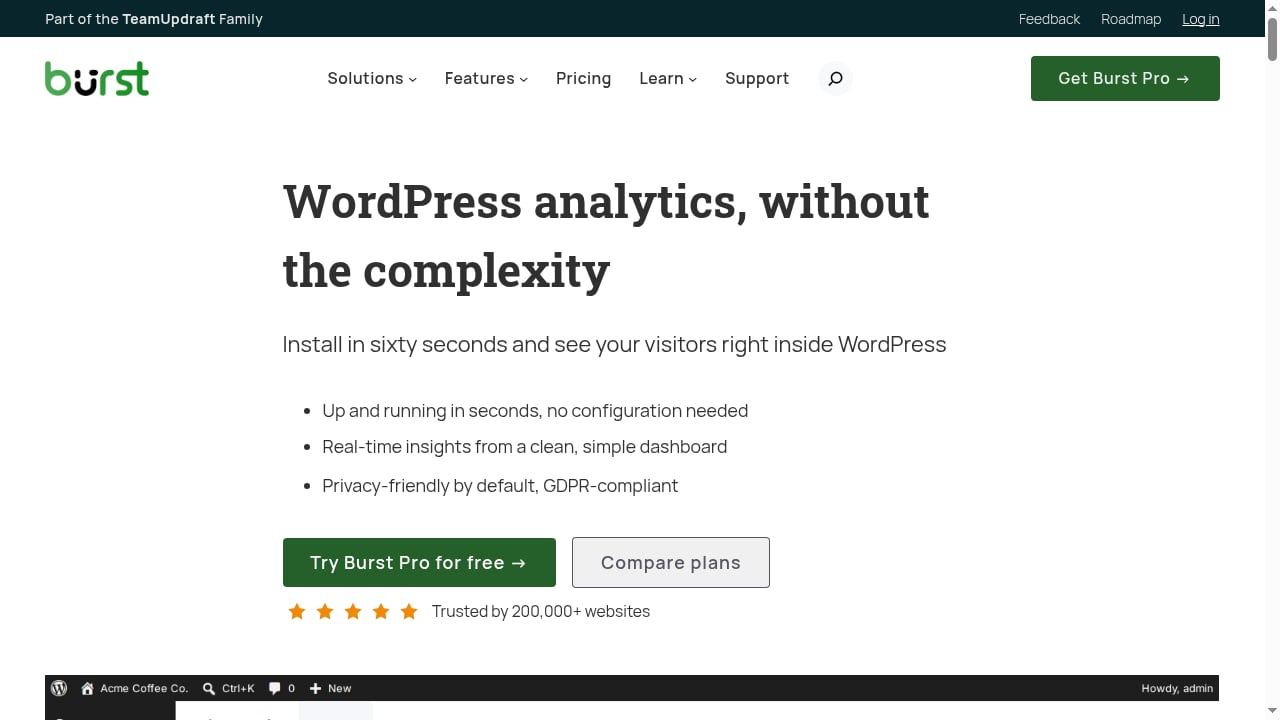
First viewport screenshot of Privacy-Friendly WordPress Analytics Plugin.
Burst Statistics takes a different route. It is a privacy-friendly WordPress analytics plugin that shows real-time insights directly inside the WordPress dashboard. It is aimed at site owners who find tools like Google Analytics 4 overly complex and slow to set up.
Key characteristics include:
- Fast installation — roughly sixty seconds with no configuration required.
- Cookieless tracking by default, with GDPR compliance as a design goal.
- Local data processing — data is processed and anonymized on your own WordPress server, so nothing is shared with third-party advertisers.
- A broad feature set covering real-time analytics, conversion tracking, automated reporting, geographic insights, UTM campaign tracking, revenue and sales tracking, and engagement tracking such as outgoing link clicks, form fills, reading engagement, 404 errors, and site search.
- Slack notifications for reports and alerts, plus WooCommerce support for e-commerce analytics.
Burst is trusted by over 200,000 websites and is part of the Team Updraft family. It offers both a free version and a Pro version with advanced features, with dedicated positioning for bloggers, entrepreneurs, WooCommerce store owners, and agencies.
Head-to-Head Comparison
First viewport screenshot of Comparisons Archive.
Setup and Onboarding
Burst wins on raw speed for WordPress users: install the plugin, and you are collecting data in about a minute with no configuration. Data4 requires you to add tracking to your site and set up your workspace, but in exchange you get a platform that is not confined to WordPress.
Data Ownership and Privacy Model
This is the sharpest philosophical difference. Burst processes and anonymizes data locally on your own WordPress server, which gives you direct data sovereignty. Data4 is a hosted platform, so your analytics data lives with the service — a normal SaaS trade-off that buys you cross-site convenience and managed infrastructure.
If strict local ownership is a hard requirement, Burst's model is the closer match. If you want a managed platform with privacy-conscious defaults, Data4 fits that description.
Reporting Depth and Features
Burst's feature list is unusually deep for a WordPress plugin: conversions, automated reports, UTM tracking, revenue and sales tracking, engagement metrics, geographic insights, and Slack alerts. For a WooCommerce store, that combination covers most day-to-day questions.
Data4 focuses on the analytics core — real-time traffic, audience analysis, and customizable reporting — and leans on simplicity rather than feature sprawl. If you want a lean dashboard rather than a long menu, that is a feature, not a gap.
Platform Flexibility
Burst only works on WordPress. That is fine if WordPress is your entire web presence, but it becomes a limitation the moment you run a landing page on another stack, a documentation site, or a client project outside WordPress. Data4, as a standalone platform, is not bound by CMS.
Cost Model
Burst offers a free version alongside a Pro tier, which makes it easy to start at zero cost on WordPress. Data4 is a commercial platform, so budget accordingly. If you are comparing entry-level spend across tools, our breakdown of website analytics pricing and sign-up offers is a useful companion read.
Quick Comparison Table
First viewport screenshot of Documentation Archive.
| Dimension | Data4 | Burst Statistics |
|---|---|---|
| Type | Standalone analytics platform | WordPress plugin |
| Setup | Add tracking, configure workspace | ~60 seconds, no configuration |
| Data location | Hosted platform | Your own WordPress server |
| Cookieless | Privacy-conscious design | Cookieless by default |
| Platform support | Any website | WordPress only |
| Standout features | Real-time traffic, audience analysis, customizable reports | Conversions, UTM, revenue tracking, engagement metrics, Slack alerts |
| E-commerce | General analytics | WooCommerce support |
| Pricing | Commercial platform | Free + Pro |
When Burst Statistics Is the Better Choice
First viewport screenshot of You've searched for: - Burst Statistics.
Burst makes sense when:
- Your site runs on WordPress and will continue to.
- You want analytics visible inside the dashboard you already use.
- Local data processing on your own server is a priority.
- You need WooCommerce-specific reporting or engagement metrics like 404 and site search tracking.
- You want a free starting point with an upgrade path.
The main trade-off is scope: everything Burst does, it does inside WordPress.
When Data4 Is the Better Choice
Data4 makes sense when:
- You manage more than one site, or sites outside WordPress.
- You want a dedicated analytics workspace rather than a plugin tab.
- Simplicity and speed of interpretation matter more than an exhaustive feature list.
- You prefer a managed platform over maintaining analytics infrastructure yourself.
The main trade-off is that your data lives with the platform rather than on your own server.
Practical Decision Scenarios
A solo blogger on WordPress. Burst's one-minute setup and free tier are hard to beat. You get real-time numbers without leaving your dashboard.
A WooCommerce store owner. Burst's revenue, sales, and conversion tracking are purpose-built for this. If you later expand to a non-WordPress storefront, revisit the decision.
A marketer running several client sites. Data4's platform model avoids installing and maintaining a plugin on every property, and customizable reporting helps standardize client deliverables.
A privacy-focused organization with strict data residency needs. Burst's local processing is the stronger structural fit, provided WordPress hosts all the properties you need to measure.
If you are still weighing broader options, our 2026 ranking of privacy-focused web analytics software puts both approaches in context.
Related reading
- Umami Analytics Review 2026: Open-Source Web & Product Analytics - Evidence-based Umami review: cookieless tracking, self-hosting vs cloud, funnels, cohorts, retention, bot filtering, pricing, and who should choose it.
- Data4 vs Microsoft Clarity vs Umami: Which Analytics Fits? - Compare Data4, Microsoft Clarity, and Umami on traffic analytics, heatmaps, session recordings, privacy, and setup to pick the right tool for your site.
Sources and further reading
- Burst vs Tonic Spinal Cord Stimulation for Chronic Neuropathic Pain - Jul 21, 2026 ... ... data, 4) measurement of outcomes, and 5) selection ... burst and tonic SCS, ineligible patient populations, or insufficient outcome data.
- A new statistical model for longitudinal ecological momentary ... - PMC - In recent years, the measurement burst design that embeds an EMA protocol in each wave assessment of a traditional longitudinal study has become more popular ...
- Data Aggregation - Data aggregation is the process of collecting information from multiple sources and combining it into a summarized, unified form for analysis.
FAQ
Is Burst Statistics a good alternative to Google Analytics?
Yes, for WordPress sites. It is explicitly positioned as a simpler, privacy-first alternative to Google Analytics, with cookieless tracking and no data sharing with third-party advertisers. The trade-off is that it only works within WordPress.
Does Data4 work on WordPress?
Data4 is a standalone website analytics platform rather than a WordPress plugin, so it can track a WordPress site the same way it tracks any other website — by adding its tracking to the site.
Which tool is more private?
They take different approaches. Burst processes and anonymizes data locally on your own WordPress server, giving you direct control. Data4 is a hosted platform with a privacy-conscious design. Which is "more private" depends on whether you prioritize local data residency or managed infrastructure.
Can I use both Data4 and Burst Statistics?
Technically yes, and some teams do run a plugin alongside a platform during a migration or evaluation period. Running two trackers long-term adds maintenance overhead and can produce conflicting numbers, so pick one as your source of truth.
Does Burst Statistics cost anything?
Burst offers a free version and a Pro version with advanced features. Data4 is a commercial platform. Compare total cost against the features you will actually use rather than headline price alone.
Conclusion
Data4 and Burst Statistics are not really rivals so much as answers to different questions. Burst is the fastest path to privacy-friendly analytics for a WordPress site, with local data processing and a feature set that punches above its plugin category. Data4 is the better fit when you need analytics that follow you across platforms, with a clean, customizable reporting layer and no CMS lock-in.
Start with where your data should live and how many properties you need to measure. Those two answers will usually make the decision for you.