
Microsoft Clarity Review: Free Heatmaps & Session Replays
Microsoft Clarity is a free user behavior analytics tool that shows how people actually move through a website. It combines session recordings, heatmaps, and basic interaction metrics, and it does this without charging for the core product. That combination is unusual enough that it deserves a careful look rather than a quick endorsement.
This review covers what Clarity does well, where it falls short, who gets the most value from it, and how to decide whether it belongs in your analytics stack.
What Microsoft Clarity Actually Does
First viewport screenshot of Pricing - Clarity.
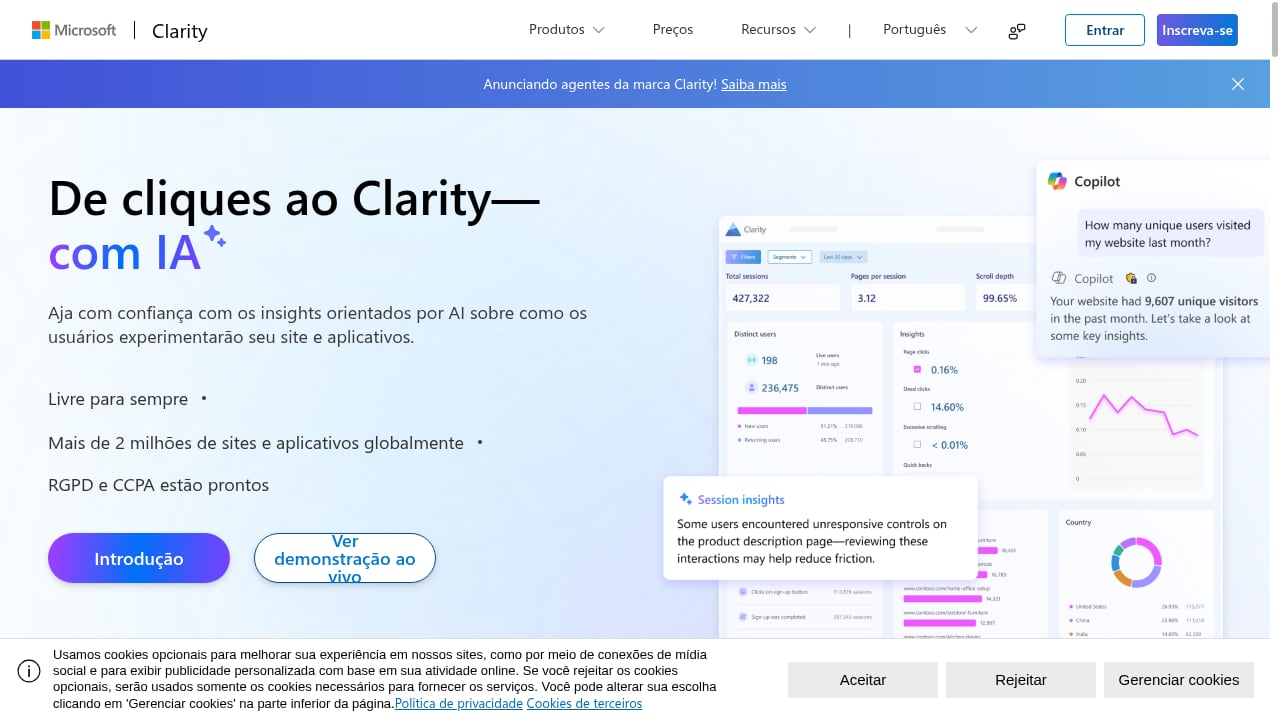
Clarity records anonymized browsing sessions and aggregates them into visual reports. The two headline features are:
- Session recordings — replays of individual visits, including clicks, scrolling, and navigation paths.
- Heatmaps — click, scroll, and attention maps that show which parts of a page attract or lose engagement.
Alongside those, Clarity surfaces a small set of behavioral metrics: rage clicks, dead clicks, quick backs, excessive scrolling, and JavaScript errors. These are not vanity numbers. They point to friction — the moments where a visitor tries something, gets nothing, and leaves.
Session recordings in practice
A recording is most useful when you filter it. Watching random sessions is slow and rarely conclusive. Clarity lets you filter by device, browser, country, page, and behavior signals such as rage clicks. A practical workflow looks like this:
- Open the dashboard and sort by pages with high exit rates.
- Filter recordings to that page and to mobile devices.
- Watch five to ten sessions and note repeated friction points.
- Cross-check those patterns against heatmap data before acting.
That last step matters. A single frustrating recording is an anecdote; a pattern across recordings plus a heatmap is evidence.
Heatmaps in practice
Heatmaps answer layout questions quickly. If a call-to-action button shows almost no clicks but the area just above it is heavily clicked, the visual hierarchy is misleading users. Scroll maps reveal how far down the page people actually reach, which is useful when deciding whether to move key content above the fold.
Clarity's heatmaps are not revenue attribution tools. They show attention and interaction, not which traffic source produced a sale. Treat them as diagnostic instruments, not as a complete measurement system.
Ideal Users and Use Cases
First viewport screenshot of Understand your customers | Microsoft Clarity Blog.
Clarity fits teams that want behavioral evidence without adding another subscription line.
Strong fits:
- Small marketing teams auditing landing pages and signup flows.
- Product managers validating whether a redesign changed user behavior.
- E-commerce teams investigating cart and checkout friction.
- Agencies that need a client-friendly visual report without passing on tool costs.
- Teams already using Google Analytics 4 or another traffic analytics platform and wanting a qualitative layer on top.
Weaker fits:
- Organizations that need cross-device identity resolution or user-level cohort analysis.
- Teams requiring revenue attribution tied to individual sessions.
- Companies with strict data-residency requirements that cannot accept a third-party recording service.
For a broader view of where behavioral tools sit relative to traffic analytics, see Top 10 User Behavior Analytics Software Products 2026.
Strengths
First viewport screenshot of Success stories from Clarity users.
The price is genuinely zero for the core product. This is the most repeated observation in user reviews, and it holds up. Session recordings and heatmaps are the features competitors most often gate behind higher tiers, and Clarity does not.
Setup is fast. Adding the tracking script is a small, well-documented step. Most teams see data within minutes of installation.
Behavioral signals are pre-computed. Rage clicks, dead clicks, and quick backs are surfaced automatically. You do not need to define custom events before you can find problems.
It integrates with the Microsoft ecosystem. Clarity connects with Google Analytics 4 and other tools, so you can move from a traffic anomaly to a behavioral explanation without exporting data manually.
The interface is approachable. Non-specialists can open a heatmap and understand it. That lowers the barrier for stakeholder buy-in.
Limitations
Sampling and retention limits exist. Clarity does not promise unlimited recording retention, and high-traffic sites may see sampling. For deep historical analysis, plan around those constraints.
No funnel or path analysis at the depth of dedicated product analytics tools. You can see sessions, but building multi-step conversion funnels with segment breakdowns is limited compared with tools built for that purpose.
Privacy obligations remain yours. Clarity masks sensitive content by default and offers configuration options, but compliance is still the site owner's responsibility. Forms, personal data, and regulated content need deliberate configuration before you record anything.
It is a diagnostic layer, not a reporting platform. Clarity will not replace your traffic analytics, your attribution model, or your dashboarding tool. It answers "why did this happen," not "how much revenue did this channel produce."
Support and roadmap are tied to Microsoft's priorities. The product is free, which means you have limited leverage over feature requests or support timelines.
Pricing Signals
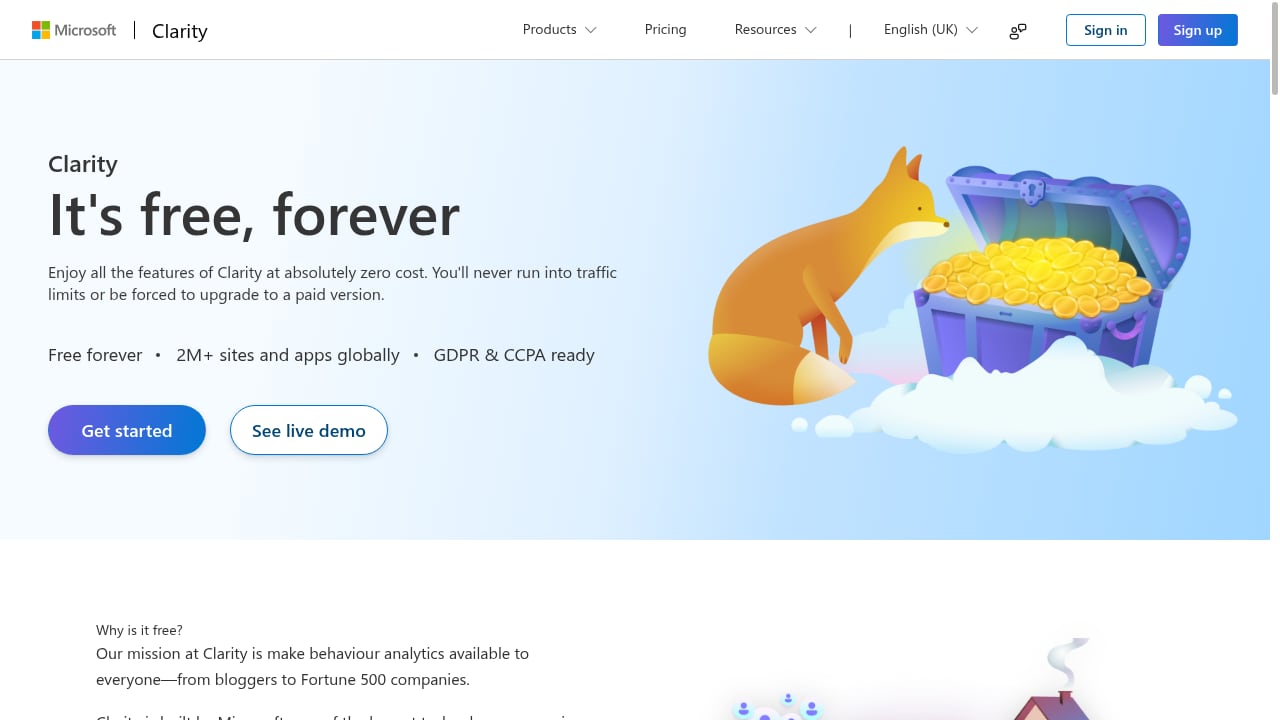
Clarity's core offering is free, and that is not a trial or a limited tier — session recordings and heatmaps are included. There is no published per-seat or per-session pricing for the standard product.
The practical cost is indirect: engineering time for installation and privacy configuration, and analyst time to review recordings. For most teams, that is a fraction of what a paid behavioral analytics subscription would cost, which is why the free positioning carries real weight in reviews.
If budget is the deciding factor, compare Clarity against paid alternatives on total cost of ownership rather than sticker price alone. A paid tool that replaces two other subscriptions can be cheaper than a free tool that requires manual workarounds.
Setup and Privacy Considerations
Installation is straightforward: add the Clarity tracking script to your site, either directly or through a tag manager, then verify that data is flowing.
Before you go live, decide the following:
- What to mask. Configure masking for input fields, personal data, and any regulated content.
- What to exclude. Block internal traffic, staging environments, and admin pages so recordings reflect real visitors.
- Who has access. Limit dashboard access to people who need it, and document your retention approach.
- How it fits your consent flow. If you operate in a jurisdiction requiring consent for behavioral tracking, align Clarity with that process before recording begins.
These steps take an afternoon and prevent most of the privacy problems that show up in negative reviews.
How Clarity Compares
First viewport screenshot of Microsoft Clarity - Free Heatmaps & Session Recordings.
Clarity's closest comparison is with paid behavioral tools that bundle heatmaps and recordings. The trade-off is usually depth versus cost: paid platforms often add funnel analysis, user-level segmentation, and richer integrations, while Clarity stays lean and free.
Against traffic analytics platforms, Clarity is complementary rather than competitive. A tool like Data4 vs Heap vs Fathom Analytics: Which Fits You? covers the measurement side — traffic, sources, and reporting — while Clarity explains on-page behavior. Many teams run both layers.
If you are specifically evaluating alternatives, Microsoft Clarity Similar Tools: Data4 for Website Analytics walks through the options and where a simpler website analytics platform fits alongside Clarity.
Decision Criteria: Should You Use Clarity?
Use this checklist:
- Choose Clarity if you need visual behavioral evidence, you have no budget for behavioral analytics, and you can handle privacy configuration internally.
- Skip Clarity if you need revenue attribution per session, deep funnel segmentation, or strict data residency guarantees.
- Run it alongside a traffic analytics platform rather than instead of one.
- Pilot it on one high-traffic page before rolling it out site-wide, so you can judge recording quality and volume against your expectations.
A reasonable starting point is a two-week pilot on your most important landing page. If the recordings surface friction you could not see in your traffic reports, Clarity has earned its place.
Related reading
- E-commerce Visitor Journey Tracking: A Practical Guide - Learn how e-commerce visitor journey tracking works, what to measure at each stage, and how Data4 turns visitor data into clear funnel insights.
- Data4 vs Heap: Which Analytics Tool Fits Your Team? - Data4 vs Heap compared: website analytics simplicity versus digital insights depth. See which tool fits your team, use case, and data needs.
Sources and further reading
- Microsoft Clarity for Free Heatmaps Honest Review - Watch Before Using - This video is about:▶Microsoft Clarity for Free Heatmaps Honest Review - Watch Before UsingLinks to other usefull products: Shopify - https://shopify.pxf.io/...
- Microsoft Clarity Reviews 2026: Details, Pricing, & Features - G2 - The session recordings and heatmaps give clear, visual insights into user behavior and the fact that it's free with no major limitations makes it even more ...
- Microsoft Clarity for Free Heatmaps Honest Review - Watch Before Using - This video is about:▶ Microsoft Clarity for Free Heatmaps Honest Review - Watch Before UsingUseful links: • Shopify for 1$ ▶ https://shopify.pxf.io/y2dy6b• S...
FAQ
Is Microsoft Clarity really free?
Yes. The core product — session recordings and heatmaps — is free, with no published paid tier for those features.
Does Clarity slow down my website?
The tracking script is lightweight, but any third-party script adds some load. Test your page speed after installation if performance is critical.
Is Clarity GDPR compliant?
Clarity provides masking and configuration options, but compliance depends on how you configure it and on your consent process. The responsibility sits with the site owner.
Can Clarity replace Google Analytics?
No. Clarity shows behavior; it does not provide the traffic, channel, and conversion reporting that a traffic analytics platform provides. Most teams use both.
How long does Clarity store recordings?
Retention is limited and subject to Microsoft's policies. Check current documentation if long-term historical review matters to you.
Conclusion
Microsoft Clarity earns its reputation as a strong free behavioral analytics tool. Session recordings and heatmaps are the features teams most want, and Clarity delivers them at no cost with fast setup and clear friction signals.
Its limits are real: no deep funnel analysis, no revenue attribution, and privacy work that falls on you. But as a diagnostic layer paired with a traffic analytics platform, it is one of the highest-value free tools available for understanding what visitors actually do on your site.
Start with a focused pilot, configure masking properly, and let the recordings tell you where your pages are failing.