
Umami Analytics Review 2026: Open-Source Web and Product Analytics
Umami is an open-source web and product analytics platform that tracks acquisition, behavior, conversion, and retention without cookies. You can self-host it on your own infrastructure or pay for Umami Cloud. This review is based on documented product behavior, practitioner reports from production deployments, and a detailed comparison with Plausible. It covers what Umami does well, where it falls short, and how to decide whether it fits your site or product.
What Umami is and who it is for
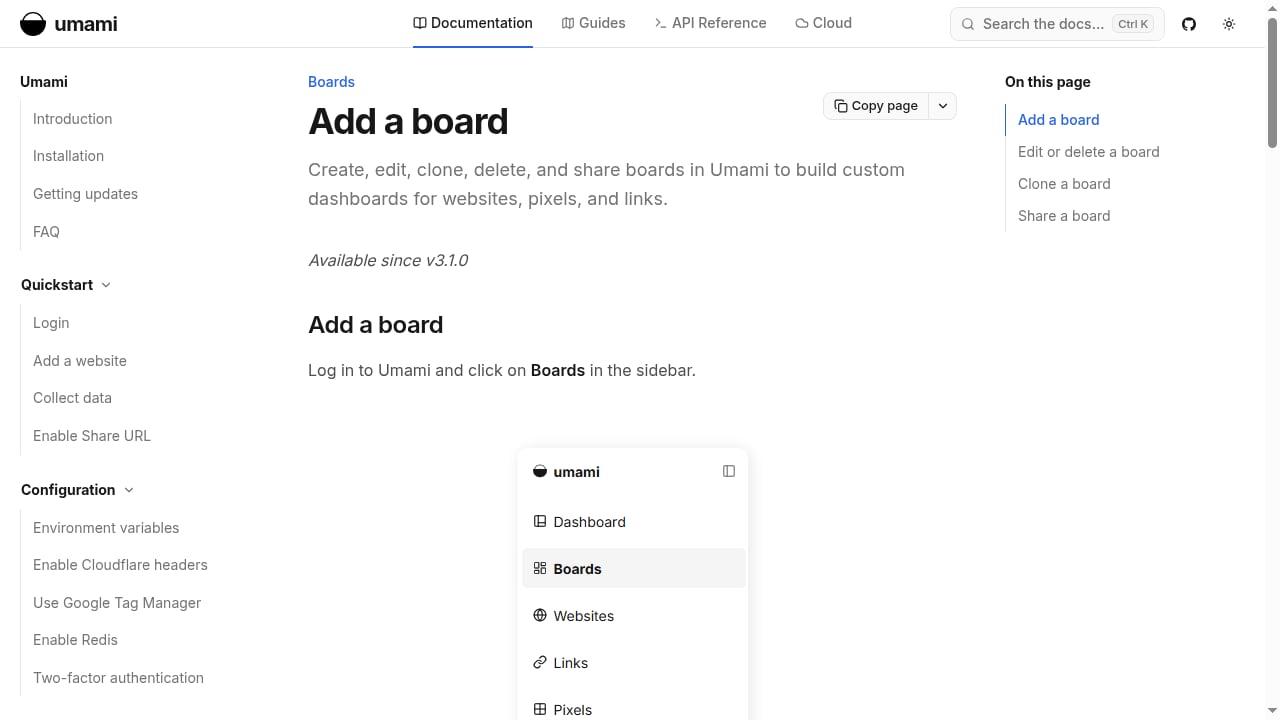
First viewport screenshot of Add a board – umami.
Umami is a privacy-first analytics tool. It collects pageviews, referrers, top pages, devices, countries, and custom events using a lightweight script. Because it does not use cookies, most sites do not need a cookie consent banner for Umami tracking alone. The data model is built around sessions, events, and visitor journeys rather than advertising identifiers.
The platform is a strong fit for:
- Privacy-conscious site owners who want useful traffic data without a consent banner.
- Developers and small teams comfortable running Docker and PostgreSQL, or willing to pay for managed hosting.
- SaaS and micro-SaaS operators who need pageviews, referrers, top pages, and basic product events without GA4 complexity.
- Agencies managing multiple sites that want one self-hosted instance with per-site dashboards and API access.
It is a weaker fit for teams that need deep funnel analysis, cohort retention modeling at scale, or advanced bot filtering out of the box.
Core capabilities
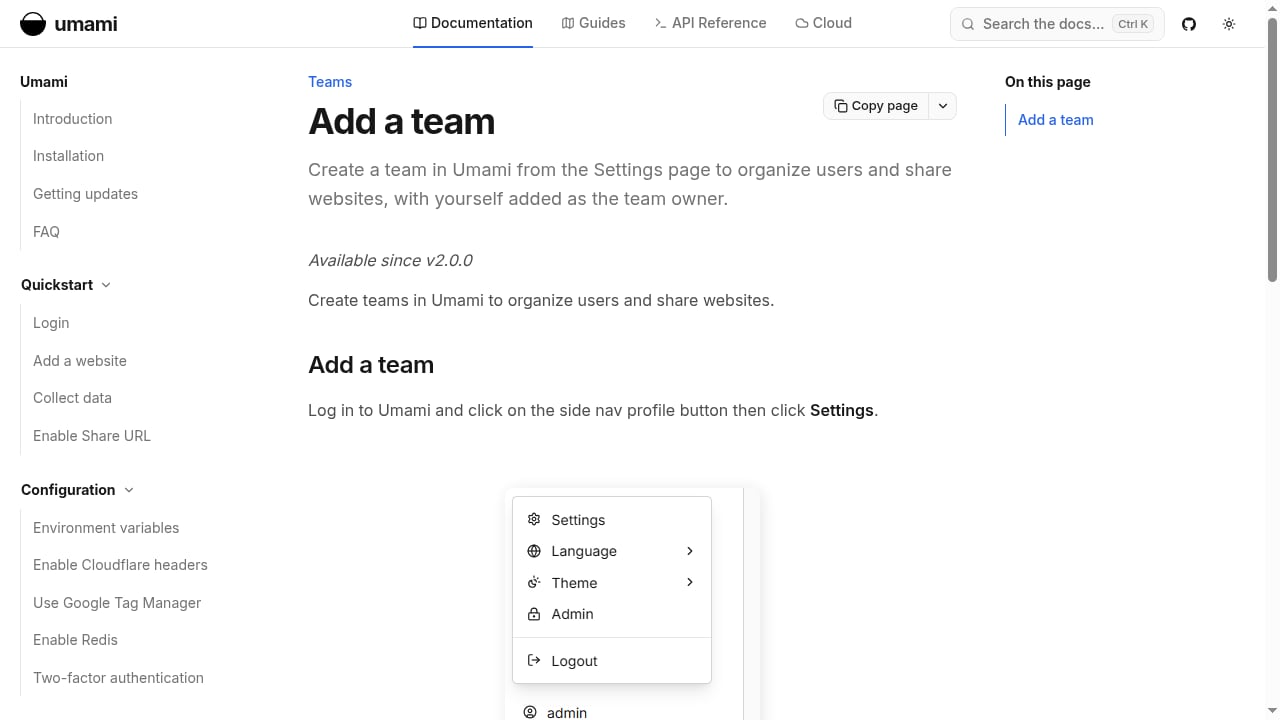
First viewport screenshot of Add a team – umami.
Traffic and acquisition reporting
Umami shows pageviews, unique visitors, bounce rate, average visit time, referrers, top pages, entry and exit pages, countries, browsers, operating systems, and screen resolutions. Screen resolution reporting is more granular than device-category-only tools, which helps when you are making design decisions.
Product analytics features
Umami includes several features that go beyond basic traffic counting:
- Custom events for tracking clicks, form submissions, and other actions.
- Visitor journeys that visualize the paths people take from page to page.
- Session details that show the exact sequence of pages and events for an individual visit.
- Retention reports segmented by device, country, or traffic source.
- Cohorts that group users by a URL visit or event within a date range and track their behavior over time.
These features make Umami a credible lightweight product analytics option, not just a pageview counter.
Data ownership and infrastructure
Self-hosted Umami stores data in PostgreSQL. That makes backups straightforward and compatible with common hosting and backup tooling. You control the database, the retention policy, and the export path. There is no feature split between the self-hosted version and the cloud version, although cloud releases may arrive slightly ahead of self-hosted releases.
Setup and maintenance
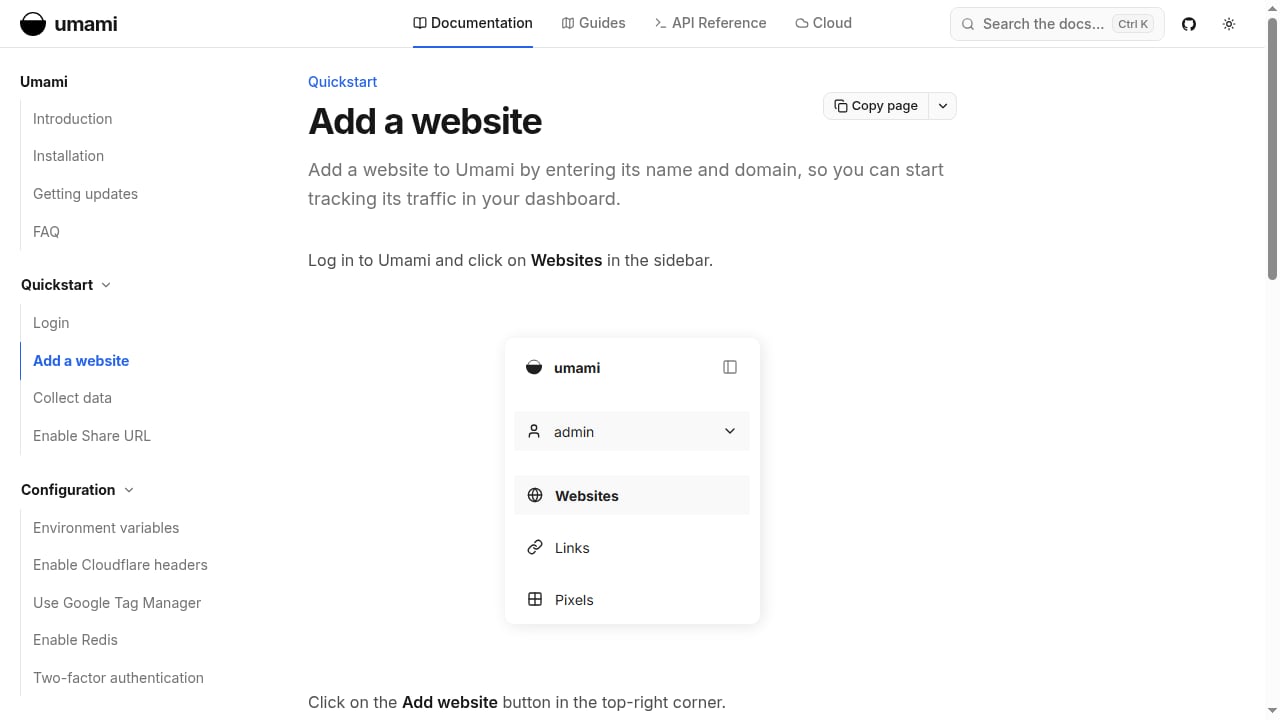
First viewport screenshot of Add a website – umami.
A typical self-hosted deployment uses a Docker image and a PostgreSQL instance. Practitioners report that setup is simple and maintenance is low once running. A small VPS can handle meaningful traffic volumes.
If you self-host, plan for:
- Database backups. PostgreSQL makes this easier than columnar stores, but you still need a schedule and an offsite copy.
- Reverse proxy configuration. Many teams proxy the tracking script through their own domain to reduce adblocker interference. This requires forwarding the real client IP and skipping proxy location headers so geography stays accurate.
- Bot filtering. Umami uses the isbot library, which filters obvious crawlers by user-agent but misses bots that impersonate browsers. Teams concerned about inflated numbers often add a WAF rule or server-side filtering in front of the analytics endpoints.
- Upgrades. Self-hosted releases may lag the cloud version, so budget time for periodic updates.
If you would rather not manage infrastructure, Umami Cloud removes the operational burden at the cost of hosting your data outside your own environment.
Strengths
- True open source. The self-hosted version is the full product, with no premium feature lockout.
- Cookieless by default. Simplifies privacy compliance and reduces consent-banner friction.
- Clean, focused dashboard. Shows the metrics most site owners actually use without GA4-style noise.
- Strong data ownership story. PostgreSQL storage and self-hosting make backups and exports practical.
- Useful product analytics features. Journeys, session details, retention, and cohorts cover more than basic traffic reporting.
- Reasonable cloud pricing. Free up to 100,000 events per month, and around $20 per month for one million events.
- API access. You can pull data programmatically, though the documentation is not as polished as the UI.
Limitations
- Bot filtering is basic. Self-hosted instances can be overrun by bot traffic that mimics real browsers. Cloud bot filtering is better but not comparable to dedicated bot-management platforms.
- No Google Search Console integration. There has been an open feature request for years. You can check Search Console separately, but it is not unified in the dashboard.
- No scroll depth tracking. Long-form content teams may miss this.
- No data import. Switching from Google Analytics or CSV files means starting from a blank slate.
- UI is functional, not polished. Some users find the sidebar navigation and mobile experience less pleasant than alternatives.
- Custom event tracking is less flexible than GA4. Complex event schemas and deep funnel analysis may require another tool.
- Documentation gaps. The API works, but docs could be clearer for programmatic use cases.
Umami vs Plausible vs GA4
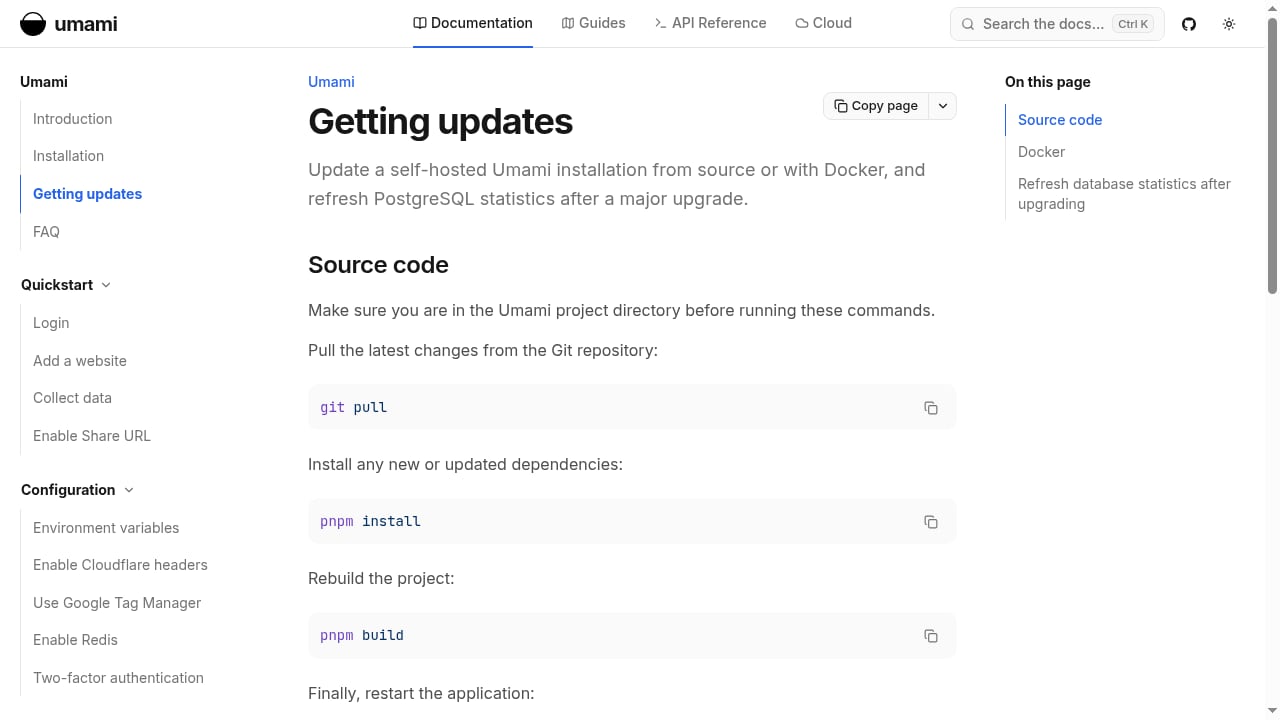
First viewport screenshot of Getting updates – umami.
| Dimension | Umami | Plausible | GA4 |
|---|---|---|---|
| Open source | Full product self-hosted | Community Edition with locked features | No |
| Cookieless | Yes | Yes | No (consent-dependent) |
| Funnels | Limited | Paid plans | Yes |
| Cohorts | Yes | No fixed cohorts | Yes |
| Retention reports | Yes | No equivalent | Yes |
| Google Search Console | No | Yes | Yes |
| Scroll depth | No | Yes | Yes |
| Bot filtering | Basic (self-hosted) | Strong on cloud | Advanced |
| Data store | PostgreSQL | ClickHouse | Proprietary |
| Cloud entry price | Free up to 100k events; ~$20/mo for 1M | ~$19/mo and ~$69/mo tiers | Free with sampling limits |
If you value open-source principles, data ownership, and simple backups, Umami is compelling. If you need polished UI, Search Console integration, and stronger bot filtering, Plausible is worth the premium. If you need deep funnels and cohort analysis with enterprise-grade bot management, GA4 or a dedicated product analytics platform may still be necessary.
For a broader comparison of privacy-focused tools, see our Top 10 Privacy-Focused Web Analytics Software 2026 and the head-to-head Data4 vs Microsoft Clarity vs Umami comparison.
Pricing signals
Umami Cloud offers a free tier up to 100,000 events per month and a paid tier around $20 per month for one million events. Self-hosting is free in terms of licensing; your costs are infrastructure, backups, and maintenance time. For teams already running PostgreSQL, the marginal cost is low. For teams without infrastructure experience, the cloud tier is often cheaper than the engineering time required to run it well.
If you are comparing sign-up offers and plan structures across tools, our website analytics pricing and sign-up offers breakdown is a useful companion.
Decision criteria
Choose Umami if:
- You want a fully open-source analytics platform with no feature gating.
- You are comfortable with Docker and PostgreSQL, or willing to pay for managed hosting.
- You need cookieless tracking, pageviews, referrers, events, journeys, retention, and cohorts.
- You value data ownership and straightforward backups.
- You can tolerate basic bot filtering and no Search Console integration.
Avoid Umami if:
- You need advanced bot filtering out of the box.
- You rely on Google Search Console data inside your analytics dashboard.
- You need scroll depth tracking or data import from GA4.
- You need deep funnel analysis and complex event schemas.
- You want a highly polished mobile UI.
Related reading
- Data4 vs Microsoft Clarity: Heatmaps, Replays & Analytics - Compare Data4 and Microsoft Clarity on heatmaps, session recordings, traffic analytics, privacy, and reporting depth to choose the right tool for your site.
Sources and further reading
- Umami Reviews 2026: Details, Pricing, & Features - G2 - Umami Reviews & Product Details ... Umami is an open-source, self-hosted web analytics platform designed to provide comprehensive insights into website traffic ...
- Has anyone here used Umami Analytics in production? : r/microsaas - Been running it self-hosted for about a year on a couple of small projects. Overall pretty happy with it.
- Umami vs Plausible - I switched from Plausible to Umami. Here's what's better, how I set up proxying to bypass adblockers, and the big problem with bots.
FAQ
Is Umami really cookie-free? Yes. Umami does not use cookies, which means most sites do not need a cookie consent banner for Umami tracking alone. You should still review your overall compliance posture if you use other tracking tools.
Can Umami replace Google Analytics? For many small and mid-sized sites, yes. It covers pageviews, referrers, top pages, devices, countries, and custom events. It does not match GA4 on funnels, advanced bot filtering, or Search Console integration.
How much does Umami Cloud cost? The free tier covers up to 100,000 events per month. A paid tier around $20 per month covers one million events. Self-hosting is free but requires infrastructure and maintenance.
Does self-hosted Umami have all the features? Yes. The self-hosted version is the full product. Cloud releases may arrive slightly earlier, but there is no premium feature lockout.
How does Umami handle bot traffic? It uses the isbot library, which filters obvious crawlers by user-agent. Bots that impersonate browsers can still get through. Many teams add a WAF rule or server-side filtering in front of the analytics endpoints.
Is Umami good for product analytics? It is a credible lightweight option. Journeys, session details, retention, and cohorts cover more than basic traffic reporting. For deep funnels and complex event schemas, you may need a dedicated product analytics tool.
Conclusion
Umami is a strong choice for privacy-focused, open-source analytics when you value data ownership and simplicity over polish and advanced bot management. Its self-hosted version is the full product, its PostgreSQL backend makes backups practical, and its cloud pricing is reasonable. The trade-offs are real: basic bot filtering, no Search Console integration, no scroll depth, no data import, and a functional but not beautiful UI. If those trade-offs are acceptable, Umami is a dependable alternative to GA4 and a serious competitor to Plausible. If you need deeper product analytics or stronger bot defense, consider pairing it with a complementary tool or choosing a platform built for those needs.
For a related open-source option, see our GoatCounter review.