
Woopra Review 2026: A Deep Look at the Customer Journey Analytics Platform
Woopra positions itself as an end-to-end customer journey intelligence platform. Instead of stopping at pageviews or isolated events, it tries to unify product, marketing, sales, and support data into a single customer profile, then lets teams act on that profile with real-time triggers and AI-assisted insights. This review examines who Woopra actually fits, where it excels, where it falls short, and how to decide if it is worth the investment.
What Is Woopra?
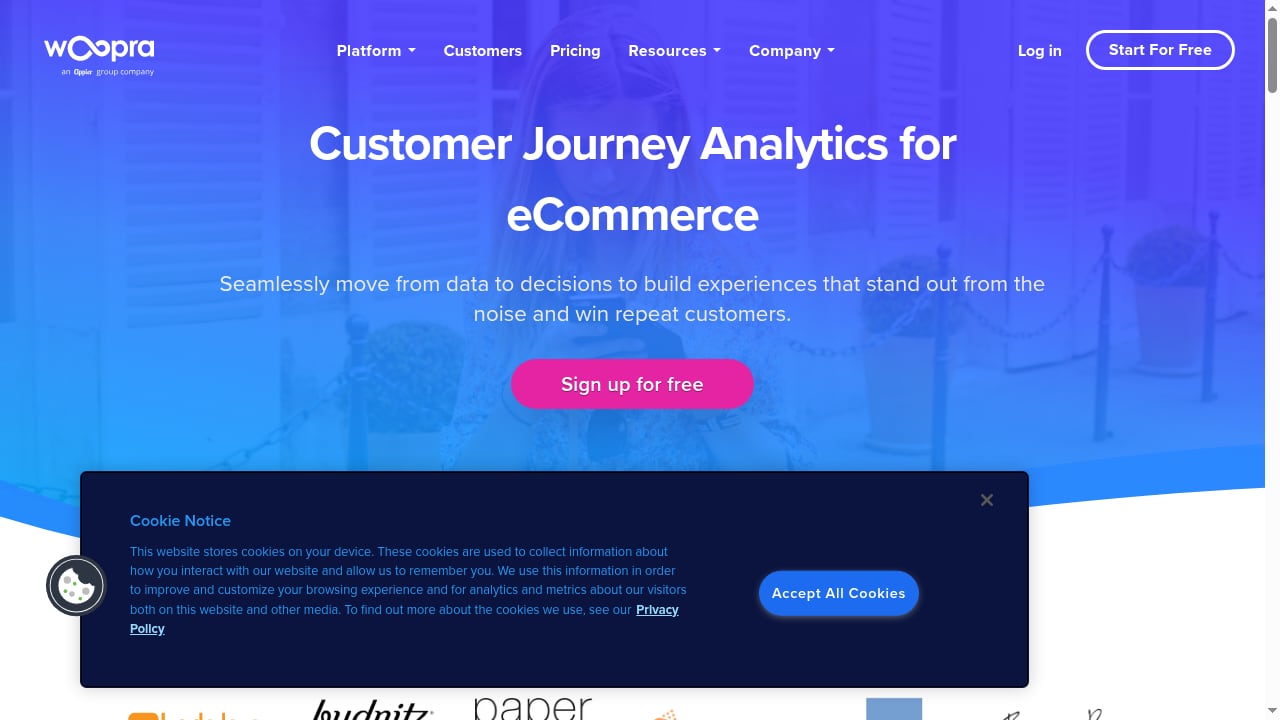
First viewport screenshot of eCommerce Analytics Solutions | Woopra.
Woopra is a customer journey analytics and engagement platform. It combines custom event tracking with more than 50 integrations to build a unified view of each user across web, mobile, product, and offline touchpoints. The platform is built around four pillars:
- Journey mapping: Visualize how users move from first touch through activation, retention, and expansion.
- Trend and retention analysis: Track behavioral shifts over time and measure cohort retention.
- Segmentation: Build behavioral and attribute-based segments without SQL.
- Real-time engagement: Trigger messages, emails, or CRM actions when users meet defined conditions.
Woopra also markets AI capabilities under names like Copilot, AI suggestions, predictions, and an Audience Agent. These features aim to reduce manual analysis and surface behavioral patterns automatically.
Who Woopra Is For

First viewport screenshot of Gaming Analytics | Woopra.
Woopra is not a general-purpose website analytics tool for small blogs or casual site owners. Its pricing and feature set target mid-market and enterprise teams that need to connect product behavior with marketing and sales outcomes.
Product Teams
Product managers use Woopra to understand feature adoption, activation paths, and churn signals. The journey reports show where users drop off before completing key actions, while retention cohorts reveal whether a feature creates lasting habits.
Marketing Teams
Marketers use Woopra to track conversion paths across campaigns, content, and channels. Because Woopra resolves identities across devices and sessions, it can attribute a purchase to a user who first clicked an ad on mobile and converted on desktop weeks later.
Sales and Customer Success Teams
Sales teams can use Woopra to see which product actions a prospect has taken before a call. Customer success teams can trigger alerts when a high-value account shows signs of disengagement, such as a drop in weekly active usage.
Industries with Long or Complex Journeys
Woopra markets solutions for automotive, ecommerce, finance, gaming, media, mobile apps, SaaS, and travel. These industries share a common trait: customers interact across multiple channels before converting. A car buyer may browse inventory online, visit a dealership, and complete financing offline. Woopra's deterministic identity resolution is designed to connect those interactions into one profile.
Core Strengths
Identity Resolution
One of Woopra's strongest differentiators is deterministic identity resolution. The platform lets you configure an ID hierarchy based on your business logic, using identifiers such as email, phone number, or account ID. This means an anonymous visitor who later signs up can be merged with their pre-signup behavior, and a user who interacts on web, mobile, and in person can be tracked as one person.
This matters for businesses where a single user touches multiple systems. Many analytics tools treat each device or session as a separate entity. Woopra explicitly solves that problem.
Individual User Profiles and Event Streams
Woopra gives you access to a full timeline of every event a specific user has performed, alongside their profile attributes. This micro-level view is useful for sales teams preparing for calls, support teams investigating issues, and marketers building personalized campaigns.
For example, a support agent can open a user's profile and see the exact sequence of actions that preceded an error report. A sales rep can see which pricing page a prospect visited and which features they explored before booking a demo.
Real-Time Data and Triggers
Woopra processes data in real time. This enables use cases like:
- Sending an in-app message when a user reaches a milestone.
- Alerting a sales rep when a trial user performs a high-intent action.
- Triggering an email when a user abandons a checkout flow.
Real-time triggers turn analytics from a reporting function into an operational tool.
No-SQL Reporting
Woopra's reporting interface is designed for non-technical users. You can build trend reports, journey visualizations, and segment comparisons without writing SQL. This is a meaningful contrast to GA4, where advanced analysis often requires BigQuery or Looker Studio knowledge.
AI Features
Woopra's AI suite includes Copilot for natural language queries, AI suggestions that recommend reports or segments, predictive models, and an Audience Agent. These features are relatively new and most fully available on the Enterprise plan. For teams without dedicated data analysts, they can reduce the time spent finding answers in the data.
Limitations and Weaknesses
Pricing Is a Significant Barrier
Woopra's Pro plan starts at $999 per month. There is no free tier and no low-cost entry point for small teams. The Enterprise plan, which includes advanced AI, data warehouse sync, SSO, and dedicated support, costs more and requires contacting sales. For startups or small businesses, this pricing is hard to justify when tools like Mixpanel or Amplitude offer free tiers or lower starting prices.
Setup Requires Technical Investment
Woopra is not a drop-in JavaScript snippet that gives you useful reports in five minutes. To get value from the platform, you need to:
- Define a tracking plan for events and properties.
- Configure identity resolution rules.
- Set up integrations with your CRM, email, and support tools.
- Build journeys, segments, and reports.
This is a multi-week project for most teams. Without a clear tracking strategy, Woopra becomes an expensive repository of noisy events.
Data Retention Limits
Woopra stores your full history for up to two years on standard plans. That is better than GA4's 14-month user-level retention limit, but it is not unlimited. Teams that need multi-year historical analysis may need the Enterprise data warehouse sync to preserve data externally.
Reporting Customization Could Be Deeper
While Woopra offers starter templates and a no-code interface, some users find the highly customized reporting options less flexible than dedicated BI tools. If your team needs pixel-perfect dashboards or complex calculated metrics, you may still need to export data to a warehouse or BI layer.
Learning Curve for Advanced Features
The basic reports are approachable, but journey mapping, identity resolution configuration, and trigger setup require a solid understanding of your data model. Teams without a dedicated analytics owner may struggle to maintain the implementation over time.
Woopra vs. Alternatives

First viewport screenshot of Content Analytics | Woopra.
Woopra vs. Google Analytics 4
GA4 is free and strong at acquisition reporting, but it has real limitations for product and journey analysis. User-level data retention is capped at 14 months, identity resolution across devices is limited, and advanced reporting often requires BigQuery and SQL. Woopra offers longer retention, deterministic identity resolution, individual user profiles, and a no-code reporting interface.
For pure website traffic analysis, GA4 is sufficient. For understanding how individual users move through a product and acting on that behavior, Woopra is the stronger tool. If you are evaluating GA4 alternatives, our Google Analytics alternatives comparison covers more options.
Woopra vs. Mixpanel and Amplitude
Mixpanel and Amplitude are product analytics tools with strong event-based funnels, retention, and cohort analysis. They offer free tiers and are easier to adopt for product teams. Woopra differentiates itself with journey mapping across channels, individual user profiles, and real-time engagement triggers that connect analytics to action.
If your primary need is product funnel analysis, Mixpanel or Amplitude may be more cost-effective. If you need to unify product, marketing, sales, and support data into one customer view, Woopra is closer to a customer data platform with analytics built in. For a detailed comparison of Mixpanel with other tools, see our Data4 vs Matomo vs Mixpanel analysis.
Woopra vs. Contentsquare
Contentsquare focuses on experience analytics: heatmaps, session replay, and UX insights. Woopra focuses on cross-channel journey analytics and identity resolution. The tools solve different problems and can be complementary. If your priority is understanding on-page user behavior, see our Contentsquare review.
Woopra vs. KISSmetrics
KISSmetrics also offers person-level analytics and funnel analysis, but it has a smaller integration ecosystem and less emphasis on real-time engagement triggers. Woopra's journey mapping and AI features are more advanced. For a closer look at KISSmetrics, see our KISSmetrics review.
Pricing Signals
Woopra publishes a clear starting price:
- Pro: Starts at $999 per month, billed annually.
- Enterprise: Custom pricing. Includes advanced AI features, data warehouse sync, SSO, and dedicated support.
- Free trial: 30 days.
There is no free plan. The Pro plan includes core journey analytics, segmentation, retention, and integrations. The Enterprise plan is required for the most advanced AI capabilities and enterprise security features.
The pricing signals that Woopra is targeting teams with a real analytics budget and a defined use case. If you are evaluating Woopra, calculate the total cost of ownership, including implementation time, integration maintenance, and team training.
Setup and Implementation
Getting started with Woopra involves several steps:
- Install the tracking snippet on your web properties and configure SDKs for mobile apps.
- Define your event taxonomy: Decide which events and properties matter for your business.
- Configure identity resolution: Set up the ID hierarchy for merging anonymous and known users.
- Connect integrations: Link your CRM, email platform, support desk, and other tools.
- Build reports and journeys: Create the dashboards and journey maps your teams will use.
- Set up triggers: Define the real-time actions you want Woopra to take.
Woopra provides documentation and onboarding support, but the quality of your implementation determines the quality of your insights. Teams that skip the tracking plan step often end up with inconsistent data and low adoption.
Decision Criteria: Is Woopra Worth It?

First viewport screenshot of Mobile Analytics | Woopra.
Woopra is worth considering if you answer yes to most of these questions:
- Do you need to track users across web, mobile, product, and offline channels?
- Is identity resolution a critical requirement for your business?
- Do you want to trigger actions based on real-time user behavior?
- Do you have a team that can invest time in a proper implementation?
- Is your monthly analytics budget at least $1,000?
Woopra is likely not the right fit if:
- You only need basic website traffic data.
- Your budget is under $500 per month.
- You need unlimited historical data retention.
- Your team has no capacity for implementation and maintenance.
- You primarily need heatmaps or session replay.
Related reading
- Data4 vs Statcounter: Which Analytics Fits You? - Compare Data4 and Statcounter for website analytics. See how Data4's global simplicity and multi-language support stack up against Statcounter's session tools.
Sources and further reading
- Read Customer Service Reviews of www.woopra.com - Trustpilot - Information provided by various external sources. Woopra is the industry's leading fully-integrated Customer Analytics platform that helps organizations to ...
- Woopra vs. Google Analytics: Which Analytics Platform is Right for Marketers? | Woopra - Google Analytics is a free platform with strong out-of-the-box website analytics, but Woopra has robust capabilities that GA4 can’t match.
- Google Analytics vs Mixpanel vs Amplitude vs Heap vs Woopra - Which is the best Analytics tool for you? - Web and Product analytics tools help you track the right metrics and gather the data you need in order to measure your success and find places to improve.
Frequently Asked Questions
What is Woopra used for?
Woopra is used for customer journey analytics, identity resolution, retention and segmentation reporting, and real-time engagement. It helps product, marketing, sales, and support teams understand how users behave across every touchpoint and act on that behavior.
How much does Woopra cost?
Woopra's Pro plan starts at $999 per month. The Enterprise plan has custom pricing and includes advanced AI, data warehouse sync, SSO, and dedicated support. A 30-day free trial is available.
Is Woopra better than Google Analytics?
For acquisition and basic website traffic, Google Analytics is sufficient and free. For individual user profiles, cross-device identity resolution, journey mapping, and real-time engagement, Woopra offers capabilities that GA4 cannot match without significant technical work.
Does Woopra have a free plan?
No. Woopra offers a 30-day free trial but no permanent free tier.
How long does Woopra retain data?
Woopra stores full history for up to two years on standard plans. Enterprise customers can use data warehouse sync to preserve data longer externally.
Is Woopra hard to set up?
Woopra requires a defined tracking plan, identity resolution configuration, and integration setup. It is more involved than installing a basic analytics snippet, but less technical than building a custom data warehouse pipeline.
Conclusion
Woopra is a powerful customer journey analytics platform for teams that need to unify data across channels and act on individual user behavior. Its strengths are deterministic identity resolution, individual user profiles, real-time triggers, and a no-code reporting interface. Its main drawbacks are high starting price, implementation effort, and a two-year data retention limit.
If your team has the budget and the analytical maturity to invest in a proper implementation, Woopra can replace a patchwork of analytics tools with a single customer view. If you need a lightweight product analytics tool or a free website analytics solution, other options will likely serve you better. The right choice depends on whether your business problem is understanding journeys across channels or simply tracking events and pageviews.